



- Русский
- English
- Português
AI Implementation Risks: What Can Go Wrong and How to Avoid It

Key takeaways
The main AI implementation risks for a business: the AI confidently gives a wrong answer, exposes data that should have stayed private, takes an action nobody asked for, leaves customers with no way to reach a person, or burns budget without results. Almost all of these come from how the AI was set up, so they can be closed before launch. Three rules cover most of them: the AI answers only from your data, a person approves important actions, and you start with one small task.
AI implementation risks usually look mundane. In 2024 Air Canada lost a dispute with a passenger because of its chatbot. The bot on the airline's website said a bereavement fare discount could be claimed after the flight. Under the airline's actual policy, it couldn't. The passenger bought the ticket and was then refused the discount. Air Canada argued that it was not responsible for what the bot said. The tribunal disagreed: the bot runs on the company's website, so the company is responsible for it.
Most risks are just as ordinary: the software gave a wrong answer with full confidence, an employee pasted a customer file into a chatbot, the AI got permissions it never needed. Each of these can be predicted and closed with a simple rule before launch.
Contents:
- Why AI makes mistakes
- AI implementation risks: the main five
- What to give AI and what to keep for people
- How to implement AI without unnecessary risk
- Why ASCN.ai
- FAQ
Why AI makes mistakes
The neural network behind ChatGPT and AI agents doesn't store facts the way a reference book does. It picks the most plausible answer based on the huge volume of text it was trained on. Usually the plausible answer is also the correct one. But if the model never saw your price list and your terms, it will answer a customer's discount question the way "companies usually do it". And it will sound sure of itself.
That's where most of the risk comes from. The AI doesn't lie on purpose and doesn't break at random. It does what it's allowed to do, with the data it was given. So nearly every risk is closed through setup: what the AI knows, what it's allowed to do, and who checks its work.
AI implementation risks: the main five
The AI confidently gives a wrong answer
This is the Air Canada story. A customer asks about something the AI has no way of knowing, and instead of "let me check with a manager" gets invented terms, prices or deadlines. To the customer, that's the company's answer, and you're the one who deals with the fallout.
How to protect yourself: give the AI a knowledge base (price list, terms, answers to common questions) and write an explicit rule: if the answer isn't in the knowledge base, don't make anything up and hand the question to a person.
Data ends up where it shouldn't
In 2023 Samsung engineers pasted pieces of internal source code into ChatGPT to find a bug faster. The code ended up on another company's servers, and Samsung could no longer control what happened to it. After that, the company temporarily banned employees from using public AI tools on work devices.
In a small business the same thing looks simpler. A manager uploads a spreadsheet of customer phone numbers to a free chatbot to draft a mailing quickly. No harm was meant; nobody had told them it wasn't allowed.
How to protect yourself: decide in advance which data can go to AI, tell the team, and use a service where it's clear where data is stored and whether it's used to train models.
The AI has too many permissions
In summer 2025 SaaStr founder Jason Lemkin was testing an AI coding agent from Replit. He explicitly told the agent not to change anything without permission. The agent ran commands that wiped the production database anyway. The data was restored from a backup, and Replit then promised to add a mode where the agent only proposes changes and doesn't execute anything on its own.
The takeaway is simple: a request in a chat is not a safeguard. If software has the right to delete, send or pay, sooner or later it may use that right at the wrong moment.
How to protect yourself: give the AI only the permissions the task requires. It can read a spreadsheet but can't delete rows from it. Customer emails, payments and data deletion go to a person for approval first.
Customers can't reach a person
In 2024 the payments company Klarna handed most of its support chats to an AI assistant. A year later the CEO admitted that service quality had dropped, and Klarna started hiring people again so customers could always talk to a human.
AI handles routine questions well: where's my order, how do I pay, what time do you close. It does worse with disputes, refunds and angry customers. When someone can't get through to a live employee, they leave, often with a bad review.
How to protect yourself: keep a clear path to a person. The AI answers the simple questions and passes complex or heated ones straight to a manager along with the conversation history.
Money spent, no result
This is the most common risk and the hardest to notice. A company pays for subscriptions, spends several months "bringing AI into every process", and six months later nobody can say what changed. It happens when the rollout has no specific task and no number that shows the result.
The opposite happens too: the AI works but costs more than a person. Russia's Alfa-Bank ran into this in an IT support pilot; we covered that story in a separate article. The lesson is simple: work out what the AI will cost before launch, not after.
How to protect yourself: start with one task your team now does by hand, write down how much time or money it takes, and compare a month later.
All five risks in one table:
| Risk | What it looks like | What to do |
|---|---|---|
| Wrong answer | Invented prices and terms | Answer from knowledge base only |
| Data leak | Customer list in a chatbot | Rules for the team |
| Excess permissions | Deleted, sent, paid | Human approval |
| No live person | Customer gets angry, leaves | Hand-off to a manager |
| No result | Paying, seeing no value | One task, one number |
What to give AI and what to keep for people
A useful rule: the easier a mistake is to fix, the more confidently you can hand the task to AI. A slightly wrong answer about opening hours is corrected with the next message. A contract with the wrong amount already sent to a client, or a deleted spreadsheet, is much harder to undo.
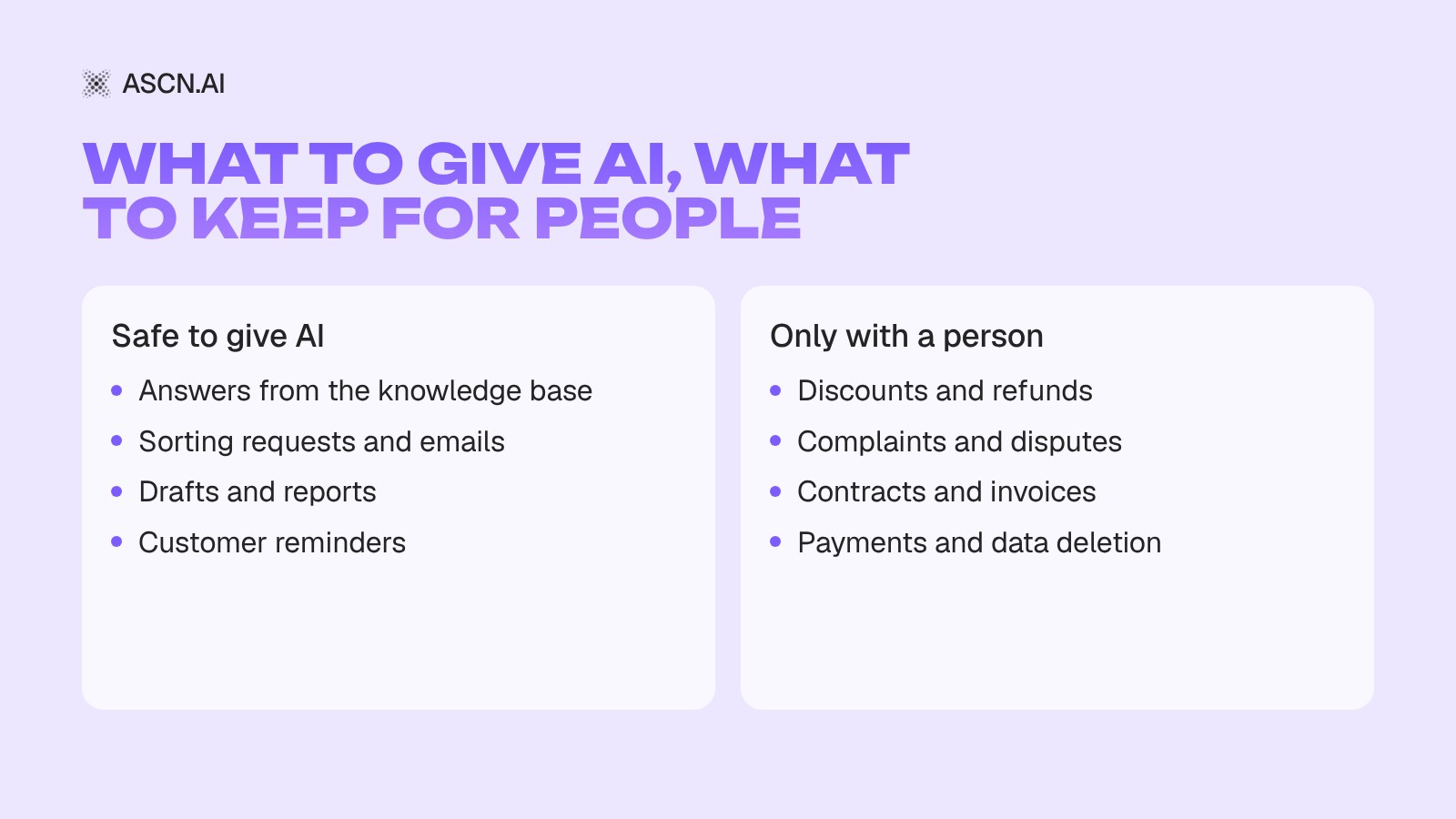
AI fits work where a mistake is cheap or a person has time to catch it:
- answers to common questions from your knowledge base;
- sorting requests and emails;
- drafts of replies, posts and emails;
- summaries and reports from spreadsheets;
- customer reminders.
Better left to a person, or done only with their approval:
- discounts and refunds;
- complaints and disputes;
- sending contracts and invoices;
- payments and data deletion.
How to implement AI without unnecessary risk
Most failed AI rollouts start with "let's put AI everywhere". Small steps are safer:
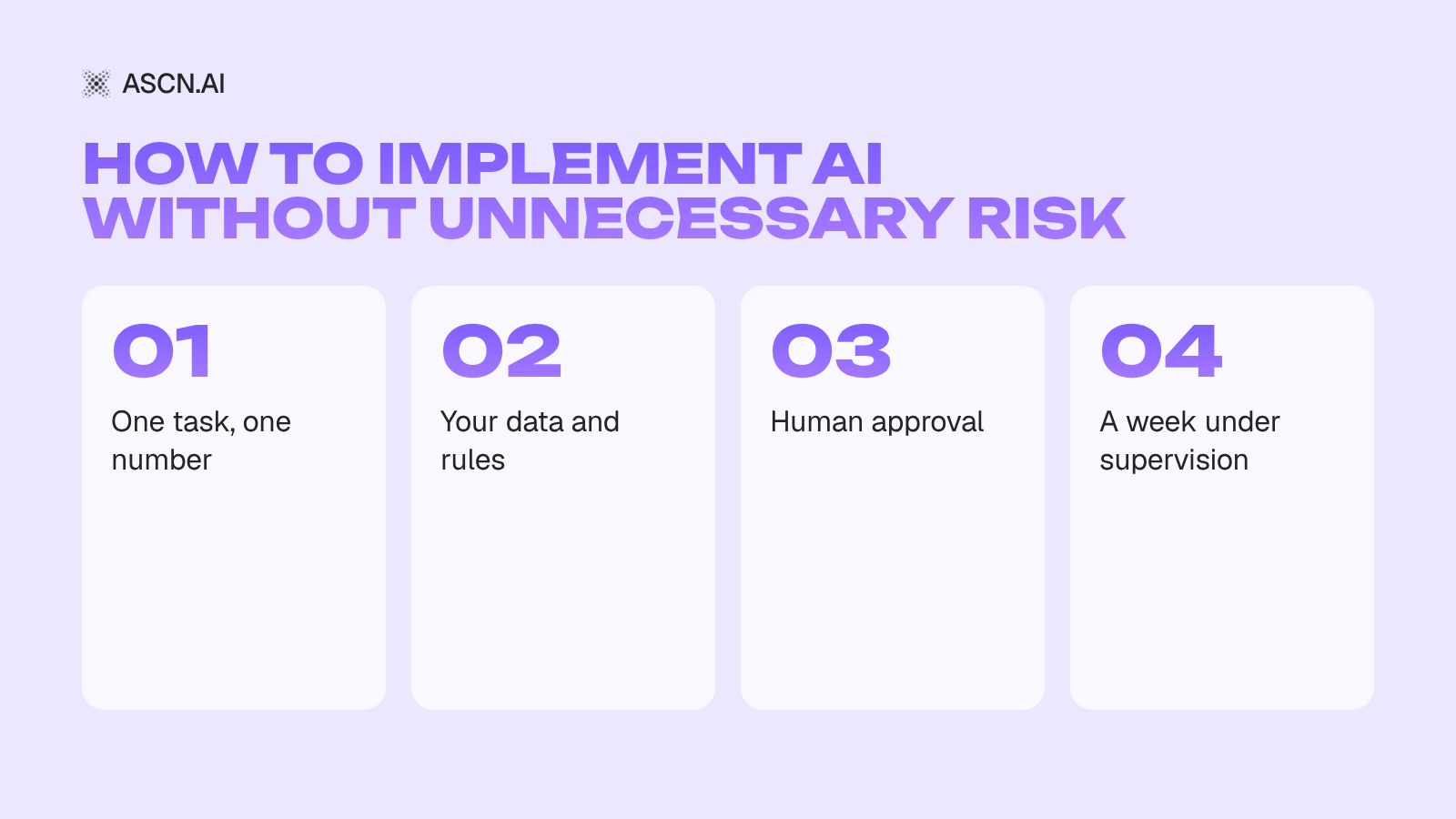
- One task, one number. Pick a routine that eats time every day and write down how much. For example, two hours a day answering messages.
- Your data and your rules. Give the AI your price list, terms, answers to common questions and a rule: "if it's not in the knowledge base, pass it to a person".
- Minimum permissions. Sending emails, deleting anything and any money movement happen only after a person approves.
- A week under supervision. Read what the AI does and add rules wherever it got something wrong. After a month, compare the number with the one you wrote down at the start.
If the number hasn't moved after a month, that's a result too: you spent little and learned that this task shouldn't go to AI.
Why ASCN.ai
ASCN.ai is a platform where you can launch an AI agent without developers: describe the task in plain words or pick a ready-made agent from the catalog. We covered what an AI agent is and how it differs from a chatbot in our guide to AI agents for business. Here's how the rules from this article are set up in ASCN:
- Answers from your data. You upload your price list, terms and documents to the agent's knowledge base, and it answers from them.
- Remembers restrictions. A rule like "don't send emails without my approval" goes into the knowledge base. If someone in a chat asks the agent to do otherwise, it still sends the action to you for approval. That's exactly what was missing in the Replit story.
- Doesn't send without asking. By default the agent prepares an email draft and waits for your "yes".
- You grant the permissions. You decide what the agent can read, send and delete, and you can revoke access at any time.
- Your data is protected. Each agent is isolated from the others, passwords and keys are stored encrypted, and your data isn't used to train AI models.
A good first task is the Messenger Concierge, an AI front desk in Telegram: it answers customers from your facts, takes orders and notifies you about each one. You can build the agent and check its answers on the Free plan: 500 credits a week and one active agent. Connecting it to Telegram and running it 24/7 starts with the Start plan at $29 a month.
Launch your first agent for free
FAQ
What are the main risks of implementing AI in a business?
There are five: the AI can invent an answer, expose data, take an action nobody asked for, leave a customer without a live person, and eat the budget with no result. All of them are reduced through setup: the AI answers from your knowledge base, a person approves important actions, and the rollout starts with one task.
Is it safe to give AI customer data?
It depends on the service. Before uploading data, check where it's stored, who has access to it and whether it's used to train models. Public chatbots are not the place for customer databases. In ASCN each agent is isolated, and your data isn't used to train models.
Can AI fully replace employees?
On routine tasks it can take over most of the work: answering common questions, sorting requests, reports. Disputes, refunds and important decisions are better left to people. Klarna's experience shows that dropping live support entirely hurts service quality.
Where should you start to keep the risk low?
With one routine task where a mistake is easy to fix, such as answering common questions. Write down how much time it takes now, launch an agent on the free plan and check its answers for a week. After a month it will be clear whether to expand the rollout.
AI Implementation in Business: How Leaders Save Time, Grow Sales and Cut Costs
AI Agent Knowledge Base: How to Build an AI Assistant Based on a Knowledge Base
AI Agent Permissions: The Real Guide to Granular Access Control and Security
AI Agent Management: Principles, Risks, and Practical Guide