



- Русский
- English
- Português
Best AI Apps in 2026: 12 AI Apps for iPhone, Android and Desktop Compared

The best AI app for most people in 2026 is still a general assistant such as ChatGPT, Claude or Gemini, and all three are free to install on iPhone, Android and the web. The better question is which app fits a specific job: search with sources, notes, meetings, images or work that should keep running when your phone is in your pocket.
We checked 12 AI apps on their official sites and app store listings on November 19, 2026: platforms, free plan, entry price and what each one does better than the rest. ASCN.ai comes first. It is the one app on the list that does tasks on its own schedule instead of waiting for your next message.
Contents:
- Key takeaways
- How we chose the apps
- Comparison table
- The 12 best AI apps in 2026
- How to choose an AI app
- FAQ
- Conclusion
Key takeaways: the best AI app for each job
For everyday questions and writing, start with ChatGPT, Claude or Gemini: each has a free plan and apps for phone and computer. Pick Perplexity for answers with sources, Otter for meetings, Notion AI for notes and Adobe Firefly for images. If you want an assistant that finishes tasks for you on a schedule, use ASCN.ai.
- Tasks done for you: ASCN.ai, a personal AI assistant with its own cloud computer, 100+ ready agents and 10+ models in one subscription.
- All-round chat assistant: ChatGPT, the most rated app here with about 12 million App Store ratings.
- Long documents and desktop work: Claude, with native apps for Mac, Windows and Linux.
- Android and Google apps: Gemini, the cheapest paid plan on the list at $4.99/mo.
- Windows and Office: Microsoft Copilot.
- Search with sources: Perplexity.
- Free with no paid tier in the app: DeepSeek and Meta AI.
- Notes, meetings and images: Notion AI, Otter.ai and Adobe Firefly.
How we chose the apps
We looked for apps that a person can install today and use for everyday or work tasks without setting anything up. Each app on the list had to have an official app on at least iPhone or Android, or a desktop app, plus a free way to start. Facts come only from official sources: the vendor's site and pricing page and its listings in the US App Store, Google Play or RuStore, all checked on November 19, 2026.
We compared five things:
- What the app does best, in one use case.
- Platforms: iPhone, Android, Mac, Windows, web.
- What the free plan includes.
- The entry paid price. Where the vendor site lists a price we use it; otherwise we give the in-app price from the App Store and say so.
- Rating and number of ratings in the US App Store, as a rough signal of how widely the app is used.
We did not benchmark answer quality: models change every few months, and a test from today says little about the version you will install. The list has no scores. After ASCN.ai, apps are grouped by use case: chat assistants, search, notes, meetings and images. If you need agents that automate business processes rather than a personal app, see our separate list of AI agent apps for mobile and desktop.
AI apps comparison table
Every app here can be used for free, and paid plans start at $4.99 a month (Gemini AI Plus). Most general assistants charge around $20 for the main paid tier.
| App | Best for | Platforms | Free plan | Paid from |
|---|---|---|---|---|
| ASCN.ai | Tasks done for you | Web, Telegram, Slack | Yes, 500 credits/week | $29/mo |
| ChatGPT | All-round assistant | iOS, Android, Mac, Windows, web | Yes | $8/mo (Go) |
| Claude | Writing, long documents | iOS, Android, Mac, Windows, web | Yes | $20/mo |
| Google Gemini | Android, Google apps | iOS, Android, Mac, web | Yes | $4.99/mo |
| Microsoft Copilot | Windows, Office | iOS, Android, Mac, Windows, web | Yes | $9.99/mo (M365) |
| Grok | Quick chat, images | iOS, Android, web | Yes | $10/mo (in-app) |
| DeepSeek | Free reasoning | iOS, Android, web | Yes, fully free | No paid plan |
| Meta AI | Free personal assistant | iOS, Android, Mac (beta), web | Yes, fully free | No paid plan |
| Perplexity | Search with sources | iOS, Android, Mac, Windows, web | Yes | $20/mo (in-app) |
| Notion AI | Notes, docs, tasks | iOS, Android, Mac, Windows, web | AI trial | $20/member (Business) |
| Otter.ai | Meeting notes | iOS, Android, desktop, web | 300 min/mo | $8.33/mo yearly |
| Adobe Firefly | Images, video | iOS, Android, web | Daily limit | $9.99/mo |
Official sites, pricing pages and US App Store listings, checked November 19, 2026. "In-app" means the price of the in-app purchase in the US App Store. Prices exclude tax.
App store prices are not always the same as web prices: Notion lists Plus at $10 per member on its site and $11.99 in the App Store, so it can pay to subscribe in a browser. And "free" means different things: DeepSeek and Meta AI have no paid tier in their apps at all, while Notion AI on free plans is a limited trial.
The 12 best AI apps in 2026
1. ASCN.ai: an AI assistant with its own cloud computer
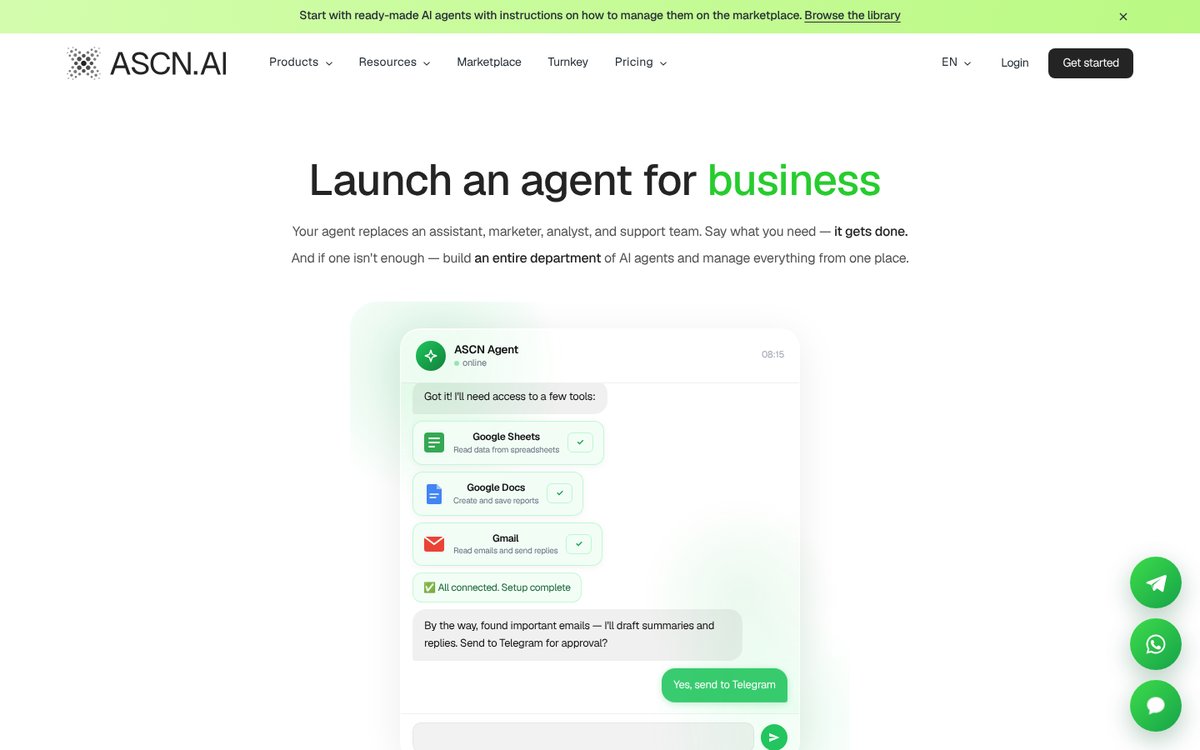
ASCN.AI gives you a personal AI assistant with its own cloud computer. It carries out tasks on its own: finds information, works with documents, helps with sales, marketing and everyday errands. Nothing to install, no code and no servers. The platform already has more than 100 ready-made AI agents: pick one or create your own, explain what needs to be done, and it gets to work. It brings together the best AI models, 3,000+ integrations, free step-by-step training and the option to launch your own AI service under your brand.
Best for: recurring work that the AI does on its own while you are busy with something else.
A chat app answers when you open it. An ASCN agent runs in the cloud on a schedule or a trigger: it can sort your inbox in the evening and send a summary to Telegram in the morning, follow up with a lead three days after the last message, or post to social media from a content plan. You describe the task in plain words, the agent connects Gmail, Google Sheets, Notion, Slack or another service itself and keeps doing the job.
One subscription covers 10+ models: Claude, GPT, Gemini, DeepSeek, Qwen, Kimi and Xiaomi MiMo, and you can switch the model of an agent in one click. For pictures and video it uses models such as Nano Banana, Veo, Kling and Seedance. If you are paying for several chat apps at once, compare this with our list of AI aggregators.
On a phone, you talk to the agent through Telegram or Slack, including voice messages, and on a computer through the web app.
Pricing:
- Free: $0, 500 credits a week, 1 active agent.
- Start: $29/mo, 10,000 credits, 5 active agents.
- Personal $99/mo, Business $299/mo. Visa, Mastercard or USDT.
Good to know: ASCN has no app in the App Store or Google Play, so on a phone it works through Telegram or Slack, and round-the-clock scheduled work is included from the Start plan. Try it: ASCN Agent.
2. ChatGPT
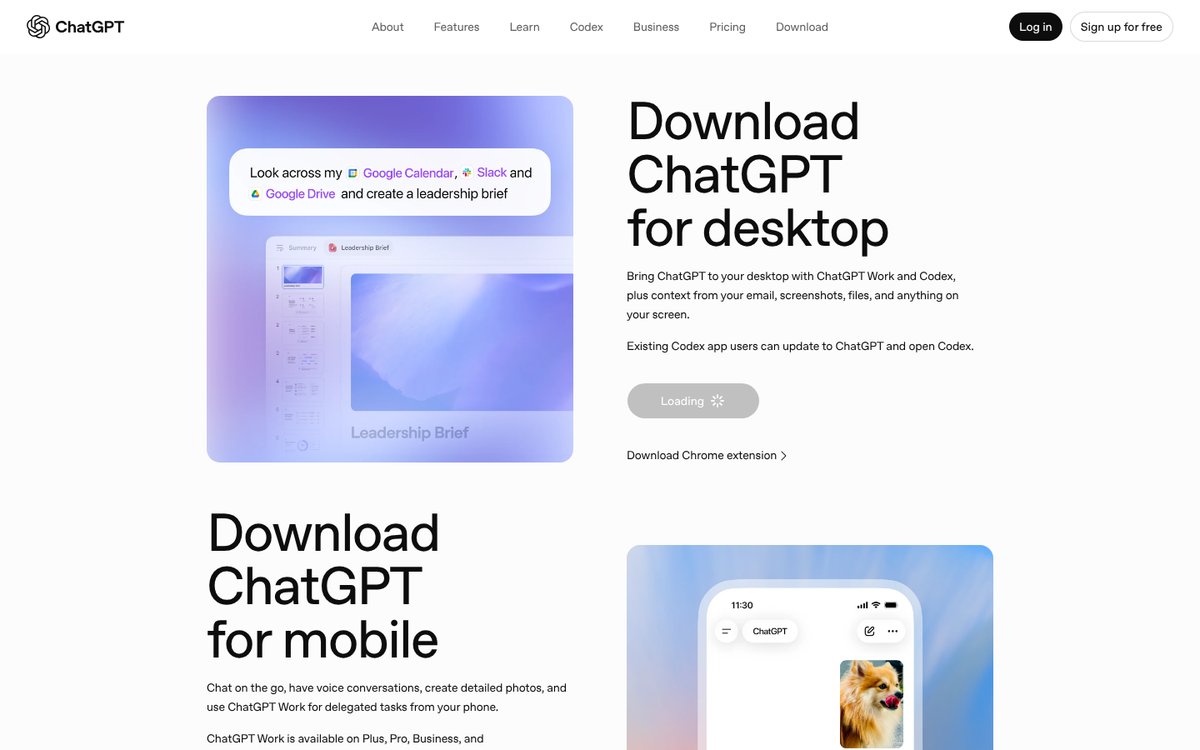
ChatGPT by OpenAI is the default AI app for most people: it has about 12 million ratings in the US App Store with an average of 4.8, and it runs on iPhone, Android, Mac, Windows and the web.
Best for: one app that covers questions, writing, images and voice.
The free plan uses GPT-6 Luna and includes limited image creation, voice chats and deep research. Go adds more messages, uploads, images and scheduled tasks, and OpenAI notes that this plan may include ads. Plus unlocks the advanced GPT-6 reasoning models, projects, custom GPTs and ChatGPT Work on desktop, web and mobile. The new desktop app for macOS and Windows combines chat, ChatGPT Work and Codex and can take context from your email, files and screen.
Pricing (US App Store, in-app): Go $8.00/mo, Plus $19.99/mo, Pro from $100/mo.
Which of the two leading assistants suits your work better is covered in our Claude vs ChatGPT comparison. For a feature-by-feature look at chatbots only, see our AI chatbot ranking.
3. Claude
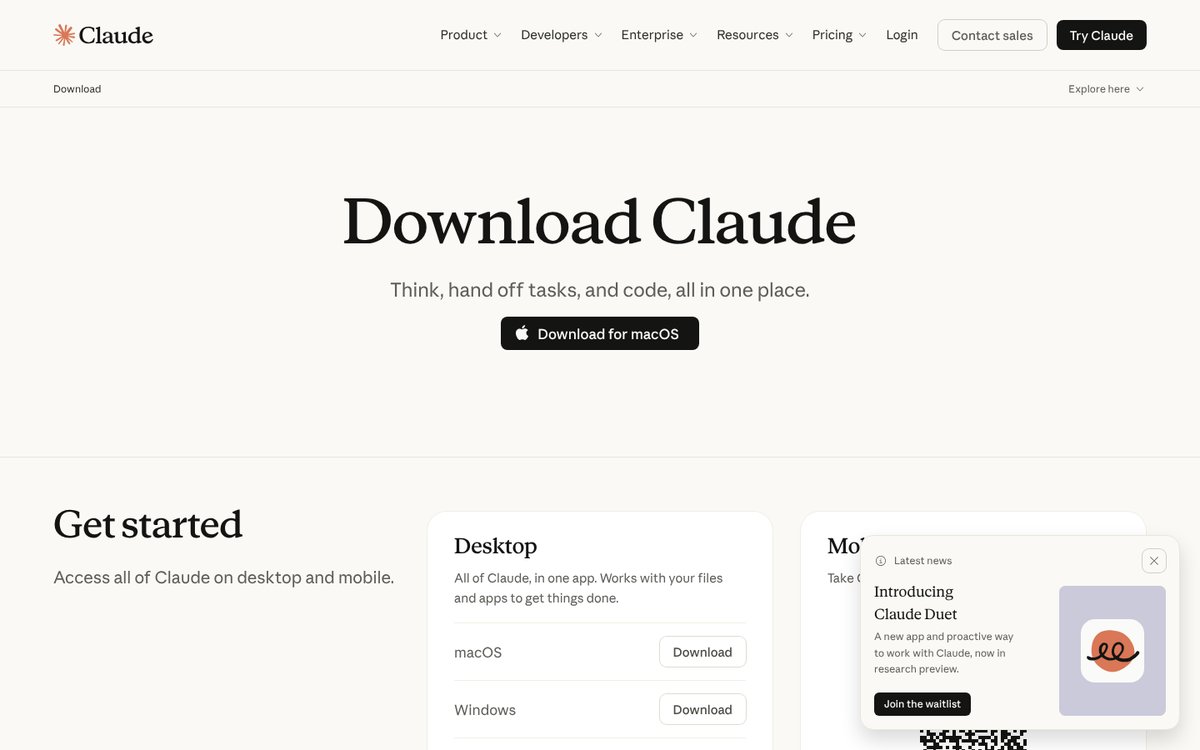
Claude by Anthropic has apps for iPhone, Android, Mac, Windows and Linux, and all of them work on the free plan. The App Store listing rates it 4.7 from 309,000 ratings.
Best for: writing, editing and work with long documents and files.
Free users get web search, file creation, code execution, memory across conversations, connectors and Artifacts. Pro adds Claude Code, task handoff and scheduling, and Claude in Chrome and Microsoft 365. The desktop app works with your files and apps, which is the main reason to install it rather than use the browser.
Pricing: Pro $20/mo, or $17/mo billed annually ($200 a year); Max from $100/mo.
4. Google Gemini
Gemini is Google's assistant for Android, iPhone and the web, and since April 2026 also a native Mac app (macOS 15 or later on Apple Silicon, opened with Option + Space).
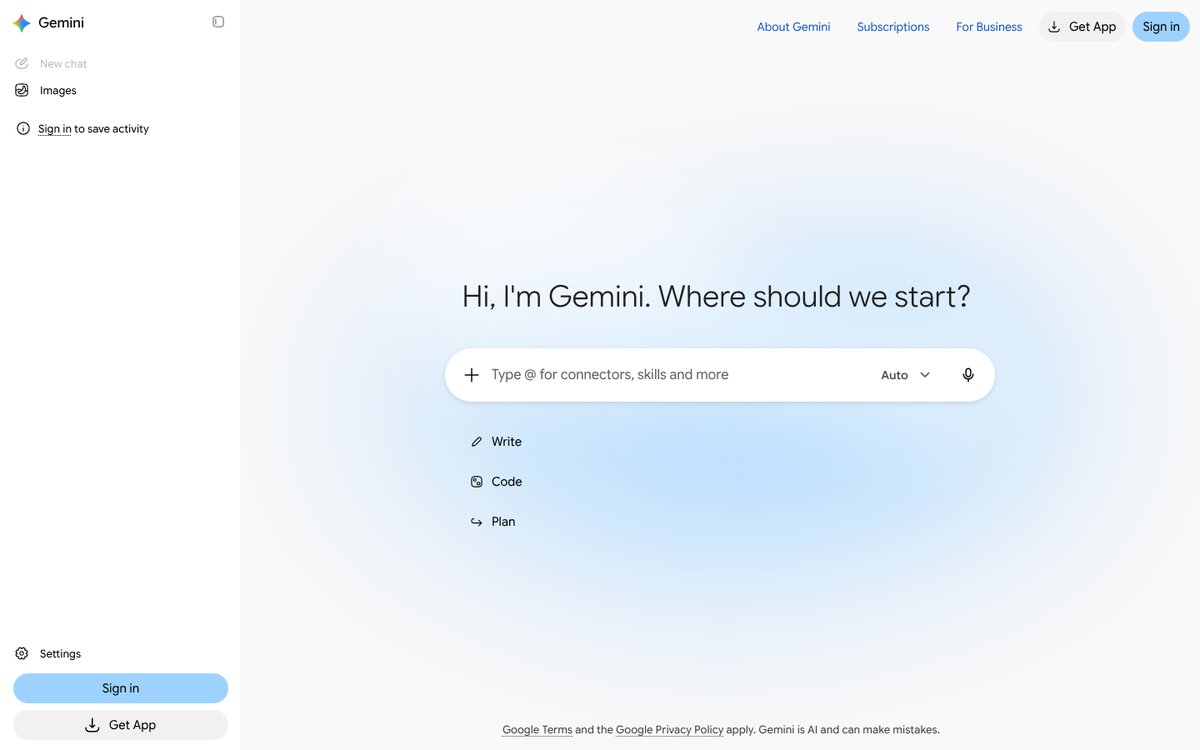
Best for: Android users and anyone who lives in Gmail, Docs and Drive.
The free plan already includes image generation and editing, Deep Research, Gemini Live voice conversations, Canvas and 15 GB of storage. Paid plans are bundled with Google storage: AI Plus adds video generation and 400 GB, AI Pro adds Gemini in Gmail and Docs and 5 TB.
Pricing: AI Plus $4.99/mo, AI Pro $19.99/mo, AI Ultra from $99.99/mo.
5. Microsoft Copilot
The Copilot app runs on Windows, Mac, iPhone, Android and at copilot.com. Microsoft has renamed the Microsoft 365 Copilot app to Microsoft Copilot, and you sign in with either a personal or a work account.
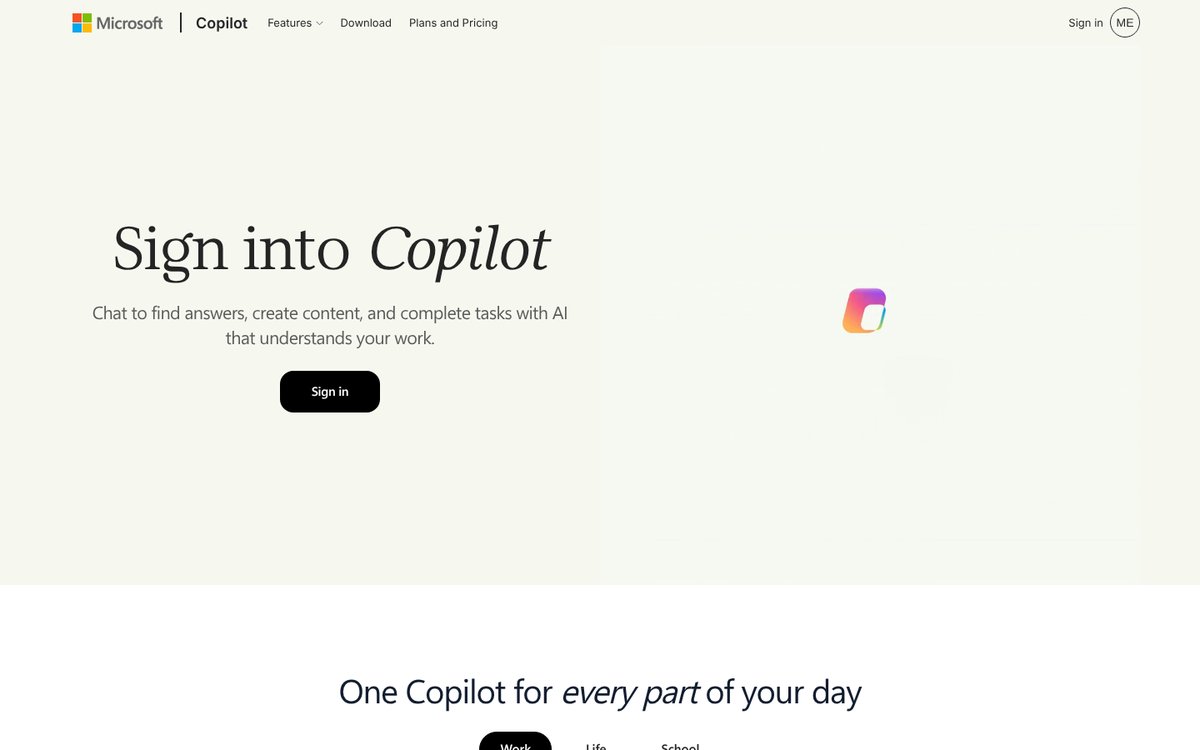
Best for: people who work in Word, Excel, PowerPoint and Outlook.
Copilot chat is free. A Microsoft 365 Personal subscription raises the usage limits and adds Copilot inside the desktop Word, Excel, PowerPoint and Outlook, visual help from your screen or camera and image creation. On the Family plan, only the subscription owner gets the AI features.
Pricing: Microsoft 365 Personal $9.99/mo, Premium $19.99/mo.
6. Grok
Grok from xAI runs on iPhone, Android and grok.com, where you can start a chat without signing in. It has a 4.9 average from 1.6 million App Store ratings.
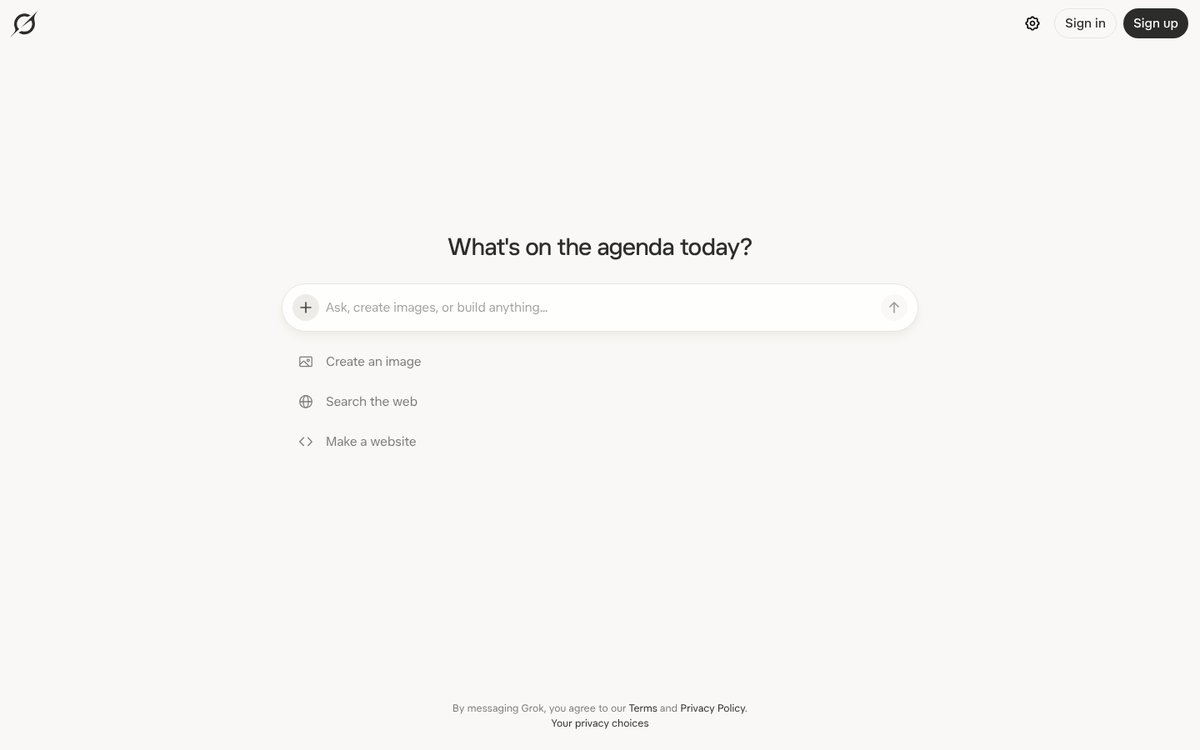
Best for: quick questions, web search and image creation in one box.
The start page offers three actions: create an image, search the web and make a website. Paid SuperGrok tiers raise the limits, and extra usage credits can be bought separately.
Pricing (US App Store, in-app): SuperGrok Lite $10/mo, SuperGrok $30/mo, SuperGrok Heavy $300/mo.
7. DeepSeek
DeepSeek is the official app of the Chinese lab of the same name, available on iPhone, Android and the web. The App Store listing shows no in-app purchases: the assistant is free.
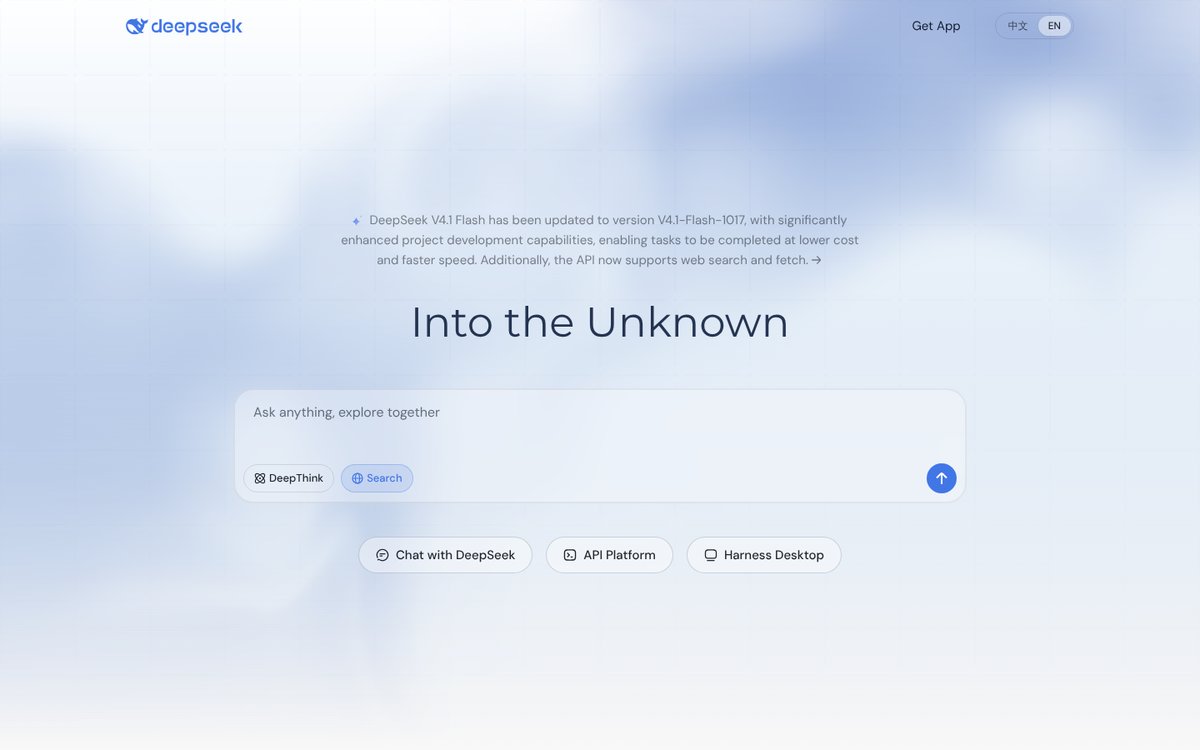
Best for: step-by-step reasoning and search without a subscription.
The chat has two switches: DeepThink for longer reasoning and Search for answers from the web. The homepage announces an update of the V4.1 Flash model with better results on project work. The App Store rating is lower than the others here, 3.8 from 13,000 ratings.
Pricing: free.
8. Meta AI
Meta AI has apps for iPhone and Android, a Mac app in beta and a web version. Like DeepSeek, it has no in-app purchases in the App Store.
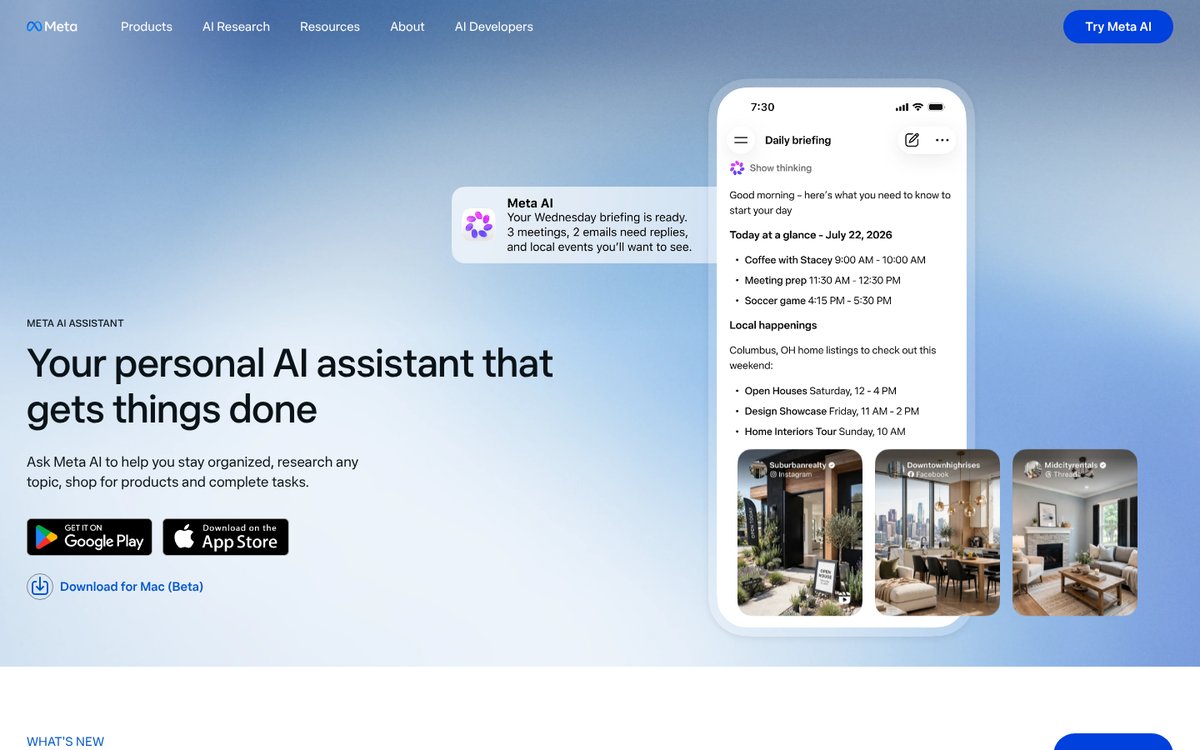
Best for: a free personal assistant for planning and everyday questions.
Meta describes it as an assistant that helps you "stay organized, research any topic, shop for products and complete tasks", and its site shows a daily briefing with meetings, emails that need replies and local events.
Pricing: free.
9. Perplexity
Perplexity is an AI search app: the App Store listing promises "accurate answers to any question, backed by sources and citations". Apps exist for iPhone, Android, Mac and Windows.
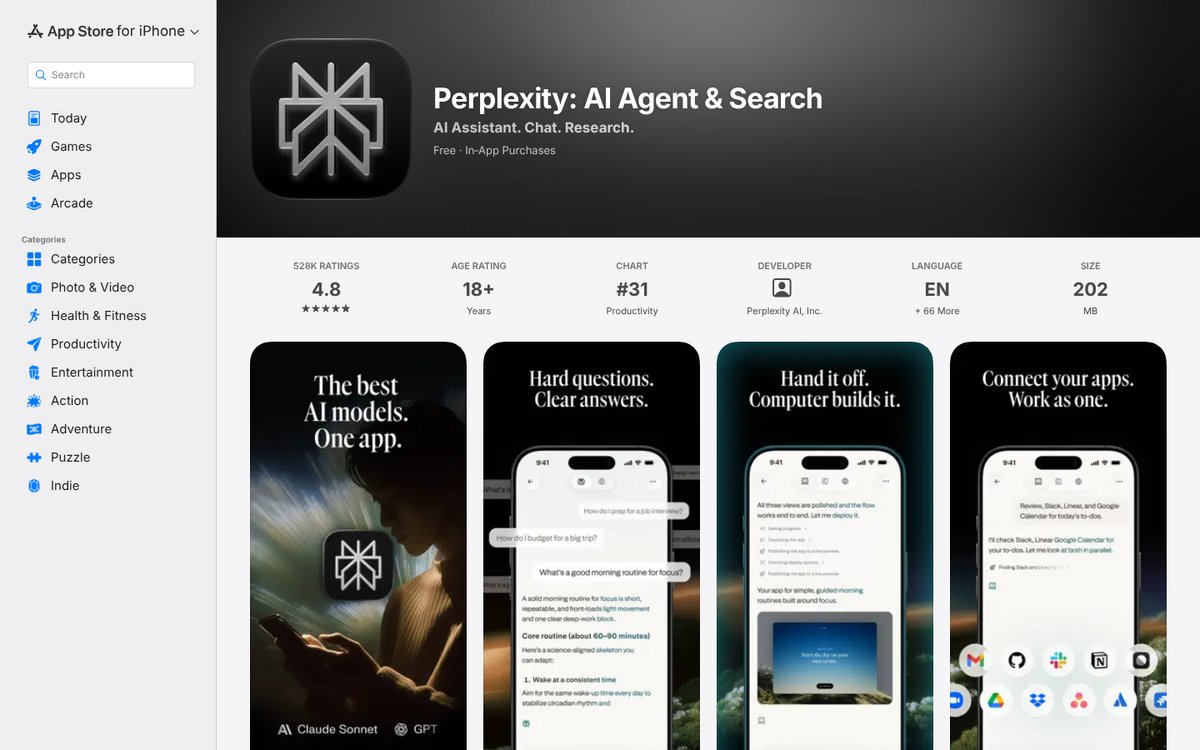
The perplexity.ai site blocks automated visits, so this screenshot shows the official App Store listing.
Best for: research where you need to check where an answer came from.
The free plan gives practically unlimited basic searches and a few Pro Searches. Pro adds extended Pro Search, advanced models and image and video generation. Students and educators can get Education Pro for $10 a month.
Pricing (US App Store, in-app): Pro $20/mo or $200/yr, Max $200/mo.
10. Notion AI
Notion is a workspace for notes, docs and tasks with apps for Mac, Windows, iPhone, Android and the web. Its AI features are Notion Agent, AI Meeting Notes and Enterprise Search.
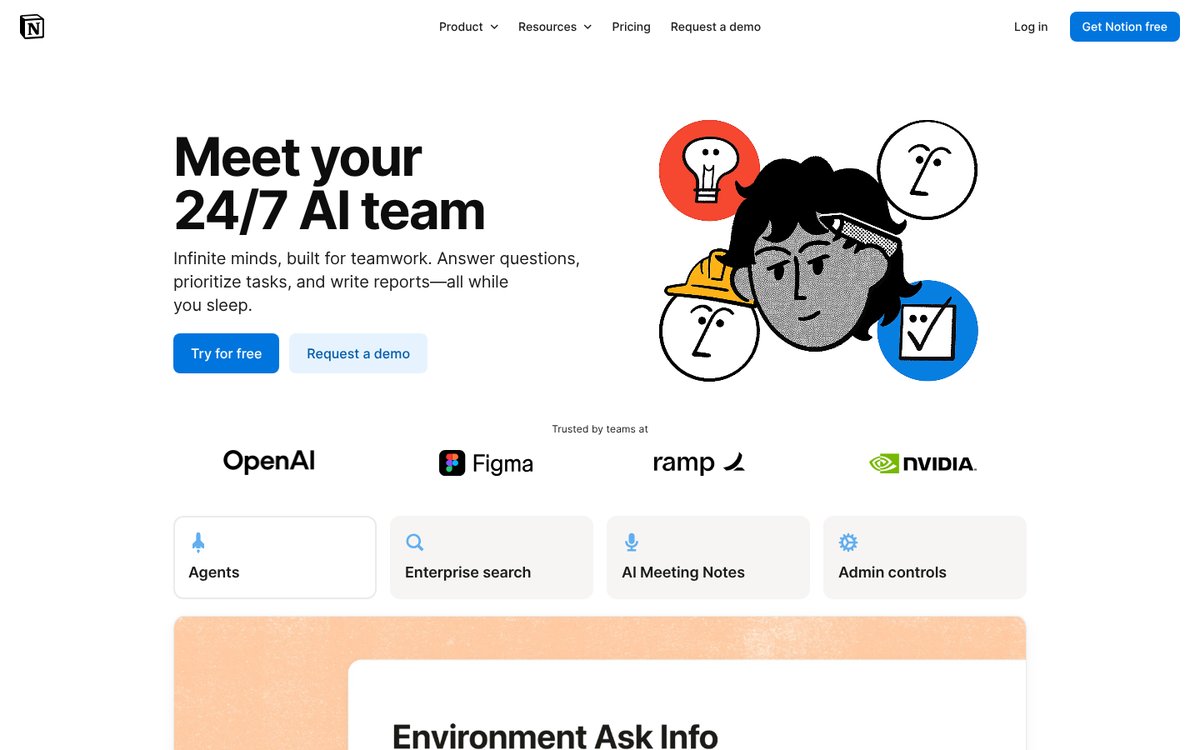
Best for: people who already keep their notes and projects in Notion.
On Free and Plus, the AI features are limited trials. Full Notion Agent and AI Meeting Notes come with the Business plan. Custom Agents are billed separately: $10 per 1,000 Notion credits a month after a free trial.
Pricing: Plus $10 per member a month, Business $20 per member a month. In the App Store the same plans cost $11.99 and $23.99.
11. Otter.ai
Otter records and transcribes meetings in Zoom, Google Meet and Microsoft Teams and turns them into notes you can search. It has a desktop app, iPhone and Android apps, a web version and a Chrome extension.
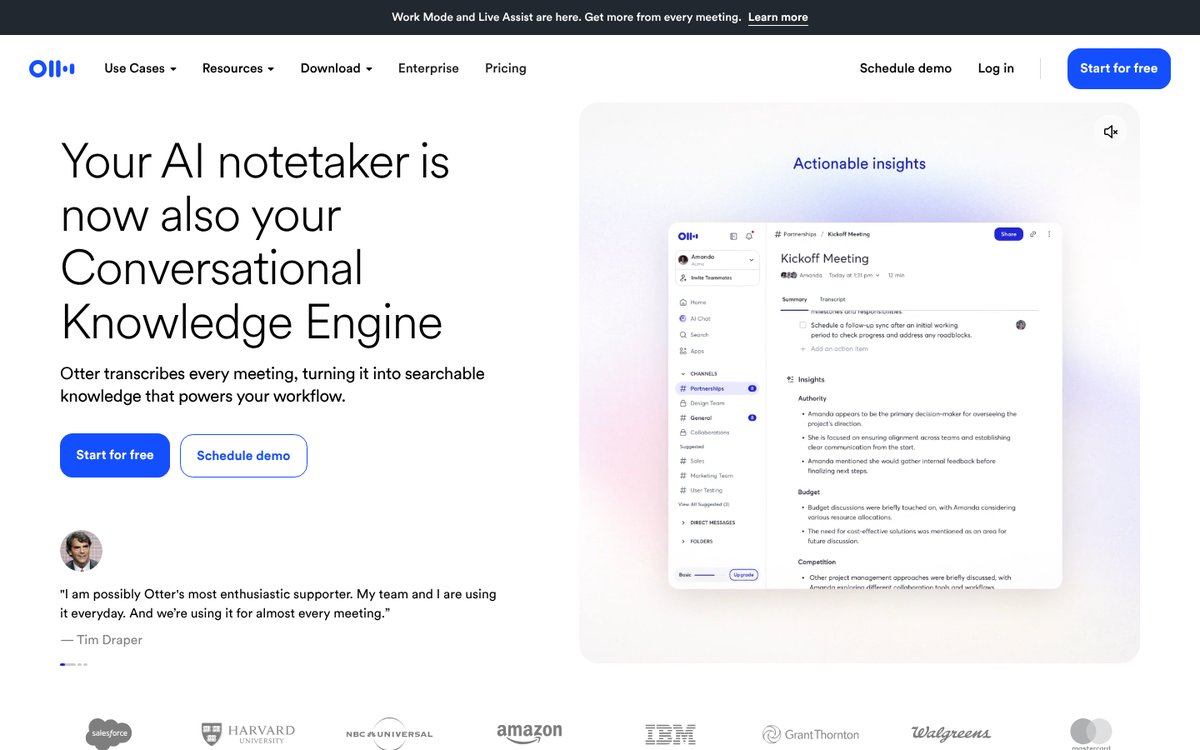
Best for: meeting notes and voice memos.
The free Basic plan includes 300 minutes a month with up to 30 minutes per conversation and three file imports in total. Pro raises this to 1,200 minutes and 90 minutes per conversation.
Pricing: Pro $16.99/mo, or $8.33/mo billed annually; Business $30/mo, or $19.99/mo billed annually.
12. Adobe Firefly
Firefly is Adobe's app for generating images and video, on iPhone, Android and the web. It gives access to Adobe's own models and partner models from Google, OpenAI and others, including Nano Banana, GPT Image, FLUX, Kling and Runway.
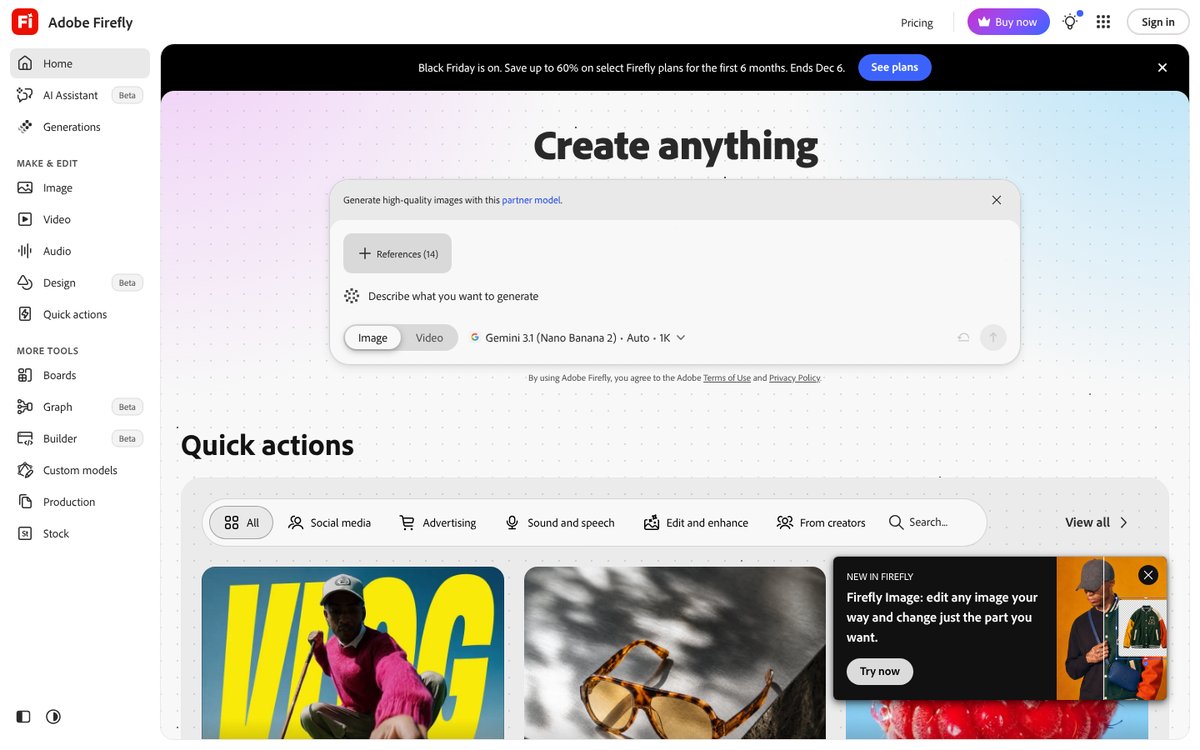
Best for: images and short videos for social media, ads and design.
The free plan has a daily generation limit. Paid plans are measured in generative credits, and results sync with other Adobe apps. For a wider comparison of image tools, see our AI image generator ranking.
Pricing: Standard $9.99/mo for 2,000 credits; Pro $19.99/mo for 4,000 credits (discounted to $9.99 for the first six months until December 6, 2026).
How to choose an AI app
Start from the task, then check the platform and the price. Most people end up with one general assistant plus one specialist app.
| If you need | Start with | Free option |
|---|---|---|
| Answers and writing | ChatGPT or Claude | Both free plans |
| Sources for every answer | Perplexity | Basic searches |
| Work inside Google or Microsoft | Gemini or Copilot | Both free |
| Meeting notes | Otter.ai | 300 min/mo |
| Images and video | Adobe Firefly | Daily limit |
| Tasks on a schedule | ASCN.ai | 500 credits/week |
iPhone or Android
Eleven of the twelve apps have their own iPhone and Android apps. ASCN.ai is the exception in form: on a phone it runs through Telegram or Slack, which you probably have installed already. Desktop support varies more. ChatGPT, Claude, Copilot, Perplexity and Notion have apps for both Mac and Windows, Gemini has a Mac app, Meta AI a Mac beta, and Grok, DeepSeek and Firefly are used in the browser on a computer.
Free or paid
Free plans are enough to find out whether an app fits your work. The limits usually show up in three places: the number of messages to the strongest model, file uploads and image generation. Upgrade only the app you open every day. For more no-cost options beyond apps, see our list of the best free AI tools.
One subscription or several
ChatGPT Plus, Claude Pro and Gemini AI Pro together cost about $60 a month, and each gives you one company's models. If you switch between models often, a service with several models in one subscription is cheaper. In ASCN.ai, Claude, GPT, Gemini, DeepSeek and Qwen come in one account with a free plan and paid plans from $29 a month, and the same agent can also run tasks on a schedule.
Chat app or assistant that acts
A chat app is the right choice when you want to think through a problem together with the AI. When the same task repeats every day or week, such as a morning report, replies to leads or posts from a content plan, an assistant that runs it in the cloud saves more time, because you don't have to open the app and type the request again.
FAQ
What is the best AI app in 2026?
For most people, ChatGPT: it has a free plan, runs on iPhone, Android, Mac, Windows and the web, and covers chat, images and voice. Claude is the stronger pick for long documents, and Gemini for Android and Google apps. For tasks that should run without you, ASCN.ai.
What is the best free AI app?
DeepSeek and Meta AI are fully free, with no in-app purchases in the App Store. ChatGPT, Claude, Gemini, Copilot, Grok and Perplexity also have free plans with daily or weekly limits. ASCN.ai has a free plan with 500 credits a week and one active agent.
What is the best AI app for iPhone?
ChatGPT has the most ratings in the US App Store, about 12 million with a 4.8 average. Claude, Gemini, Perplexity and Grok are also rated 4.7 to 4.9. On iPhone, check in-app prices: they can differ from web prices, as with Notion ($11.99 in-app vs $10 on the web).
What is the best AI app for Android?
Gemini, because it is Google's own assistant and its free plan includes image generation, Deep Research and Gemini Live. ChatGPT, Claude, Perplexity, Copilot, Grok, DeepSeek and Meta AI are all on Google Play as well.
Is there one app with ChatGPT, Claude and Gemini models?
Yes. ASCN.ai includes Claude, GPT, Gemini, DeepSeek, Qwen, Kimi and Xiaomi MiMo in one subscription from $29 a month, with a free plan to try. Perplexity Pro also gives access to several advanced models for search.
Which AI app is best for meeting notes?
Otter.ai: it transcribes meetings in Zoom, Google Meet and Microsoft Teams, and the free plan covers 300 minutes a month. Notion AI Meeting Notes is the alternative if your team already works in Notion on the Business plan.
Conclusion
Install one general assistant first. ChatGPT is the safest default, Claude suits long texts and files, Gemini and Copilot fit Google and Microsoft users, and DeepSeek and Meta AI cost nothing. Add a specialist app only for a job you do every week: Perplexity for research, Otter for meetings, Firefly for images. When you want the AI to do the work itself, on a schedule and across your services, create a free ASCN.ai account and start from a ready-made ASCN agent.
Best AI Agent Apps: Mobile & Desktop Solutions for Business Automation

Best Free AI Tools of 2026: Top Rankings and a Comprehensive Overview of Services
The Best AI for Image Generation: A 2026 Ranking and Comparison of Neural Networks