



- Русский
- English
- Português
40 Tools for YouTube Analytics and Publishing
YouTube Channel Management Automation leverages the YouTube Data, Analytics, and Reporting APIs to provide complete visibility into your channel's performance. These 40 efficiency tools help automate routine tasks and SEO, allowing you to focus on strategy and audience growth.


Optimize your YouTube Channel Management with 40 Efficiency Tools for Analytics and Publishing
General Description
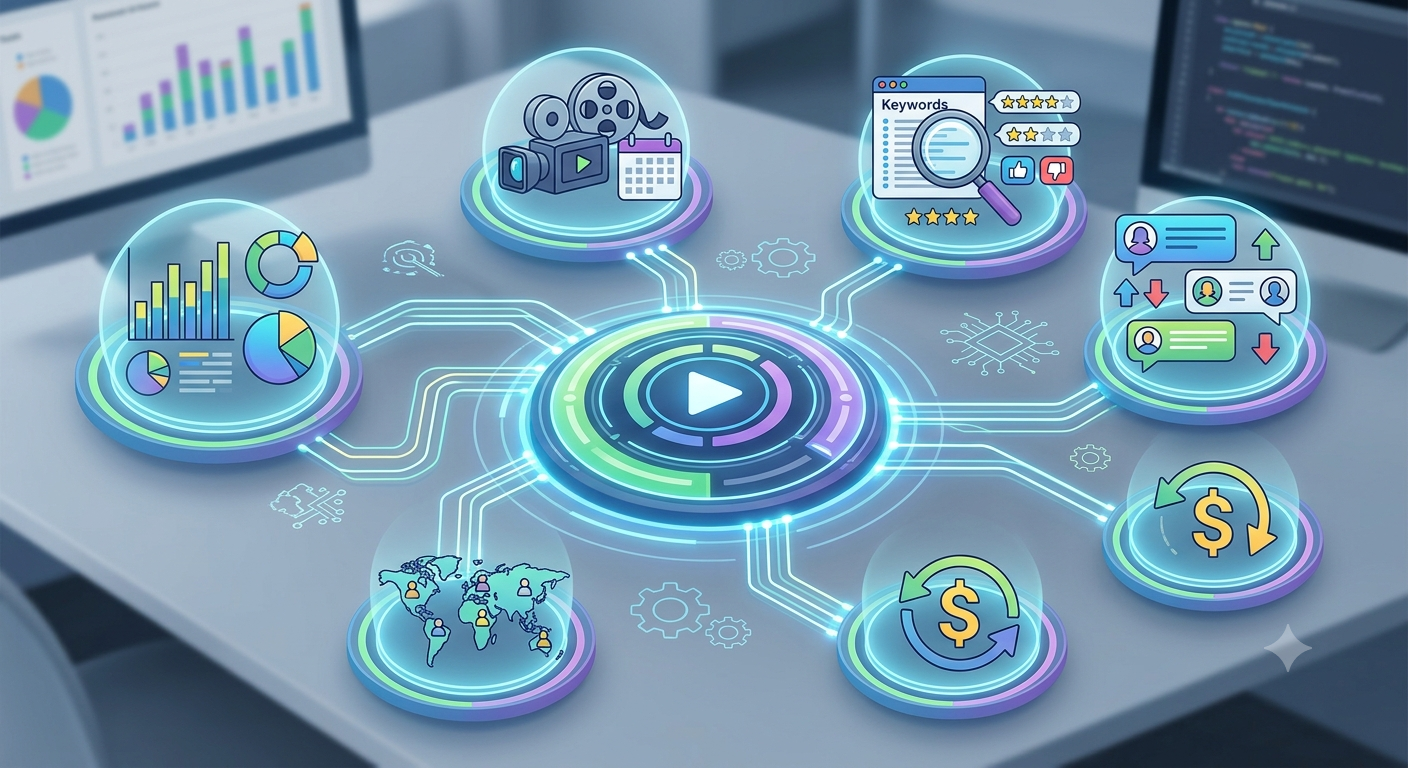
YouTube Channel Management Automation covers all three major APIs – YouTube Data, YouTube Analytics and YouTube Reporting. These three APIs together give you complete visibility into the overall status of your YouTube Channel and its associated content. You will be able to get data about your video's performance, who is watching your videos, and the revenue generated from your videos. This will greatly alleviate the workload associated with managing your YouTube Channel, as well as assist you in making better informed decisions.
There are 40 different tools within this system that touch on every area related to managing your YouTube Channel. From video management, to comment analysis, and SEO and publishing tools, all of these tools provide you with an array of solutions to help make it easier to better manage your YouTube Channel and increase engagement with your audience.
You can take advantage of these tools and capabilities to help you achieve improved results when managing your YouTube Channel.
How Automation Works
Automating your YouTube Channel Management Process begins by first creating a project in Google Cloud. This is the first step required to gain access to the necessary APIs. The next step is to enable the YouTube Data API, Analytics API, and Reporting API. By doing this, you are allowing the system access to all the data required to get a full picture of your entire YouTube Channel and its contents.
Once you have completed these steps, you will need to configure OAuth 2.0 for secure access to your channel's data. The process for doing this requires you to create credentials and grant appropriate access to use the APIs. Once you have completed this process, you can begin to start using the tools available to retrieve analytics data, manage videos, and publish content.
By utilizing automation, you gain the ability to quickly pull performance data related to your videos, manage comments on your videos, and optimize your videos for SEO purposes. You can automate your YouTube Channel Management eliminating the need to work manually, giving you more time to work on the strategic side of your business. By doing so, you will be able to focus on what’s really important, like improving your online audience’s engagement with your channel and growing your audience.
Why It Is More Effective Than Manual Work
Automation has proven to improve the efficiency of operating a YouTube Channel. You can save approximately 15+ hours per month by using the systems described in this report. By using the system, businesses will no longer need to perform repetitive tasks, which results in fewer mistakes in data management and publishing, both of which are critical to maintaining video content quality.
The ability to access analytics quickly gives Managers access to meaningful data, allowing them to make informed decisions based upon the data using up-to-date information about their videos. Because the system can provide an overall view of its performance, including engagement metrics and demographics of affected audiences, Marketers and Operations Managers can adjust their Marketing and Operations strategies in real-time, which cannot be accomplished when performing manual work.
As a result of using Automation, both the amount of time spent on managing a YouTube Channel is reduced, and the overall content management quality increases. This increased quality will ultimately provide the means to increase channel engagement and subscriber counts.
What Results Users Receive
Users of the System indicate, via testimonials, that there is a dramatic increase in both content management and audience engagement. Automation in Processing allows Customers to not only save time while increasing the quality of their interaction with subscribers but to adjust their Marketing strategies promptly based upon the complete video data provided to them.
The System provides users access to tools that supply in-depth analytical capabilities. Therefore, customers will be able to determine which videos are performing the best, as well as optimize their content for their target audience. There is a direct relationship between the quality of content on YouTube and the amount of monetisation revenue generated by that content. Therefore, the more users view the higher-quality content that was created for them, the more monetisation revenue will be generated.
Users find that the automation of their YouTube channels helps to eliminate errors associated with manual data management and create a dependable basis for making decisions. It allows users to spend their time developing their channels successfully, rather than on the day-to-day activity of running the channels.
Implementation Examples
By automating their YouTube channel management using the system, users are able to simplify their processes significantly and better utilise their time and resources. Users report that by using 40 tools for analytics and publishing they are able to not only cut back on the time spent on routine tasks, but also improve the quality of their content. For example, on average, users can eliminate up to 15 hours per month by automating their videos and managing comments, which will allow them to create more content and engage further with their audience.
In addition to these benefits, through access to complete video performance data, users are able to change their strategy based on the real-time performance of their content. This may lead to an increase in views and subscribers, and thus an increase in monetising revenue. In addition, user analysis and SEO-sourcing tools will facilitate identifying the videos that will perform best, and thus optimise the content for the audience.
Along with reducing errors with manual data management, the system has helped to provide users with a more dependable basis for making decisions, and therefore, process automation should play a vital role in effective YouTube channel management for marketers and operations managers to obtain improved results.
What You Get
Using automation for YouTube analytics and publishing you'll have access to 40+ different tools that make managing your channel much easier. All of the tools you need to manage your YouTube channel are built into our platform including analytics, video management, comments and SEO tools. You'll have complete control over the data generated from your channel which allows you to quickly respond to changes and be able to change your strategy as needed based upon your up to date metrics.
In addition to providing analytics data, our system also has tools available for optimizing your content which allows for enhancing the quality of your content and increasing the amount of engagement that your audience has with your content. You will be able to find successful video formats faster and will be able to manage your publications and comments with little to no effort at all. This will give you the ability to spend more time on high value tasks such as creating new content and engaging with subscribers.
In summary, automation improves the quality of how you manage your content, which allows for greater levels of engagement and growth of your subscribers. The performance monitoring and analytics tools will aid in identifying the most valuable areas that need improvement, ultimately increasing your likelihood of achieving your goals.
Launch Instructions
To start utilizing the YouTube analytics automation platform, you must complete a few necessary steps. First, you must install all of the required libraries using their associated commands via pip install youtube-studio-mcp and this will allow you access to all of the tools needed to effectively manage your YouTube channel.
Next, after you have successfully installed all of the appropriate libraries, you will need to click here to configure your MCP through Google Cloud to connect with your YouTube channel. This includes creating a Google Cloud project and generating OAuth 2.0 credentials (for secure interactions with your channel). Failure to complete each of the above steps may result in errors when configuring your services.
Finally, once you have completed the configuration process you will be able to launch your services. After launching, you will be able to start using the analytics tools and see how they will make the administration of your channel much easier. The YouTube analytic automation system allows for quick delivery of valuable analytic data, along with multiple methods for the optimisation of your channel's content.
