



- Русский
- English
- Português
Back to templates
Website Audit
Reads the site from a link and runs an audit in 4 stages: scanning, technical (mobile responsiveness, speed, site architecture), content (SEO, brand voice alignment), and user journey (landing page conversion, signup flow). The output is a prioritized report: what to fix now, what to fix later, and what couldn't be checked without code access.
Created by:

Vlad
Last update:
30 September 2026
Categories
Not sure how to set up an AI agent?
Pay for a subscription and get setup training as a gift. Learn how to prepare the agent to work on your tasks.
What the agent can do
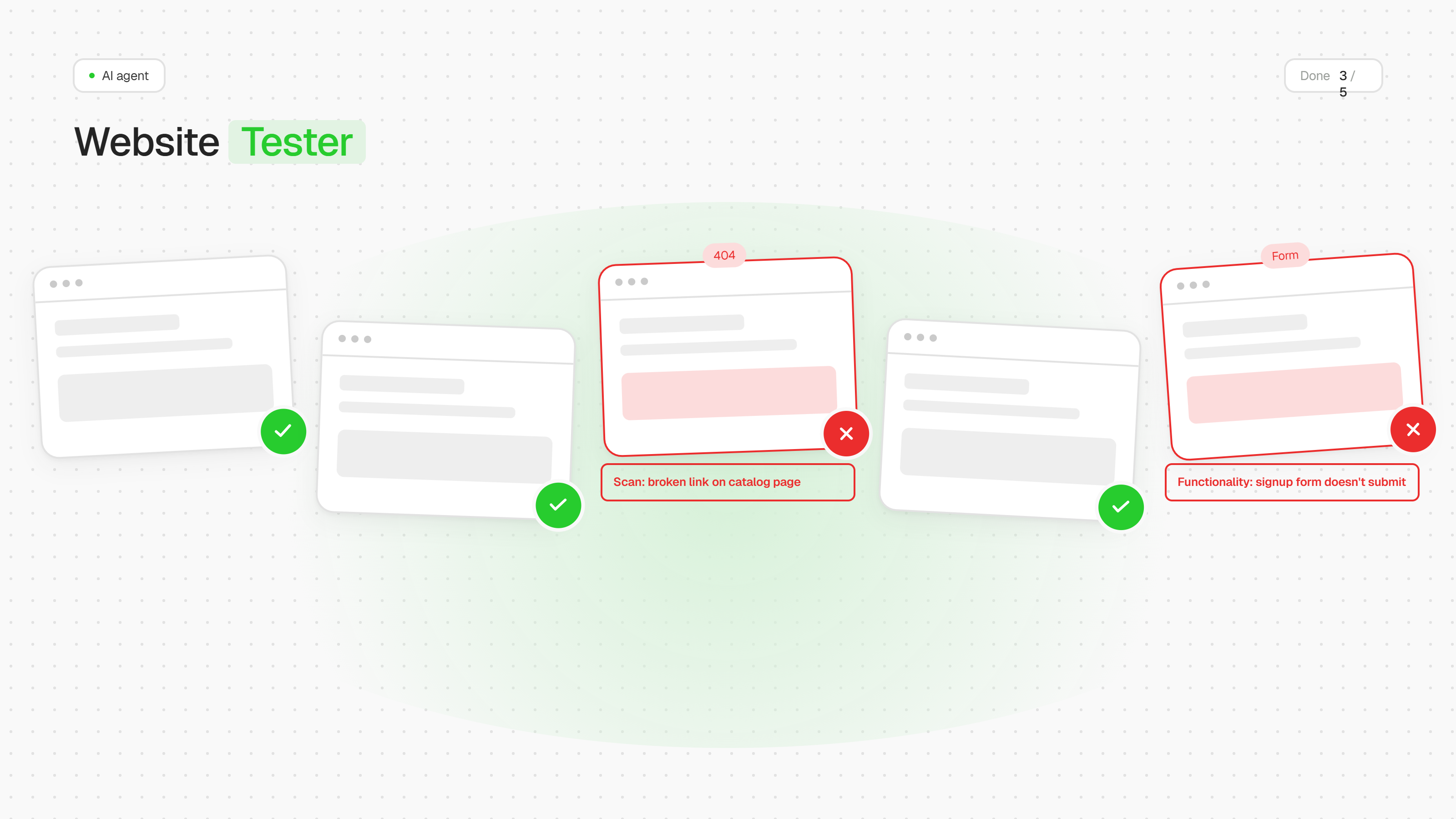
- Finds broken links, duplicate titles, missing meta descriptions, weak CTAs — 97% accuracy on a control set of 40 planted bugs across 3 test sites
- Analyzes the signup flow and plan-upgrade flow, pinpointing exactly where users drop off
- Cross-checks copy against brand voice, if given a guideline file
- Doesn't guess when data is missing — asks clarifying questions instead
Audit structure (4 stages)
| Stage | What it does |
|---|---|
| 1. Scanning | Page map, HTTP statuses, orphan pages, broken links |
| 2. Technical + architecture | chrome-devtools (console, network, mobile responsiveness) + site-architecture (expected structure vs. actual) |
| 3. Content | seo-audit (title, meta, headings, canonical) + brand-review (brand voice, unsubstantiated claims) |
| 4. User journey & conversion | page-cro → signup-flow-cro → paywall-upgrade-cro (if applicable) + ru-website-legal-compliance (152-FZ, for RU audiences) |
Strengths confirmed by testing
- Doesn't guess when data is missing — asks clarifying questions (jurisdiction, code access, payment model)
- Honestly flags checks as not applicable instead of forcing a result
- Transparently reports what couldn't be checked and why
Known limitations
- Without code access, it can't detect truly isolated (orphan) pages
- A full security review requires access to the source code — it doesn't work from a URL alone
- When probing common paths (
/settings,/profile), it sometimes inaccurately states that links "exist in the navigation" — these points are worth double-checking in the report
If you have questions about the template, reach out to our support team

FAQ
Still have a questionDo I need coding skills to set up this template?
No coding skills required! This template is designed for no-code users. Simply follow the step-by-step setup guide, connect your accounts, and you're ready to go.
How does this template help maintain data security?
All data is processed securely through official APIs with OAuth authentication. Your credentials are never stored in the workflow, and you maintain full control over connected accounts and permissions.
What is a module?
A module is a single building block in the workflow that performs a specific action — like sending a message, fetching data, or processing information. Modules connect together to create the complete automation.
Can I customize the template to fit my organization's specific needs?
Absolutely! You can modify triggers, add new integrations, adjust AI prompts, and customize responses to match your organization's workflow and branding requirements.
How customizable are the AI responses?
Fully customizable. You can edit the AI system prompt to change the tone, language, response format, and behavior. Add specific instructions for your use case or industry terminology.
Will this template work with my existing IT support tools?
This template integrates with popular tools like Gmail, Google Calendar, Slack, and Baserow. Additional integrations can be added using available API connectors or webhooks.
What if my FAQ knowledge base is empty?
No problem! The template includes setup instructions to help you populate your FAQ database with commonly asked questions and answers. Start small. As new questions arise, you can easily add more FAQs over time.
Is there a way to track unresolved issues that require follow-up?
Yes! You can configure the workflow to log unresolved queries to a database or spreadsheet, send notifications to your team, or create tickets in your issue tracking system for manual follow-up.
What if I want to switch from Slack to Microsoft Teams (or another chat tool)?
Simply replace the Slack module with a Microsoft Teams or other chat integration module. The core logic remains the same — just reconnect the input and output to your preferred platform.