Fully automated pipeline for monitoring selected TikTok accounts, downloading new videos without watermarks, and instantly publishing simultaneously to three leading short video platforms. The perfect "set it and forget it" content aggregation solution.
Created by:
Robert D.
Last update:
28 January 2026
Categories
Personal
Content
What results do other users get
Saves 10-15 minutes on each video (5-8 hours per month): Full automation of the reposting. Exclusion of the manual step "download-edit-upload"
Increased hits in recommendations.Videos are published without someone else's watermark, which is critically important for recommendation algorithms (especially Instagram Reels). Increases the chances of viral growt
Expands the audience without the cost of producing new content. One video appears simultaneously in the three largest short video ecosystems (TikTok, YouTube, Instagram)
The system works offline 24/7
Examples of solutions
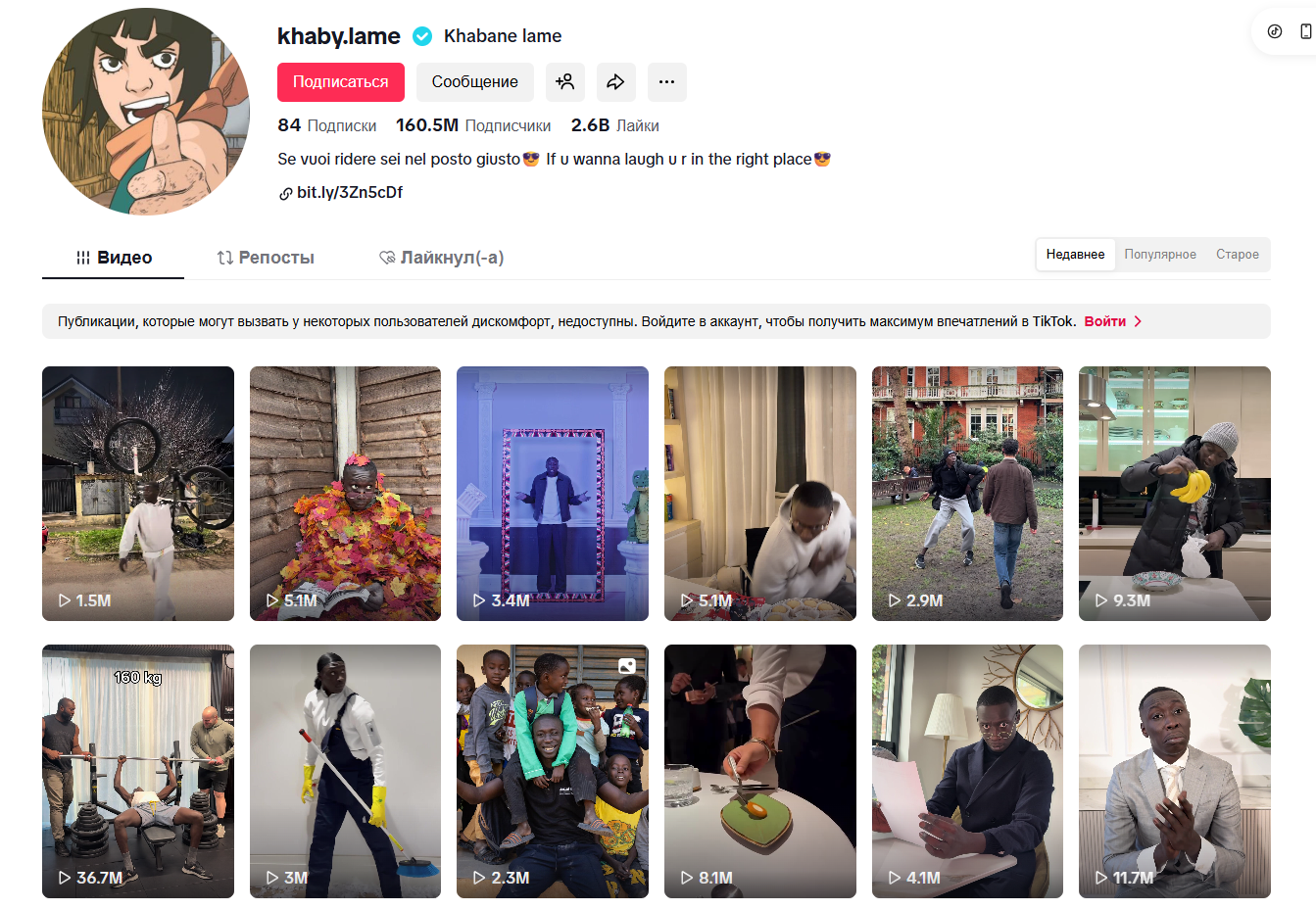
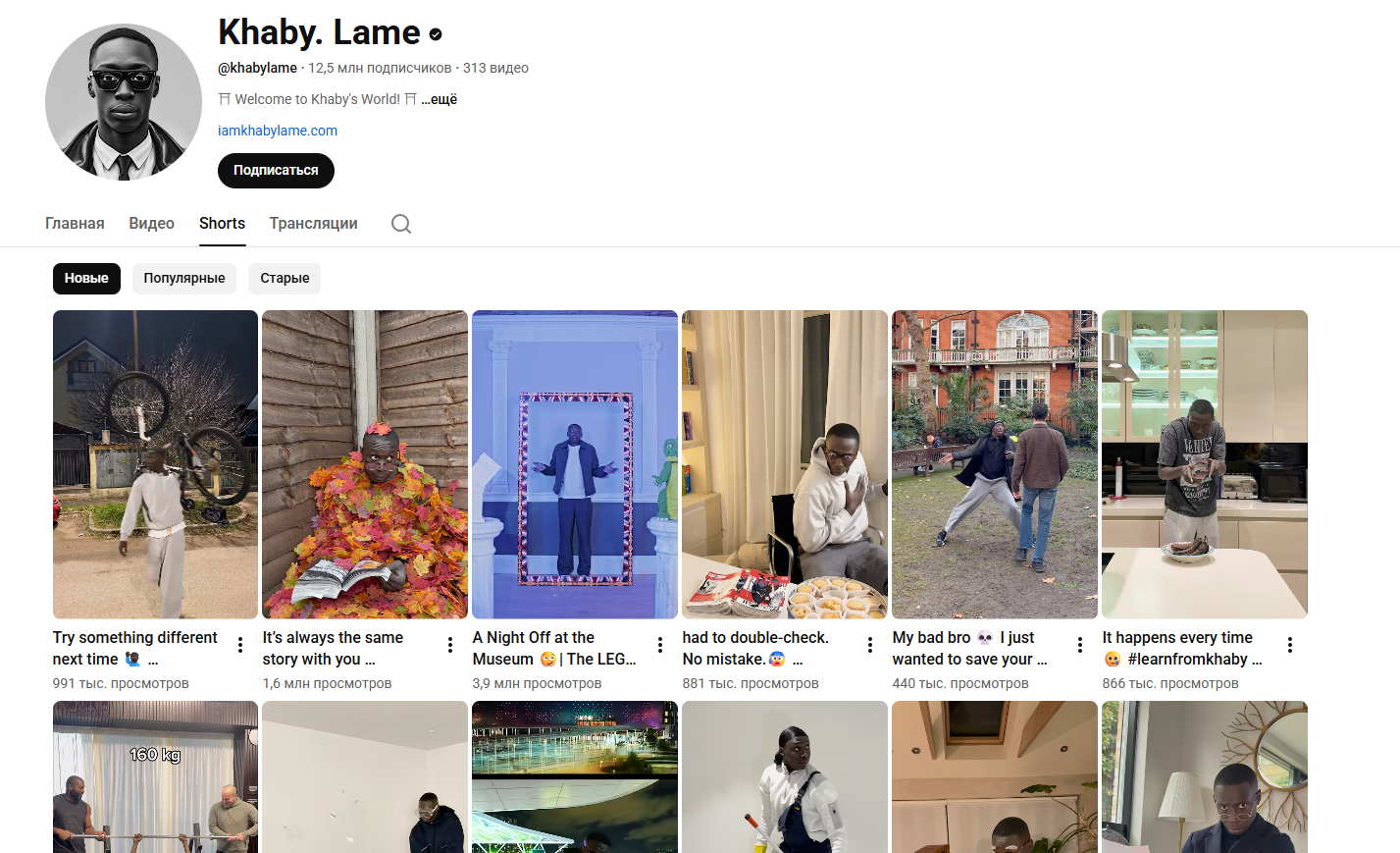
@khabylame (12.5 million on YouTube, 160.5 million on TikTok)
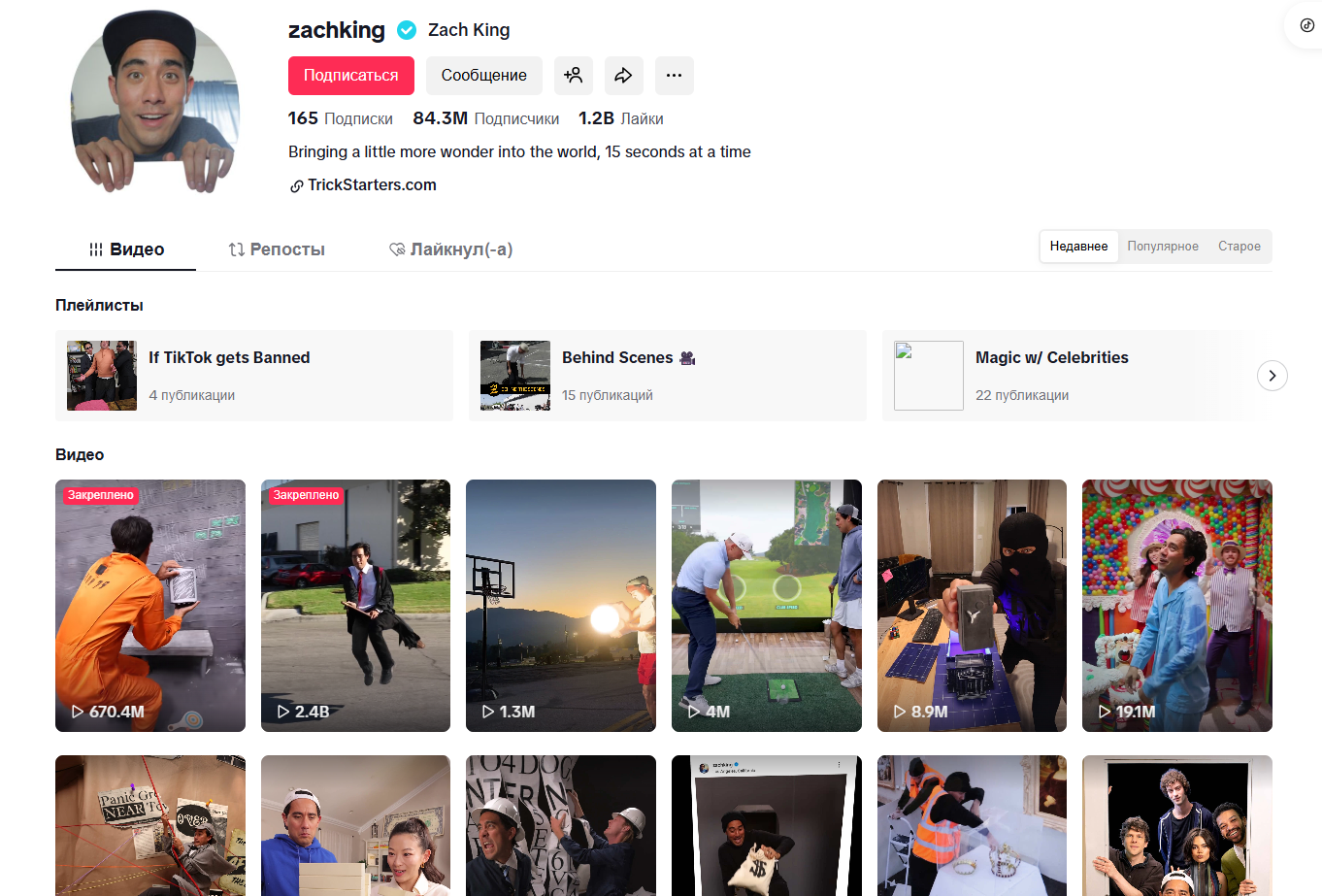
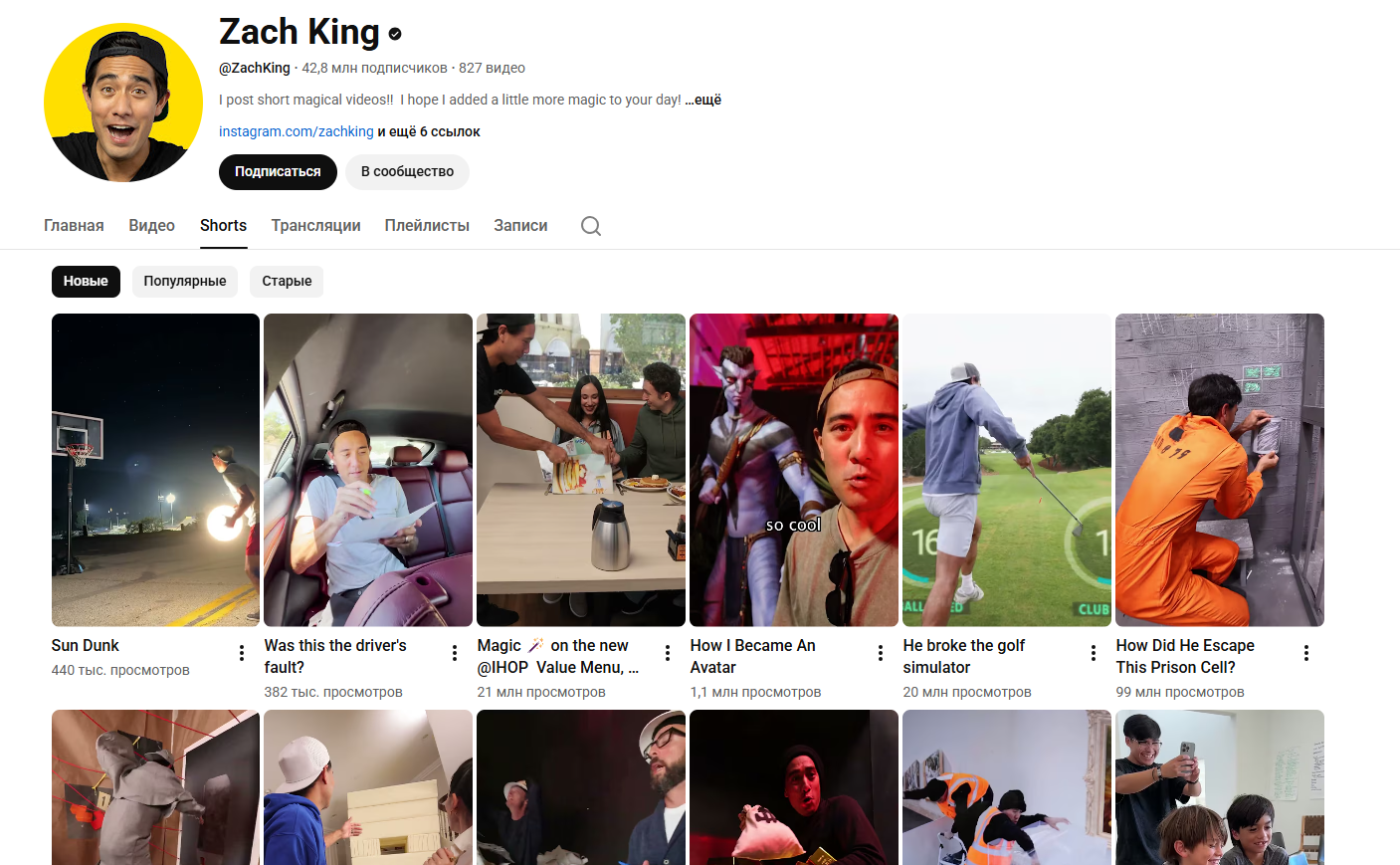
@ZachKing (42.8 million on YouTube, 84.3 million on TikTok)
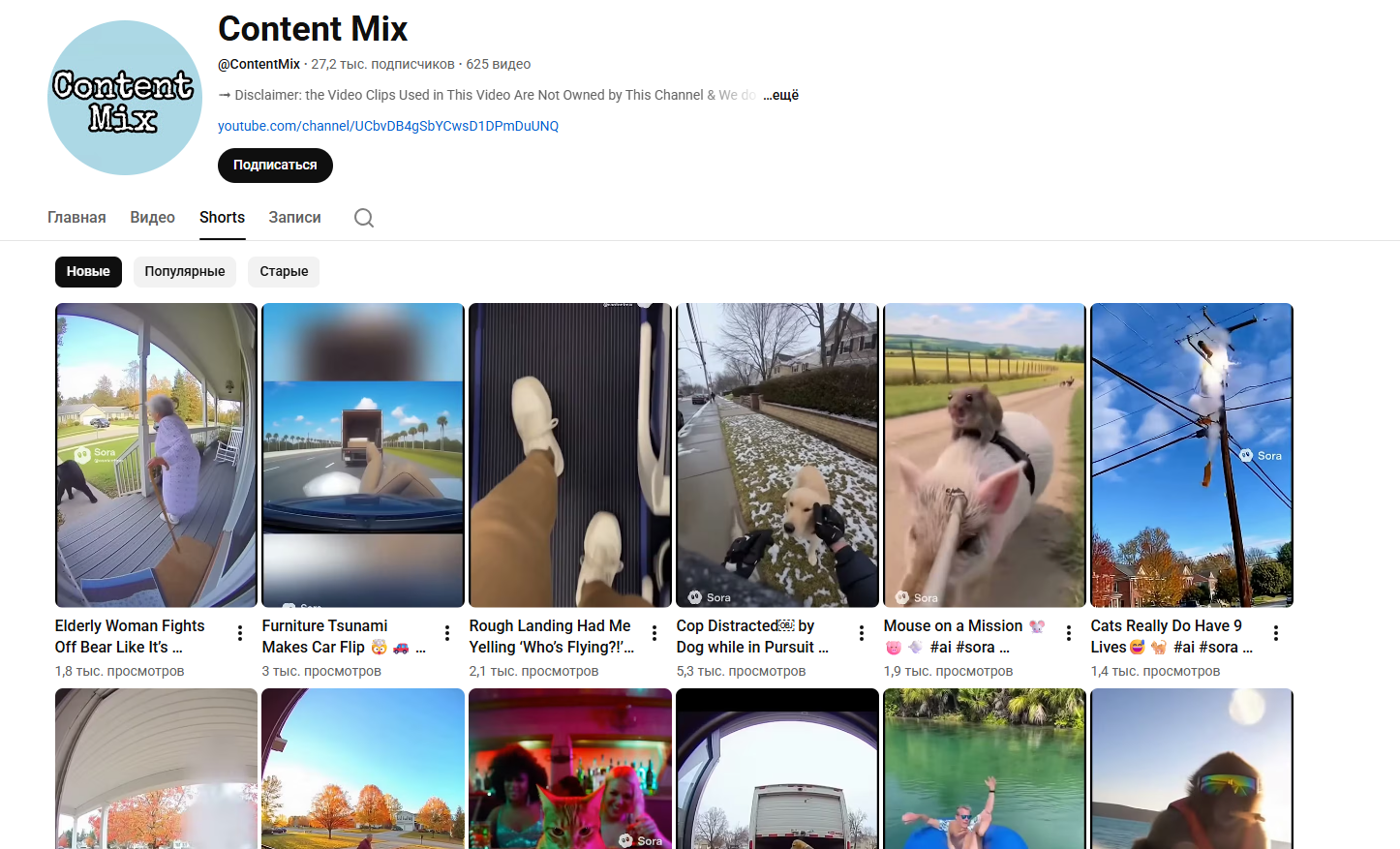
@ContentMix (The channel is being re-uploaded from other channels)
How to work with automation
1) In the rss.app service, specify the channel you need for autoposting
2) Every hour there will be a check for publications on the channel that you have selected (the time can be changed in the settings)
3) Autotyznia finds the latest post on the channel and saves it
4) It is checked whether this publication has already been published on your sources (double check)
5) After Blotato, this publication is auto-posted on TikTok, YouTube, and Instagram platforms

No coding skills required! This template is designed for no-code users. Simply follow the step-by-step setup guide, connect your accounts, and you're ready to go.
How does this template help maintain data security?
All data is processed securely through official APIs with OAuth authentication. Your credentials are never stored in the workflow, and you maintain full control over connected accounts and permissions.
What is a module?
A module is a single building block in the workflow that performs a specific action — like sending a message, fetching data, or processing information. Modules connect together to create the complete automation.
Can I customize the template to fit my organization's specific needs?
Absolutely! You can modify triggers, add new integrations, adjust AI prompts, and customize responses to match your organization's workflow and branding requirements.
How customizable are the AI responses?
Fully customizable. You can edit the AI system prompt to change the tone, language, response format, and behavior. Add specific instructions for your use case or industry terminology.
Will this template work with my existing IT support tools?
This template integrates with popular tools like Gmail, Google Calendar, Slack, and Baserow. Additional integrations can be added using available API connectors or webhooks.
What if my FAQ knowledge base is empty?
No problem! The template includes setup instructions to help you populate your FAQ database with commonly asked questions and answers. Start small. As new questions arise, you can easily add more FAQs over time.
Is there a way to track unresolved issues that require follow-up?
Yes! You can configure the workflow to log unresolved queries to a database or spreadsheet, send notifications to your team, or create tickets in your issue tracking system for manual follow-up.
What if I want to switch from Slack to Microsoft Teams (or another chat tool)?
Simply replace the Slack module with a Microsoft Teams or other chat integration module. The core logic remains the same — just reconnect the input and output to your preferred platform.
By continuing to use our site, you agree to the use of cookies.