Start with ready-made AI agents with instructions on how to manage them on the marketplace. Browse the library
Back to templates

SMM-агент для Telegram

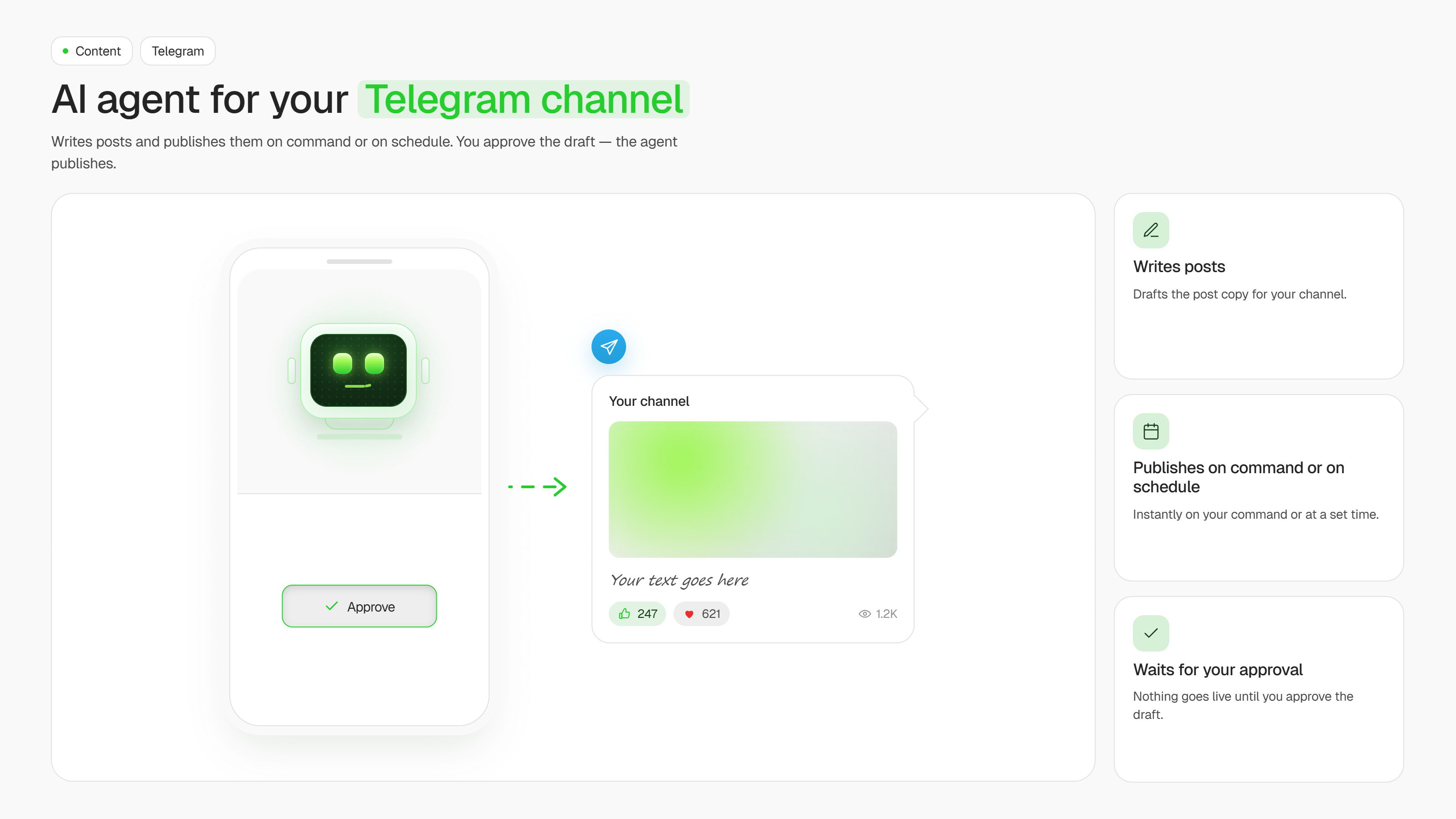
ИИ-агент для Telegram-канала: пишет посты и публикует их по команде или по расписанию. Вы утверждаете черновик, агент публикует.

SMM-агент для Telegram
Created by:
Author
ASCN Team
Last update:
4 August 2026
Categories
Content
Bonus for you
Renew your subscription now and get one of the additional bonuses

SMM-агент для Telegram — готовый ИИ-агент для платформы ASCN, который берёт канал на себя:

  • ✍️ Пишет посты в стиле вашего канала — читает прошлые публикации и держит тон, длину и привычные хэштеги
  • 🗓 Держит расписание — в назначенные дни готовит черновик сам, без напоминаний с вашей стороны
  • 📲 Публикует в канал — после вашего «ок», через бота-администратора
  • 🔎 Приносит темы — если тема не задана, ищет свежий повод в вашей нише через веб-поиск
  • 📎 Собирает пост из материала — статья, ссылка или пара тезисов превращаются в готовый текст

Управление — обычный чат в ASCN или в Telegram. Собирать сценарии вручную не нужно: агент сам подключает сервисы по вашей просьбе.

Как работает агент

Программировать не нужно. Всё, что вы делаете — отвечаете «ок» на черновик или говорите, что поправить.

  1. Установка из маркетплейса. Открываете страницу агента, нажимаете «Использовать шаблон» — агент появляется в вашем аккаунте меньше чем за 5 минут.
  2. Первый пост до всех настроек. Даёте ссылку на канал — агент читает открытые публикации, понимает тему и тон и пишет черновик. Канал закрытый? Пришлите два-три поста, которые вам нравятся.
  3. Один круг правок. Говорите «короче», «меньше эмодзи», «добавь наш хэштег» — агент правит текст и запоминает это как стиль по умолчанию в базе знаний.
  4. Подключение Telegram. Добавляете бота администратором канала — с этого момента агент публикует сам, но только после вашего подтверждения.
  5. Расписание. Агент создаёт задачу по расписанию: например, черновик к 9:00 в понедельник, среду и пятницу. Тихие часы 23:00–08:00 он соблюдает.
  6. Дальше — в одном чате. «Напиши пост про новую услугу», «перенеси на пятницу», «вот статья — сделай из неё пост». 

Какие результаты получают пользователи

По опыту внедрений агент снимает около 80% работы над постом — от поиска темы до готового текста — и высвобождает порядка 4–6 часов в неделю на канале с тремя публикациями.

Результат зависит от вашей ниши, от того, насколько подробно описан стиль канала, и от того, как быстро вы подтверждаете черновики. Исполнение агент берёт на себя, качество определяет ваша настройка.

FAQ
Still have a question
Do I need coding skills to set up this template?
No coding skills required! This template is designed for no-code users. Simply follow the step-by-step setup guide, connect your accounts, and you're ready to go.
How does this template help maintain data security?
All data is processed securely through official APIs with OAuth authentication. Your credentials are never stored in the workflow, and you maintain full control over connected accounts and permissions.
What is a module?
A module is a single building block in the workflow that performs a specific action — like sending a message, fetching data, or processing information. Modules connect together to create the complete automation.
Can I customize the template to fit my organization's specific needs?
Absolutely! You can modify triggers, add new integrations, adjust AI prompts, and customize responses to match your organization's workflow and branding requirements.
How customizable are the AI responses?
Fully customizable. You can edit the AI system prompt to change the tone, language, response format, and behavior. Add specific instructions for your use case or industry terminology.
Will this template work with my existing IT support tools?
This template integrates with popular tools like Gmail, Google Calendar, Slack, and Baserow. Additional integrations can be added using available API connectors or webhooks.
What if my FAQ knowledge base is empty?
No problem! The template includes setup instructions to help you populate your FAQ database with commonly asked questions and answers. Start small. As new questions arise, you can easily add more FAQs over time.
Is there a way to track unresolved issues that require follow-up?
Yes! You can configure the workflow to log unresolved queries to a database or spreadsheet, send notifications to your team, or create tickets in your issue tracking system for manual follow-up.
What if I want to switch from Slack to Microsoft Teams (or another chat tool)?
Simply replace the Slack module with a Microsoft Teams or other chat integration module. The core logic remains the same — just reconnect the input and output to your preferred platform.
If you have questions about the template, reach out to our support team
Ask a question
message
By continuing to use our site, you agree to the use of cookies.