



- Русский
- English
- Português
Website & Dashboard Generator
An AI agent that builds landing pages, multi-page sites, and dashboards. It starts by clarifying the type of project, the audience, where the data comes from, whether there's a mockup or brand guide, and where to deploy — then shows you the page and section structure for approval, and only writes code after that. It tests the layout at mobile widths, deploys, and hands back a live URL. It never invents data: if numbers are missing, it uses placeholders and says so plainly.
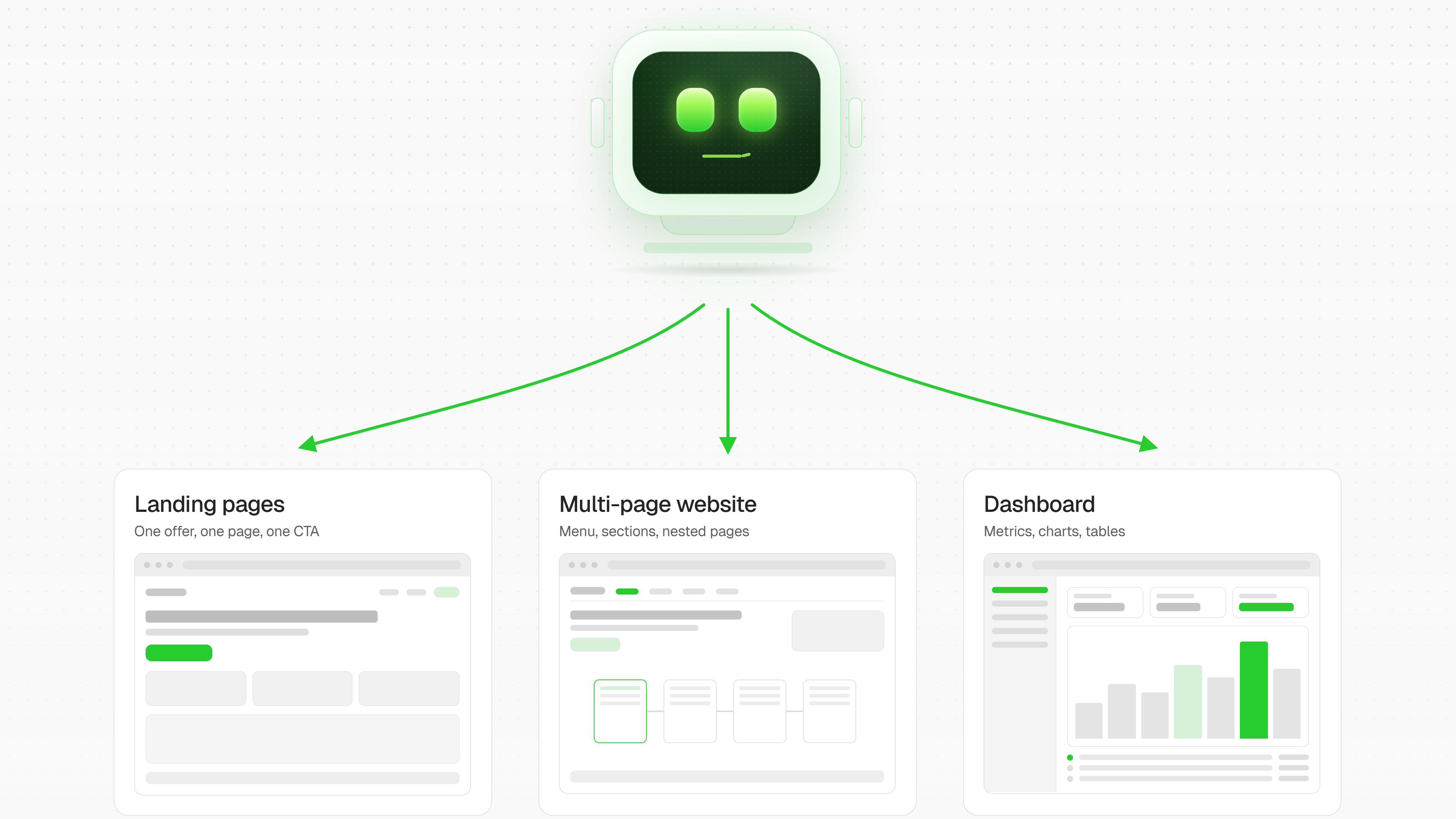

🌐 Website & Dashboard Generator From a text prompt to a working link
The agent builds landing pages, multi-page sites, and dashboards — and takes them all the way to the finish line. What you get is a live URL you can open and share, not a folder of code and not a wall of markup pasted into the chat.
🧭 How it works
1. It asks first, codes second Before building anything, the agent clarifies:
- what kind of project this is — landing page, multi-page site, or dashboard;
- who it's for: customers, investors, your team, just you;
- where the data comes from;
- whether there's a mockup, brand guide, or references;
- where to deploy it.
No code starts until that's clear — so you're not rebuilding everything after the first demo.
2. 🗂 It gets the structure approved Next comes the map of pages and sections: what follows what, what goes in each block, which metrics land on the dashboard. You make your changes at this stage, where a change costs one message instead of a full rebuild. Building only begins after your go-ahead.
3. 🛠 It builds, checks, and deploys
- layout built on internal design standards: typography, palette, light and dark themes;
- charts and metrics following a single dataviz system — readable axes, meaningful colors, clean legends;
- 📱 tested at mobile widths, not just on a wide monitor;
- 🚀 deployed, with a link as the output.
4. 🔄 Revisions are just a message "Make the palette cooler," "add a pricing section," "move conversion above the fold" — the agent applies the changes and republishes. The link stays the same.
🎯 What it's good for
| Task | What you get |
|---|---|
| Product or service landing page | A single page with the offer, sections, and a clear call to action |
| Promo page, portfolio | A clean page built around the visuals |
| Multi-page site | A connected structure with navigation |
| Internal dashboard | Metrics, charts, KPIs, filters |
| Client or exec report | One URL instead of a slide deck |
⚠️ It never invents data
This one matters. If the numbers aren't there, the agent uses placeholders and says plainly that they're placeholders — rather than filling in plausible-looking values that later end up in a report to your leadership. Real numbers show up where you provide them.
✅ What you end up with
A link. Live, working, ready to send — responsive, visually coherent, and honest about its data.
