



Start with ready-made AI agents with instructions on how to manage them on the marketplace. Browse the library
Back to templates

Pre-Meeting Preppe

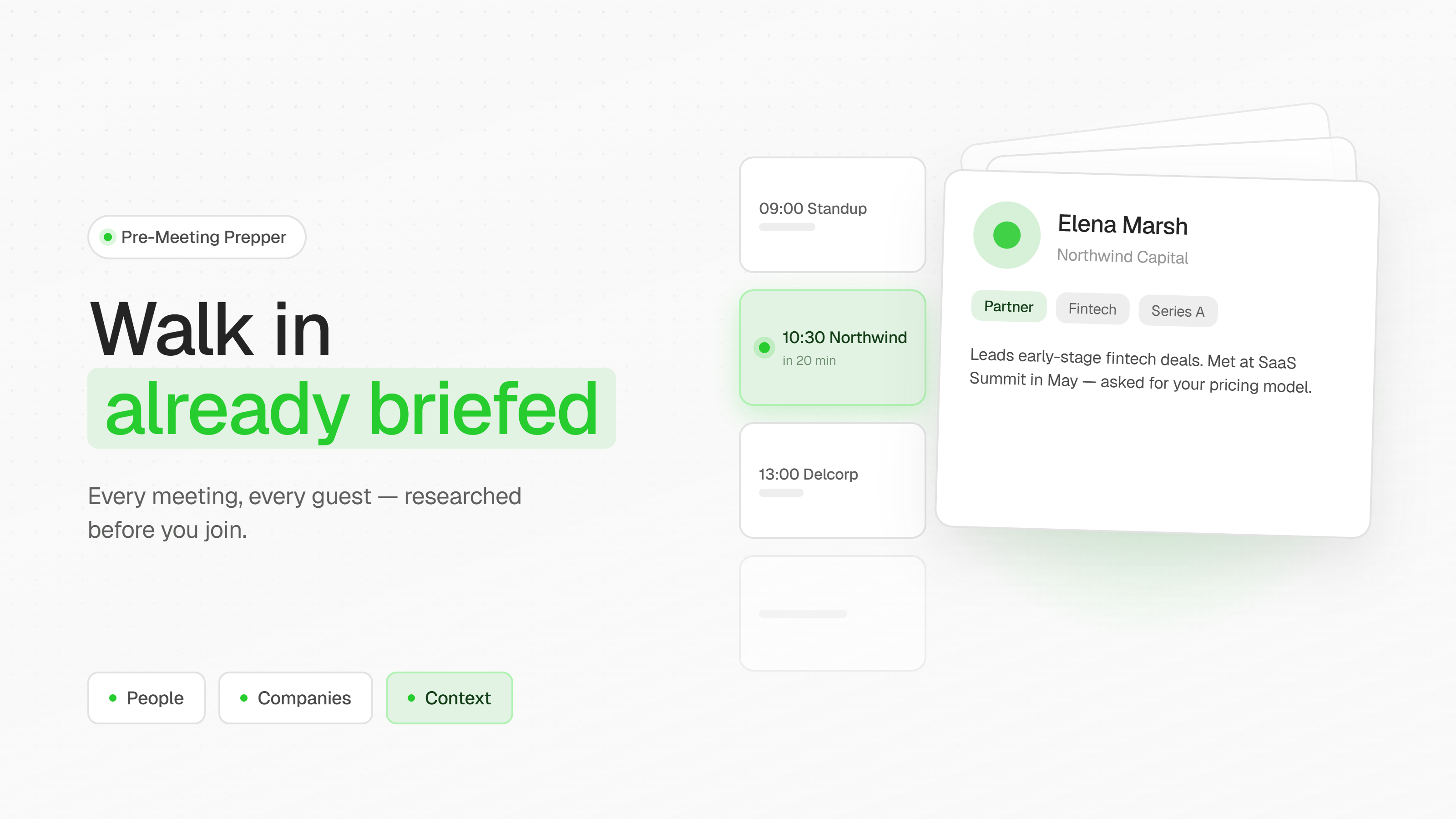
Pre-Meeting Prepper — an agent that watches your calendar and gets you ready for every meeting in advance. You tell it once how far ahead to warn you; from there it handles the rest. Before each meeting you get a reminder with a ready-made brief: who's going to be there, what their company does, what's new with it, what's worth talking about and what to ask. For internal meetings it simply pulls together the agenda and context; for meetings with clients and partners it adds research on the company and its key people. After the meeting it reminds you to write down what you agreed on and saves it alongside the brief.

Pre-Meeting Preppe
Created by:
Author
ASCN Team
Last update:
30 August 2026
Categories
Bonus for you
Renew your subscription now and get one of the additional bonuses

What it does

Pre-Meeting Prepper gets you ready for every meeting before it starts. The agent watches your Google Calendar and, a set amount of time before each event, sends a reminder along with a ready-made brief: who will be at the meeting, what their company does, what's happened there recently, what's worth talking about and what to ask. It gathers everything itself through web search — company profile, recent news, key people and their roles — and delivers the result to Telegram or email, wherever you actually look. Meetings with outside companies get the full treatment, including research on the attendees; for internal stand-ups it pulls together just the agenda and whatever was left unresolved last time. After the meeting it reminds you to write down what you agreed on and stores it next to the brief, ready to surface before your next conversation with the same people.

⚡ Why you want it

  • An hour of prep becomes two minutes of reading. Everything you'd normally google before a call — the company site, the news, the attendees' LinkedIn profiles — arrives assembled in a single message.
  • You never walk in blind. Even if the meeting was booked last night and you spotted it half an hour before it starts, the brief is already waiting.
  • The conversation stays on point. You know the company just raised a round or is hiring, so you talk about that instead of burning the first ten minutes on "so tell me what you do."
  • Nothing falls through the cracks between meetings. What you agreed on last time comes back before the next one — no digging through notes.
  • It runs without you. You don't have to remember to prepare: the agent checks the calendar itself and decides which meeting needs a full brief and which only needs an agenda.

💼 Real use cases

A sales lead with five calls a day. The calendar is packed, there are fifteen minutes between meetings, and there is physically nowhere to prepare. Half an hour before each call the agent sends a short brief to Telegram: what the client's company is up to, who's joining and in what role, what's new with them, and two or three questions worth asking. The lead joins the call with the context already in hand, instead of opening with the same questions the client has already answered for three other vendors.

A founder negotiating with investors and partners. These meetings are rare but expensive, and you can't afford to miss that the fund changed managing partners a month ago or just closed a deal in your space. The agent surfaces recent news on the firm and on the specific people in the room, and points out what to pick up on in conversation. The founder shows up with precise questions instead of generic ones.

A consultant juggling a dozen clients at once. Keeping straight what was agreed with each of them last time is impossible. After a meeting the agent asks for a two-line summary, and before the next meeting with that client it shows those notes alongside a fresh brief. The conversation picks up exactly where it left off — no "remind me where we landed."

FAQ
Still have a question
Do I need coding skills to set up this template?
No coding skills required! This template is designed for no-code users. Simply follow the step-by-step setup guide, connect your accounts, and you're ready to go.
How does this template help maintain data security?
All data is processed securely through official APIs with OAuth authentication. Your credentials are never stored in the workflow, and you maintain full control over connected accounts and permissions.
What is a module?
A module is a single building block in the workflow that performs a specific action — like sending a message, fetching data, or processing information. Modules connect together to create the complete automation.
Can I customize the template to fit my organization's specific needs?
Absolutely! You can modify triggers, add new integrations, adjust AI prompts, and customize responses to match your organization's workflow and branding requirements.
How customizable are the AI responses?
Fully customizable. You can edit the AI system prompt to change the tone, language, response format, and behavior. Add specific instructions for your use case or industry terminology.
Will this template work with my existing IT support tools?
This template integrates with popular tools like Gmail, Google Calendar, Slack, and Baserow. Additional integrations can be added using available API connectors or webhooks.
What if my FAQ knowledge base is empty?
No problem! The template includes setup instructions to help you populate your FAQ database with commonly asked questions and answers. Start small. As new questions arise, you can easily add more FAQs over time.
Is there a way to track unresolved issues that require follow-up?
Yes! You can configure the workflow to log unresolved queries to a database or spreadsheet, send notifications to your team, or create tickets in your issue tracking system for manual follow-up.
What if I want to switch from Slack to Microsoft Teams (or another chat tool)?
Simply replace the Slack module with a Microsoft Teams or other chat integration module. The core logic remains the same — just reconnect the input and output to your preferred platform.
If you have questions about the template, reach out to our support team
Ask a question
message
By continuing to use our site, you agree to the use of cookies.