



- Русский
- English
- Português
How to automate notifications about new Onfleet couriers in Slack – personal experience and a complete guide
Learn how to automate driver registration by integrating Onfleet and Slack through the ASCN.AI platform. Instant notifications and interactive chat buttons will help speed up onboarding by 5x and completely eliminate errors in application processing.

I recall a certain instance—a month ago, I was stuck at the office until midnight, manually verifying driver registrations. It seemed simple enough: open Onfleet, find new couriers, add them to the database. To put it briefly... at some point, I realized: this is no way to live! Slack should be shouting about every new application on its own! I sat down to figure it out—and here is what happened.
Onfleet and Slack — What Are They Exactly and How Do You Link Them?
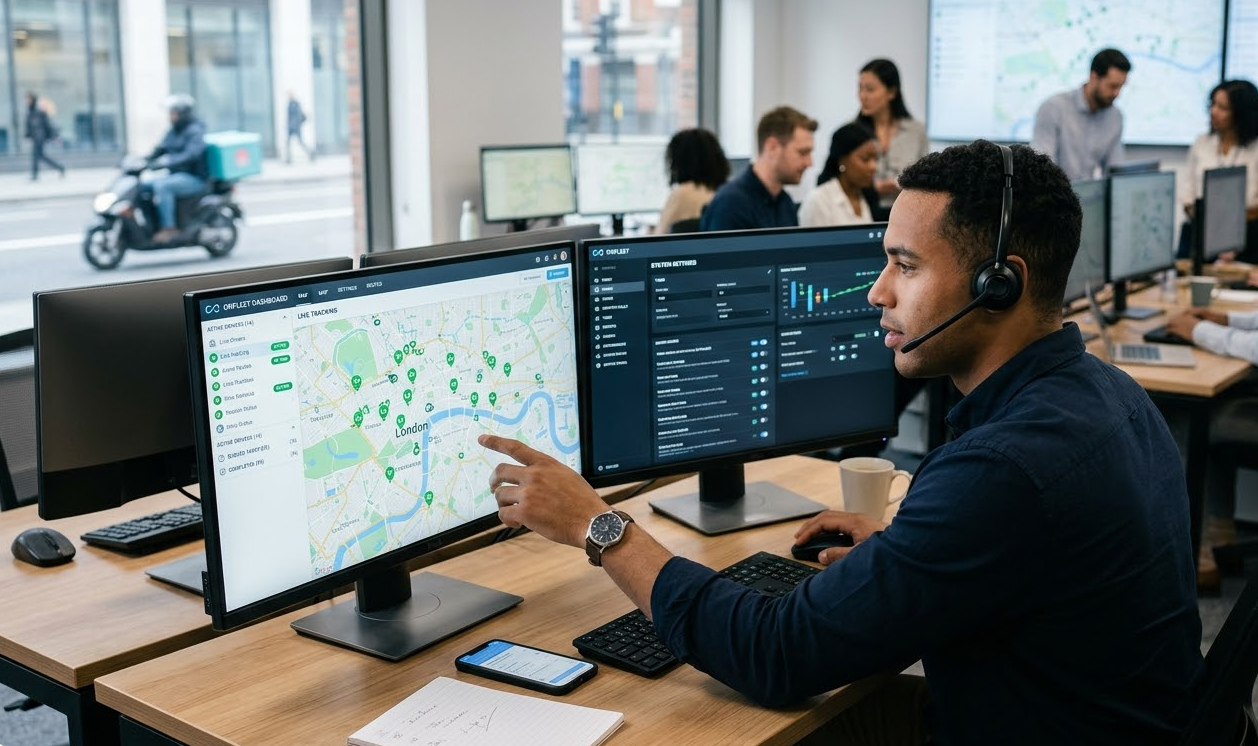
Onfleet is a delivery management platform. You delegate hourly tasks to couriers, monitor their trips, and keep customers happy with real-time order tracking. It sounds promising. However, behind the external simplicity lies a mass of settings: teams, routes, documents, etc.
Key features:
-
Browser-based and mobile dispatching;
-
API for integration with CRM and warehouses;
-
Analytics on delivery times and order volume;
-
Automatic route calculation considering traffic jams.
Companies with automated fleet management reduce downtime by 30%. And yes, arrival accuracy reaches 95%—if everything is configured correctly.
And what about Slack?
Slack is a corporate chat, only convenient. Instead of endless private messages, you create channels: by department, project, or topic. Need to discuss new couriers? There's the #onboarding channel. Want to keep an eye on analytics? Use #analytics.
Furthermore, it supports integrations with a whole host of services. You can hook up Onfleet, Google Sheets, Telegram—and now all of this revolves within a single window. On average, a typical employee spends about four hours a week switching between programs. Slack has cut these losses by roughly a third.
Why should they be linked?
Without integration, managers are forced to open the Onfleet tab manually. Alternatively, they have to get distracted by email, where notifications get lost in a stream of dozens of unnecessary messages. The result is poor: a new courier registered, and you found out two hours later—or didn't find out at all. Integrating Onfleet with Slack completely solves this task:
-
Instant notification: as soon as a driver fills out the form, a message arrives in Slack.
-
Everything at your fingertips: name, phone number, document photos, city, and more are immediately visible.
-
Reaction — buttons in the chat: "Approve", "Request Documents", "Reject".
-
Transparency — the entire approval history is saved; you can pull up any questionable moment at any time.
Teams with automated notifications make decisions 40% faster. In logistics practice, this means the ability to get a courier on a route the same day.
“Integrating Onfleet and Slack allowed our team to reduce new courier registration time fivefold and improve data quality.”
What are the benefits of automating registration in Slack?
Accelerated onboarding. Previously, manual labor took five to six hours: a manager would check email, log into Onfleet, and review documents. Now, it takes 15 minutes. A notification arrives, you click "Approve," and the courier is granted access to the app. Done.
Fewer errors. Email notifications often end up in spam. A Slack channel is a single place for all team notifications. By @mentioning the person in charge, you guarantee they see the notification.
Teamwork. If necessary, a colleague can be @mentioned directly in the discussion thread under the notification. The discussion stays within the context of the application; nothing gets lost.
Scaling. When the registration flow increases from five to fifty per day, email turns into chaos. In Slack, you create separate channels: #urgent, #standard, #repeats. Auto-filters and bots distribute applications, offloading the managers.
Analytics and auditing. The entire history is saved. Management can see how many couriers completed registration, and who made the decisions and when. Data can easily be exported to Google Sheets or BI systems.
Our internal case at ASCN.AI showed: automation reduces registration errors by 60% and speeds up processing fivefold (ASCN.AI Falcon Finance case).
Who needs driver registration notifications in Slack
-
Small and medium delivery services — the manager cannot sit in Onfleet all day; Slack becomes the primary tool.
-
Logistics startups in the growth phase: registering 10–15 couriers per week requires clear coordination between managers.
-
Fulfillment centers and darkstores: the key task is verification speed so that couriers can start working on the day of registration.
-
Regional networks — multiple teams and channels where everyone sees only their own applications. Integration allows management to track the big picture in one place.
-
B2B Media Corporations — strict access control, personal data is only visible to authorized employees.
What problems does automation solve?
-
Missed registrations — Slack notifications are always visible, unlike email.
-
Long onboarding — manual processing that took hours is replaced by 10 minutes.
-
Lack of context — all data is collected in one message with the possibility of discussion.
-
Low engagement — public channels provide the ability to distribute applications between managers in real-time.
-
Audit complexity — decision history and correspondence are stored automatically.
Typical scenarios for new driver notifications
-
Standard registration. The driver filled out the form, the Onfleet webhook triggered, and a notification with "Approve"/"Reject" buttons arrived in Slack. The manager approved, the account was activated via API, and the courier received an SMS with instructions.
-
Online registration with missing documents: the notification is marked "insufficient data," the manager asks a question via an automated Telegram or SMS broadcast, and updates are tracked by repeated webhook calls.
-
During mass registration after a promotion: all applications are collected in a single dedicated channel, managers distribute the load using @mentions, and processing happens in parallel and actively.
-
Duplicate checks are performed by querying the Onfleet API server to find drivers with the same phone numbers or emails; if matches are found, the manager receives a notification and can either merge or reject the duplicate entry.
-
Registration outside working hours: applications accumulate in Slack; in the morning, the manager reviews them in one go, processing them in a single wave, understanding which parameters allow them to be grouped into batches.
Why automate driver onboarding via Slack
Onboarding is not just about creating an account: it's document verification, training, a test order, and activation. Without automation, every step requires manual control, leading to staff turnover, errors, and delays. Automation halves the time to the first productive action and increases new employee retention by 30%.
Key steps and automation scenarios
-
Data collection at the registration stage: fill in mandatory fields, send documents to Onfleet via API.
-
The webhook linking Onfleet with Slack works as follows: when a driver is created, the ASCN.AI workflow executes a POST request that collects and formats the message for Slack.
-
Duplicate checks are performed with an API request that finds drivers with matching phones or emails. In this case, the Slack message is flagged as a "duplicate."
-
Necessary notifications with interactive buttons: Confirm (Approve), Request Documents (Request Docs), Reject (Reject).
-
As soon as the courier confirms acceptance — after confirmation, a PATCH request changes the courier's status, and a welcome SMS is sent.
-
Necessary additions to communication channels — Telegram bots add the driver to groups where instructions are provided.
-
Logging in CRM or Google Sheets — for analytics and reporting.
[Webhook Trigger] Onfleet worker.created
↓
[Check Duplicates] GET in Onfleet API
↓
[Slack Notification] message with buttons
↓
[Manager Approval]
↓
[PATCH] activate courier in Onfleet
↓
[Send SMS]
↓
[Telegram Bot Add]
↓
[Log in CRM or Sheets]
This flow works automatically and processes 95% of applications without manager intervention.
How to launch the integration between Onfleet and Slack
Method 1: Onfleet Webhooks → ASCN.AI → Slack. Setup in the Onfleet panel: select events like worker.created/worker.updated and specify the ASCN.AI workflow URL, which accepts JSON with driver data and passes it to Slack.
Method 2: Slack Incoming Webhook. As a result of creating a Slack App and activating Incoming Webhooks, a URL was generated to send simple text messages to a specified channel.
Method 3: Slack API with OAuth token. To work with interactive messages with buttons and callback processing, a Slack App with chat:write permissions and configured interactivity endpoints is required.
Method 4: No-code platforms (ASCN.AI, Zapier, n8n). Visually create a workflow from scratch: triggers, actions, Onfleet, and Slack.
Setting up notifications from Onfleet to Slack
-
Create a webhook in Onfleet with the ASCN.AI workflow URL, selecting the worker.created event.
-
In ASCN.AI, create a workflow for Slack with a Webhook trigger and HTTP Request.
-
Format the message via Slack Block Kit with buttons and formatting.
-
The webhook reacts to Slack actions (button clicks), triggering the required operations.
Example Slack message with buttons:
{"channel": "C01234567","blocks": [{"type": "header", "text": {"type": "plain_text", "text": "📋 New Courier"}},{"type": "section", "fields": [{"type": "mrkdwn", "text": "*Name:*\nIvan Ivanov"},{"type": "mrkdwn", "text": "*Phone:*\n+79991234567"}]},{"type": "actions", "elements": [{"type": "button", "text": {"type": "plain_text", "text": "✅ Approve"}, "value": "approve_12345", "action_id": "approve_driver"},{"type": "button", "text": {"type": "plain_text", "text": "📎 Request Docs"}, "value": "request_docs_12345", "action_id": "request_docs"},{"type": "button", "text": {"type": "plain_text", "text": "❌ Reject"}, "value": "reject_12345", "action_id": "reject_driver", "style": "danger"}]}]}
Step-by-step instructions for automating the driver registration process
📋 New courier registered👤 Name: {{ $json.worker.name }}📞 Phone: {{ $json.worker.phone }}✉️ Email: {{ $json.worker.email }}🚴 Vehicle: {{ $json.worker.vehicle.type }}🏙 City: {{ $json.worker.teams[0].name }}🔗 Profile: https://onfleet.com/drivers/{{ $json.worker.id }}[✅ Approve] [📎 Request Docs] [❌ Reject]
Templates are easily supplemented with additional information from the API, providing warnings about duplicates and missing documents.
Driver interaction scenarios with notifications
-
Fully automatic onboarding: if all data is in order — activate, without manager involvement.
-
Semi-automatic onboarding: the manager confirms the applications in Slack one by one.
-
Document request — automatic sending of reminders to the courier about missing items.
-
Rejection with an explanation of the reason and notification to the courier.
-
Escalation of unprocessed applications to higher management with timers to control response times.
Fine-tuning the automation
-
Filters by vehicle type: bicycle couriers are processed faster, while car drivers require additional insurance verification.
-
Filters by city — notifications are sent to the corresponding regional channels.
-
Time filters — orders received at night are postponed until morning.
-
Priorities for recommended couriers with bonuses.
-
Volume control — for high volumes, aggregated notifications are sent.
Automation of subsequent actions depending on registration status
-
Automatic delivery of training materials after activation.
-
Reminders about the test order after 48 hours if no activity is observed yet.
-
Automated decisions on extending or completing the probation period.
-
Payment of rewards based on the fulfillment of key performance indicators.
Implementing bots or artificial intelligence in communication
-
AI analyzes forms and evaluates the motivation and qualifications of applicants.
-
Telegram chatbots for similar questions and support.
-
Classification of rejections by machine intelligence for analytics.
-
Creation of individual welcome messages instead of standard ones.
Managing multiple teams and Slack channels
Organization of channels by region, status, and priority of applications. Correct access settings and automatic routing of applications between managers, with thread support for convenient communication.
Solving typical problems
-
Webhook does not trigger — check the URL, workflow status, and SSL certificates.
-
Slack does not receive messages — check the URL, permissions, and channel settings.
-
Messages are transmitted incorrectly — check the mapping and JSON structure.
-
Buttons in Slack are not clickable — set up the Interactivity endpoint and return a 200 status.
-
Delays and duplicate messages — use grouping and event uniqueness.
It is advisable to log steps in Google Sheets for monitoring and quick error searches.
How to fix a message delivery failure
Ensure you have checked the application permissions in Slack, that the webhook URLs are correct, and that JSON messages do not contain errors. Often, the problem can be solved by simply restarting the workflow and checking the functionality of the correct variables.
Debugging triggers and actions in the workflow
For debugging, it is necessary to use the logging tools in ASCN.AI, analyze API call logs, monitor server responses, and check the correctness of trigger conditions.
Frequently Asked Questions (FAQ)
Can I customize the message format in Slack?
Yes, using Slack Block Kit, you can create complex, interactive, and responsive messages with buttons, images, and variables.
What if a driver registers twice?
The workflow checks for duplicates by phone and email, flagging suspicious cases that can be merged or rejected, thereby reducing errors and fraud.
How do I integrate all other tools? Particularly with Slack and Onfleet?
Through ASCN.AI, you can connect platforms and integrations such as Google Sheets, CRM systems, Twilio (SMS), Telegram Bot, Email services, BI systems, and payment gateways, forming a single automation ecosystem.
