



- Русский
- English
- Português
How ASCN.AI Enhances Your Crypto Trading and Analysis
No-code automation streamlines complex tasks like crypto analytics by enabling users to build intelligent workflows without programming skills. ASCN.AI provides a platform where visual builders connect triggers, logic, and AI agents to process blockchain data, monitor market trends, and generate insights. This approach cuts setup time from days to minutes, so traders can focus on decisions rather than code.


No-code automation streamlines complex tasks like crypto analytics by enabling users to build intelligent workflows without programming skills. ASCN.AI provides a platform where visual builders connect triggers, logic, and AI agents to process blockchain data, monitor market trends, and generate insights. This approach cuts setup time from days to minutes, so traders can focus on decisions rather than code.
Understanding ASCN.AI’s Unique Capabilities
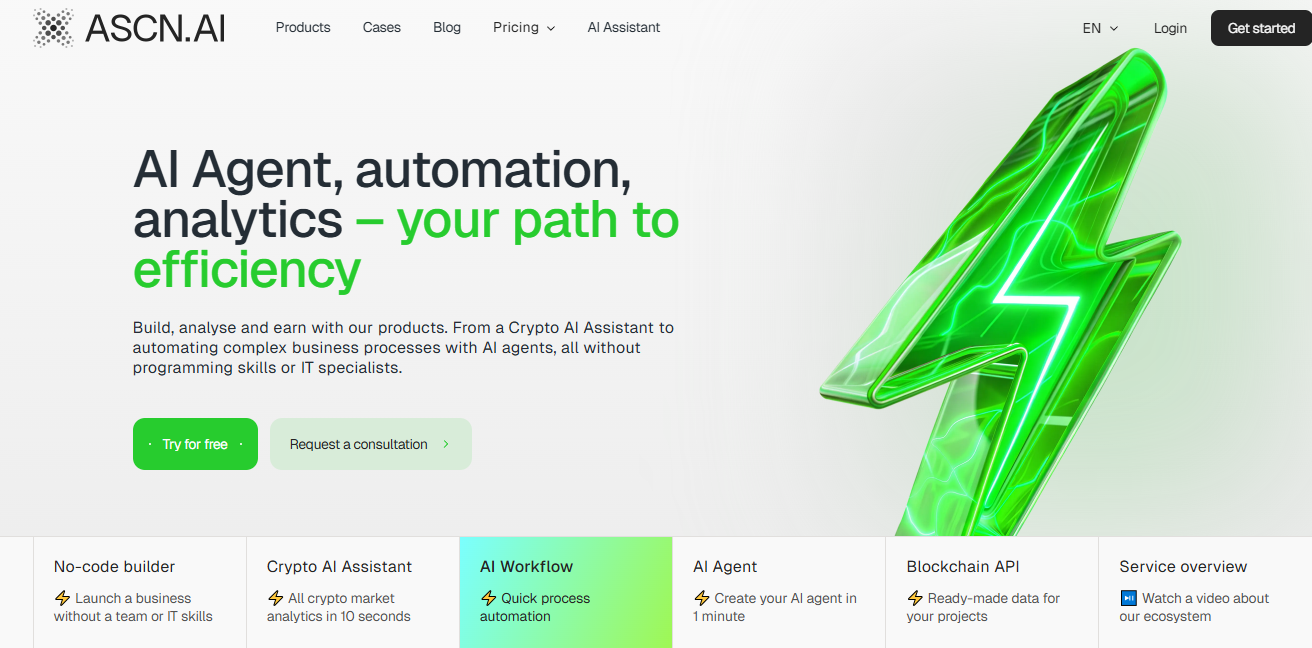
ASCN.AI combines no-code tools with AI to automate crypto analytics, creating workflows that handle data from exchanges, on-chain metrics, and news sources. Users drag and drop nodes to form processes that analyze token performance or detect arbitrage opportunities.
Real-Time Data Integration
Real-time data integration pulls live crypto feeds into workflows without custom scripts. A trigger node monitors API endpoints from Binance or CoinGecko, while tool nodes fetch transaction volumes or price changes. For instance, a workflow activates on price alerts, processes data through an AI agent for sentiment analysis, and outputs reports to Telegram. This setup delivers updates in seconds, enabling quick responses to volatility in assets like Bitcoin or Ethereum. ASCN.AI supports HTTP requests to any blockchain API, ensuring seamless connections to sources like Etherscan for on-chain activity.
Web3-Specific Training
Web3-specific training equips AI agents in ASCN.AI to interpret crypto nuances, such as tokenomics or DeFi yields, through no-code configuration. Users define system prompts in agent nodes to have them act as crypto analysts, drawing from pre-trained models fine-tuned on blockchain datasets. This training covers relationships between entities like smart contracts and liquidity pools, providing accurate forecasts. ASCN.AI's ontology links Web3 nodes—entities like wallets to attributes like transaction fees—for deeper insights into projects such as Solana ecosystems.
Practical Applications of ASCN.AI
ASCN.AI applies no-code automation to crypto analytics by building reusable templates that track market signals or automate portfolio reviews. These workflows integrate multiple data streams, reducing manual effort and errors in trading strategies.
For Traders and Investors
Traders use ASCN.AI to automate analytics for spotting opportunities, such as inflow tracking on CEX exchanges. A workflow starts with a scheduled trigger every hour, pulls data via API tools, and employs an AI agent to analyze trends in tokens like LINK or XRP. The agent processes variables like volume spikes and outputs buy/sell signals. Investors benefit from templates that summarize VC investments or unlock schedules, linking to fund actions in SUI or outflows from CEX. One template, "DataInsight AI," scans Google Sheets for portfolio data, forecasts returns, and alerts on risks like rug pulls. Results show traders capturing 5-10% arbitrage gaps between spot and futures markets.
For Crypto Beginners
Beginners start with simple no-code workflows to learn crypto analytics. A basic setup uses a Telegram trigger for queries like "Analyze BTC trends," routing to an AI agent that explains on-chain metrics in plain terms. Nodes handle secrets for API keys securely, while logic branches simplify responses—for example, if volatility exceeds 5%, flag it as high risk. Templates like "SMM Helper" generate keyword lists for researching altcoins, or "Lead Sorter" qualifies project news from emails. Workflows monitoring Cardano basics or Solana in 2025 help turn novices into informed holders.
How Does ASCN.AI Compare to General AI Tools Like ChatGPT?
ASCN.AI outperforms general tools in crypto analytics by embedding no-code automation directly into specialized workflows, avoiding the limitations of prompt-only interactions. ChatGPT handles basic queries but lacks native integration for real-time blockchain data and often relies on outdated web info.
Specifics of Data Handling and Processing
Data handling in ASCN.AI uses visual nodes to structure inputs like JSON from crypto APIs, processing them through secure variables and secrets. General tools like ChatGPT parse text prompts without workflow persistence, leading to inconsistent results for ongoing analytics. ASCN.AI exports automations as JSON templates for reuse across teams and supports JavaScript nodes for custom logic if needed. This approach handles large datasets—for example, 24-hour transaction logs—more reliably than ad-hoc chats, reducing errors in metrics like holder distribution for tokens in Hedera or Ethereum.
Efficiency in Delivering Crypto Specific Insights
ASCN.AI's Web3-focused agents deliver tailored insights faster than general AIs. A no-code workflow processes a query on memecoin trades in under 10 seconds, combining on-chain data with sentiment from Telegram. ChatGPT might summarize news but misses proprietary signals like smart money flows. ASCN.AI's templates, such as email summarizers for market reports, provide structured outputs like trend forecasts and excel in accuracy for DeFi analysis. Users report 80% time savings on tasks like memecoin trading, where general tools struggle with volatility specifics.
Try this prompt on ASCN's platform: Build a workflow to 'Monitor daily inflows for top altcoins and alert on spikes greater than 20%.' ASCN.AI generates the nodes automatically, integrating crypto APIs for instant setup. Subscriptions start at $29/month, unlocking unlimited automations for precise analytics.
