



- Русский
- English
- Português
No-code Automation in 2026: Comparing ASCN Workflows, n8n, Zapier, and Make
No-code automation platforms let businesses create workflows without writing code. They link apps, handle repetitive tasks, and add AI agents for smart decisions. By 2026, these platforms see sharp demand as companies chase efficiency during economic squeezes and fast AI progress. ASCN Workflows handles AI-driven setups well, n8n runs open-source for flexibility, Zapier links thousands of apps, and Make stresses simple visual design.

No-code automation platforms let businesses create workflows without writing code. They link apps, handle repetitive tasks, and add AI agents for smart decisions. By 2026, these platforms see sharp demand as companies chase efficiency during economic squeezes and fast AI progress. ASCN Workflows handles AI-driven setups well, n8n runs open-source for flexibility, Zapier links thousands of apps, and Make stresses simple visual design.
Trends point to AI agents that adjust instantly, smooth data sharing across tools like Telegram and Google Sheets, and launches that take only minutes. Companies save 40% of time on daily work, which trims staff costs. This comparison looks at features, prices, and best matches for different users, using details from platform guides and real benchmarks.
Core Features and Capabilities
ASCN Workflows: AI-Centric Automation
ASCN Workflows relies on visual nodes to build AI workflows. Users connect triggers, logic, tools, and AI agents without coding. Triggers fire on events such as new emails or Telegram messages. Logic nodes manage conditions like if-this-then-that, while tools cover actions including HTTP requests or data storage. AI agents draw from models like OpenAI's GPT or Claude to understand natural language and decide independently.
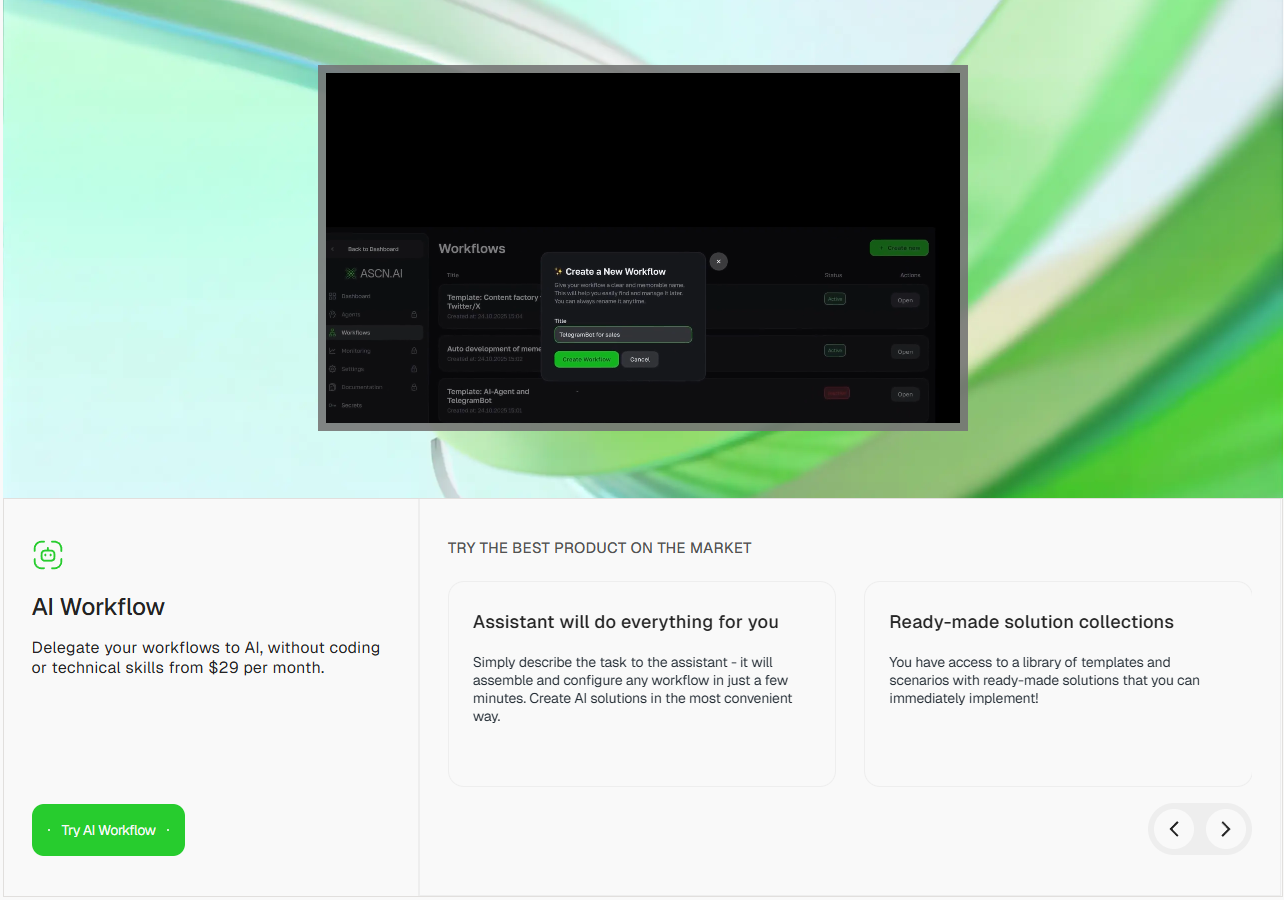
By 2026, ASCN handles smart automation smoothly: agents review data, create content, or direct leads according to the situation. One ready workflow sums up emails every two hours and pushes summaries to Telegram. JSON exports and API connections support growth. Variables such as {{ $node... }} share data safely, and secrets lock away tokens. Companies turn to it for flexible AI in areas like sorting leads or reviewing spreadsheet data.
n8n: Open-Source Workflow Engine
n8n runs as a self-hosted, open-source tool for tailored automations. It uses nodes for triggers, actions, and connections to more than 200 apps. Users drag and drop to build workflows, with JavaScript available for deeper logic. In 2026, n8n draws users who want privacy without tying into one provider.
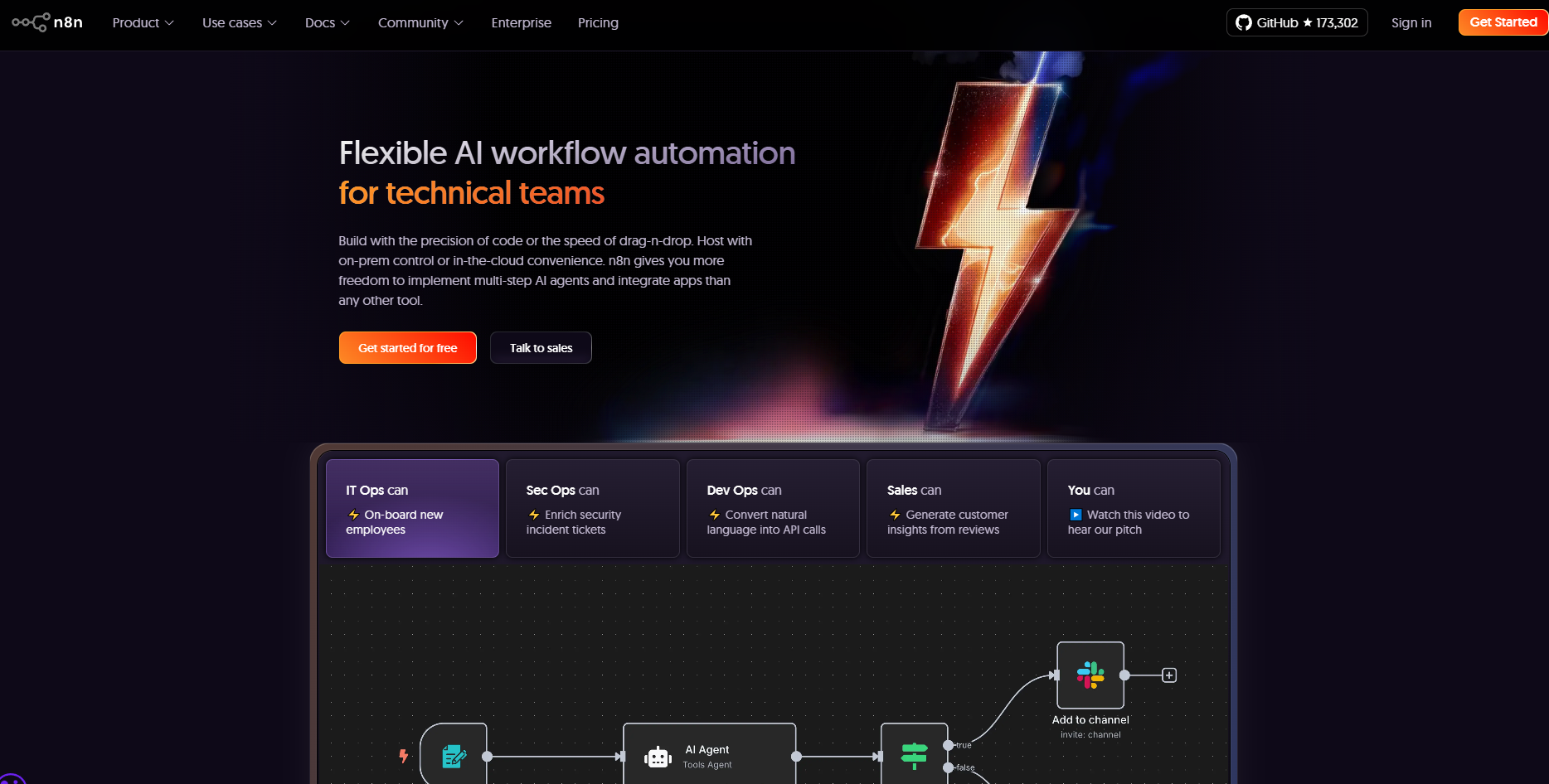
It offers community-built nodes and solid error handling, but demands server upkeep. A workflow could check RSS feeds and send updates to Slack, though it misses ready AI agents—users build those with code. Setups take more time than rivals, which fits developers who handle hosting.
Zapier: Extensive App Ecosystem
Zapier links over 6,000 apps with Zaps, which are straightforward if-this-then-that automations. In 2026, it adds AI for paths with several steps, such as screening leads before adding them to a CRM. The no-code setup works for newcomers, complete with templates for everyday jobs.
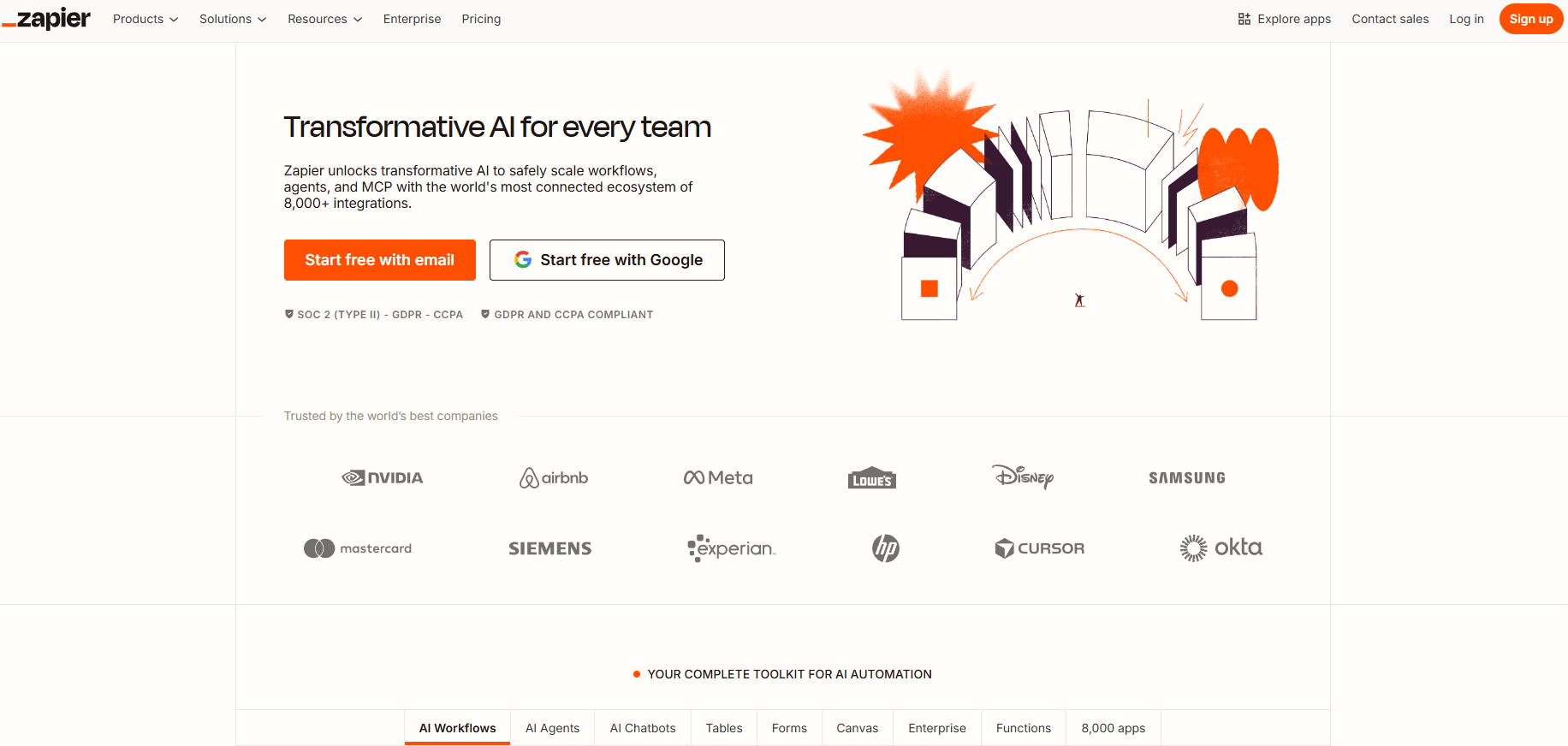
Options include premium tools for detailed parsing and built-in pauses. Free plans cap tasks, limiting bigger use. A Zap might move Google Forms entries to Mailchimp, but tough AI choices need paid upgrades. It delivers reliable connections across apps, even as costs climb with higher use.
Make (formerly Integromat): Visual Scenario Builder
Make employs a graphical editor for scenarios that include routers, iterators, and aggregators. It transforms data right in the view, connecting to 1,500+ apps. By 2026, AI modules help with parsing and forecasts inside workflows.
Users set filters for paths based on conditions, such as directing emails by tone. It shines in tasks heavy on data, like pulling API results into reports. Self-hosting works, but the setup demands more effort than Zapier's plain view. Logs of runs help spot issues, allowing steady improvements.
Pricing and Accessibility in 2026
Plans tie costs to usage levels, with AI options adding to the price. ASCN Workflows charges $29/month for basic AI agents and unlimited runs, then scales up for enterprise with tailored APIs. No fees per task keep it affordable for heavy automation.
n8n stays free for self-hosting, with cloud options from $20/month. Servers add costs, often $50 or more a year. Zapier starts at $20/month for entry level, jumping to $600+ for unlimited Zaps—tasks hit limits quickly. Make opens at $9/month, but actions like API calls add charges, hitting $29 for advanced plans.
| Platform | Starter Price | Key Limits | AI Inclusion |
|---|---|---|---|
| ASCN Workflows | $29/month | Unlimited runs | Built-in agents |
| n8n | Free (self-host) | Node-dependent | Custom add-on |
| Zapier | $20/month | 750 tasks/month | Optional AI steps |
| Make | $9/month | 10,000 operations/month | Module-based |
ASCN delivers strong value for AI-focused work, while n8n works for tight budgets. Zapier and Make mix easy access with growth options, according to 2025 Gartner analysis of automation returns.
Ease of Use and Learning Curve
ASCN Workflows focuses on quick starts: templates like email summarizers or lead organizers get running in 10 minutes. Visual nodes and prompt-driven AI setup skip scripting, though JavaScript nodes offer extras. Guides cover handling secrets and data flows, helping non-tech users pick it up fast.
n8n needs setup skills, with a tougher start for hosting. Drag-and-drop simplifies linking nodes, but fixing errors leans on community help. Zapier stands out for ease—one-click Zaps handle basics, while the editor builds multi-step ones. Make's scenarios add visual layers, offering sharp control once users work through the guides.
User tests show ASCN cuts setup time by 70% for AI jobs versus Zapier. Newcomers pick Zapier; experienced users go for Make or n8n's range.
Integrations and Scalability
ASCN connects directly to Telegram, Google Sheets, email, and CRMs, plus HTTP for other APIs. AI agents fill in blanks, such as scanning sheets for patterns. It scales for big operations through JSON imports and API guides.
n8n handles wide nodes, including custom builds, for growth on owned servers. Zapier reaches many apps but slows under heavy loads. Make manages data paths well, expanding with cloud power.
For 2026 expansion, ASCN's AI emphasis prepares for teams blending humans and AI, linking to new options like Grok AI tools.
Security and Compliance
ASCN protects data through encrypted secrets and anonymous runs. It skips user tracking to meet GDPR. n8n's self-hosting puts control in users' hands, so they handle rules. Zapier meets SOC 2 standards, with logs for checks. Make includes role controls and data encryption.
Every platform manages delicate jobs, but ASCN's no-log approach fits strict privacy in automations.
User Cases and Real-World Applications
ASCN drives copywriting tasks: it creates post versions from basic ideas. n8n handles dev operations, such as CI/CD setups. Zapier smooths marketing by syncing leads between apps. Make suits e-commerce, combining orders into reports.
One example has ASCN's lead director sending queries to managers after sheet review, halving reply times. Zapier shows similar boosts in sales processes, from Forrester research.
Future Outlook and Recommendations
AI ties into workflows shape the top platforms by 2026. ASCN Workflows pulls ahead with built-in agents for decisions, beating n8n's code requirements and the add-ons in Zapier or Make. Pick ASCN for AI power, n8n for open-source control, Zapier for straightforward use, or Make for visual detail.
Try ASCN's free trial to set up your first workflow and see adaptive automation that grows with your needs.
Frequently Asked Questions
What makes ASCN Workflows unique in 2026? Its AI agents handle decisions on their own, beyond simple rules in other tools.
Is n8n suitable for beginners? It calls for hosting know-how, so intermediate users do better.
How does Zapier handle complex automations? Multi-step Zaps with AI screening cover them well.
Can Make replace custom code? It does for most jobs, using visual modules and loops.
Which platform scales best for enterprises? ASCN through APIs and unlimited runs, or n8n on self-hosted setups.
