



- Русский
- English
- Português
Linkedin agent
Finds who to write to, why now is the moment, and writes the message. Sends it with your approval. How it works: you provide a profile link — the agent checks whether this is actually your client, looks for a specific hook (a funding round, a new hire, a launch, a post of theirs) with a date and a link, and prepares a message tailored to that person.
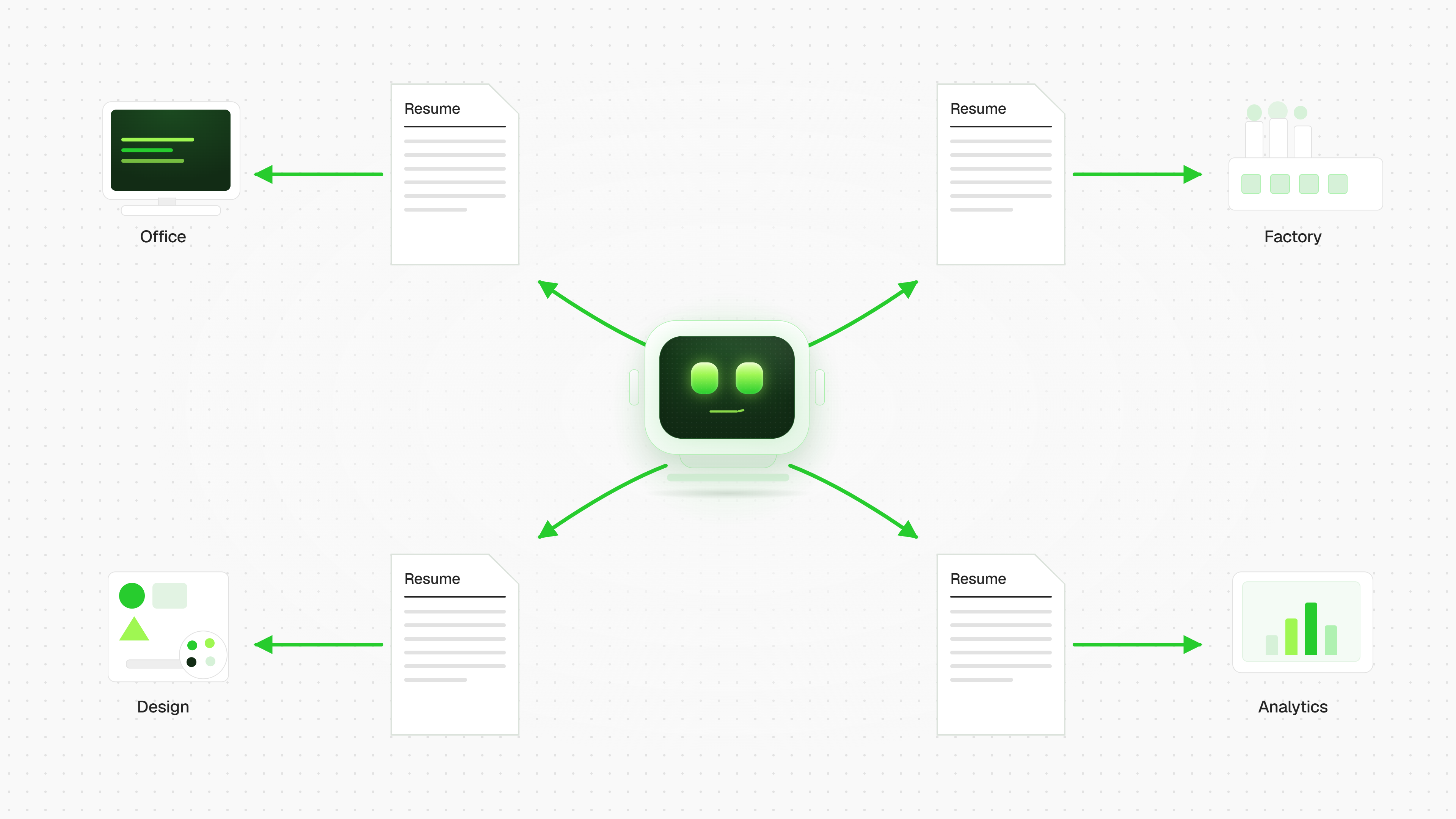

🎯 Personal Outreach Agent
Finds who to write to, why now is the right moment, and writes the message. Sends only with your approval.
What it does
Replaces the manual grind of hunting for reasons to reach out and writing messages from scratch. You give it a profile link — you get a ready message you'd be comfortable putting your name on. Or an honest "there's no reason to write."
⚙️ How it works
- You provide a profile link. One, or a whole list.
- The agent checks the fit. Is this actually your client — by role, company, segment, stage? If not, it filters them out right away, without burning your daily limit.
- It finds a specific hook. A funding round, a new hire, a product launch, a post they wrote. Every hook comes with a date and a source link, so you can verify it in five seconds.
- It writes a message for this particular person. Not a template with a name plugged in, but text that only makes sense addressed to them.
- It shows it to you. You say "yes" — it sends. You say "redo it" — it rewrites.
✍️ Why people reply to these messages
Because it's obvious a human actually looked. The hook is real, recent, and verifiable — not "came across your profile, impressed by your experience."
And most importantly: if there's no hook, the agent says so. It won't manufacture a stretched compliment or pretend it read an article. An empty lead stays empty, and your reputation stays intact. That's exactly why its messages get read to the end.
🔒 Your account stays safe
- 15 invitations per day — deliberately below the thresholds where platforms start restricting accounts.
- Every message is shown before sending. Nothing goes out behind your back: not the first touch, not the follow-up.
- No mass blasting "just in case" — the pace stays steady and human.
💬 It carries the conversation forward
Outreach doesn't end with the first message:
- A reply comes in — the agent drafts the next one, taking into account what the person actually wrote.
- They decline — it stops writing. Not now, and not "one more try in a month."
- The thread stays coherent: the agent remembers the full conversation, not just the last line.
🧠 It won't let you slip up
- Remembers who you've already written to — no accidental second "nice to meet you" to the same person.
- Won't send the same hook to two people at the same company — otherwise colleagues compare messages and the whole personalization falls apart.
- Watches that hooks don't go stale: two-month-old news isn't news anymore.
What you get
Instead of hours of research and writing — a queue of ready messages with verifiable hooks, each one approved by you with a single word. The speed of a tool, the tone of a real person, and full control over everything that goes out under your name.
