



- Русский
- English
- Português
Google Maps Lead Hunter: AI Agent for Google Maps Lead Generation
The agent searches Google Maps by niche, city, and rating, collects phones and websites, removes duplicates, and drops a ready list into Google Sheets or Notion. You run it from chat.
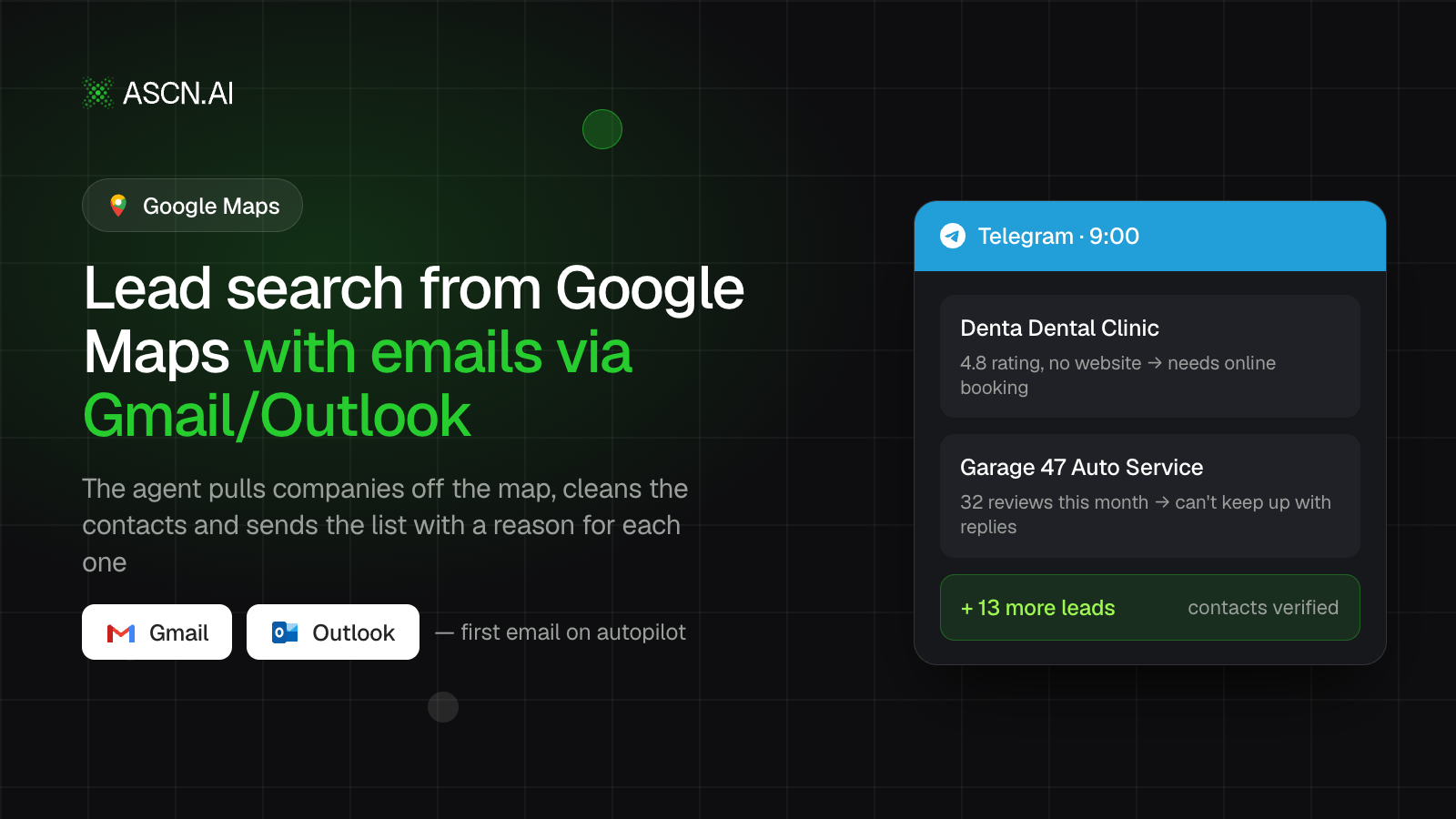

An AI agent for Google Maps lead generation that finds businesses by your criteria and hands you a ready contact list in minutes. Install it from the ASCN marketplace in under 5 minutes and run it from chat.
Overview
Collecting leads from Google Maps by hand burns hours. Each business takes 2-3 minutes: open the card, copy the phone, the website, the rating, paste it into a sheet. A hundred businesses means 3-5 hours of clicking. A VA or a lead-gen agency charges $200-500 per batch and makes you wait days.
Google Maps Lead Hunter is a ready-made AI agent for the ASCN platform that builds that list for you:
- 🗺️ Searches Google Maps by niche, city, rating, and the exact count you need — up to 500 per query.
- 📋 Collects contacts: name, category, address, city, phone, website, map link, rating, and review count.
- 🧹 Filters and cleans: cuts by rating, keeps only listings with a phone or website, removes duplicates from past searches.
- 📊 Saves the result to Google Sheets or Notion — the "Google Maps Leads" table is ready to work.
- 🔍 Reads reviews on request: finds recurring customer complaints and suggests the angle to open a sale.
Nothing to build by hand. You type a request in ASCN chat or Telegram, and the agent finds the businesses and sends a link to the table.
How the agent works
No coding needed. Everything runs through chat.
- Install from the marketplace. Open the agent page, click "Use template" — it lands in your account in under 5 minutes.
- Connect services from chat. Tell it where to store leads — Google Sheets or Notion, one-click sign-in. The agent also walks you through connecting Outscraper, the Google Maps data source.
- Tune it to your niche. Say what you sell, which cities and which rating you want. The agent saves it in its knowledge base.
- First search. The agent runs a free test on 10 real businesses so you can check the format and adjust filters.
- Run tasks. Say "Find 100 …" and the agent builds the list; on request it sets a weekly Monday scan for new listings.
- Manage from one chat. Change niche, city, filters, or ask for review analysis right in ASCN chat or Telegram.
Why it beats a VA or an agency
- 100 leads in 5 minutes, not 5 hours. The agent collects and structures the data while you sell instead of copying phone numbers.
- One subscription instead of per-batch fees. An agency charges $200-500 per list. The agent runs on $29/mo (Start plan as of 06/12/2026) plus $5-15/mo for Outscraper data at typical volume.
- Zero invented contacts. If a phone isn't on the Google Maps card, the field stays empty. The agent never fills gaps from shady sources.
- Sales openers that land. Review analysis shows what a company's customers complain about and gives you the first line for an email or call.
- Country-wide search. The agent splits the query by city and reports progress instead of stalling halfway.
What users get
Across deployments, one batch of 100 businesses takes the agent under 5 minutes versus 3-5 hours by hand, and review analysis produces a concrete reason to reach out for 20-40% of the leads in a list.
Results depend on your niche, how dense the market is in the chosen cities, and how well your offer is described in the knowledge base. The agent handles collection and structure; conversion comes from your setup and how you work the list.
Deployment statistics
Reputation management agency — B2B services for local businesses
- Connected: Outscraper and Google Sheets, review analysis on
- Result: lists of salons and clinics rated under 4 stars, each with a review-based reason to reach out
- Saved: around 10 hours a week on manual search and qualification
B2B SaaS for the service industry — booking software
- Connected: Outscraper and Notion, Telegram channel
- Result: a weekly Monday scan for new businesses, a fresh base ready for the sales team
- Saved: roughly $300-400 a month versus buying lists from a contractor
Case figures are illustrative — expected effect, not verified results from named clients. Your outcome depends on niche and setup.
What's included
- A ready, configured agent: role, search rules, and two skills — lead search and review analysis — already written; installs in under 5 minutes.
- A management guide: how to connect a table and the data source, set criteria, and run searches from chat.
- Skills and a knowledge base: search-criteria and offer templates the agent remembers and applies to every request.
- A personal manager: helps tailor the agent to your niche (on the Personal plan and up).
- A private community: answers from other users and fast support.
While competitors pay an agency for contact lists, hand lead collection to an agent that delivers 100 businesses in 5 minutes. 🔥🔥🔥
Set it up once, and a fresh base with phones, websites, and sales openers waits in your table on the first command.
