



- Русский
- English
- Português
Google Ads - Agency Skills (Audit + PPC)
Automating Google Ads processes through ASCN.AI simplifies the management of advertising campaigns for marketers and entrepreneurs. This solution minimizes routine operations, enabling users to concentrate on strategic growth while significantly increasing overall advertising effectiveness.


Automating Google Ads processes through ASCN.AI. Making the work easier for marketers and business creators.
General Description
The template for automating Google Ads is aimed at marketers and entrepreneurs. This template simplifies the management of advertising campaigns and enables one to concentrate on strategic issues. The degree of implementation complexity of this solution is medium, which means that it can be used by many people without any special technical knowledge.
The use of the given template allows one to minimize the amount of time which is spent on different routine operations, and as a result, it leads to higher effectiveness of advertisements. Currently, this is very important for companies who aim at their growth and development in the market. For example, a lot of users mention in their comments that automation helps them respond to changes in the operating environment more effectively.
With the assistance of this service, it is possible not only to automate Google Ads processes but also to improve the quality of decision making due to the usage of data-based decision-making model. Thus, it becomes possible to get better results after advertising and to increase ROI.
How the Automation Works
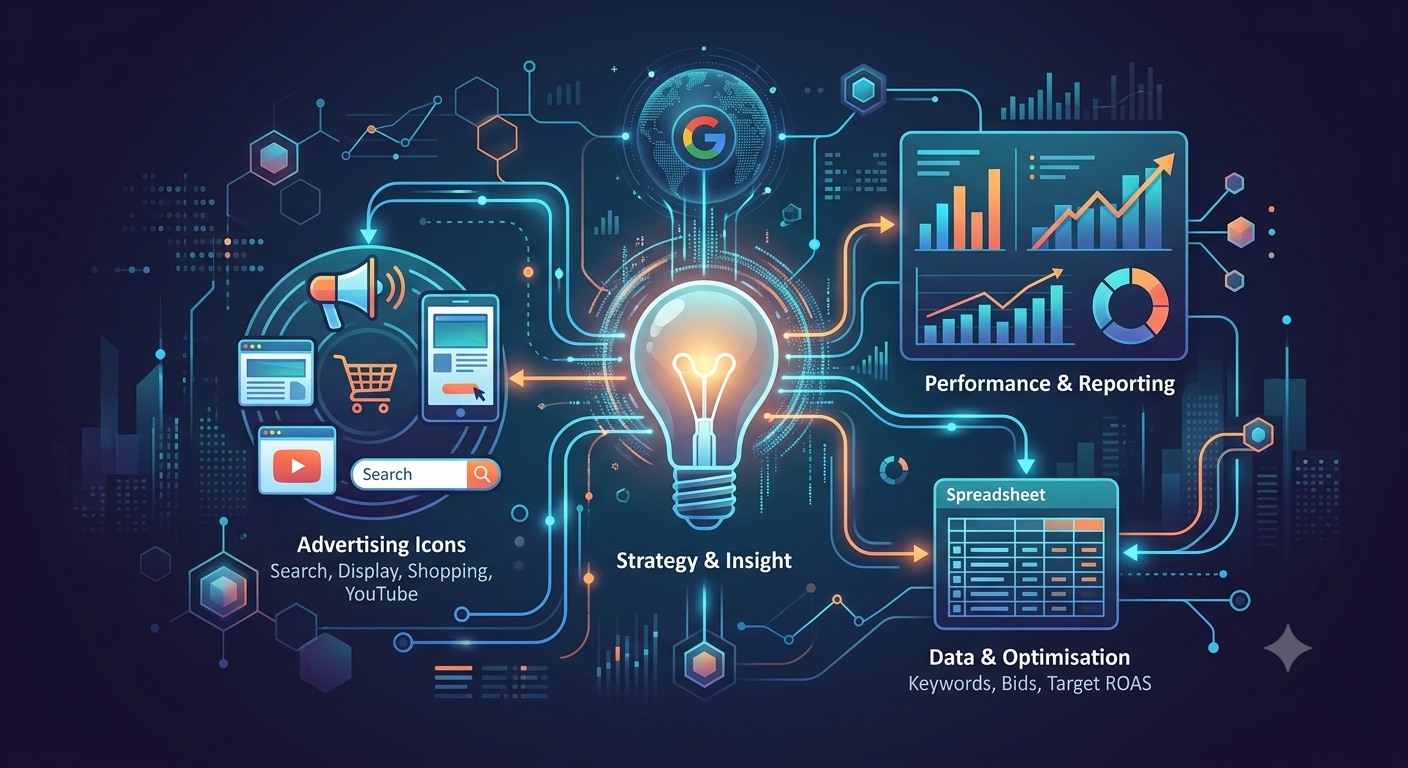
Moreover, integrating with services such as Google Sheets and Google Drive makes it easy to work with data. This way, the data from advertising campaigns can be uploaded and processed right away, thus reducing the time spent on analysis and preventing mistakes related to manual data input too. Thus, it can be said that not only the time is saved, but the accuracy increases as well.
Why It Is More Efficient Than Manual Work
When using automation for Google Ads system, the benefits of the new software become obvious. Automation makes the process of working with advertisement much more efficient, as it eliminates the human factor and thus, minimizes errors in the data processing. It is especially important for big advertising campaigns, where even the smallest mistakes lead to serious financial losses.
Also, with the help of Google Ads automation, users can save their time. By scheduling campaign control, users have less time devoted to such routine tasks as conducting campaign checks or bids management. Thus, according to the statistics this means that one can save up to 40-60 minutes a day, which gives more than 15 hours per month. This will allow for strategic planning and creative activity.
In addition, monitoring and optimization of advertising activity on a regular basis helps to maximize return on investment. The users of the agent can get fast response to the market changes by means of adaptation of their advertising campaign.
Results Users Achieve
As a result of automation, the companies can have:
- Increased return on investment in their advertising;
- Less time spent on routine activities;
- Better quality of decision-making.
After the implementation of the automated solution, the number of generated leads has increased dramatically.
Implementation Examples
Google Ads process automation has been already successfully implemented in various companies. Based on the implementation cases the users note that with the help of the process automation, the quality of the advertising campaign has increased and less time has been required to perform regular tasks.
Automation of process has significantly shortened the time needed for campaign audits and identification of errors.
It should be noted that many companies are also using the automation process for advertising activity monitoring, which helps them to adapt strategies quickly to latest market changes. Automation in Google Ads provides an easy way for advertisers to carry out their tasks and significantly increase performance of their advertising campaigns.
What You Get
The first major advantage of using automation in Google Ads is that it allows users to save a considerable amount of time in their daily routine activities. Users can save more than 15 hours per month simply because automation makes it possible to perform everyday tasks such as campaign auditing and bid management in just 40-60 minutes per day.
In addition, this system provides users with the opportunity to monitor their advertising efforts on a regular basis. Therefore, advertisers are able to react very quickly to changes in the market situation. Moreover, with the help of automation, users will always have access to the information about the outcome of advertising activities, which allows them to make better decisions.
The implementation of automation provides the following advantages for users:
- Getting more return on investment in advertising;
- Reducing time spent on routine work;
- Having precise data with fewer mistakes;
- Receiving timely reports via Telegram.
Automation in Google Ads helps to improve the performance of advertising campaigns significantly, allowing users to concentrate on more important parts of their business activities.
Setup Instructions
To start using Google Ads automation properly, it is necessary to go through several steps. The first thing that needs to be done is to clone the repository with the already configured workflows that contain everything needed to start working with automation in Google Ads. The command for cloning this repository is the following:
git clone https://github.com/itallstartedwithaidea/agent-skills.gitAfter cloning the repository, users will need to review the available templates and modify them according to their wishes. Following instructions from the provided documentation will help in successful implementation of automation in advertising campaigns.
The implemented automated process will need to be integrated with other services such as Google Sheets and Google Drive.
