



- Русский
- English
- Português
Google Ads Analyst
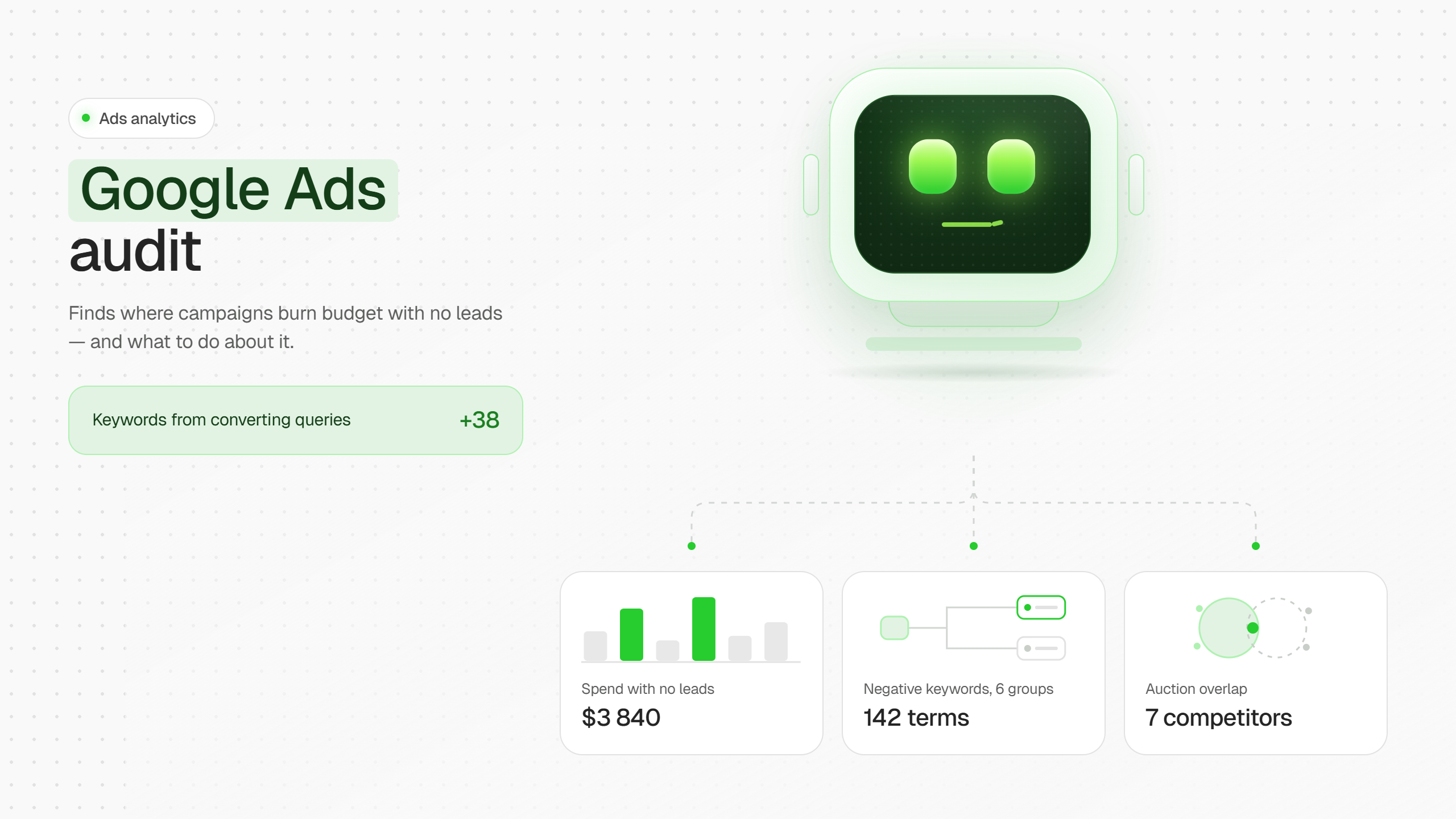
The agent audits your Google Ads account: it finds campaigns spending without leads, keywords with low Quality Score, and search terms burning budget for nothing. It collects negative keywords in groups, with the wasted spend for each. It shows who you're overlapping with in auctions, what ads they're running right now, and what their landing pages promise. It suggests new keywords from the search terms that are already generating leads.

Agent: Google Ads Analyst 📊
What it is. An analyst agent for your Google Ads account. It connects directly to the account via API, goes through it end to end, and shows you where money is leaking without return — no manual digging through reports. Core principle: the agent sees and advises, but never changes anything in the account without the user's explicit confirmation, and it never touches budgets or bids, under any circumstances.
What the agent finds and shows 🔎
- Campaigns spending budget without leads — spend is happening, conversions aren't.
- Keywords with low Quality Score — the ones driving CPC up and dragging down auction efficiency.
- Search terms burning budget for nothing — real user queries that triggered ads but delivered no results.
- Negative keywords — collected not as a blind list but in groups, with the wasted spend shown for each group. This makes it immediately clear which group offers the biggest savings.
- Auction overlaps — who the account is competing with for the same impressions.
- Competitor ads — what ad copy they're running right now.
- Competitor landing pages — what they promise on their pages.
- New keywords from queries already converting — the agent looks through search terms for ones already generating leads but not yet added as keywords, and suggests adding them explicitly.
Safety principles and boundaries 🛡️
- The agent can add keywords and negative keywords itself, but only after the user's explicit confirmation (one change at a time, or in a batch if the user approves applying everything at once).
- The agent never changes budgets or bids — it only points out what to fix and why; the decision and the action stay with the user.
- The agent doesn't pause campaigns — it says which one and why it should be paused, but the user does the pausing.
- If asked to roll back changes, the agent first shows the exact list of what will revert, then rolls it back.
- The agent is upfront about what it can't know: competitors' budgets, bids, and historical positions aren't visible through open auction reports.
🎯 What you end up with
The agent doesn't just find the problem — it groups negative keywords with the savings for each group, shows who you're overlapping with in auctions and what competitors promise on their landing pages, and suggests which keywords to add, pulling them from search terms that are already generating leads but aren't set up as keywords yet.
