



Start with ready-made AI agents with instructions on how to manage them on the marketplace. Browse the library
Back to templates

Gmail Assistant

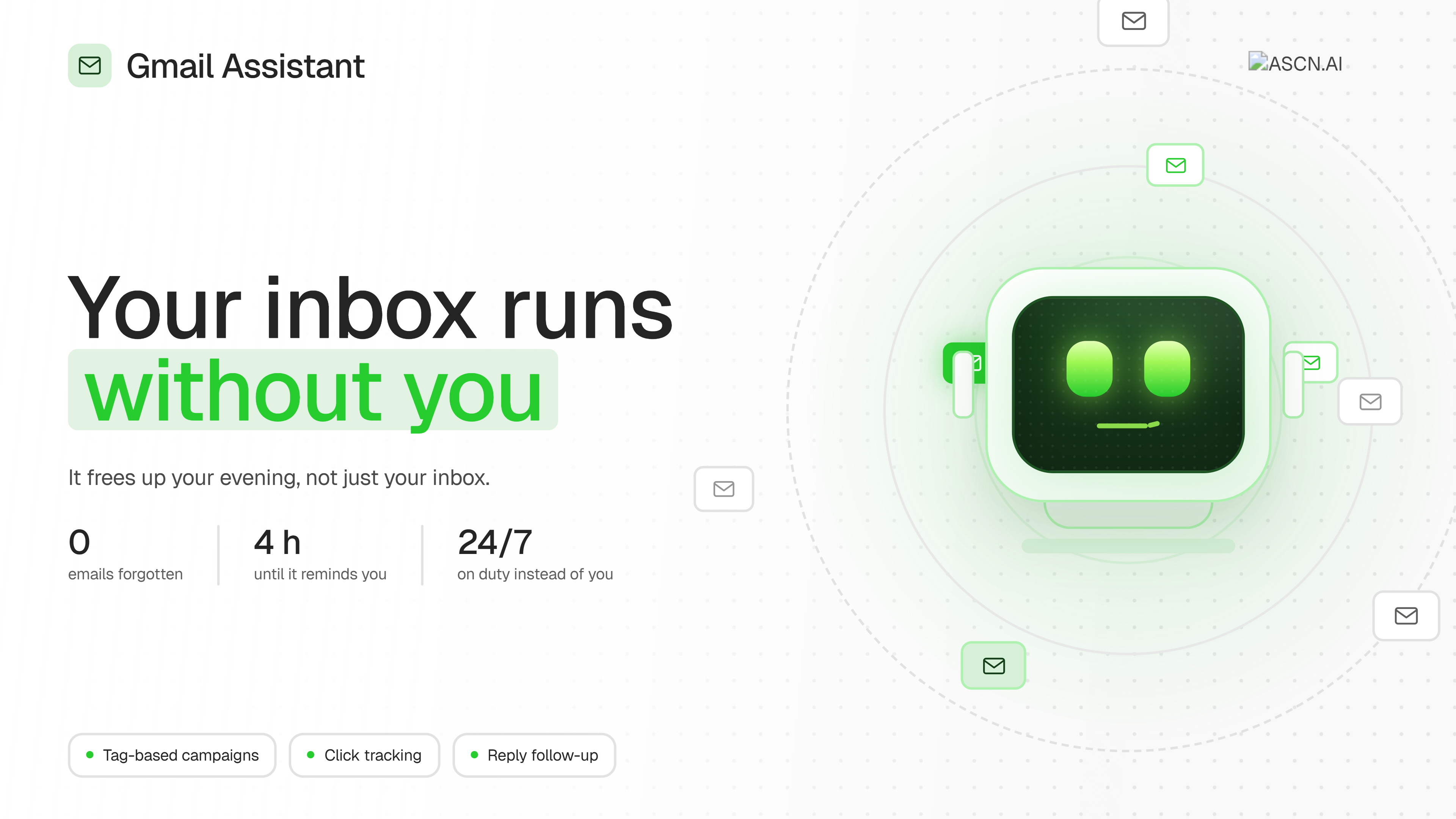
Gmail Assistant handles email outreach and contact management, working directly through Gmail. It maintains a database of recipients tagged as "Employee," "Client," and "Partner," and sends both personal text emails and HTML mailings with a button to a chosen tag.
Gmail Assistant
Created by:
Author
ASCN Team
Last update:
30 August 2026
Categories
Operations
Bonus for you
Renew your subscription now and get one of the additional bonuses

What it does

Gmail Assistant handles email outreach and contact management, working directly through Gmail. It maintains a database of recipients tagged as "Employee," "Client," and "Partner," and sends both personal text emails and HTML mailings with a button to a chosen tag. For mailings, the agent spins up its own tracking server that records button clicks — and counts each click as a reply to the email. After sending, it keeps track of every email's fate on its own and reminds you if no reply has shown up after 4 hours.

Why you need it

  • No need to remember who you wrote to. The tagged contact database lives inside the agent itself — no separate spreadsheet to maintain.
  • One mailing instead of a hundred identical emails. A single command sends an HTML email with a button to every contact under the chosen tag.
  • See who responded, even without a word back. A button click counts as a reply — no need to guess whether the message landed.
  • Nothing slips through the cracks. The agent counts the hours since sending and reminds you about emails with no reaction — you don't have to keep track of it yourself.
  • Faster than hiring an assistant for mailings. Setup takes minutes, not an interview and training.

Real-world cases

A small studio owner sends a webinar invitation to all clients. Instead of manually copying the email to addresses from a spreadsheet, they ask the agent to send an HTML email with a "Sign up" button to every contact tagged "Client." The agent sends the emails itself and provides a list of who has already clicked the button.

HR needs to remind employees to fill out a form. The agent sends an email with a button linking to the form to everyone tagged "Employee," and after 4 hours reports who hasn't opened or clicked it — no need to manually check who responded and who didn't.

A sales manager is negotiating with a partner and worries the email will get lost in the back-and-forth. They ask the agent to write to a specific partner by name from the database. The agent finds the email in the contacts, sends the message, and tracks the reply itself, reminding them if the partner stays silent for more than 4 hours.

FAQ
Still have a question
Do I need coding skills to set up this template?
No coding skills required! This template is designed for no-code users. Simply follow the step-by-step setup guide, connect your accounts, and you're ready to go.
How does this template help maintain data security?
All data is processed securely through official APIs with OAuth authentication. Your credentials are never stored in the workflow, and you maintain full control over connected accounts and permissions.
What is a module?
A module is a single building block in the workflow that performs a specific action — like sending a message, fetching data, or processing information. Modules connect together to create the complete automation.
Can I customize the template to fit my organization's specific needs?
Absolutely! You can modify triggers, add new integrations, adjust AI prompts, and customize responses to match your organization's workflow and branding requirements.
How customizable are the AI responses?
Fully customizable. You can edit the AI system prompt to change the tone, language, response format, and behavior. Add specific instructions for your use case or industry terminology.
Will this template work with my existing IT support tools?
This template integrates with popular tools like Gmail, Google Calendar, Slack, and Baserow. Additional integrations can be added using available API connectors or webhooks.
What if my FAQ knowledge base is empty?
No problem! The template includes setup instructions to help you populate your FAQ database with commonly asked questions and answers. Start small. As new questions arise, you can easily add more FAQs over time.
Is there a way to track unresolved issues that require follow-up?
Yes! You can configure the workflow to log unresolved queries to a database or spreadsheet, send notifications to your team, or create tickets in your issue tracking system for manual follow-up.
What if I want to switch from Slack to Microsoft Teams (or another chat tool)?
Simply replace the Slack module with a Microsoft Teams or other chat integration module. The core logic remains the same — just reconnect the input and output to your preferred platform.
If you have questions about the template, reach out to our support team
Ask a question
message
By continuing to use our site, you agree to the use of cookies.