



- Русский
- English
- Português
Create task from Gmail
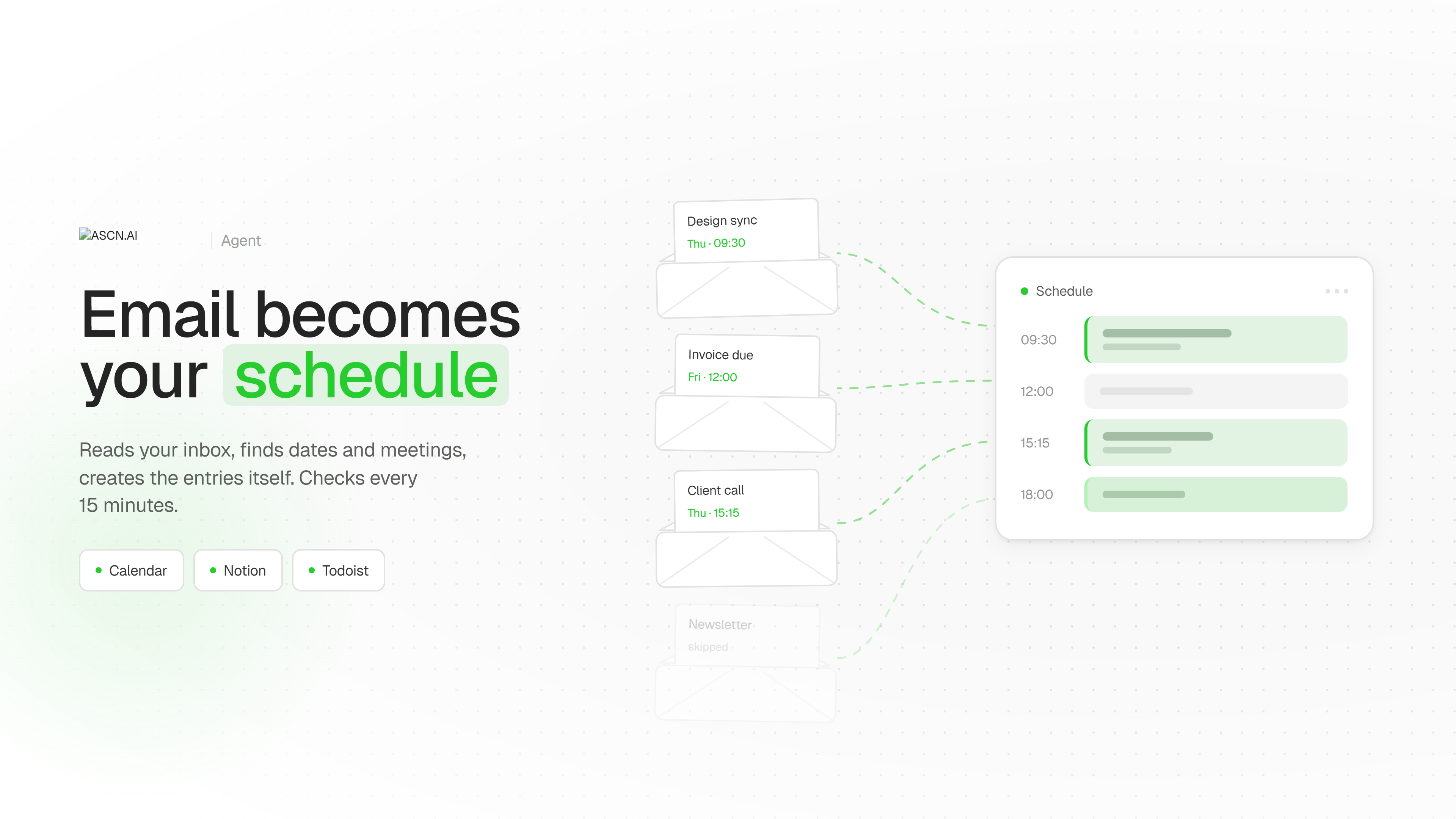
The agent goes through your inbox on its own and turns your email into a ready-made schedule. You tell it once where to keep things — Google Calendar, Notion, or Todoist — and which emails matter to you: work, personal, money-related, or service notifications. From there it reads your incoming mail, spots dates, meetings, and tasks in it, and creates the entries itself, complete with the time, the event, and who the email came from. On the first run it goes through the past week's email, and after that it checks for new messages every 15 minutes. The upshot: you never move things from your inbox into your calendar by hand — they show up there on their own.

What it does
The "Tasks from Email" agent turns your correspondence into a ready-made schedule. It reads your Gmail inbox, separates emails that contain actual commitments from newsletters and system notifications, pulls the date, the substance of the event, and the sender out of the text — and creates the entry itself in Google Calendar, Notion, or Todoist. On the first run, the agent goes through the past seven days of email so you can see right away what had slipped through. After that it checks for new mail every 15 minutes and adds items as they arrive. You decide which categories make it into your schedule: work, personal, financial, service notifications — or only some of them.
⚡ Why you want it
- Nothing gets lost. An invoice to pay, a rescheduled call, a filing deadline — all of it arrives by email and sits there until you happen to remember. The agent lifts it into your calendar the day it lands.
- Zero manual transfer. Read the email, open the calendar, create the event, fill in the time and the attendees — that five-step chain disappears entirely.
- Your inbox stops being a to-do list. You no longer have to keep messages unread as a reminder: the item is already on the schedule, so the email can be closed.
- It runs without you. The 15-minute check keeps going overnight, on weekends, and while you're away. When you come back, you open a finished list instead of your inbox.
- Setup by conversation. You don't assemble rules or spell out conditions — the agent shows you the emails it parsed, you say what to drop, and it remembers.
💼 Real-world cases
A project lead drowning in the inbox. Several hundred emails come in over a week, a dozen of which actually matter: a meeting moved, a contract deadline, a client asking for revisions. The agent goes through all the mail, picks out the messages with commitments in them, and creates Google Calendar events with the time and the person the task came from. Instead of sorting email every morning, the lead opens a calendar with the week already laid out.
A small business owner missing payments. Invoices, domain and hosting renewals, and bank reminders arrive mixed in with advertising and get buried. The agent picks out financial emails only, creates Todoist tasks dated from the invoice, and notes who issued it. Fewer payments go past due — and fewer late fees with them — because the deadline is visible in advance rather than on the day of the charge.
A freelancer juggling several clients. Tasks arrive by email from different people, some with no clear deadline. The agent collects them in a Notion database — time, task, client — and flags separately the emails where no date was given, so you can fill it in yourself. In the evening you can see what's on for tomorrow and who it's for, without rereading the thread.
