



- Русский
- English
- Português
Automating personalized email outreach
Automated solutions can significantly enhance your cold email effectiveness by streamlining your outreach process. This approach enables you to communicate with potential customers more conveniently and fruitfully, helping you increase lead generation and overall revenue.

Automated solutions can significantly enhance your cold email effectiveness. This option enables communicating with your potential customers more conveniently, excitingly, and fruitfully.
What is Automated Cold Emailing?
Automated cold emailing allows the users to save their time when dealing with prospective clients. This means they can easily set their message-sending schedule and complete their tasks much quicker. Automation means rushing through the most time-consuming tasks such as sending and writing emails, which is crucial for sole entrepreneurs and start-ups that suffer from lack of time. Proper cold emailing will allow the owner to increase their lead generation and influence the overall revenue.
The agent is integrated with both Gmail and Telegram which makes the work for the user much easier. The user can modify it according to his/her requirements so that it is a flexible tool. Many users stress the fact that Telegram allows them to receive notifications about task completion and track campaign performance.
How Does Automation Work?
Automated responses are customized messages created by user and sent out by agents according to the schedule set. The platform allows the user to make email templates in advance and define the way they will be sent which makes it easy to deal with prospects. Users (solopreneurs or founders) don’t need to know programming to implement automation. They can set up a variety of interaction scenarios and use automation effectively.
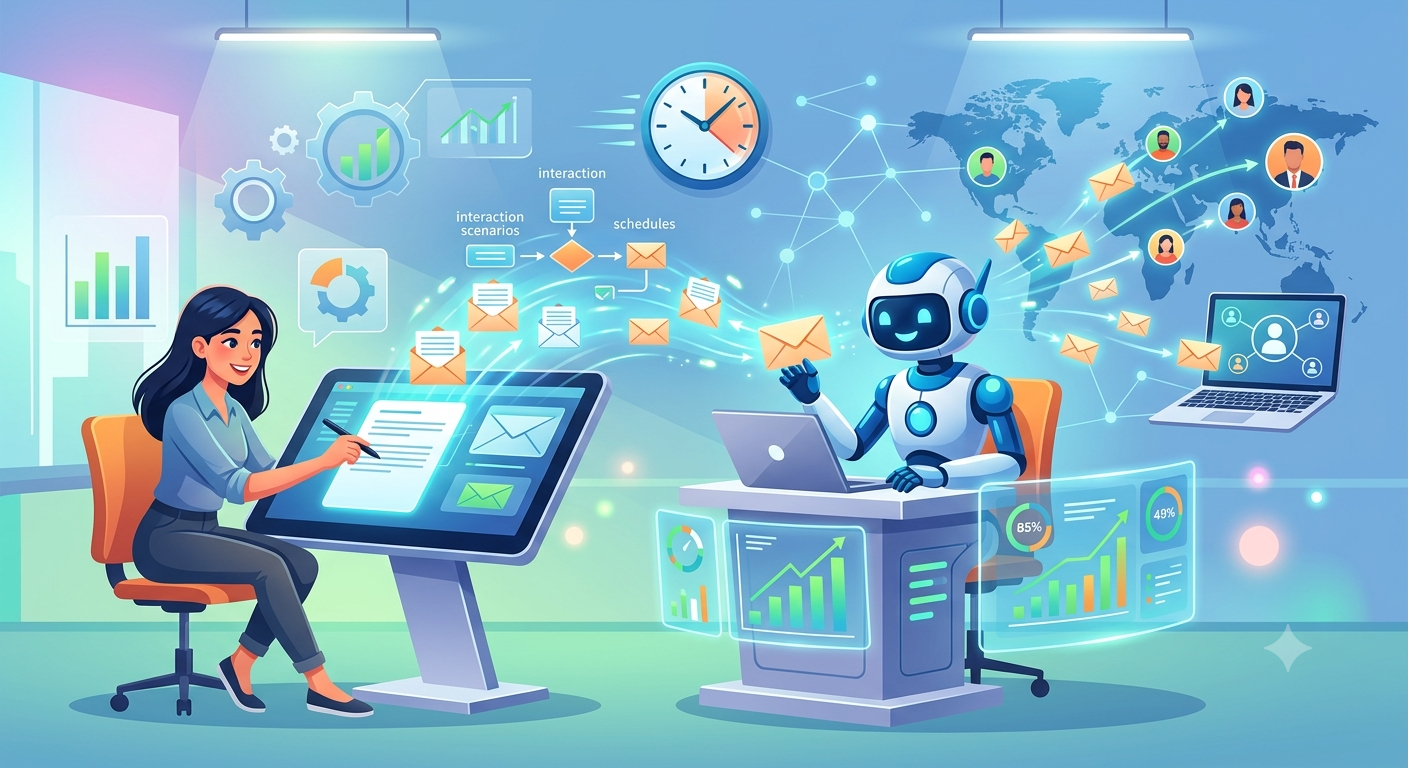
The effectiveness of automation as compared with manual processes
Automated personalized email outreach is much more efficient than doing everything manually. Firstly, it saves you around 40-60 minutes of your daily routine. The software provides a chance to save around 15 hours per month by cutting down on the time needed for drafting and sending emails.
Additionally, the users are able to measure the effectiveness of their emails. The software obtains data on the emails that bring the highest response rate thus enabling the users to adjust. For example, users express that they have the opportunity to measure campaign success so that it makes content optimization easy and boosts engagement.
Useful features
Whenever a man or a woman runs automation for personalized email marketing, he or she gets many useful features. First, there is an opportunity to save great amounts of time as there is no need to do monotonous work of writing and sending emails. In this case, a businessperson could spare 15 hours a month and devote them to the planning.
Moreover, the system helps to communicate with potential clients more effectively. Users notice a rise in the number of responses equal to 30-50 percent that improves the efficiency of reaching out to potential clients and helps earn more. Additionally, users can rely on analytic data that enables them to measure the success of the campaign.
How to launch the process?
To launch personalized email marketing, it is necessary to do a few simple actions. First, one should register on the ASCN.AI site. In case he or she does not have an account, he or she should sign up on the site.
Then, one should connect the services that will be used to send emails like Gmail or Telegram. Second, one should create the email templates that will be used in the process. It is also paramount to personalize the message and develop the right schedule for the email agent. It is important to test the system before putting it into operation.
