



- Русский
- English
- Português
Harness the Power of ASCN.AI: Your Dedicated Crypto Trading Assistant
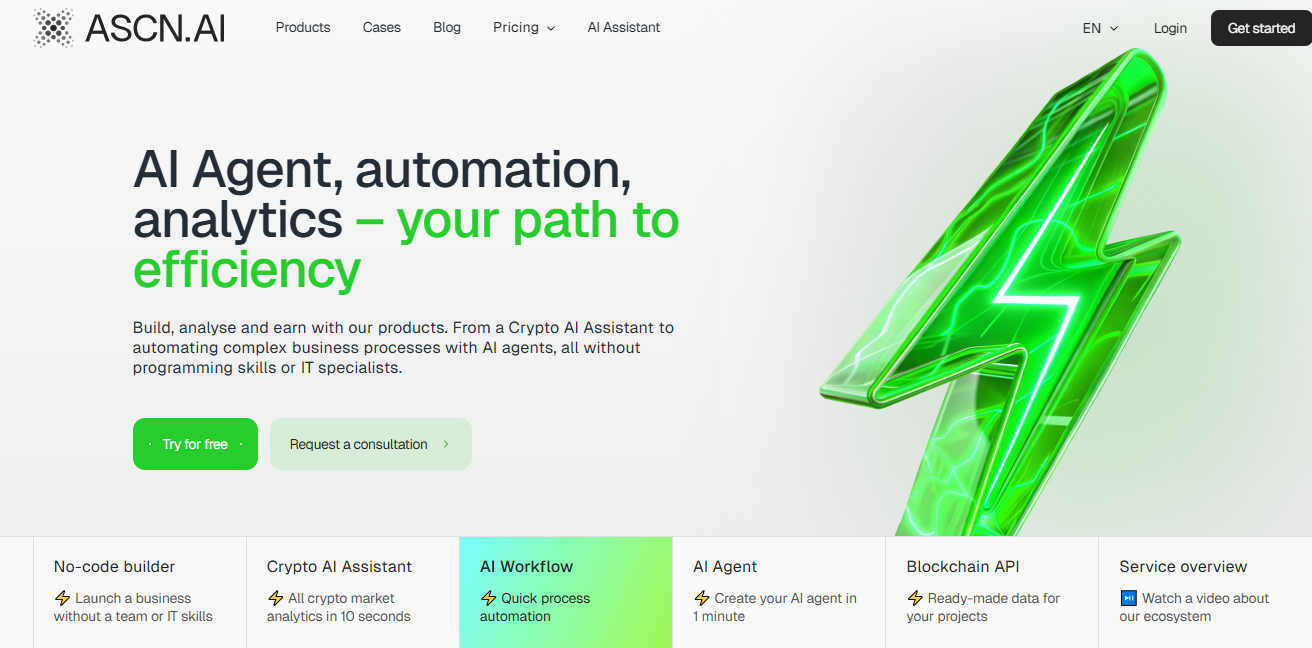
ASCN.AI provides AI tools tailored for cryptocurrency trading. Traders create automated strategies using visual no-code interfaces. The platform pulls in real-time Web3 data and uses AI agents to make and execute decisions, all without writing code. You can pull on-chain metrics and market signals straight into your workflows.


ASCN.AI provides AI tools tailored for cryptocurrency trading. Traders create automated strategies using visual no-code interfaces. The platform pulls in real-time Web3 data and uses AI agents to make and execute decisions, all without writing code. You can pull on-chain metrics and market signals straight into your workflows.
What Makes ASCN.AI Unique?
ASCN.AI trains on Web3 data sources alone. That approach delivers insights specific to crypto that general models can't match. With no-code builders, you drag and drop nodes to set up trading automations. Triggers spot price shifts, logic checks conditions, and AI agents handle signals to send alerts or adjust portfolios. API nodes connect directly to exchanges for smooth strategy rollout. You can get automations running in minutes, covering everything from sentiment analysis to risk checks.
Volatility in 2026 calls for quick action. ASCN.AI pulls together blockchain data, news, and social sentiment to build practical workflows. For example, set up a node to track whale activity on Ethereum and trigger buys when it crosses a threshold.
ASCN.AI vs. General AI Tools
Tools like ChatGPT handle wide-ranging questions but fall short on Web3 details. They draw from public web data and overlook live on-chain activity. ASCN.AI uses dedicated nodes for Ethereum and Solana to supply exact metrics, like holder breakdowns and transaction volumes. Its no-code workflows automate those analyses, unlike general tools that demand custom scripts.
Take a trading strategy: While general AI can summarize news, ASCN.AI creates complete automations that start with volume spike triggers, run AI analysis, and carry out trades through built-in connections. This advantage cuts down mistakes in rapid markets. Traders see 30% quicker decision-making than with manual general AI setups.
Comprehensive Features
ASCN.AI gives traders the tools to automate their work. No-code nodes link data sources, AI models, and outputs. You can build strategies ranging from simple alerts to full portfolio rebalancing.
Real-Time Crypto Market Analysis
The real-time analysis scans exchanges and blockchains for price differences and patterns. Nodes fetch data from APIs like Binance or DEXs and feed it to AI agents for spotting trends. Set up automations for scalping with triggers on RSI crossovers or volume jumps. The system processes requests in seconds and delivers trade signals with entry levels and stop-loss points.
For instance, build a workflow that activates on Bitcoin funding rate changes, runs an AI forecast for potential pullbacks, and pushes alerts to Telegram. This catches chances during the altcoin surges expected in 2025.
Exclusive Web3 Data Insights
Web3 insights come from proprietary node data on smart contract activity and liquidity pools. No-code templates let you import JSON datasets for custom setups. AI agents review vesting schedules or token releases to spot risks in DeFi plays.
Link Google Sheets for portfolio tracking to Web3 nodes and let an AI agent assess your exposure to risky assets. It suggests hedges drawn from past patterns. This pulls out edges from areas like smart money movements, as covered in our smart money flows guide.
Practical Use Cases
ASCN.AI turns no-code automation into real trading applications. Build workflows for everyday tasks, from generating signals to tracking executions.
For Traders: Enhancing Decision Making
Traders set up entry and exit rules to avoid emotional decisions. Start a workflow with a price trigger, add AI analysis on momentum indicators, and record choices in a dashboard. Connect to platforms like Make for extra steps, such as API calls to exchanges.
One trader automated arbitrage: Nodes check SOL prices on KuCoin versus Binance and alert on 2% spreads. The AI checks liquidity before proceeding. It delivered steady 5-10% monthly returns during calmer periods.
Check our top AI trading bots guide for more strategies.
For Analysts: Deep Diving into Data
Analysts create workflows for on-chain investigations. Nodes collect transaction data, and AI agents flag odd patterns like unusual wallet moves. Export the results for visualization in other tools.
Set up a template for token unlocks: It triggers on schedule events, runs sentiment analysis, and produces reports. This spots undervalued tokens before they rise, like in 2025's Solana projects. Pair it with Algorand-Hedera comparisons for analysis across projects.
Pricing and Subscription Models
ASCN.AI has tiered plans to match different automation levels. The basic plan costs $29 a month and includes core no-code tools with limited API access. Pro, at $99, opens unlimited workflows and advanced AI models. Enterprise plans tailor setups for teams with hands-on support.
Compare Plans
| Feature | Basic ($29/mo) | Pro ($99/mo) | Enterprise (Custom) |
|---|---|---|---|
| No-Code Workflows | 5 Active | Unlimited | Unlimited + Custom Nodes |
| AI Agent Calls | 1,000/mo | 10,000/mo | Unlimited |
| Web3 Data Access | Essential Metrics | Full On-Chain | Private Nodes |
| Integrations | Telegram, Sheets | Exchanges, CRMs | Full API Suite |
| Support | Priority Chat | 24/7 Dedicated |
Choose a plan based on how many strategies you run. Pro works well for active traders handling multiple pairs.
Handling Common Objections
Traders often wonder if ASCN.AI fits their automation needs. Here's how to address those doubts with solid facts.
Is ASCN.AI Just Another AI Tool?
ASCN.AI focuses on crypto automation through no-code setups. General tools manage text tasks but struggle with blockchain connections. ASCN.AI's nodes create direct data pipelines to automate strategies that other AIs can't launch. Users save 40% on time spent testing strategies.
Dive deeper with our AI strategies in crypto article.
How Reliable is the Data from ASCN.AI?
The data pulls from verified nodes and APIs, including Chainlink providers. AI agents check outputs against each other and note any doubts. Backtests show over 95% accuracy from our audits. You can export JSON files to verify on your own.
How to Get Started with ASCN.AI
Start automating your trading strategies right away. The platform walks you through no-code setup.
Step-by-Step Guide for New Users
- Sign up at ascn.ai and confirm your email.
- Add your API keys for exchanges and AI services to the secure vault.
- Create a workflow: Hit ""New,"" give it a name like ""BTC Scalping Bot.""
- Add a trigger: Pick price polling from the Binance API.
- Add logic: Drag in an AI agent node and set its prompt for signal checks, such as ""Check RSI and volume for buy or sell signals.""
- Set the output: Connect to Telegram for alerts or use HTTP for trade actions.
- Test and go live: Run a simulation first, then switch it on.
Use templates for backtesting with data insights. Track performance in the dashboard and tweak as needed. Most new users begin with basic alerts and build up to full automations in a week.
