



- Русский
- English
- Português
Track Amazon Product Prices with ScrapeOps API & Google Sheets Alerts
This guide provides a comprehensive walkthrough for building an automated Amazon price tracker. It covers the technical advantages of using ScrapeOps API to bypass blocks, provides a ready-to-use Google Apps Script for data synchronization, and explains how to set up instant notifications via Telegram and Email. The article also includes a comparative analysis of scraping tools and real-world business use cases for price automation.

The prices for products on Amazon often fluctuate significantly and quickly; sometimes, in many cases, even within an hour! Therefore, manually tracking price changes can be pretty challenging. It can easily result in missing out on a great deal or not ordering an item you urgently needed in time. On top of that, traditional scraping techniques typically require extensive technical knowledge and skill and require constant maintenance, as well as overcoming highly sophisticated blocking mechanisms utilized by the Amazon website.
There are alternative methods for tracking product prices such as using the ScrapeOps API and Google Sheets through automation.
This provides a truly functional solution for tracking prices on your own with little to no work to do after setting up. You can set the API to monitor prices for you, sending alerts whenever the same are changed. You do not have to deal with complex programming.
What is the ScrapeOps API and how does it work?
The ScrapeOps API is an outstanding service that handles most of the difficult, technical aspects of web scraping: parsing web pages, managing security systems and utilizing proxy server services. If you want to track product prices on Amazon, you submit requests to the API for product information, and the API returns structured data to you in the standard data format.
- Parsing HTML Pages: You submit an Amazon product link to the API and receive a product title, product price(s), product rating(s) and product availability status(s).
- Proxy and User-Agent Rotational Capabilities: The ScrapeOps API automatically changes the IP addresses and headers of all requests to Amazon to avoid blocking and CAPTCHA and similar verification systems.
- JavaScript Rendering Capabilities: The ScrapeOps API utilizes a built-in headless browser to render dynamic content.
- Availability Monitors*: You will be alerted to any product that is out of stock or inaccessible. A typical data request will include a large amount of information regarding your product, including the product name, current dollar price, stock status, and number of total reviews. The above information can be easily copied into a spreadsheet or trigger notifications immediately.
How to track Amazon prices with ScrapeOps API
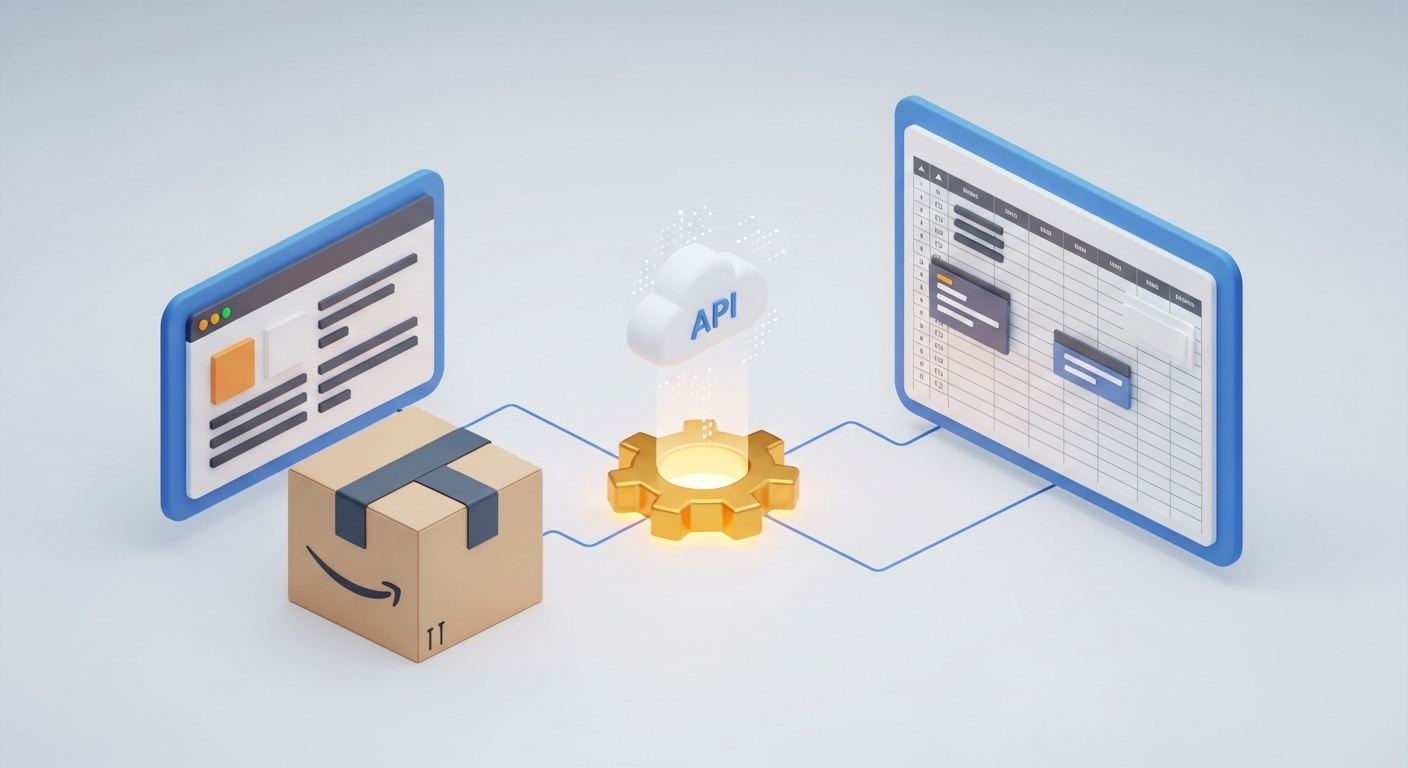
Shorter, it all comes down to three steps: make a request to the API, send data to Google Sheets, and connect notifications for important changes.
1. Build the request. Get your API key from the ScrapeOps site, add the product URL. Example:
GET https://api.scrapeops.io/v1/amazon?api_key=YOUR_KEY&url=AMAZON_PRODUCT_URL2. Process the response. Extract price and availability status from JSON, compare with previous values, and write to the spreadsheet.
3. Auto-update. Set the script to run, say, every 2 hours to keep everything current.
Integrating ScrapeOps API with Google Sheets
Setting up Google Sheets for automatic data retrieval
Create a spreadsheet with columns:
- Timestamp
- Product name
- Current price
- Previous price
- Change (%)
- Availability
Then use Google Apps Script to pull data automatically. Here's a simple script for updating prices:
function updatePrice() {
  const API_KEY = 'YOUR_SCRAPEOPS_KEY';
  const PRODUCT_URL = 'https://www.amazon.com/dp/B08N5WRWNW';
  const url = `https://api.scrapeops.io/v1/amazon?api_key=${API_KEY}&url=${encodeURIComponent(PRODUCT_URL)}`;
const response = UrlFetchApp.fetch(url);
const data = JSON.parse(response.getContentText());
const sheet = SpreadsheetApp.getActiveSpreadsheet().getActiveSheet();
const lastRow = sheet.getLastRow();
const previousPrice = lastRow > 1 ? sheet.getRange(lastRow, 3).getValue() : 0;
const currentPrice = parseFloat(data.price.replace('$', ''));
const change = previousPrice > 0 ? ((currentPrice - previousPrice) / previousPrice * 100).toFixed(2) : 0;
sheet.appendRow([
new Date(),
data.title,
currentPrice,
previousPrice,
change,
data.availability
]);
}
To run this script automatically, set up a trigger in Google Sheets — for example, every 2 hours.
Setting up alerts
Telegram: via a bot you create in @BotFather, you can receive messages on significant price changes. Here's an example notification function:
function sendTelegramAlert(message) {
  const BOT_TOKEN = 'YOUR_BOT_TOKEN';
  const CHAT_ID = 'YOUR_CHAT_ID';
  const url = `https://api.telegram.org/bot${BOT_TOKEN}/sendMessage`;
UrlFetchApp.fetch(url, {
method: 'post',
payload: {
chat_id: CHAT_ID,
text: message
}
});
}
// Inside updatePrice:
if (Math.abs(change) > 5) {
sendTelegramAlert(Price for ${data.title} changed by ${change}%! New price: $${currentPrice});
}
Email: also easy to enable using built-in Google Apps Script functions:
if (Math.abs(change) > 5) {
  MailApp.sendEmail({
    to: 'your-email@example.com',
    subject: 'Amazon price change',
    body: `Product: ${data.title}\nNew price: $${currentPrice}\nChange: ${change}%`
  });
}
The advantages of using ScrapeOps API to monitor prices
- Fast Setup – You can set up the system within minutes, without having to worry about complex setup or any kind of infrastructure.
- Reliable Operations – If an error occurs when making an API request, the API will automatically retry the request. Also, IP address rotation occurs without any required action by you.
- Scalability – You can monitor hundreds of products at once, by only paying for the number of requests actually made.
- Live Data – Monitoring is done on live web pages, which means that monitoring and updates happen nearly in real-time.
In a survey of 450 eCommerce professionals, a study by ScrapingHub Research (2024) found that using API tracking reduces the time it takes to launch your monitoring solution by an average of 73% and reduces the cost of maintenance by 60%.
Automated price tracking will give you time and money to spend on other areas of your business.
Taking the labour out of the process, automation provides a good amount of accurate data, while tracking prices over time provides historical data for future analysis.
For example: one store used to track 150 competitors' products and spent approximately three hours per day on this process. They were able to reduce this time spent to 15 minutes per day through automation. The reduction in labour time allowed them to expand their product range and grow their sales.
Speeding up the ability to react to changes in your industry or business model, automation enables you to be able to react quickly and effectively to changes. By having the right promotional launches at the most opportune times and by buying items at the price that maximizes your savings, you could potentially save yourself thousands of dollars and give yourself a competitive advantage.
A case study within the cryptocurrency trading industry shows how automated monitoring allowed crypto traders to respond quickly to the flash crash that occurred in October 2024 by closing out their profitable deals before the price rebounded back up. Similarly, automated monitoring allows Amazon sellers to react rapidly to Market activity.
Automated price monitoring gives you a competitive edge as it removes delay time from hours to minutes.
FAQs
How often do prices get updated?
That is determined by the parameters you set. You can choose to update every 30 minutes or less frequently, but the ScrapeOps API is very fast; it typically responds within 2-5 seconds.
Can you monitor multiple products?
Yes, you can easily monitor multiple products; you just need to add the URL of each product to your automation script. It is best practice to include short pauses (e.g., 1-3 seconds) between each request to ensure that your requests run as smoothly as possible.
Will I be able to set up alerts for specific price changes?
Yes, you can set up alerts for percentage or absolute price changes, create reports and charts, and send alerts to Slack/Discord/SMS and other notification options.
What is the pricing model for the ScrapeOps API?
ScrapeOps API has three different pricing tiers:
- The Free Plan includes 1,000 requests/month. This plan allows users to rotate to a small number of proxies, and JavaScript support is not available.
- The Starter Plan at $29/month provides users 10,000 requests/month and full proxy rotation and JavaScript support.
- The Business Plan at $99/month provides users with 50,000 requests/month and priority processing with full proxy rotation.
The ScrapeOps API Enterprise Plan provides enhanced features for large corporations or companies that require heavy usage (greater than 250 thousand requests). The difference between Zapier and the ScrapeOps API is that Zapier is an easy way to integrate multiple applications, providing automation support without requiring coding knowledge.
If you encounter errors using the API, please first try reducing your request frequency and increasing the amount of time between each request if you encounter a rate-limiting error. A resource-not-found error indicates the product is currently not available to be purchased. In the event you continue to experience issues with your API access being denied or slow, please contact Customer Technical Support.
Comparison Table: ScrapeOps API vs Competitors
| Criteria | ScrapeOps API | ScraperAPI | Bright Data | Custom Parser |
|---|---|---|---|---|
| Pricing | Free/$29/month | Free/$49/month | From $500/month | $0, but takes much time to develop |
| Javascript Support | Yes (Paid Plans) | Yes (Paid plans only) | Yes | Implementation Dependent |
| Proxy Rotation | Automatic | Automatic | Automatic | Requires Manual Configuration |
| Time to Implement | 10-30 minutes | 15-40 minutes | 1-2 hours | Days / Weeks |
| Support | Email and Documentation | Email and Chat | Personal Account Manager | Internal Company Resources |
| Flexibility | Medium | Medium | High | Most Flexible |
In Conclusion, we recommend you consider ScrapeOps API for: Small and Medium-sized Businesses, Effective Price-to-Quality Trade-Off among Competitors, ScraperAPI has similar features and pricing, but most of their Starter Plans cost more when compared to level of access provided.
Recommendations: Integrating ScrapeOps API with Other Tools

Integrations via Zapier — Make it Easy! Zapier provides easy access to connect multiple apps through automation. You can set up automatic notifications to send to Slack or other messaging services on a price change on your Google Sheet, which will save you time and effort.
NoCode with ASCN.AI
ASCN.AI is a NoCode platform that has a visual editor as well as AI modules. A full monitoring process involves scheduling a trigger, sending an HTTP request to the ScrapeOps API, comparing the latest price to the previous one logically, and notifying you via Telegram if the new price is greater than 5% lower than the previous record. Finally, the data will need to be updated back to Google Sheets. This method of doing this is great because it allows for scaling and modifying the logic without having to contact a programmer.
Integration with CRM Systems (HubSpot, Salesforce)
Automating price updates within your CRM allows you to create new tasks for managers to follow up on and react to competitor price drops and enhanced sales performance due to prompt reaction.
Advanced Automation: AI Pricing Predictions
With a historical price dataset and other relevant datasets, you could create machine learning models, such as linear regression, to forecast pricing trends and plan future inventory purchases. Agents of ASCN.AI can aid in determining the best recommendations and warning signs to provide for better, more accurate business decisions.
Client Reviews and Case Studies
Case Study 1: Electronics Arbitrage
An electronics arbitrage company purchasing gadgets on Amazon from promotional sales and reselling them to their local demographic, was previously taking four hours daily to monitor their competitors' pricing practices. Today the manager receives instant updates via notifications and is able to make pricing decisions within ten minutes of receiving a notification. The number of missed opportunities for purchasing products from competitors for reselling in the local market decreased from 20 per month to zero with the help of these timely notifications.
Case Study 2: Cosmetic Competitor Pricing Monitor
Online beauty retail company monitors prices online daily from top three competitors, adjusts their pricing list weekly, and, in three months, the average order value increased 7% and conversion rate increased 4% due to their ability to adapt their pricing based on competitor activity.
Our ability to now react in an hour to price drops is thanks to the automated ScrapeOps notifications—before, we only learned of price drops a couple of days after customers had left.
