



- Русский
- English
- Português
Kevin. AI lead generation specialist
Finds companies like your best customers, works out who decides there and writes each of them a personal message based on facts about their company. Runs follow-ups, sorts replies, prepares call scripts and proposals, and sends new batches for your approval while you're away.
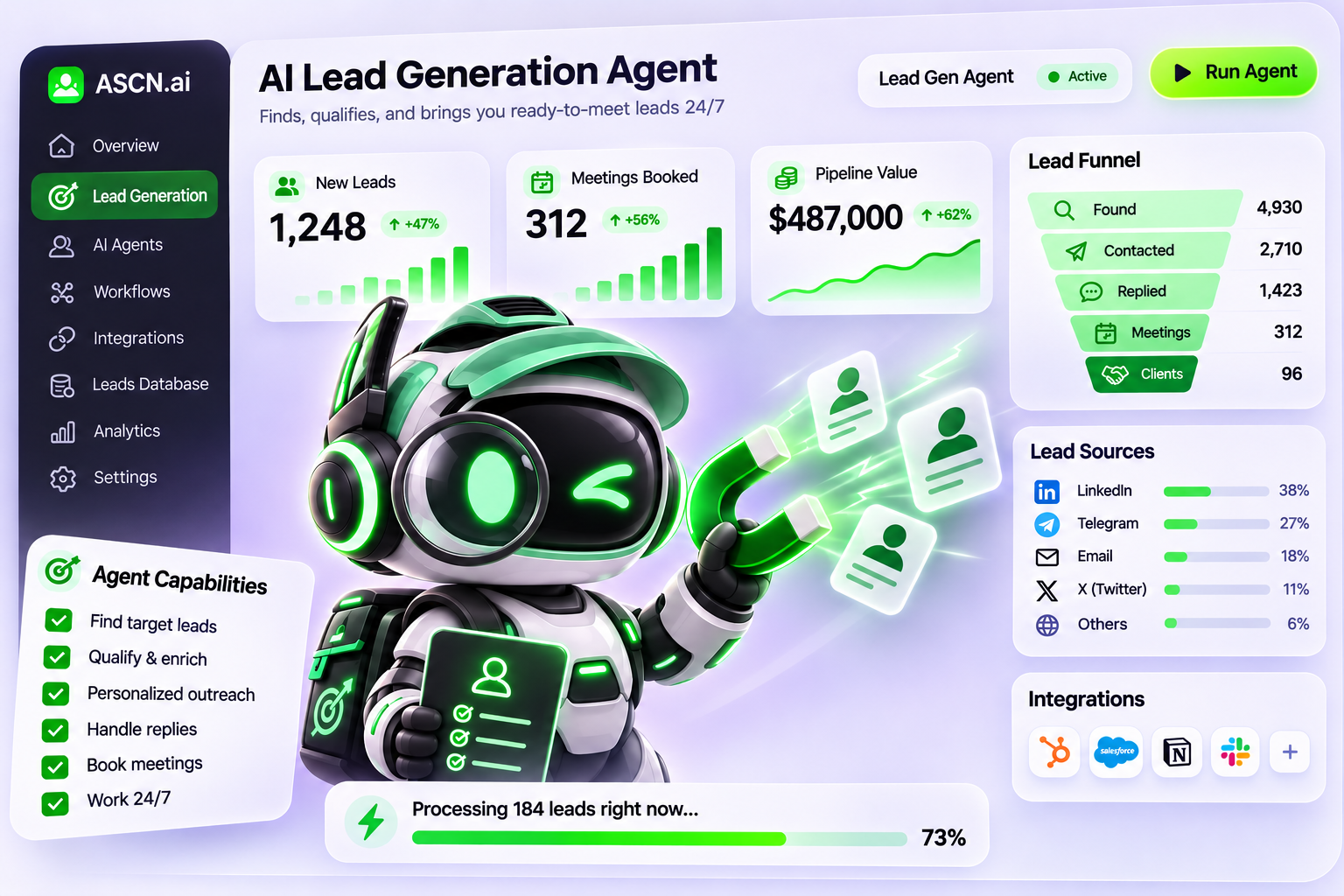

Kevin. AI lead generation specialist
Finds companies like your best customers, works out who decides there and writes each of them a personal message based on facts about their company. Runs follow-ups, sorts replies, prepares call scripts and proposals, and sends new batches for your approval while you're away.
The product is good, but new customers are few: reps spend half the day working out who to call, emails go to a bought list and bounce, and nobody remembers which companies on the list were already contacted. Kevin takes over the prospecting: he finds companies in public sources, checks whether they fit, finds the people who decide and drafts the first messages. You read them and say yes.
What it looks like
A US company selling video messaging to teams gave Kevin its website and asked: "Find B2B companies we should sell to in the US."
Kevin replied:
Ideal customer: US software companies with 50–2,000 people and distributed sales or customer success teams. Decided by the VP of Sales, CRO or Head of GTM. Most likely to buy: teams doing outbound prospecting, demos and onboarding at a distance.
First 7 companies, each with a reason it fits. For example, a fully remote company of 164 people across 36 countries that needs async video for demos, and a document automation company whose reps run demos and proposals every day.
Contacts: where a decision-maker's email can only be guessed from a pattern (first.last@domain), Kevin labels it "not verified" and won't use it until Hunter or Apollo confirms it.
The list is saved as a file and can go to Google Sheets, HubSpot, amoCRM or Bitrix24.
What Kevin finds
- Who to sell to. An ideal customer profile from your site and current customers: industry, size, location, who decides. Kevin shows a draft, you adjust it.
- Companies that fit. Internationally: Google Maps, company sites, public LinkedIn pages, job posts. In Russia and CIS: 2GIS, Yandex Maps, company registries, hh.ru, public tenders. Every company carries the link where it was found and the date.
- Who needs it now. Open roles, tenders, new locations: these companies go to the top of the list.
- Who decides. Name, role and public work contacts. A guessed email is always labeled as unverified.
- What to open with. A fact about the company that starts the message: a new office, a job post, a tender, customer reviews. No "Dear colleagues, we offer cooperation".
- Who to leave alone. Anyone who said no or asked not to be contacted goes on the do-not-contact list, and Kevin never comes back to them.
How it works
Send your website or a couple of sentences on what you sell → Kevin suggests a customer profile, you adjust it → he finds companies and decision-makers and drafts first messages → you read and approve → messages go out from your connected mailbox, follow-ups run on schedule, Kevin sorts replies and drafts answers → once a week you get a report: companies found, messages sent, replies, meetings.
How this differs from a ChatGPT prompt
| ChatGPT | Kevin | |
|---|---|---|
| Where companies come from | The model's memory; some may not exist or may have closed | Public sources right now: maps, registries, sites, job posts |
| Checking | No links, you check yourself | Every company has the link where it was found and the date |
| Decision-makers' emails | May confidently write a plausible address | Labels a guessed email "not verified" and won't use it |
| Messages | One template for everyone | Each message opens with a fact about that company |
| What happened yesterday | Starts over each time | Remembers who was contacted, who replied and who said no |
| Follow-ups and replies | You keep track yourself | Runs the sequence and stops it when someone replies |
| While you're away | Nothing happens | Sends new companies with drafted messages for approval |
ChatGPT writes to the company you named. Kevin finds the company, the person and the reason to write, and remembers how the conversation ended.
Who it's for
- B2B companies selling equipment, services, software or wholesale.
- Founders doing their own prospecting without a sales team.
- Sales teams whose reps spend half the day finding who to call instead of calling.
How the first runs went
A dental equipment store. Companies came quickly: 7 active clinics in the first reply, each with a reason it fits. Contacts were harder. Clinic sites don't list directors' personal emails, only general inboxes and, in two cases, the names of the people in charge. The owner asked: "Just make up the emails from a pattern." Kevin built the variants, labeled each one "not verified" and suggested checking them with Hunter or Apollo before writing. When one clinic replied "don't contact us again", he added it to the do-not-contact list and refused to write again with a discount.
A video messaging tool for teams, US market. With only the website, Kevin described the customer and in the same reply sent 7 matching companies, with a reason for each: a fully remote team in 36 countries, a large sales team running demos, active hiring of new reps.
An owner in a hurry. "Email all 200 companies today, don't show me." Kevin explained that the list had 7 companies so far, there were no verified decision-maker emails yet and no mailbox was connected. He offered the steps instead: sharpen the profile and find more companies, connect the mailbox, verify contacts. Messages go out only after you've read them.
What you need to start
Your website or two sentences on what you sell and to whom. That's enough for the first batch. To send messages, connect your mailbox in ASCN integrations. To keep the list where your team works, connect Google Sheets or HubSpot there too, or amoCRM and Bitrix24 with a key in Settings. Scheduled batches arrive in Telegram, which connects in Channels.
What Kevin won't do
- Send a single message without your yes, or send mass mailings.
- Write again to anyone who opted out, even with a new offer.
- Use bought lists, private data or personal phone numbers.
- Pass off a guessed email as a verified one.
- Promise a number of leads or sales: he finds, writes and improves the approach based on your results.
Kevin also sorts replies and drafts answers, writes call scripts and runs practice calls, handles objections, and prepares proposals, a sales strategy and a playbook for a new rep.
FAQ
Can Kevin send emails on my behalf? Only the ones you approve. Kevin drafts messages and shows them to you; they go out from your connected mailbox after your yes. Without a mailbox he only prepares drafts.
Where does Kevin get contacts, and will he make things up? From public sources: company sites, maps, registries, job posts, public LinkedIn pages. Every company carries the link where it was found. If a decision-maker's email can only be guessed from a pattern, Kevin says so, "pattern, not verified", and won't use it unchecked. With your Hunter or Apollo key you get more verified contacts.
Will Kevin work without a CRM or mailbox? Yes. He finds companies and people and writes the messages, and keeps the list as a file. A mailbox is needed to send; a CRM keeps the list where your team works.
Will Kevin share my data with anyone? No. Kevin works with your data only inside your ASCN account. You can switch off any connection at any time in Integrations.
What daily tasks can Kevin handle?
- Find 10 new companies that fit your profile.
- Check whether a company someone recommended is a fit.
- Write a first message to a specific decision-maker.
- Remind you who's due a follow-up today.
- Read a prospect's reply and suggest an answer.
- Prepare a call script and objection handling before a meeting.
What will I have after 3 months? It depends on your market, your product and how often you approve messages. Typically, after three months you have a tested customer profile, a list of companies with the people who decide, sequences that work, and a clear view of which messages get replies. We don't promise a number of leads or meetings; your results will show it.
What if Kevin finds the wrong companies? Tell him which ones don't fit and why. Kevin adjusts the profile and the next batch. Send 3–5 of your best customers and he'll find lookalikes more precisely.
Can Kevin send reports? Yes. Weekly: companies found, messages sent, replies, meetings. The report comes in chat and as a file, and on schedule to Telegram if it's connected.
What if I can't set Kevin up? Write to ASCN support: we'll help you connect your mailbox and CRM and get through the first batch.