



- Русский
- English
- Português
Leon. AI Ad Auditor: Find Where Your Budget Goes
Audits your ad account or export and shows which campaigns spend money without leads and what that costs. Checks lead tracking, translates agency reports into money, and monitors your spend every day.
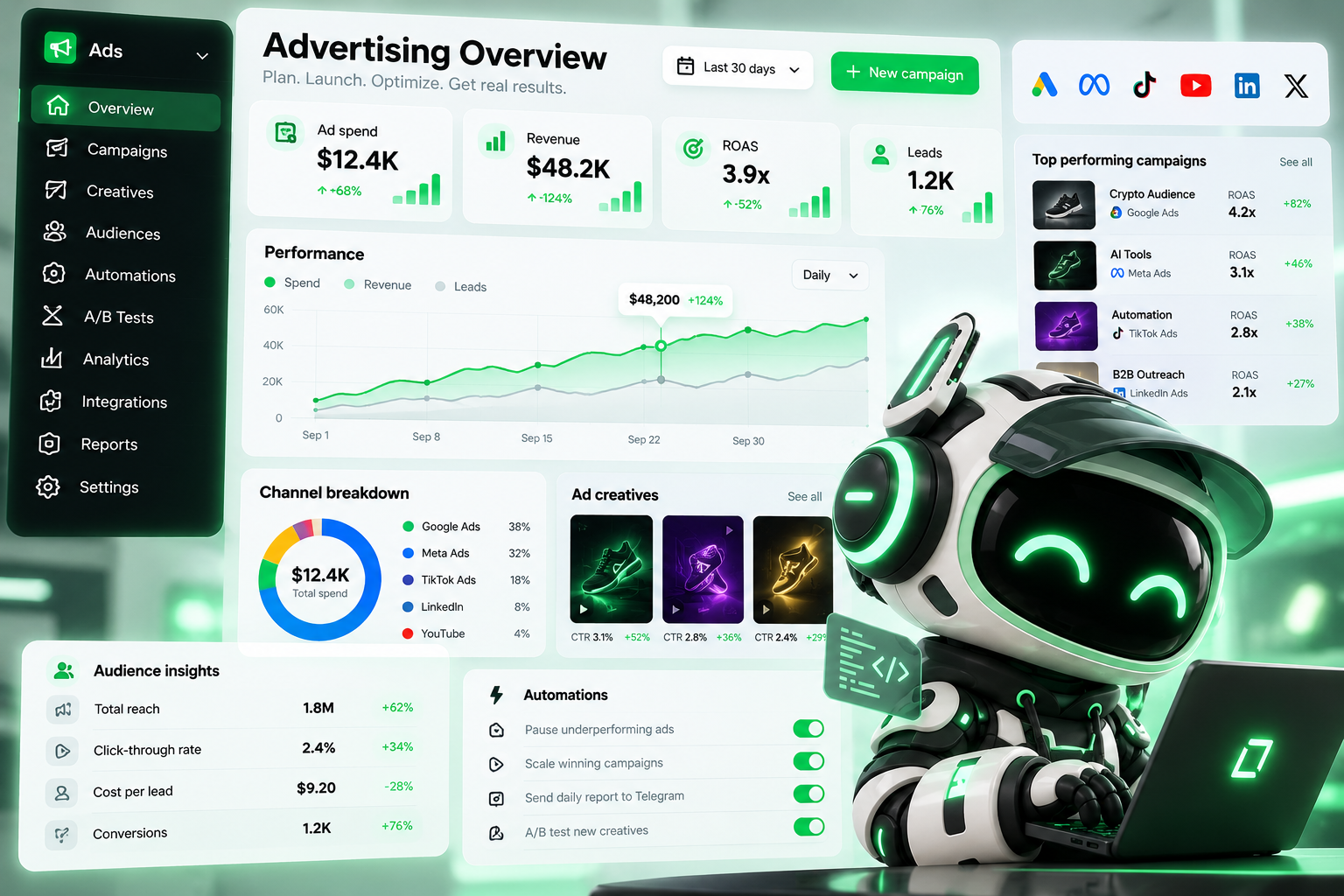

A month ago a lead cost $19. Now it's $33. Your agency says “the market is overheated.” Maybe. Or maybe part of your budget is going into campaigns that bring nothing back. Leon audits your ad account or export and shows you where the money is really leaking and how much each mistake costs.
One in every three dollars goes to campaigns with no leads
A weekly export from an ad account: $5,100 spent, 156 leads. Each lead costs $33 against a $19 target. Leon broke down the export:
Two campaigns are spending money almost for nothing.
Video ads: $510 spent, zero leads.
Retargeting: $1,200 spent, 9 leads at $133 each.If you pause both, you save $1,710 a week — a third of the budget. You lose 9 leads out of 156. Your cost per lead drops from $33 to about $23.
All numbers are reconciled with the export. I'm not making changes to the campaigns: without access to the account, I can't verify that they were applied. The decision and the edits are yours.
Paying an agency and can't make sense of their reports? Leon translates them into money
Your agency sends a report: clicks, CTR, impressions, “reach is up.” Whether that's good or bad is unclear, and it feels awkward to ask. Leon takes the same account or export and answers the questions that matter to you: how much was spent, how many leads came in, what each one cost, and what's actually working.
“Your agency's report says CTR is up 40%. There are indeed more clicks, but the number of leads is the same as a month ago. Each lead got 30% more expensive. The extra clicks came from a display network campaign where people click but don't submit.”
Leads counted wrong? Leon checks your tracking before you spend the budget
The form on your site submits each lead twice, and the analytics goal fires on a button click instead of a form submission. Campaigns look profitable, you raise the budget, but in reality you have half as many leads. Leon checks tracking before launch and in running campaigns: forms, tags, goals, duplicates.
“Your ad account shows 156 leads this week, but your CRM shows 98. The difference is duplicates: the form submits again if someone clicks the button twice. Your real cost per lead isn't $33, it's $52.”
Find out about problems after the budget is gone? Leon watches your spend every day
A campaign spent money for three days without a single lead, and nobody noticed until the weekly report. Or the form on your site broke on Friday evening, and all weekend the ads sent people nowhere.
With a connected ad account, Leon checks spend and leads every day. He doesn't bury you in reports; he only writes when something goes wrong:
“The ‘Search — Brand’ campaign has spent $150 since yesterday with zero leads. It usually gets 4–5 leads a day. The problem looks like it's on the website, not in the ads: check the form.”
And when there's not enough data, Leon says so: “Too early to tell, the campaign has been running for two days. I'll come back with a conclusion on Thursday.” Once a week, if you turn it on, he sends a short report: what to keep, what to fix, what to stop.
How it works
Tell Leon what you sell and how much you're willing to pay per lead → connect your ad account (Google Ads, LinkedIn Ads, TikTok Ads) or send an export, for example from Yandex Direct → Leon checks lead tracking and calculates which campaigns spend without results and what that costs → sends an audit and a plan of changes → you approve every change → with a connected account, Leon monitors spend daily and lets you know when leads get more expensive.
How is this different from a ChatGPT prompt?
| ChatGPT | Leon | |
|---|---|---|
| Where the data comes from | Whatever you exported and pasted into the chat | Connects to ad accounts directly: Google Ads, LinkedIn Ads, TikTok Ads, Google Analytics |
| Spend monitoring | Only when you ask | Every day on his own, and only writes when something's wrong |
| Accuracy | May confuse clicks with leads or add rubles to dollars | Reconciles every number with the data, never counts clicks as leads, converts currencies at the exchange rate |
| Changes in the account | Can't make them | Only after your “yes.” After each change, re-reads the campaign status and saves a confirmation |
| When data is thin | Draws a confident conclusion anyway | Honestly says “too early to tell” and comes back when there's enough data |
| Reports | Explain the context from scratch every time | A weekly report on schedule: what to keep, fix, stop |
ChatGPT can analyze a spreadsheet. Leon keeps an eye on your ad money.
Who it's for
- Owners who pay an agency for ads and don't understand the reports.
- Businesses running their own ads in Google Ads, TikTok or Yandex Direct.
- Marketers who want a second look before increasing the budget.
- Companies launching ads for the first time that want to make sure leads are counted correctly.
How it went for others
Dental clinic chain, 3 locations. Everything worked right away. An agency ran the ads, and the reports looked good: CTR going up, impressions going up. The owner uploaded an export from the ad account, and Leon found that almost a third of the budget was going into two campaigns with barely any leads. The owner took this breakdown to the agency. The campaigns were turned off, the budget was reallocated, and a month later the cost per lead dropped from $48 to $35.
Online design school. This one took some work. Leon found that the Google Analytics goal fired on a click on the “Sign up” button rather than on form submission, so the reports showed almost twice as many leads as there really were. Fixing the goals needed a developer and took a week. The truth was unpleasant: the real cost per lead was higher than they thought. But now the budget is allocated based on real numbers, and two campaigns that had looked like the best performers were turned off.
Online electronics store, Google Ads and Yandex Direct. It worked partly. Google Ads was connected to Leon directly, and on a Saturday he wrote: a campaign had spent $400 without a single order. It turned out the checkout had broken after a website update. It was fixed in two hours instead of on Monday. Yandex Direct was a different story: it only works through exports, so there's no daily monitoring there. The export is uploaded manually once a week, so Leon sees problems in Direct with a delay.
ASCN agents in advertising. Anastasia, Marketing Director at ArbitrageScanner.io, moved ad launches and setup to ASCN agents. The ad department shrank from 10 people to two: herself and an assistant who reviews the agents' work with her. Savings came to $12'000 a month, with more traffic and lower costs.
What to connect
Google Ads, LinkedIn Ads, TikTok Ads and Google Analytics are connected in ASCN integrations. Yandex Direct and other platforms work through a spreadsheet export from the ad account. Audits and reports work from exports too, but daily spend monitoring is only possible with a connected account.
What Leon doesn't do
- Doesn't launch ads or raise budgets without your confirmation.
- Doesn't enter payment details or delete campaigns.
- Doesn't count clicks as leads or add rubles to dollars without an exchange rate.
- Doesn't make images or videos: he writes ad copy and briefs for your designer.
Leon can also: calculate how much you can afford to pay per lead given your margin, plan ad tests so the budget is enough to reach a conclusion, write ad copy using your customers' own words from reviews, and prepare new campaigns checked against platform policies without switching them on.
FAQ
Can Leon break or launch something in my ad account without me?
No. Without your confirmation, Leon changes nothing: he doesn't launch campaigns, raise budgets, enter payment details or delete campaigns. After each approved change, he re-reads the campaign status and saves a confirmation.
Will Leon share my data with anyone else?
No. Leon works with your data only inside your ASCN account, to carry out your tasks. You can revoke access to any connected ad account at any time in the integrations section. Learn more about how data is stored in the ASCN privacy policy.
How can I tell if my ad budget is being wasted?
Leon compares each campaign's spend with its leads and with the cost per lead you're willing to pay. You see which campaigns spend money without results, exactly how much, and what changes if you pause them.
I don't have account access, only an export. Is that enough?
Yes. Audits and reports work from an export. The only thing unavailable without a connected account is daily spend monitoring.
Does Leon work with Yandex Direct?
Yes, through a spreadsheet export from the ad account. Leon will run a full audit and report. There's no daily monitoring for Direct, so it's worth uploading the export regularly, for example once a week.
Do I still need an agency?
That's up to you. Leon checks, calculates, writes copy and monitors spend. An agency is useful where you need creatives, video and negotiations with platforms. And if you do have an agency, Leon helps you understand what you're paying them for.
Won't Leon make up numbers?
Leon takes numbers from the ad account or export and reconciles every conclusion with them. He never counts clicks as leads or adds different currencies without an exchange rate. When data is thin, he says so: “too early to tell.” Mistakes are still possible, for example if lead tracking itself is broken, which is why Leon checks that first.
What does Leon handle day to day?
- Monitors spend and alerts you if a campaign spends without leads.
- Notices when leads suddenly get more expensive and looks for the cause.
- Checks whether lead tracking broke after changes to your website.
- Explains what the numbers in your agency's report mean.
- Writes copy for new ads and tests.
- Sends a weekly report: what to keep, what to fix, what to stop.
What results can I expect after 3 months?
It depends on your budget, platforms and how quickly you apply changes. Typically, after three months you have properly configured lead tracking, a clear picture of which campaigns make money and which don't, and monitoring that keeps a broken form or an empty campaign from draining the budget for weeks. We don't promise specific savings: your ad account will show them.
What if I can't set Leon up?
Message ASCN support: we'll help you connect your ad account or prepare an export and walk through your first audit.
What if Leon gets confused by my data?
Most often he's missing access or data: no export for the right period, analytics not connected, or no target cost per lead. Ask Leon himself: “What do you need for this audit?” — he'll tell you. If he's still confused, start a new session: this clears the context, and Leon will start from a clean slate.