



Start with ready-made AI agents with instructions on how to manage them on the marketplace. Browse the library
Back to templates

AI social media agent in Instagram and TikTok

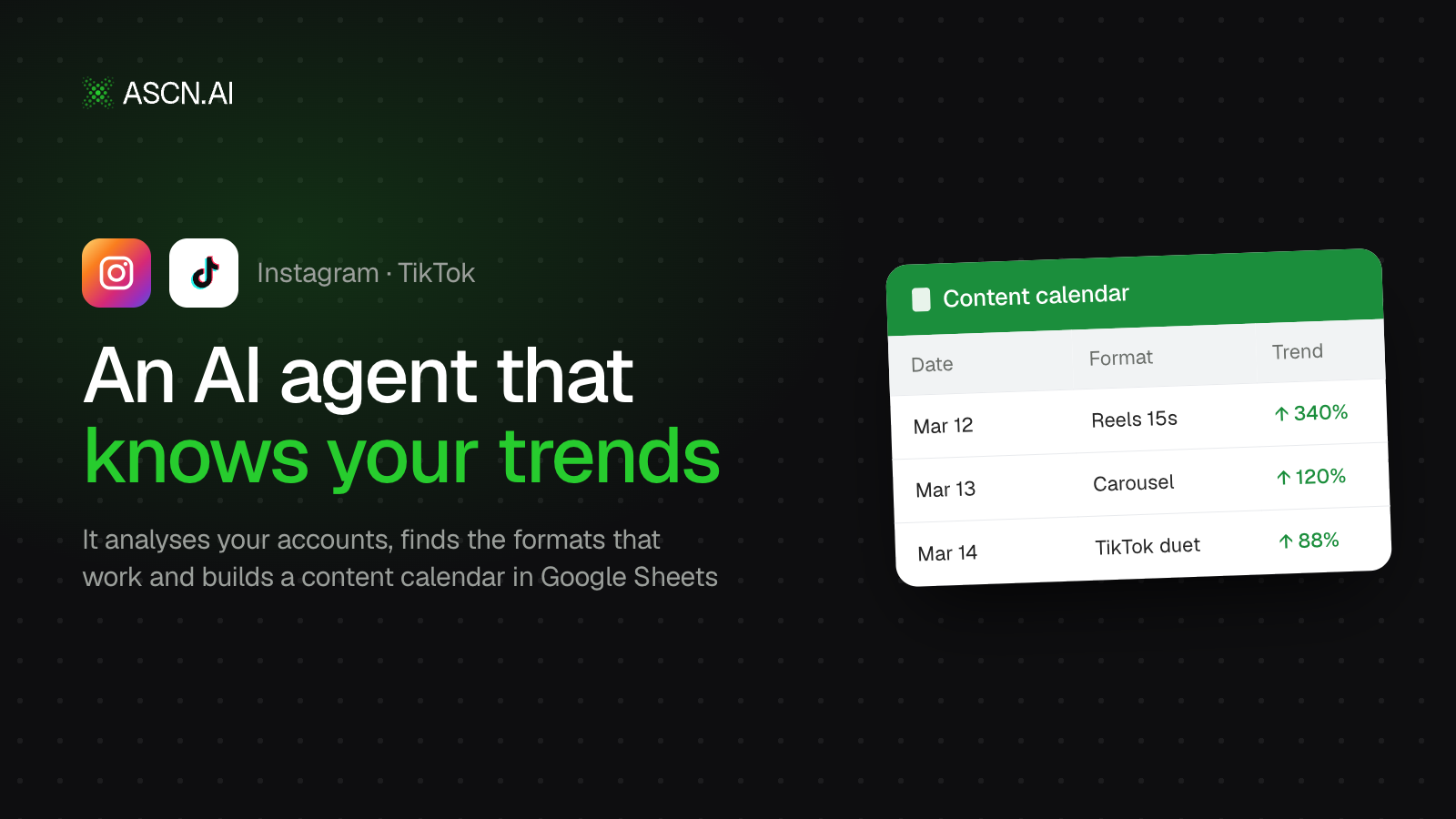
The agent analyzes your Instagram and TikTok, finds formats that actually work, tracks trends in your niche, and compiles a ready-made content calendar in Google Sheets.
Created by:
Author
Mike
Last update:
28 August 2026
Categories
Popular
Marketing
Bonus for you
Renew your subscription now and get one of the additional bonuses

The agent connects to your Instagram and TikTok and sees what's working for you: it sorts your recent posts by engagement and shows which hooks, formats, and video lengths are performing well and which posts are getting wasted.

Next comes trends. It searches hashtags and top content in your niche to find what's gaining traction right now — sounds, formats, templates. You can give it a list of competitors: it will analyze them too — what they're posting, what's working for them, which topics they're avoiding.

From all this, the agent suggests video ideas: hook, format, length, hashtags, posting time. For each idea — an explanation of where it came from, with links to your own data, not "experts recommend this." You pick the ones that fit, and it breaks them down into a Google Sheets table — you get a plan for a week or two with dates, platforms, and statuses.

How to get started:

  1. Connect to the agent — Instagram, TikTok via Social fetch and Google Sheets are already integrated

AI social media agent in Instagram and TikTok
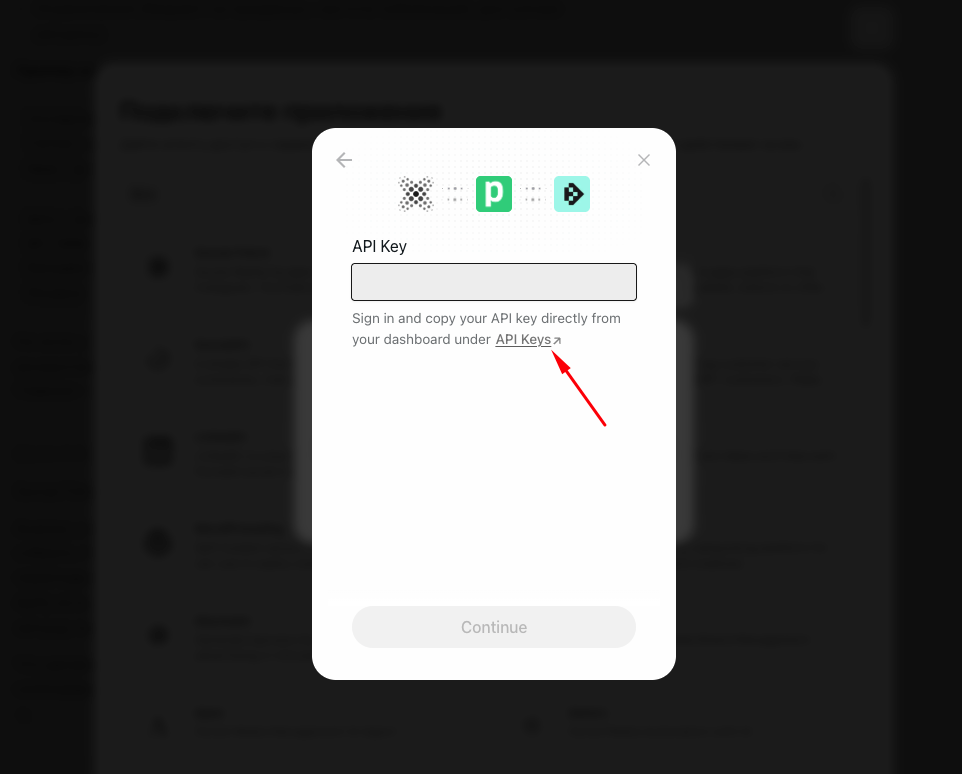
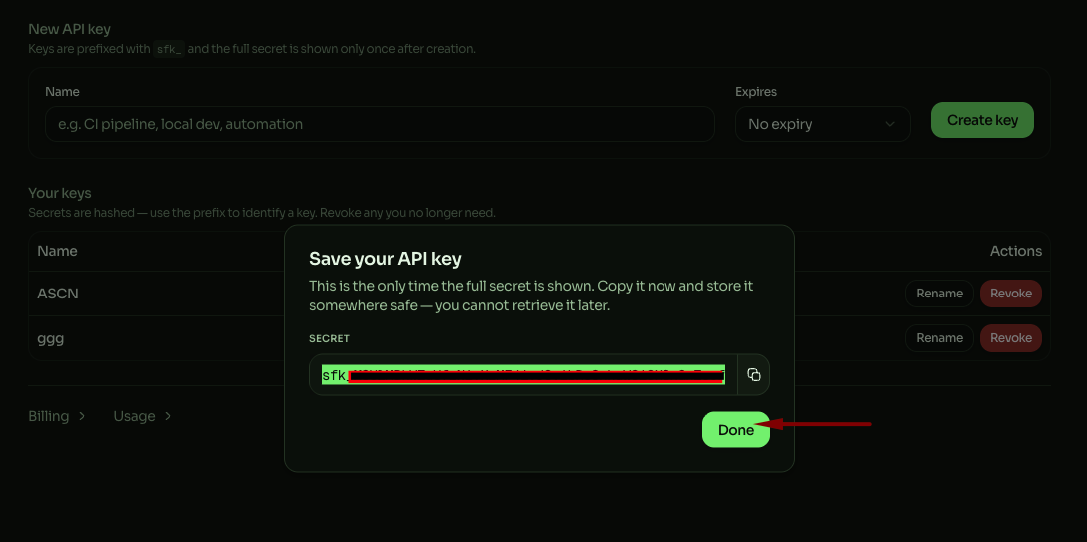
Next, go to https://app.socialfetch.dev/api-keys and create an API key 
AI social media agent in Instagram and TikTok

Copy the key and paste it into ASCN

2. Specify your usernames and niche — the agent will analyze your content

3. Select ideas and get a ready-made publishing calendar

FAQ
Still have a question
Do I need coding skills to set up this template?
No coding skills required! This template is designed for no-code users. Simply follow the step-by-step setup guide, connect your accounts, and you're ready to go.
How does this template help maintain data security?
All data is processed securely through official APIs with OAuth authentication. Your credentials are never stored in the workflow, and you maintain full control over connected accounts and permissions.
What is a module?
A module is a single building block in the workflow that performs a specific action — like sending a message, fetching data, or processing information. Modules connect together to create the complete automation.
Can I customize the template to fit my organization's specific needs?
Absolutely! You can modify triggers, add new integrations, adjust AI prompts, and customize responses to match your organization's workflow and branding requirements.
How customizable are the AI responses?
Fully customizable. You can edit the AI system prompt to change the tone, language, response format, and behavior. Add specific instructions for your use case or industry terminology.
Will this template work with my existing IT support tools?
This template integrates with popular tools like Gmail, Google Calendar, Slack, and Baserow. Additional integrations can be added using available API connectors or webhooks.
What if my FAQ knowledge base is empty?
No problem! The template includes setup instructions to help you populate your FAQ database with commonly asked questions and answers. Start small. As new questions arise, you can easily add more FAQs over time.
Is there a way to track unresolved issues that require follow-up?
Yes! You can configure the workflow to log unresolved queries to a database or spreadsheet, send notifications to your team, or create tickets in your issue tracking system for manual follow-up.
What if I want to switch from Slack to Microsoft Teams (or another chat tool)?
Simply replace the Slack module with a Microsoft Teams or other chat integration module. The core logic remains the same — just reconnect the input and output to your preferred platform.
If you have questions about the template or want to launch it for the best results, contact us and we'll help you set it up quickly
message
By continuing to use our site, you agree to the use of cookies.