



- Русский
- English
- Português
AI Email Support: Triage and Auto-responses via OpenAI
Manual email sorting is a bottleneck of the past. In 2026, AI-powered email triage sorts, prioritizes, and replies to inquiries in under 10 seconds. Discover the technical workflow, CRM integration strategies, and ROI metrics that are saving companies $250,000 annually.

Nothing is quite as frustrating as opening your inbox only to find 347 unread emails waiting for your attention! Two-thirds of those emails will be spam; another third will be an email newsletter that has nothing to do with your business. Hidden among those unread messages may be an email from a potential client who was ready to buy from you 3 days ago. Now that you've spent so much time Googling "how to sort my emails" they've moved on to a competitor. This scenario has played out for me on numerous occasions: completely lost deals because I wasn't able to respond to every email virtually at the same time.
"We spent 3 years testing 43 different methods for handling emails in the Crypto/B2B industries. What we discovered is that a team of five employees will spend at least 15 hours per week just sorting their email inbox manually. That's not just wasted time; that's lost income. OpenAI's email triage with AI can sort through all of that email in less than 10 seconds! The client waiting for an answer—those days are over."
To be frank, ALL of the traditional algorithms and other solutions you would find doing a simple search engine query do not work any longer. You have to get your messages sorted quickly, personalized for each person receiving the message, and delivered with pinpoint accuracy. AI email triage is available to businesses with $500,000 or greater in annual revenues using GPT-4 AI-based solutions today. Let's take a deeper dive into how it works and why a standalone CRM will not provide adequate protection against unhappy customers.
AI Email Triage Explained
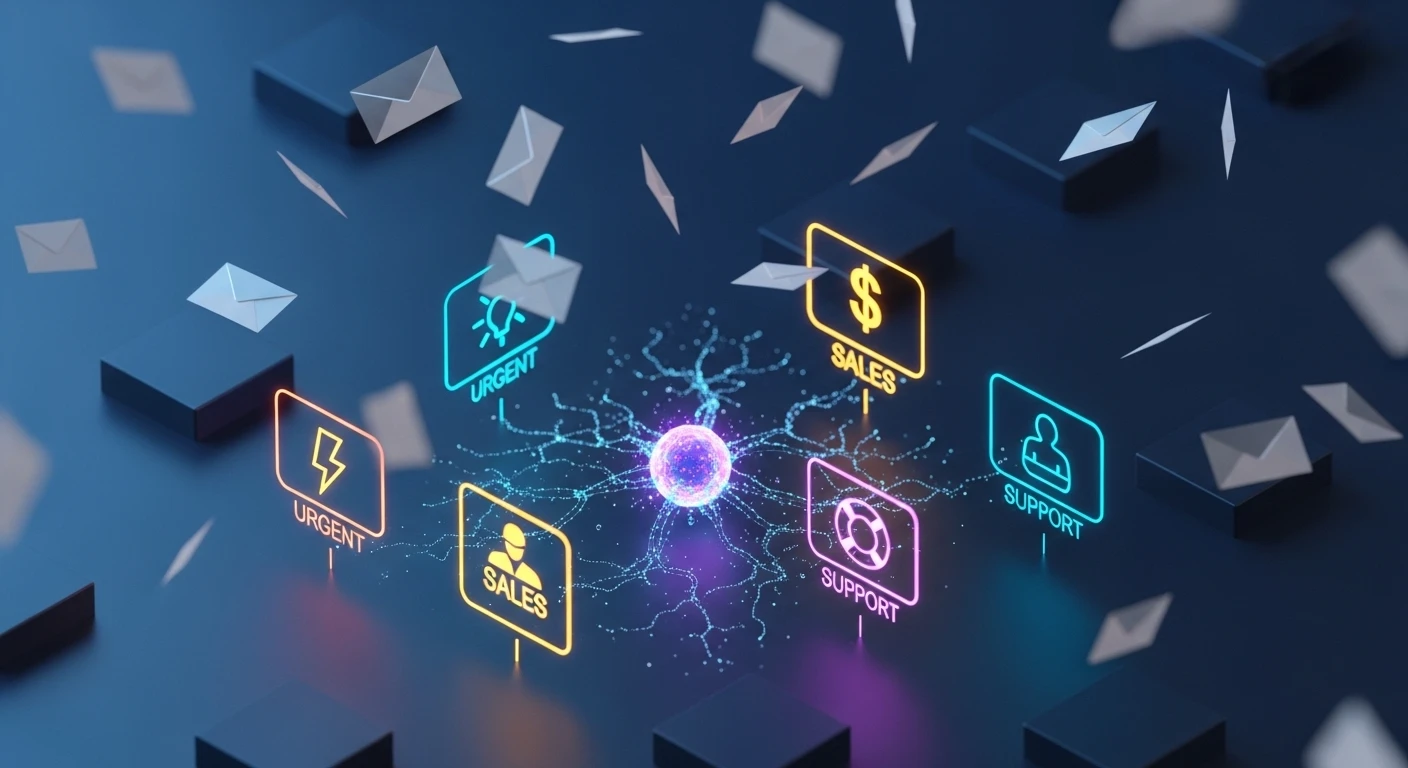
In simple terms, when AI (like OpenAI) takes your incoming email and sorts it into categories and priorities you have a triage system. Rather than just keywords, Auto-Response is an intelligent, contextualised response based on the sender's intention. This means that the AI (Artificial Intelligence) generates automated responses without first needing human assistance for customer email inquiries.
What Functions Will A Triage System Have?
The automation of email sorting will allow an organisation's inbound email to be categorised into categories including: "Urgent," "Sales Lead," "Support Ticket," "Spam," or "Partnership Request".
However true magic occurs not within the categorising of emails but rather how the AI has the ability to determine what categories emails fall into, unlike many current filter systems which interpret everything that contains the word "Invoice" as an invoice (i.e. Is your invoice ready for payment?). For example, if a customer sends an email that says "I have a problem with my payment," it is clearly identifying the issue related to payment. Therefore, that email would be prioritised and tagged as having a "risk of losing potential business."
The significant difference is due to how the artificial intelligence has been developed from the initial algorithms (Natural Language Processing or NLP). The AI has been trained by massive amounts of textual data (GPT-4) and can identify tone and context, as well as differentiate between an angry client and someone simply seeking clarifying information. In addition, the AI has been trained to operate effectively within both SaaS and retail providing services covering 50+ different languages without requiring any modifications in order for international offices to reap the benefits of automated responses. This capability represents a large benefit for international teams.
Context-Aware Response Generation
After the system sorts through the emails and identifies which are questions that it is able to respond to itself, the AI generates an automated response for the most common types of customer questions, such as: "What is the cost of your plan?" ... the AI can generate a personalised closing email response within 5-7 seconds. This email would not be an outdated template from 2010 but would be a unique email custom-built to include the name of the sender, the sender's purchase history, and the level of subscription the sender has. The client wrote, "Please change my Basic plan to a Premium plan. I would like to upgrade, but I've already paid a week ahead." In response, the AI checks the client in CRM software, confirms the client's status, and replies, "When upgrading your plan, we'll credit the remaining 7 days of your Basic plan toward your Premium Plan proportionally. Here is a link to upgrade. If you require further assistance, please let us know," which is returned to the customer within 6 seconds of receiving it.
Establishing Priorities and Routing Messages
No two emails are the same. An email from a VIP customer (a customer with a contract worth $100,000) stating, "I have a question about my contract," will result in a Priority 1 response, which must be answered within 1 hour. A new cold lead who sent you an email asking, "What do you do?" is a Priority 3 response, which can be addressed later.
In making a determination as to the customer's response priority, AI takes into consideration the purchase history of the customer, the tone of the message that is sent to it and the context of the business transaction. In doing this, AI determines the appropriateness of routing the message to the appropriate department and provides a summary of what needs to be addressed: "Client X (VIP, $50,000) is an unhappy customer due to a system bug; a response is required in 30 minutes." This allows the manager to be fully informed of the situation so they can proceed with the response.
How Auto-Response Through Artificial Intelligence Works
AI based auto-response is built on the principles of natural language processing (NLP), machine learning and application programming interface (API) integrations. The general process of how AI auto-responses function is as follows:
Step 1 – Tokenization and Analysis of the Customer's Email: GPT-4 will tokenize the email and identify the most important information for the client (i.e., names, dates, numbers, issues) and extract that information into tokens.
Step 2 – Determine Customer Intent: AI will classify the customer inquiry based on their intent, whether the customer wants to purchase, complain, request additional information or simply inquire about something. The accuracy of determining the customer's intent will be between 92-95% if the customer prompts the model correctly.
Step 3 – Extract Customer Data from CRM: AI will access the customer's history, orders, and any previous requests. Prompt Engineering develops the system for generating responses from the AI. The instructions to generate these responses will be "please use a polite professional tone and refer to CRM information." The final output of this step is a response generated using natural, human-like text.
All responses generated by the AI are then sent out as a regular email, using the API from Gmail or Outlook. The waiting time from when the email arrives in the API, to when it is sent as a response, is approximately eight to twelve seconds.
As an example, the process works as follows: When a customer sends an email: "Good afternoon, I would like to know if I can receive a discount if I pay for an annual Premium subscription".
The email is sent to the API for the server, then the OpenAI server, before being classified as a "Sales" email with a 94 % confidence level that the intent was "Discount Request".
The AI will then pull the customer's purchase history from the CRM, so it can provide the best personalized response.
The response generated by the AI to the email would be: "Ivan, there is a 15% discount available for paying annually for the Premium subscription, making the total amount due for a Premium subscription based on your historical purchase records: 1020, rather than 1200. Are you ready for me to issue the invoice now?" The generated response is then verified and sent back in real-time, as soon as it is verified.
OpenAI is used within the Email Triage process, and has the ability to provide APIs for both GPT-4 and GPT-3.5 Turbo. These two models have a high accuracy rating (92-96%) for both classification and extraction. OpenAI's APIs do not simply assist with classifying or extracting data from emails. Still, rather provide a way to provide contextual and meaningful responses to an email, unlike template-based systems that require coding whenever a complex situation occurs to resolve it. The email's model is able to categorize each of the multiple questions found in the email as well as detect spam at 98% accuracy—essentially making it comparable to the best anti-spam filters out there. Examples of Natural Language Processing uses include separating mixed requests (a technical request and commercial question) from email as well as identifying spam through content and suspicious links and escalating serious complaints to Senior Management directly.
OpenAI's API can be accessed through HTTP requests by passing a prompt and the email content through it. An API key is required to utilize the API. Gmail API or Microsoft Graph API can be used to get the email content, while Webhooks have been set up for automatic notification of completed processing. Once the analysis has been completed, results will be sent to the respective email service's SMTP server or through the Provider's API.
Email processing is secure while using OpenAI's API, as all communication occurs over HTTPS, along with the API key being stored securely in an encrypted vault solution (such as AWS Secrets Manager). Azure OpenAI Service has been used to comply with the European Union's General Data Protection Regulation (GDPR) and Health Insurance Portability and Accountability Act (HIPAA) requirements.
Utilization of AI technology to process emails can save you a significant amount of time and improve the efficiency of your team. According to research conducted by McKinsey & Company (2023), Managers spend approximately 28% of their day managing emails, which translates into roughly 11 hours/week out of a 40 hours/week total schedule. Most of the time spent on e-mail is repetitive in nature, based on providing repetitive answers, as well as searching for data in their internal Customer Relationship Management System (CRM).
| Metric | Manual Email Processed | AI Triage Email Processed | Total Savings |
|---|---|---|---|
| Time Spent on Each Email | 5 Minutes | 30 Seconds | 90% Time Savings |
| Total Time Per Day | 41.6 Hours (2500 Minutes) | 4.2 Hours (250 Minutes) | 37.4 Hours Saved |
| Cost for Five People @ $25/hr | $1,040 | $105 | $935 Per Day |
| Monthly Savings | — | — | $20,570 |
| Total Yearly Savings Approximately $250,000 and Reduced the Risk of Employee Burnout. | |||
Enhancing Your Customer Support System
With AI, you can pull all past communications instantly to provide personalized responses to your customers. A human would not have the ability to remember that many details at the same time. As a result, it can create more customer loyalty, decrease customer wait times, and provide consistent brand voice. SuperOffice (2024) states that if you respond to an email within an hour, it is seven times more likely that the person will buy from you. Because AI can respond in 10-30 seconds, this provides your organization with a significant competitive edge.
Reducing Mistakes
- All emails are processed without skipping over any email.
- The classification accuracy for classifying emails is between 96-100%, with only 3-5% of emails being classified incorrectly.
- Data will always be current; it will be pulled in real-time from the CRM.
- AI will respond to customers with courtesy and avoid emotional ups and downs.
Comparison of AI-powered Triage vs. Traditional Systems
How the AI-powered Triage System Compares to Traditional Systems
| Standard/Rule-based System | AI Triage Automated | |
|---|---|---|
| Classification Accuracy | 60-70% | 92-96% |
| Adaptation to New Requests | Manual Alteration | Automatic |
| Handling Unclear Requests | Poor | Excellent (90%+) |
| Personalized Response | No (Template Based) | Yes (CRM Data Driven) |
| Implementation Time | 2-4 Weeks | 2-5 Days |
Service Launch & Integration
What Platforms Are Supported?
- Gmail - Via Gmail API and OAuth 2.0 with webhooks for Instant Retrieval
- Outlook/Microsoft 365 - Via Microsoft Graph API
- Yahoo Mail/ProtonMail/Zoho - Via IMAP/SMTP or Native APIs
- Corporate Servers - Via Exchange Web Services or IMAP/SMTP with IT Departments
Implementation Steps
- Process Analysis (1-2 Days) - Data Collection to Identify Email Volume, Requests Received, & Rules to be Applied
- Email Connection Day (1) - Configure API, OAuth, and webhooks
- Forms/Prompt Configuration (2-3 Days) - Create Instructions for GPT-4 and Test
- CRM Integration (2-3 Days) - Access Client's Data
- Routing Rules (1 Day): Logic for Human Handoffs and VIP Notifications
- Testing (2-3 Days): Precision and Accuracy Checks
- Launch & Monitoring: Dashboards, Support, and Fine-Tuning
Security and Confidentiality
- Encrypted Using HTTPS with TLS 1.2+
- Store Keys in AWS Secrets Manager or Azure Key Vault
- As per OpenAI's 2024 Policy - API Data Cannot Be Used to Train Models
- Azure OpenAI Features for GDPR/HIPAA Compliance
- Mask Sensitive Data Prior to Transmission
- Encrypted Log Files Are Retained for No More Than 90 Days
Case Studies & Results
Case Study 1 - ArbitrageScanner - +34% Conversion
After running an advertising campaign, email volume Increased from 30 emails/day to 400 emails/day for the crypto-arbitrage service ArbitrageScanner.io. Due to the 8-12 hour delay in responding to the emails, the company lost many potential leads. By using AI for Triage with GPT-4, the first email response was sent in 30 seconds. The Conversion Rate Increased by 34% and the company saved 18 hours per week. The entire system paid for itself within six months.
Case Study 2 - E-Commerce - -22% Churn
The online electronics retailer was losing 15% of new customers due to delays (12-24 hours) in responding to customers' inquiries. By using AI for Triage, the retailers were able to escalate urgent requests and provide instant replies to non-urgent requests. Response times improved 15 times, churn decreased by 22%, and NPS rose from 32 to 41.
Case Study 3 B2B SaaS AI Triage – Reduced Ticket Processing Time by 70%
For an example of Automated Triage in the Email Marketing space, an Email Marketing company receives approximately 80-100 tickets daily, with each ticket having an average processing time of 25 minutes prior to the adoption of AI Triage. Using AI Triage combined with an extensive knowledge base, approximately 60% of tickets were able to be processed automatically. As a result, the average processing time per ticket was reduced to 7.5 minutes, which freed up the technical team approximately 23 hours a week to work on other projects.
The Metrics used to determine productivity growth are given below:
| Metrics | Pre AI | Post AI | Change |
|---|---|---|---|
| Email Processing Time | 5-8 minutes | 30-60 seconds | -85 - 90% |
| Time to First Response | 4-12 hours | 10-30 seconds | -95 - 99% |
| Percentage of Auto Processing | 0% | 55 - 70% | +55 - 70% |
| Lead Conversion | Average | 15 - 40% Increase | 15 - 40% Increase |
| CSAT Score | Average | 8 - 15% Increase | 8 - 15% Increase |
| Team Workload | 100% | 30 - 40% | -60 - 70% |
The ROI of AI Triage can be calculated by using the cost of AI Triage implementation, which will range from $500 - $2,000 for no-code solutions and $5,000 - $15,000 for custom-built AI Triages. In summary, assuming that the Company receives 300 emails per day and employs 3 Managers, AI Triage saves the Company approximately $3,625 per month, and therefore the Company has an ROI of less than 2 months.
FAQ
How does AI Triage ensure data security?
All data is secured using TLS 1.2+ encryption, and the encryption keys are stored in secret managers. In 2024, OpenAI APIs and Policies clarify that they do not use customer data to retrain their models. Azure OpenAI options give the ability to choose regional data centers for GDPR Compliance. Confidential Information is masked, and log files are kept for 90 days encrypted.
Can I customize the way the AI responds to my email?
Yes. Using prompts, you can control the tone of voice for various audiences (e.g., Formal, Friendly, Technical, Emotional, Concise).
What happens in the event of a classification error?
If the AI has less than an 85% confidence level of the classification, the email will automatically be assigned to a Human Operator. Additionally, you have the ability to manually correct the classification and train the AI on the email using examples from your Company. Lastly, every Critical Email will be manually verified.
How does AI Triage handle spam and phishing?
Using GPT-4, spam and phishing emails can be identified with 96 - 98% accuracy, based on the contents of the email, links, and tone. Such emails will be either blocked or placed in quarantine. Additionally, to maximize security, Anti-spam Services and DNS Databases are utilized.
