



- Русский
- English
- Português
Inbound Sales Pro: AI Inbound Sales Agent for Telegram
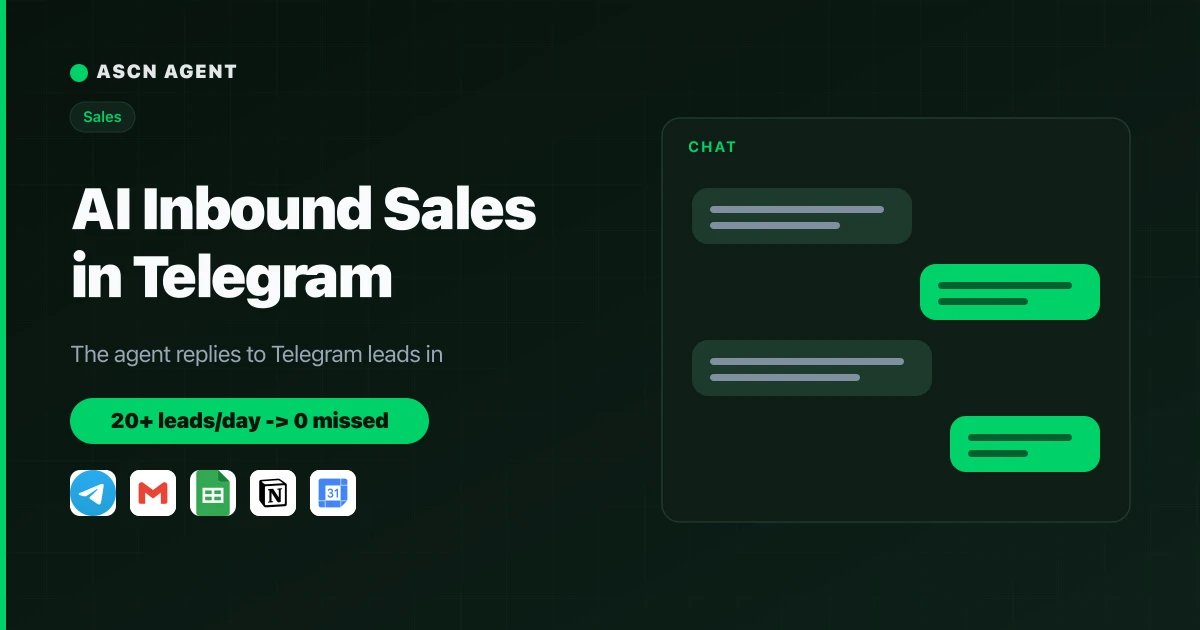
The agent replies to Telegram leads in seconds, scores them, handles objections, and moves them to payment. Hot leads go to your rep with a ready brief. You run it in plain chat.

Overview
A lead messages you on Telegram at 11:40 pm and waits. Your rep is asleep, and by morning that person bought from a competitor who answered first. Daytime is no better: reps drown in "how much is it" and "can you do X," so hot leads get scraps of attention. A salesperson spends an estimated 60-70% of the day on qualification and repeat questions instead of closing.
Inbound Sales Pro is a ready AI inbound sales agent for Telegram on the ASCN platform. It takes the first line and walks each lead through the funnel from first message to payment:
- 💬 Replies in seconds, 24/7 — a lead writes at night or on a weekend and gets an answer, not silence until morning.
- 🎯 Scores every lead — rates them on four signals (fit, need, budget, urgency) and tags each one HOT, WARM, or COLD.
- 🗣️ Handles objections with the ARPA framework — acknowledge, reframe, prove value, ask a follow-up. No pressure, no arguing.
- 💳 Drives to the next action — payment, application, call, or demo. It shares the payment link but never takes money.
- 🤝 Hands hot leads to your rep — complex or large clients go to a human with a short brief: who they are, what they want, which stage.
You run it from a normal chat in ASCN or Telegram. The owner can jump into any conversation with /stop and bring the agent back with /resume. Nothing to assemble by hand — the agent connects services on your request.
How the agent works
You don't need to be a developer. You manage it in plain chat.
- Install from the marketplace. Open the agent page, click "Use template," and the agent lands in your account in under 5 minutes.
- Connect Telegram in chat. Pick a mode: a separate bot or your personal account. The agent walks you through the setup.
- Connect your CRM and email. Type "Connect Google Sheets and Gmail," the agent gives an OAuth link, one click to authorize. Leads land in a sheet, applications come in from email.
- Tune it to your niche. Tell it about your product, prices, target buyer, and top objections — it fills the knowledge base and pitches your exact offer.
- Launch tasks and run a test. The agent sets up a morning lead summary and, before going live, invites you to message it "as a customer" so you see a real dialog.
- Manage it in one chat. Adjust behavior, read summaries, and take over conversations right in ASCN chat or Telegram.
Why this beats hiring a first-line rep
- Answers first, every time. Leads get a reply in seconds at any hour — nights, weekends, traffic spikes. The first reply often decides who wins the sale.
- One subscription instead of a salary. A first-line sales rep runs $1,500-3,000/month plus payroll costs. The agent covers the first line for the price of the Start plan — $29/month as of 06/12/2026 (current pricing at ascn.ai/pricing).
- Your rep works only hot leads. The agent filters out poor fits and hands the human the HOT-tagged leads, where the money is closest.
- Same quality on every chat. Objections follow one framework, pitches lead with benefits, and quality holds up at chat number one hundred.
- Scale without hiring. Volume doubles and the agent handles it — no overtime, no new headcount.
What users get
At 20+ leads a day, a first-line agent saves a rep roughly 4-6 hours daily: it clears up to 70% of routine questions and qualification, replies instantly, and passes only hot leads to a human.
Results depend on your niche, how well your product and objections are described in the agent's knowledge base, and how precisely the funnel is set up. The agent handles execution; your setup drives the outcome.
Rollout statistics
The numbers below are illustrative — an expected effect by niche, not confirmed results from specific clients.
Online school — education
- Connected: a Telegram bot plus a Google Sheets lead table
- Result: instant replies to night and weekend messages, up to 40 dialogs a day on autopilot
- Savings: about 5 hours of rep time per day
Services agency — B2B
- Connected: personal Telegram account, Notion as CRM, Google Calendar for demo booking
- Result: hot leads reach the rep with a ready brief, demos book without manual back-and-forth
- Savings: roughly 12 hours a week on qualification and scheduling
Online store — e-commerce
- Connected: a Telegram bot, Gmail for website inquiries
- Result: zero missed questions on stock and delivery, answered on the spot
- Savings: up to 6 hours a day on routine questions
What's included
- A ready, configured agent: the sales role, funnel, lead scoring, and five skills (onboarding, qualification, pitch, objection handling, closing) are already written.
- A management guide: how to connect Telegram and your CRM, schedule summaries, and adjust behavior in chat.
- Skills and a knowledge base: templates for product, pricing, and objections that the agent remembers and reuses in every dialog.
- Takeover and handoff: the /stop, /resume, /status, and /handoff commands let you step in and take a lead yourself anytime.
- A personal manager: help tuning the agent to your work on the Personal plan and up, plus a private user community.
While a competitor replies an hour later, give your first line to an agent that answers in seconds and works 24/7. 🔥🔥🔥
Set it up once, and every Telegram inquiry gets an answer, a score, and a path to payment while you focus on big deals.
