



- Русский
- English
- Português
Facebook Ad Analysis Tool with Apify, OpenAI, Gemini, and Google Sheets
Stop wasting hundreds of hours manually browsing the Facebook Ads Library. Our AI Facebook Ad Spy solution combines the high-speed scraping power of Apify with the advanced analytical capabilities of OpenAI and Google Gemini. In minutes, our tool "digests" hundreds of competitor ads, categorizing their offers, analyzing their visual hooks, and identifying high-performing emotional triggers. All data is delivered directly to your Google Sheets, providing a real-time, objective dashboard of what works in your niche. Reduce your Customer Acquisition Cost (CAC) and increase conversion rates by building your strategy on data-backed insights, not guesses.

An AI Facebook Ad Spy Tool monitors competitor Facebook ads on both platforms, Facebook and Instagram, from a single easy-to-use tool, as opposed to manually researching every single competitor's PPC ad campaign, which can take many hours. With AI Facebook Ad Spy Tool, Apify collects all Facebook advertisements from the Facebook Ads Library, while OpenAI and Gemini analyze the copy text and visual images of those ads. Finally, all of the data is presented in Google Sheets in order to quickly find which headlines and offers are performing well, and which are not.
Main Features and Advantages
- Speed & Scale – AI Facebook Ad Spy tool processes hundreds of ads in a matter of a very short time compared to a person, who would only be able to analyze a few dozens of ads per hour. That is a significant time-saver.
- Objectivity – AI does not forget and does not suffer from fatigue; it can recognize and identify patterns and trends in advertisements without human error or subjectiveness.
- Identify Hidden Strategies – AI Facebook Ads Spy tool can find things like "ad headlines that contain questions coupled with images of people drastically increase engagements."
- Continuous Monitoring – The AI Facebook ads spy tool is working around the clock; it gets updated on a daily basis regarding all new advertising campaigns.
- Helps Make Informed Business Decisions – Tests advertising hypothesis; saves marketers time and money.
In all aspects, AI Facebook Ad Spy tool is a true lifesaver to today's marketers.
Technology Infrastructure Behind the Tool

Using Apify for Capture and Scrape from the Web
Apify is a web-based service that automatically finds every piece of content (text, images, and videos) in the Facebook Ads Library. It does this by using "headless" browsers, meaning they don't have a graphical user interface, which avoids detection by firewalls and CAPTCHAs to ensure all content has been captured. Thus, the data we collect is formatted and organized for immediate use.
Data Analytics and Processing via OpenAI & Gemini
Text Analysis: The AI software categorizes offers by type and also detects emotional tones from the text. It has been shown that headlines that have numbers will provide a 36 percent higher rate of click-through.
Visual Content Analysis: Using GPT-4 Vision and Gemini Vision to analyze images and videos, the technology can tell who is in the photo, what colors are used, and what text is overlayed on images. The technology also analyzes video, providing an overview report with actionable insights.
Idea Generation: The AI generates new variations of headlines, offers, and visual elements to test without the downside risks of wasted resources.
Automatic Reporting via Google Sheets
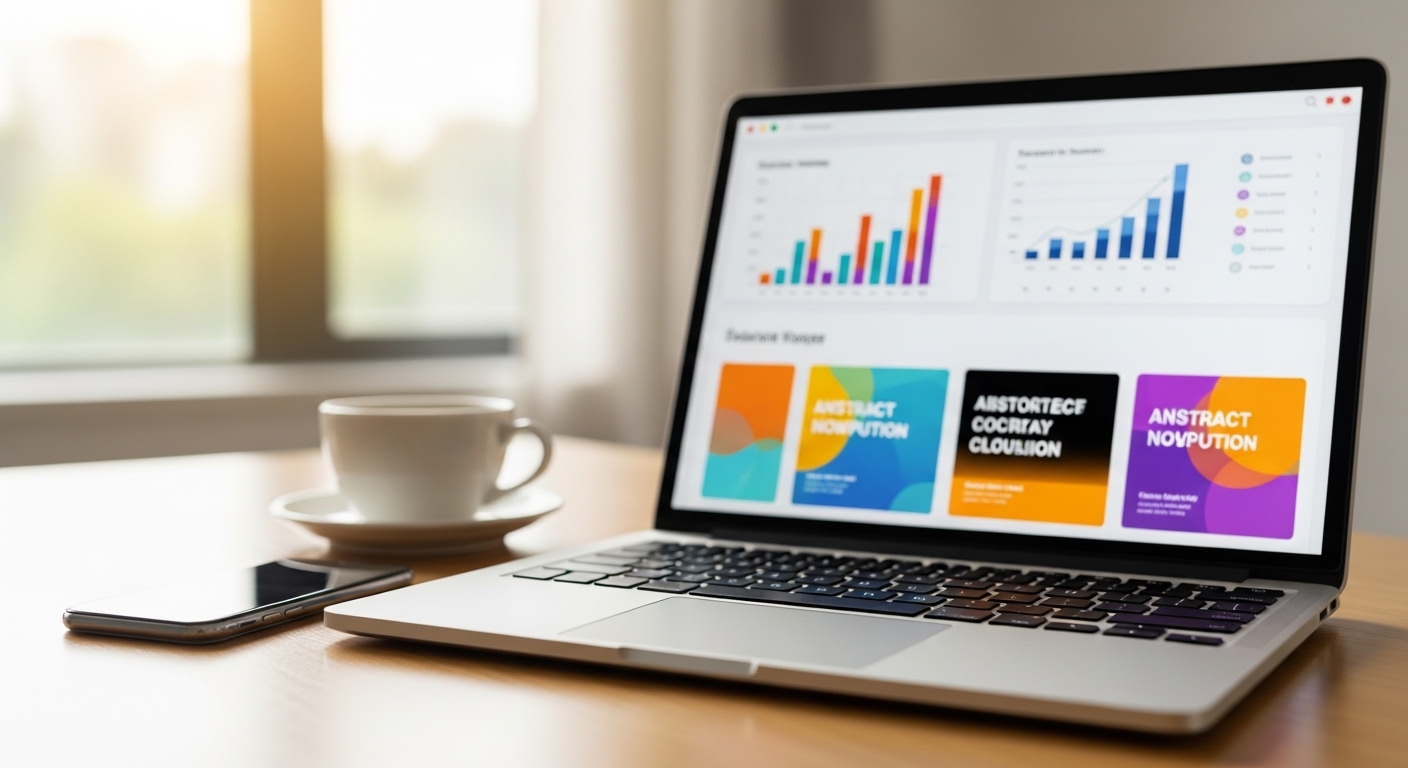
We automatically send all the data via API into Google Sheets. Once in Google Sheets, we can filter or analyze the data, create visual representations of it with charts, and summarize the data as needed. Access to Google Sheets is available to all members of the team. Integration with other business intelligence tools allows users to maintain marketing oversight.
Using Data to Improve Advertising for Brands and Retailers
What Steps Are Involved in Setting Up and Running Data Analyses on Advertisers?
- The first step is identifying specific areas of interest: whether it is offers, headlines, images, updates or whether everything will be included in the analysis.
- Next, compile your keywords and competitors, including links to their websites/Facebook pages.
- Log into Apify and create the actor required, the Facebook Ads Library Scraper, and set all parameters (keywords, region (country), time frame, ad count).
- When finished entering all data into Apify, you can start the scraper to collect the data and receive the output in JSON format.
- Once you have the JSON output, use OpenAI or Gemini to analyse the ads for their offers, triggers and images, using the prompt given by Apify.
- You will then be able to import the analysed results into Google Sheets using the API.
- After importing the results, you can look for trends, such as what percentage of ads contained promotional copy, what tone was used, how frequently numbers appeared in headlines, etc.
- Once you have identified the trends, you can develop A/B test hypotheses based on the observations you have made.
- You will want to establish a routine to continually monitor the results of the ads to keep up with changes in the market.
- Finally, a good rule of thumb: do not just copy the ads verbatim; instead, remix the concepts based on your niche market/audience.
Example 1: Online Education Industry Reduced Their Lead Cost by 41%
An online education provider had struggling lead costs.
400 Ads Case Study and Patterns Identified
The company collected 450 ads from competitors; upon reviewing these ads for patterns, they noted a significant number of ads (71%) promoted "First Week Free" offers, a large percentage (68%) emphasized rapid skill acquisition, and many of the visuals used showed people working on laptops. As a result of implementing changes to advertising in mid-February, the company's lead price dropped from $43 to $11 and conversions increased from 8% to 11%.
SaaS CRM UK Market Entry: Media Analysis
450 total ads were analyzed by the company. Aggressive language was removed from ads, a 14-day trial was emphasized, and ads were modified to use a corporate style and comply with GDPR. The company's Customer Acquisition Cost was $38, significantly lower than the forecasted CAC of $50-$60, with a conversion rate of 14%.
E-commerce Retargeting Optimization
A sports retailer was able to increase the effectiveness of retargeting campaigns through the use of personalized offers, coupled with limited-time discounts. As a result, the retailer experienced almost a 100% increase in conversion rates, a 47% increase in Return on Investment, and an increase in Average Order Value of 12%.
Technical Details and API Integrations
- Apify API permits launching scrapers, monitoring running tasks, and exporting data.
- OpenAI GPT-4 API is designed for text analysis, image recognition, and the generation of ideas.
- Google Gemini API allows the user to analyze video content.
- Google Sheets API automatically updates spreadsheets/reports.
- Proper configuration of API keys, monitoring request limits, and mitigating error handling is a critical aspect of the overall process.
Security and Compliance with Facebook Advertising Guidelines
We work only with public information obtained from the Facebook Ads Library and never have access to users' private information. The scripts are launched via proxy servers, so request limits are adhered to, and all blocks are bypassed without violating Facebook policies. OpenAI and Gemini process data according to strict standards - no processing of data is done for retraining, and logs are kept for no longer than 30 days. Google Sheets containing this data are protected by a password and 2-Factor Authentication (2FA).
Important to Remember
Do not directly copy creatives and work only with aggregated information to avoid violations of Meta's advertising policies.
Frequently Asked Questions
Can I analyze Instagram Ads?
Yes, simply indicate the placement when configuring Apify for Instagram Ads, as they can be found in the Facebook Ads Library.
Do I need to have programming knowledge?
Generally, you do not need to; there are several no-code platforms available such as ASCN.AI, Make, and Zapier, which allow for running the same processes as Apify.
What Cost will I have to incur to Run Apify?
If you analyze around 500 ads per week, you will spend approximately $100-$150 monthly to operate Apify, which is considerably less than what most dedicated services charge.
How Often Should I Update My Data?
For fast-paced markets, weekly; for more stable sectors, monthly.
Can AI Make Mistakes?
Certainly, therefore it is wise to conduct manual checks on results and perform real-world testing of hypotheses in advertising.
Is it Legal to Utilize this Tool?
Yes, as long as you comply with Meta's regulations.
Can I Use the Results with a CRM or Business Intelligence System?
There are no issues integrating the output of Apify with either system, as data can be exported by way of Google Sheets or directly from the APIs.
