



- Русский
- English
- Português
AI DJ — Generating Spotify Playlists from Text with GPT-4 and Linkup
Stop spending hours digging through tracks and manually building playlists. AI DJ leverages the sophisticated natural language processing of GPT-4 and the seamless Spotify integration of Linkup to turn your simple text descriptions into expertly ranked playlists. Whether you need "high-intensity EDM for a morning run" or "calm instrumental lo-fi for deep work," our system understands the emotional nuances, tempo, and genre requirements of your request. With real-time syncing and smart ranking based on popularity and relevance, AI DJ provides the perfect music for every moment, instantly.

It used to be that finding just the right music for your Spotify playlist was simply a matter of taste and determination. Now, thanks to the latest technology, AI DJ can take a simple description or statement about your mood or intended feelings and instantly create a music playlist that fits that description. For example, if you typed "calm jazz music for work," AI DJ would give you an entire playlist of calm jazz songs that match the specific feeling you requested. How does it do this? It uses millions of different songs, evaluates the context surrounding the request, and evaluates the user's mental state using specialized AI programs.
The real magic lies in the combination of GPT-4 (the technology behind AI DJ), Linkup (the technology that connects Spotify and AI DJ), and a special ranking algorithm that organizes all of the songs based both on their relative "match" to the user's request and how popular that song is. As such, GPT-4 does not merely read your request for music; it also considers emotions, nuances, and indirect meanings when processing your request for a specific type of music. For instance, if you asked for "music to concentrate on complex tasks," AI DJ would determine that the best fit would be either ambient or lo-fi (without vocals) music playing at a moderate pace. These tracks will help the user to stay focused and avoid distractions.
However, without Linkup, it would take a long time to implement: To connect to or authorize requests for the Spotify API, one would need to have completed the manual application for these connections. With Linkup, all this work has been done for you and, thus, allows you to save weeks of program time. Music lovers, musicians, DJs, traders, analysts and marketers all have something in common — they enjoy listening to music. But why have to spend hours creating playlists when there is a much faster way? Save time and money by getting the best playlists for your events, moods, locations, etc., and let AI DJ find the music for you. AI DJ is not just for professional musicians or DJs; it can be beneficial to anyone who enjoys listening to music.
Integration of Spotify with Linkup
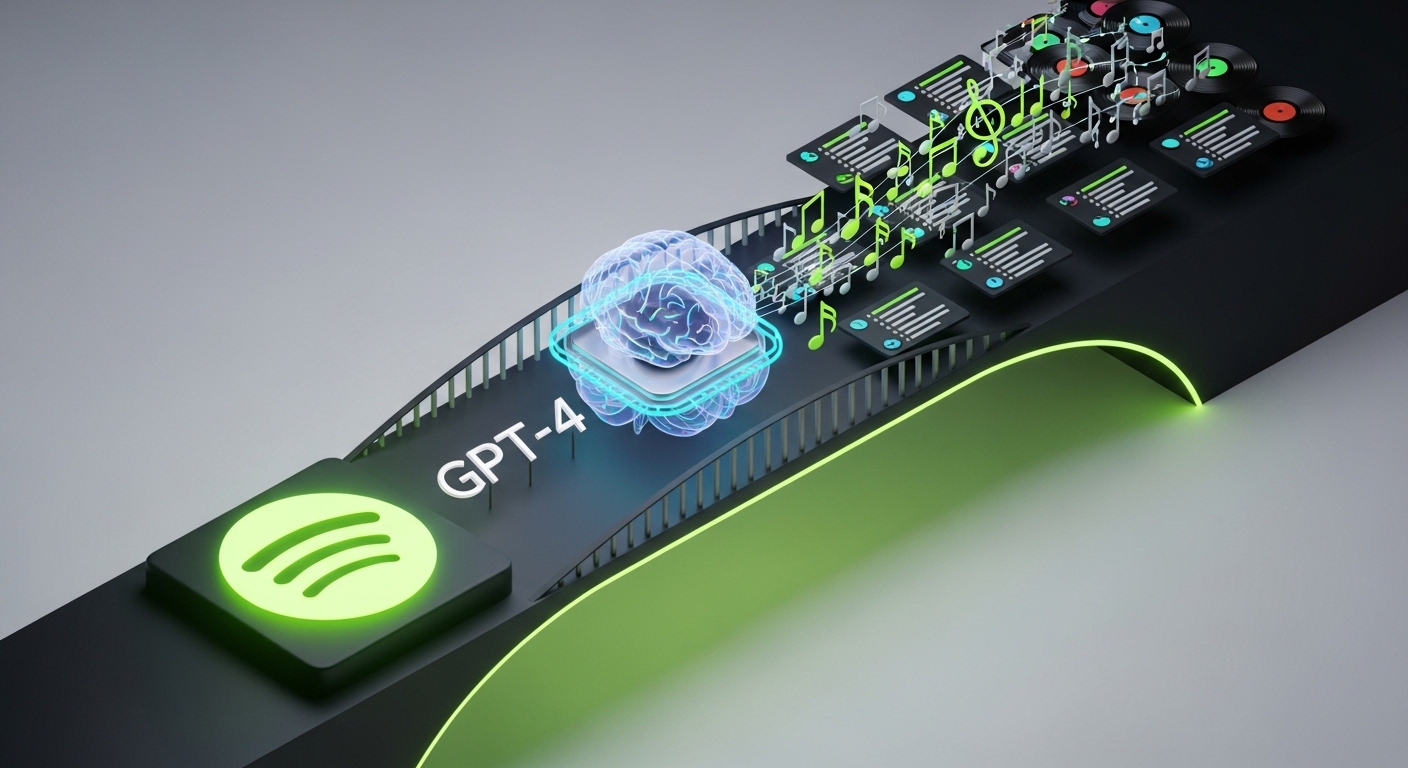
Linkup serves as a link between an AI DJ and Spotify. Linkup acts as a communication gateway between an AI DJ and the Spotify API by handling OAuth authorisation, converting data into the standardised format required to be transmitted through the API and monitoring for errors and Spotify's request limits. Consequently, all requests to and from Spotify are executed without interruptions.
If developers did not use Linkup, they would need weeks to refine their work; however, with Linkup, the entire project can be launched in a mere 15 minutes. The process of using Linkup for an AI DJ to connect to the API is analogous to the way in which you connect the hoses for your washing machine. Instead of having to figure out how to connect the hoses, you simply plug into an already pre-manufactured connector.
Benefits of Integration Technology
- Speed of Development: Develop from an idea to a functional product in hours; not weeks.
- Reliability: The system will automatically retry any errors encountered when making a request to the API and maintain a log of all requests made;
- Scalability: The system can handle thousands of requests at once with load balancing and caching;
- Ease of Use for Developers: Integration is very straightforward due to the excellent documentation and sample code in the more commonly used programming languages.
To connect Spotify to your account, please register for an account and then go to Sign in with Spotify. Don't forget that all requests are secure; therefore, your token will be encrypted and will be automatically updated. In order to use the more advanced features within our product, you will need to have a Spotify Premium membership.
Step 2: Write a detailed description of the type of playlist you want to create. Be specific. Here are some examples:
- High-energy songs for working out at 140 to 160 BPM (EDM and Hip-Hop);
- Instrumental ambient music for concentrating the most;
- Retro songs from the 80's (synth-pop and new wave);
- Mood music for reading at night.
Step 3: Once you have finished writing the description, click Generate Playlist. Within seconds, the AI DJ will produce a playlist containing 15 to 30 sample tracks. If everything looks good to go, then click Add to Spotify and start listening. If you would like to make changes, you can edit the description and generate another playlist.
Frequently Asked Questions (FAQ):
How does the AI DJ create playlists? The playlist creation process starts with GPT-4 reading your request, interpreting your mood, picked genres, and tempo. Afterward, it sends a request to the Spotify API. Linkup gets the track IDs that correspond to your request and sends them back to you. An algorithm that specializes in relevance and popularity sorts those tracks to create your playlist before it gets added to your account automatically.
What are the limitations of the free tier? You may create a maximum of 5 playlists each month with up to 15 songs each, however you won't have advanced tempo control. Purchasing a premium account removes those restrictions and speeds up the creation of the playlist to 3-5 seconds.
Can it function without a Spotify account? Not at this time. You must be authorized to use the AI DJ. As of 2026, Apple Music and YouTube Music will also be supported.
Technical Information about Algorithms and Text Processing
Rather than just recognizing words, GPT-4 also understands the context, for example the description of "rainy evening" allows it to provide the following specific information regarding composition: Slow tempo, sad sound, indie folk style, ambient.
The Spotify Web API allows you to access a catalogue of over 100 million songs with the ability to filter for Genre, BPM (Beats per minute) and Popularity;
Ranking Algorithm - The Algorithm ranks songs based on how well the song matches the Request, how Popular the song is, When the song was Released, Your Listening History.
A request such as "Aggressive rock music to work out to" would return a list of those Rock and Metal songs with an average tempo of above 130 BPM, and a High Energy Level. From that, the Best 20 songs from the list of hundreds of available songs would be selected.
Supported Formats and Limitations
- Requests must be a short statement of a maximum of 10 words, "Calm Jazz to work to".
- A request must be a long statement of up to 300 Words with a description of the genre, instruments used to create the sound and the emotional mood it creates.
- Structured format: separated by parameter in the format of "Genre = Hip-hop, Tempo: 90-110 BPM, Mood: Relaxed."
The following are limitations on requests:
- A maximum text length of 500 Words.
- We only work with music from Spotify.
- Very Rare Genres may only return less than 10 songs out of the requested genre.
Output Formats:
- Spotify Playlist in standard Spotify format.
- Export Tracks to a CSV format for Premium Users Only.
- Provide a Link to Allow Users Quick Access to Share Playlists.
Security and Privacy
We are committed to protecting user data. Tokens and Personal Data are kept encrypted using AES-256 in Secure Vaults. Request history is anonymous, and does not link back to Individual Users. Connections are all secured with HTTPS. We protect against DDoS attacks and limit request frequency. Audit Logs automatically deleted after 30 days.
The information is general in nature only and should not replace advisory services from an IT Security Specialist.
Illustration and Demonstration

Text requests vs Completed Playlists
- Running Morning - Asked for Music with an "Energetic Feel for 160-180 BPM, EDM and Hip-Hop" - Successfully Provided 20 songs averaging a BPM of approximately 170 BPM.
- Work - "No lyrics - only music (Ambient Instrumental and Lo-Fi Hip-Hop)" - Successfully Provided 25 tracks which create a calm environment to help with focus, and block out distractions.
- Party - "Dance music from the 2000's and the Now - Pop and House" - Successfully Provided 30 tracks that will provide many hours of uninterrupted dancing.
Video and Interactive Materials
A short demo (roughly 2 minutes) which illustrates how the Generation Process works and an interactive Demo which allows users to create 3 attempts per day without requiring Registration. Testimonials from users who saved time and easily created playlists with AI DJ.
