



- Русский
- English
- Português
AI Agent for Analyzing Customer Pain Points from Real User Posts
The agent collects verbatim customer quotes from Reddit, Hacker News, and online forums, groups them by topic, trend, and frequency, and generates a detailed insights report. It then creates ready-to-use messaging blocks for landing pages, marketing copy, and content based on real customer language
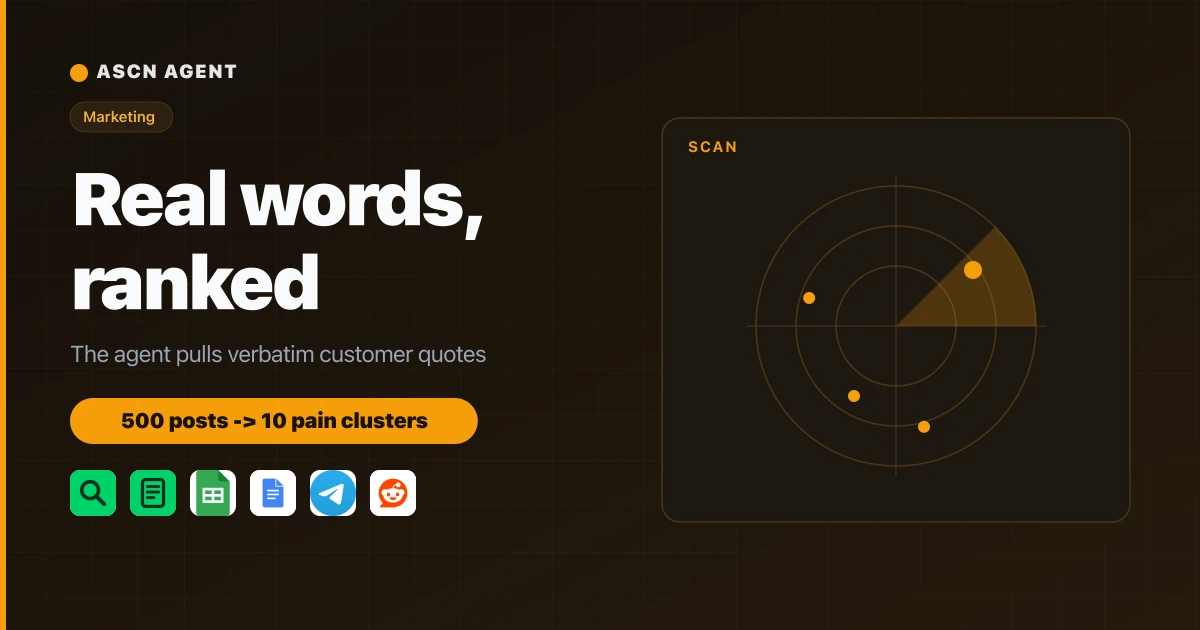

Install the agent from the marketplace and get your first pain clusters the same day.
Overview
Most positioning runs on guesswork. A copywriter invents headlines, the team argues over wording, and the visitor never recognizes their own problem on the page. Customer interviews and a positioning agency cost $1,000 to $5,000 per project and take weeks. Meanwhile real people have already described those pains on forums — in their own words.
Audience Pain Research Agent is a ready AI agent for the ASCN platform that mines those words and turns them into structure:
- 🔎 Collects discussions on your topics from Hacker News, Stack Exchange, Reddit and forums, filtering posts by pain markers and questions.
- 💬 Pulls verbatim quotes. Every quote is an exact substring from the source. If the wording can't be confirmed, the item is dropped, not invented.
- 🗂 Clusters pains by frequency, trend (growing or a one-off spike), and a per-source breakdown.
- 🎯 Gives you the audience voice and angles. Per cluster: high-frequency words for SEO and headlines, competitors mentioned nearby, a landing-page angle and a content topic.
- 📊 Exports the result to Google Sheets and Google Docs, and sends top clusters as a Telegram digest.
You manage it from a plain chat in ASCN or Telegram. There is nothing to assemble by hand — the agent connects services when you ask.
How the agent works
You don't need to code or know where to look. You describe the niche in words, the agent does the rest.
- Install from the marketplace. Click "Use template" and the agent shows up in your account in under 5 minutes.
- First run with zero setup. Hacker News and Stack Exchange work without keys. The agent shows 2–3 clusters with quotes the same day.
- Tune it to your niche. Describe your product and topics in chat; the agent saves them to its knowledge base and calibrates the search.
- Connect services through chat. Say "Connect Google Sheets and Telegram", the agent hands you an OAuth link, one click to authorize. Reddit turns on optionally via Secrets.
- Run the research. The command "run pain research" walks the full pipeline: collect, extract, cluster, rank, report.
- Work on schedule. With your consent the agent refreshes the pain map weekly and sends cluster shifts to Telegram.
Why this beats hiring an agency for research
- A fraction of the cost. Positioning research runs $1,000 to $5,000. The agent covers that work for the price of the Start plan — $29/month as of 06/12/2026 (current pricing at ascn.ai/en/pricing).
- Hours, not weeks. Interviews and transcripts drag on for weeks. The agent returns clusters with hundreds of quotes in one session.
- Headlines in your customers' words. The agent gives you phrasing the way people actually write it. Those headlines get recognized and convert better than marketing prose.
- Facts only, no fiction. No invented quotes and no inflated weak pains — the agent flags a one-off spike and a failed source honestly.
- The picture stays current. A weekly task shows which pains are growing and which competitors surface more often in discussions.
What users get
In one session the agent reviews hundreds of discussions and returns 6–12 ranked clusters with verbatim quotes, the audience voice, and a pair of angles each — one for a landing page, one for content.
Results depend on your niche, how precisely you describe the topics, and how many sources you connect. The agent handles collection and structure; the depth of the picture comes from your setup.
Rollout statistics
SaaS startup — B2B tool for teams
- Connected: Hacker News and Stack Exchange without keys, plus Reddit via Secrets
- Result: 9 pain clusters, top one "the tool forgets context", 40+ quotes
- Saved: about $3,000 on customer research and two weeks of work
Marketing agency — positioning services
- Connected: web search, forums, export to Google Sheets and a Telegram digest
- Result: audience voice for 5 client landing pages, article angles for a quarter
- Saved: roughly 12 hours a week of manual forum research
Course creator — online education
- Connected: Reddit and a weekly Monday research run
- Result: landing headlines rewritten in the audience's words, higher post response
- Saved: about 5 hours a week finding content topics
The numbers are illustrative — an expected effect. Real results depend on your niche and setup.
What's included
- A ready, configured agent: role, verbatim rules, and the pain-research skill already written; install in under 5 minutes.
- A management guide: how to connect services, set topics, and run research through chat.
- Skill and knowledge base: pain markers, source recipes, and domain context the agent reuses run after run.
- A personal manager: helps tune the agent to your niche on the Personal plan and above.
- A private community: tactics from other users and quick support answers.
While competitors pay an agency to guess at positioning, you read customer pains in their own words. 🔥🔥🔥
Set it up once, and every week fresh pain clusters and ready angles wait for you in Telegram.
