



- Русский
- English
- Português
Ella. AI Email Marketer: Email Sequences and Spam Checks
Wins back customers from your dormant list with email sequences, checks why your emails land in spam, writes welcome and abandoned cart emails, and shows where your campaigns lose readers. Drafts go straight into Unisender, Brevo or Mailchimp.
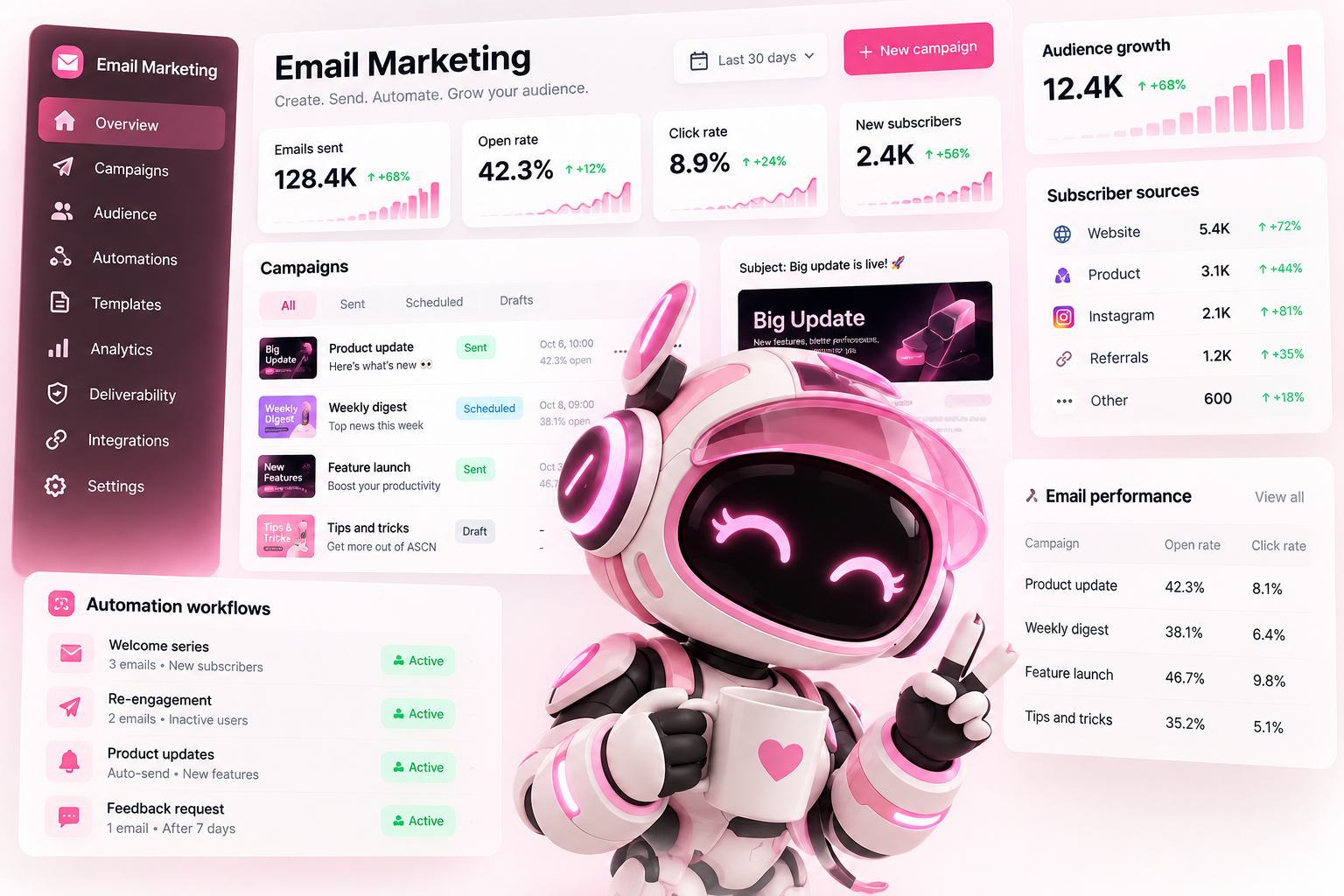

Your list has 5,000 people who have already bought from you, and the last email they got was six months ago. You've already paid to acquire these customers, but they aren't bringing in any money. Ella writes email sequences that bring them back for another purchase, and first checks whether your emails are even reaching inboxes.
What it looks like
A pet supplies store uploaded its customer export and connected Unisender. Ella replied:
Domain first. DMARC isn't set up, so some emails may be landing in spam. Fix this before sending, or the sequence will go nowhere. What exactly to pass on to whoever manages your domain is in the list below.
Who to win back first. There are 4,870 customers in the list. We'll start with the 1,240 who bought twice or more and placed their last order 6–12 months ago: they already trust the store and are most likely just buying somewhere else now.
A three-email sequence:
Day 0 — “It's been a while: what's new at the store.” New arrivals in the categories the customer has bought before.
Day 3 — “Running low on food?” Only for those who bought pet food: a reminder in line with their usual purchase cycle.
Day 7 — “Free delivery until Sunday.” [You confirm the offer.]I don't make up discounts or free delivery: confirm the offer or replace it with your own. The drafts are already in Unisender, and you're the one who hits “send.”
Emails landing in spam without you knowing? Ella checks your domain in 2 minutes
Open rates are falling, and you keep rewriting subject lines. But the problem may not be the copy at all, it may be three domain settings: SPF, DKIM and DMARC. Ella checks them in about 2 minutes and gives you a list of what to fix first.
“DMARC isn't set up, and DKIM is configured for only one of your two email services. That's why some emails sent from Unisender land in spam. Here are three records to pass on to whoever manages your domain.”
Signed up and forgot about you? Ella writes a welcome sequence
Someone signed up or registered, got one “Thanks for subscribing” email, and never heard from you again. A month later, they don't remember who you are. Ella writes a sequence that takes a new subscriber from first contact to first purchase:
Day 0 — who you are and what the subscriber gets.
Day 2 — the main benefit: how your product solves their problem.
Day 5 — answers to the doubts that usually stop people from buying.
Day 9 — a specific offer and a clear next step.
Subject lines for every email come to you for approval, with several options for each and a plan for testing them on part of your list.
Emails go out but no sales come in? Ella shows where readers drop off
The sequence is running, people open the emails, but nobody gets to the purchase. Ella analyzes the stats for each email and shows exactly where readers drop off and why:
“Email 3 has a 41% open rate but only a 0.8% click rate, while the other emails get about 4%. The button sits at the very end of a long text, and people don't read that far. I suggest moving it to the first screen and cutting the email in half.”
How it works
Answer four questions: what you sell, to whom, how often people buy, and what emails you already send → connect Unisender, Brevo or Mailchimp → Ella checks your domain and tells you what to fix first → suggests which sequences to start with: win-back, welcome, abandoned cart → writes the emails and saves them as drafts in your email service → you launch → a couple of weeks later, Ella analyzes opens and clicks for each email and suggests what to change.
How is this different from a ChatGPT prompt?
| ChatGPT | Ella | |
|---|---|---|
| Spam | Explains what SPF and DKIM are, but can't check your domain | Checks your domain settings and tells you what to fix first |
| Who to email | One email for everyone | Uses your customer export to show which lapsed customers to win back first |
| Where the emails go | Text in the chat that you have to copy and lay out | Drafts straight into Unisender, Brevo or Mailchimp |
| Results | Can't see how the campaign performed | Analyzes opens and clicks for each email and suggests changes |
| Facts | May add “only 3 left” or a made-up review to sound convincing | Uses only your facts and flags anything missing |
| Email rules | Doesn't know who on your list has unsubscribed | Emails only people who opted in, and excludes unsubscribes and complaints |
ChatGPT will write an email. Ella makes sure your emails arrive, get read and bring in sales.
Who it's for
- Online stores with a customer list that hasn't heard from them in a while.
- Online schools: pre-launch emails and course sales.
- Subscription services and SaaS: onboarding emails for new users and win-back for those who left.
- Marketers whose email campaigns are running but not making money.
How it went for others
Online cosmetics store, abandoned carts. Everything worked right away. The store connected Mailchimp, and Ella wrote a three-email sequence for people who added items to their cart and left: a reminder after an hour, answers to common doubts the next day, and a final email three days later. The drafts landed in Mailchimp, the owner tweaked a couple of phrases and launched it. In the first month, the sequence brought back 64 orders worth $3,800.
Online photography school, course launch. This one took some work. The domain check showed that DKIM wasn't set up for Brevo, and the school's emails were landing in spam en masse. Domain access was held by a former contractor, so the fix took three days and the launch was pushed back a week. Then Ella wrote a five-email pre-launch sequence. Sales from email came in almost twice as high as at the previous launch, though the school admits part of the growth came simply from the fixed domain.
Tea store, dormant customer list. It worked partly. Using the export, Ella split 6,000 customers into groups and started with those who had bought more than once in the past year. About 4% of that group came back within a month. Customers who hadn't ordered in over two years barely responded: some addresses no longer existed and emails bounced. Ella advised stopping emails to that group to protect the domain's reputation, and the store cleaned up its list.
ASCN agents in email
Frederick Palmer, CEO of an IT company. The CRM held 30,000 contacts nobody had been in touch with for over a month. An ASCN agent studied each contact's history and sent 30,000 personalized emails within a week. 1,844 customers got back in touch. The campaign cost about $2,000 and brought in $60,000 in payments from that list.
What to connect
An email service in ASCN integrations: Unisender, Brevo or Mailchimp. Without one, Ella delivers finished emails as files.
What Ella doesn't do
- Doesn't send campaigns on her own: emails are saved as drafts, and you send them.
- Doesn't work with purchased lists: she only emails people who opted in.
- Doesn't email people who unsubscribed or complained.
- Doesn't make up reviews or “only 3 left.”
Ella can also: write abandoned cart emails, prepare pre-launch sequences for a course or product, and suggest several subject line options with a plan for testing them on part of your list.
FAQ
Will Ella send campaigns on her own?
No. Ella saves emails as drafts in your email service, and you're the one who hits “send.”
Will Ella share my list with anyone else?
No. Ella works with your data only inside your ASCN account, to carry out your tasks. You can revoke access to your connected email service at any time in the integrations section. Learn more about how data is stored in the ASCN privacy policy.
Can AI write an email campaign?
Yes. Ella writes emails and sequences based on your business facts, checks why emails land in spam, and saves drafts in your email service. You do the sending.
How does Ella check why emails land in spam?
She checks your domain settings: SPF, DKIM and DMARC. These are records that email providers use to decide whether to trust your emails. The check takes about 2 minutes, and at the end you get a list of what to fix first and what to pass on to whoever manages your domain.
Will the emails sound templated?
Ella writes in your brand's voice and only with your facts. Anything missing is flagged so you can fill it in.
I only have 300 subscribers. Is it worth it?
Yes. That's enough for a welcome sequence and win-back emails. Testing subject lines on a list that size is too early, though, and Ella will tell you so.
Can I upload a purchased list?
No. Ella only emails people who opted in. Emailing purchased lists damages your domain's reputation, and then even emails to your real customers end up in spam.
I don't have an email service. Can Ella still help?
Yes. Without a connected service, Ella delivers finished emails as files. But she can only analyze per-email stats with Unisender, Brevo or Mailchimp connected.
How will I know things got better?
A couple of weeks after launch, Ella analyzes the stats for sent emails: where people read, where they drop off, and what to change.
What results can I expect after 3 months?
It depends on your list size, purchase frequency and how quickly you launch sequences. Typically, after three months you have a properly configured domain so emails reach inboxes, working win-back, welcome and abandoned cart sequences, and a clear picture of which emails drive sales and which don't. We don't promise specific numbers: your email service will show them.
What if I can't set Ella up?
Message ASCN support: we'll help you connect your email service and work through your first sequence.
What if Ella gets confused or writes the wrong thing?
Most often she's missing facts about your business or access to your email service. Ask Ella herself: “What do you need for this sequence?” — she'll tell you. If she's still confused, start a new session: this clears the context, and Ella will start from a clean slate.