



- Русский
- English
- Português
Top 10 Alternatives to N8N in 2026: A Review of the Best Automation Tools

The best n8n alternatives in 2026 are ASCN.ai if you want AI agents without code or servers; Zapier and Make for cloud automations between SaaS apps; Huginn, Node-RED, Apache Airflow and Activepieces if your workflows have to run on your own server; and Power Automate, Tray.ai and Workato for large companies. Below you'll find a comparison table, a review of all ten platforms and a step-by-step guide to moving a workflow.
n8n is an open-source workflow automation tool with a visual, node-based editor. Each node is one step: it receives, processes or sends data, such as pulling a record from a database, sending an email or creating a document from a template. On n8n.io (October 2026) the platform is pitched at technical teams: a visual builder plus code, AI agents, and deployment on your own infrastructure or in n8n's cloud. The project has tens of thousands of GitHub stars, and plenty of teams pick it as a self-hosted replacement for Zapier.
The trouble usually starts with growth. A workflow that handled 200 events a day starts to stumble at 2,000: webhooks pile up in the queue, error handling is too basic for multi-branch workflows, and the logs don't tell you what went wrong. The self-hosted version also has to be updated, backed up and monitored every week, and somebody on your team has to own that job.
There are more than 30 automation platforms on the market, from cloud-based Zapier to self-hosted Apache Airflow. We picked the ten that teams most often consider instead of n8n and compared them on the same criteria.
Contents:
- Quick answer: which n8n alternative to pick
- Key Features Comparison Table of n8n Alternatives
- Criteria for Choosing n8n Alternatives
- The Top 10 n8n Alternatives in 2026
- Which n8n alternative fits your use case
- How to move an n8n workflow to ASCN
- Frequently Asked Questions (FAQ)
- Conclusion and Recommendation on Selection
Quick answer: which n8n alternative to pick
The right choice depends on who will maintain your automations. No developer on the team and you want agents that act on their own in Slack, WhatsApp and your apps? ASCN.ai. Simple cloud automations between SaaS tools? Zapier or Make. You have DevOps and your data must stay in-house? Huginn, Node-RED, Airflow or Activepieces.
- No-code AI agents in Slack, WhatsApp and Telegram → ASCN.ai: free plan, paid plans from $29/mo.
- Fast connections between SaaS apps → Zapier: 9,000+ apps according to its website.
- Complex logic with branches and loops → Make.
- Your own server and open code → Huginn, Node-RED, Activepieces; for Python data pipelines, Apache Airflow.
- Microsoft 365 shops → Power Automate; large enterprises with governance needs → Tray.ai and Workato.
Key Features Comparison Table of n8n Alternatives
All ten platforms in ranking order. Details for each are in the reviews below.
| Platform | Best for | No-code | Self-host | Price from | AI agents |
|---|---|---|---|---|---|
| ASCN.ai | Teams without developers | Yes | No, cloud | $0 / $29 | Yes, core |
| Zapier | SaaS app connections | Yes | No | $0 / $19.99* | Yes |
| Make | Complex logic | Yes | No | $0 / $9* | OpenAI modules |
| Huginn | Scraping, monitoring | Partly | Yes | Free | Not stated |
| Node-RED | IoT, events | Low-code | Yes | Free | Not stated |
| Apache Airflow | Data engineers | No, Python | Yes | Free | Via Python |
| Power Automate | Microsoft 365 | Yes | Partly | $15/user* | AI Builder |
| Activepieces | Open-source teams | Yes | Yes | Free plan | Yes |
| Tray.ai | Enterprise iPaaS | Low-code | No | Ask vendor | Yes |
| Workato | Enterprise, ERP | Low-code | No | Ask vendor | Yes |
* Prices marked with an asterisk are taken from vendor websites as of March 2026 (when this article was first published). Plans change, so check the vendor's pricing page before you buy. ASCN.ai prices are from ascn.ai/pricing as of October 7, 2026. "Not stated" means we found no built-in AI agents on the platform's website or docs; you can still call a model through an HTTP request or your own code on almost any of them.
Criteria for Choosing n8n Alternatives
We compared the platforms on six criteria: license, integrations, complex logic and code, data processing, AI, and pricing model. We also looked at where your data lives: in the vendor's cloud or on your own server.

Type of License
The license decides what you can do with a platform: change the code, embed it in your product, move it between servers. It also shapes your risk two or three years from now, when you have dozens of automations running on it.
Open-source licenses (Apache 2.0, MIT, GPL) give you the full code: you can read it, modify it and integrate it without asking anyone for permission. Huginn (MIT), Node-RED (Apache 2.0) and Apache Airflow (Apache 2.0) fall into this group. n8n itself uses a fair-code model: the source is open, but commercial use comes with restrictions. The upside of open source is vendor independence and no license fees. The downside is that someone has to run and maintain the server.
Proprietary cloud platforms (Zapier, Make, Tray.ai, Workato) are subscription-based: you pay per task, per operation or per user. In return you get ready-made infrastructure, support and an SLA. You launch fast and scale without lifting a finger. The trade-off is vendor lock-in and less room for customization.
Hybrid models such as Microsoft Power Automate combine cloud and on-premises deployment, so sensitive data can be processed in-house. Licensing is split by feature set.
Functionality
First, check whether the platform can handle your most complex workflow without workarounds. You need built-in if-then-else conditions, loops, iterators and error handling. The visual editors in n8n, Node-RED and Airflow let you build complex graphs (DAGs); simpler builders tend to produce linear chains.
Advanced workflows need code inside the workflow, usually JavaScript or Python. n8n, Node-RED and Airflow give you full access to code. In Zapier, the Code by Zapier step is available on paid plans with a 10-second execution limit; Make's custom functions can run for up to 40 seconds (figures as of March 2026).
If you move large volumes of data, look at batch and streaming support and at payload limits. Apache Airflow and Workato are built for ETL. Zapier has a 6 MB payload limit (as of March 2026), which is too small for heavy exports.
In 2026, AI is part of the baseline. At a minimum, a platform should connect to language models (GPT and local LLMs) for classification, sentiment analysis and text generation. The next level is AI agents that decide what to do next on their own and run on a schedule or a trigger. We explain the difference in our guide on how to build an AI agent without code.
Integration
The number of integrations is only half the story. Zapier lists 9,000+ apps (zapier.com, October 2026), Make lists 1,500+ (as of March 2026). What matters more is what each connector actually does: real-time triggers, two-way sync, full API access. A connector that only creates a contact in your CRM is very different from one that also updates deals, reads custom fields and listens for changes.
Ask three questions about every app you rely on. Does the connector cover the actions you need, or only the basics? Can you fall back to a raw HTTP request when it doesn't? And what happens when the app's API changes: does the vendor update the connector, or do you?
Pricing
At high volume, bills grow faster than you'd expect. There are five common pricing models, and the model matters more than the entry price.
- Pay per task (Zapier): every action in a workflow counts as a task. Cheap at low volume, expensive at high volume.
- Operation bundles (Make, Tray.ai): you buy a bundle and spend it on any step. Better value for complex chains.
- Feature-based plans (Power Automate): plans differ by capability, not volume.
- Credits (ASCN.ai): a flat monthly plan with a credit allowance that your agents spend.
- Free license, your own server (n8n, Huginn, Node-RED, Airflow): the software costs nothing, but you pay for hosting and DevOps time.
A quick worked example: a five-action workflow runs 1,000 times a day. That's 5,000 actions a day and roughly 150,000 a month. If the platform counts every action as a separate task, this one workflow lands you on a top-tier plan. So count your real volumes before you compare price tags.
Self-hosted vs. Cloud Solutions
Self-hosted gives you full control of your data, no operation limits, deep customization and no vendor dependency. The price: you need a skilled DevOps person, setup time, full responsibility for security and no packaged support.
Cloud platforms launch in minutes, scale on their own and come with an SLA, support, updates and new integrations you don't have to build. The downsides are vendor lock-in, less control, limits on tasks and payload size, and costs that grow as you scale.
A practical rule: if nobody on your team owns the server, go with the cloud. Self-hosted is "free" right up until the first outage at 3 a.m.
Integrations
Platforms connect to other systems in five main ways. Knowing which ones you need narrows the list quickly.
- Native connectors: ready-made integrations with popular CRMs, email and storage. Quick to launch, but they often cover only basic API functions.
- API connectors: generic HTTP clients for REST and GraphQL APIs. They connect to anything but require some technical skill.
- Database connectors: direct access to PostgreSQL, MySQL, MongoDB, Snowflake and BigQuery. Essential for ETL.
- SDKs and custom connectors: your team writes its own connector in JavaScript or Python and publishes it or keeps it internal.
- MCP servers: the newer standard that lets AI agents plug into tools. ASCN.ai, Tray.ai, Workato, Activepieces and n8n all support it.
For a deeper look at how agents connect to CRMs and APIs, see our article on integrations for AI agents.
The Top 10 n8n Alternatives in 2026
ASCN.ai takes first place, followed by Zapier and Make. The order reflects how well each platform solves the most common reason teams leave n8n: nobody has time to babysit a server, while the number of automations and AI tasks keeps growing.

1. ASCN.ai
Best for: small and mid-sized businesses that want AI agents in Slack, WhatsApp and Telegram without code or their own server.
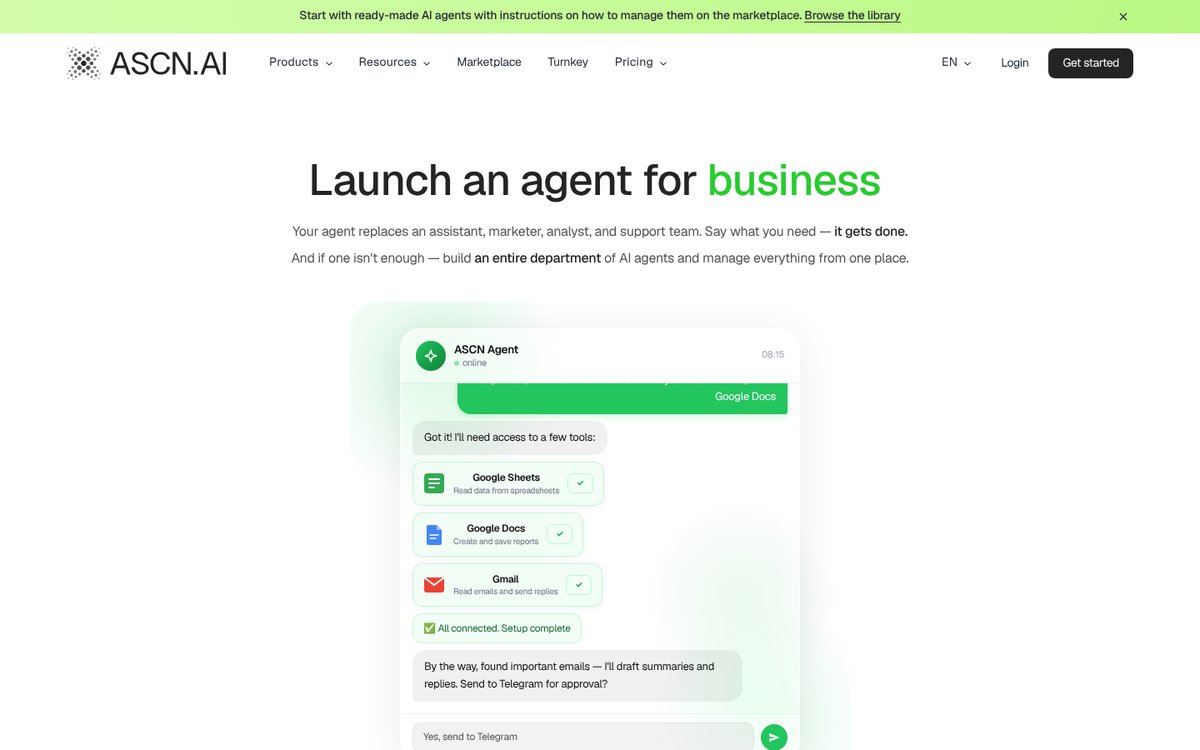
ASCN.ai is our product; the criteria are the same for everyone.
Overview and Key Features
ASCN Agent is an AI-native automation platform for building, launching and orchestrating autonomous AI agents for sales, marketing, support, analytics and operations. You can run a single agent or a whole department of agents. Instead of wiring nodes, you describe the job in plain words, for example: "When a new lead comes in, message them yourself within 10 minutes. No reply in 3 days, write again with a different angle."
- Schedules and events. The agent doesn't wait for commands: a new lead comes in and it replies in seconds; on Friday morning the report is already in your chat.
- Messaging apps. Agents live in Slack, WhatsApp and Telegram, and you can dictate a task by voice.
- Integrations. Gmail, HubSpot, Google Calendar, Drive, Docs, Sheets, Search Console, Meet, GitHub, GitLab, Supabase, Slack and Notion, plus thousands more through API and MCP servers.
- Memory. The agent remembers your clients, your tone of voice and project context.
- Marketplace. 100+ ready-made agents and automations for sales, marketing, CRM, email and reports; templates are free.
If you knew ASCN for crypto automation, that line is now a separate product, the Crypto AI Assistant: a multi-agent system for on-chain analysis, token research and sentiment, with plans from $29/mo.
Strengths and Limitations
Strengths:
- No server and no DevOps: everything runs in the cloud.
- The agent is set up from a task description, not from a node diagram.
- Ready-made agents in the marketplace, so you start from a template rather than a blank canvas.
- A flat monthly plan instead of paying for every single action.
Limitations:
- No self-hosted version. There is a White Label option (ASCN on your own domain, license from $10,000).
- 13+ native integrations, fewer than Zapier; everything else connects through API and MCP.
- The free plan includes one active agent and 500 credits a week, so running several processes needs a paid plan.
Pricing and Plans
From ascn.ai/pricing as of October 7, 2026, billed monthly:
- Free: $0, 500 credits a week, 1 active agent.
- Start: $29/mo, 10,000 credits, up to 5 agents.
- Personal: $99/mo, 35,000 credits.
- Business: $299/mo, 100,000 credits, up to 20 agents.
- Paying for 3, 6 or 12 months lowers the monthly price. Enterprises can use turnkey automation with hourly billing.
Skip ASCN.ai if everything has to run on your own hardware or you need ETL over millions of rows. Airflow or self-hosted n8n is a better fit there.
2. Zapier
Best for: non-technical teams that need to connect popular SaaS apps fast.
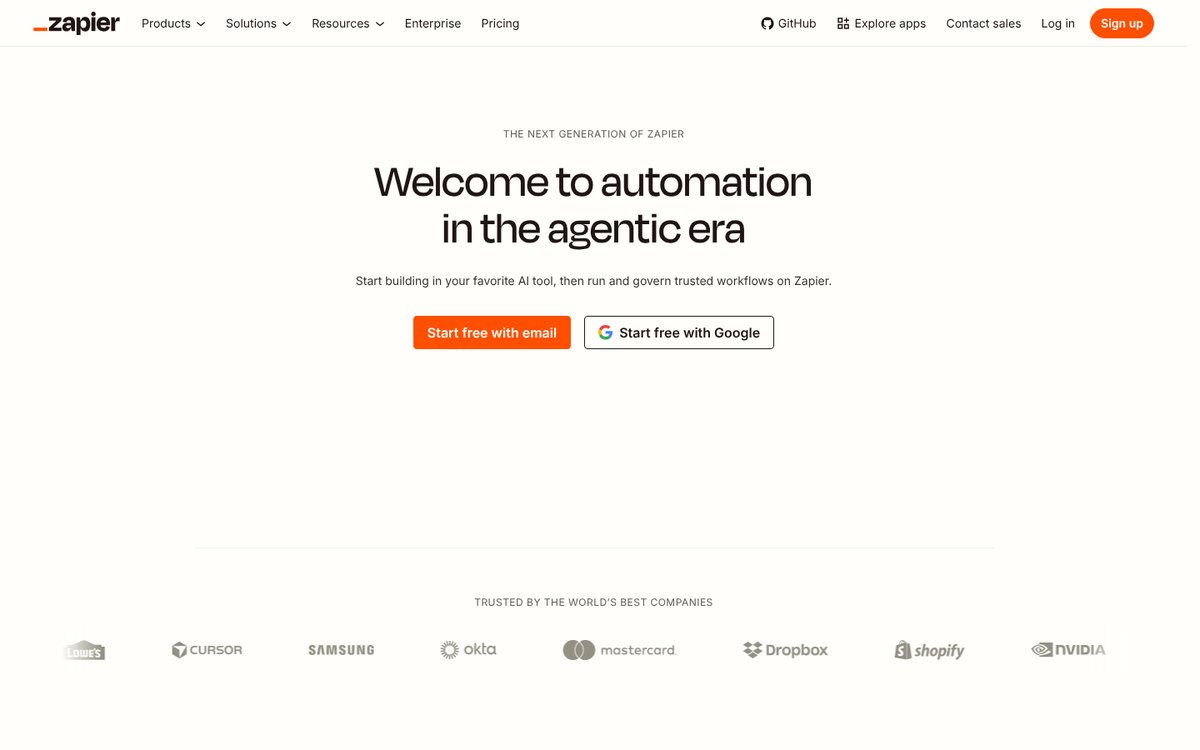
Zapier Overview and Core Features
Zapier is one of the original cloud no-code builders. As of October 2026 its website lists 9,000+ apps, AI workflows and agents. Its biggest advantage is the low barrier: someone with no technical background can build a first workflow in an afternoon.
- Integrations: Gmail, Slack, Trello, Salesforce, HubSpot, Shopify, Stripe and thousands more.
- Multi-step Zaps with filters and branching (Paths).
- Code by Zapier: JavaScript or Python, up to 10 seconds per step.
- Formatter and Digest: data transformation and message aggregation.
- Webhooks for real-time integrations.
- Zapier Tables: a built-in database for structured data.
Pros and Cons
Pros: low entry barrier, the largest integration library, reliability proven over many years, a big template library and thorough documentation.
Cons: per-task pricing gets expensive as volume grows; linear logic is awkward for workflows with loops; 6 MB payload and 10-second code limits; no self-hosted option, so data passes through Zapier's servers; moving workflows elsewhere means rebuilding them by hand.
Pricing and Plans
From the website as of March 2026: Free, $0, 100 tasks and single-step Zaps; Starter, $19.99/mo, 750 tasks and multi-step Zaps; Professional, $49/mo, 2,000 tasks and Code by Zapier; Team, $299/mo, 50,000 tasks; Company, from $599/mo. Check current prices at zapier.com/pricing.
Not a fit if a workflow runs thousands of times a day across many steps. Count your tasks first: per-task pricing at that volume adds up quickly.
3. Make (Integromat)
Best for: workflows with complex logic, including branches, loops and processing arrays of data.
Overview and Key Features
Make is a visual editor that handles complex logic well and offers good value at higher volumes. Make's website sits behind a Cloudflare check, so there's no screenshot in this section; the details below are as of March 2026.
- Drag-and-drop editor: build graphs with routers, parallel execution and filters.
- 1,500+ integrations: Google Workspace, Microsoft 365, Slack, Notion, Shopify, Stripe, Telegram, Discord, OpenAI.
- Iterator and Aggregator: loop through arrays and merge items back together.
- Data Stores: key-value storage for cache and state.
- Custom JavaScript functions with up to 40 seconds of execution time.
- Scheduled and webhook triggers.
Pros and Cons
Pros: a flexible, well-structured visual editor; operation bundles are cheaper than per-task billing for busy workflows; strong logic and data handling; a solid integration library.
Cons: no self-hosted option, so all data is processed on Make's servers; the interface is harder for beginners than Zapier's; some integrations have to be set up manually over HTTP; support on the free plan is slower.
Pricing and Plans
From the website as of March 2026: Free, $0, 1,000 operations and 2 scenarios; Core, $9/mo, 10,000 operations; Pro, $16/mo, 40,000 operations; Teams, $29/mo, 80,000 operations; Enterprise, custom pricing. Check Make's current pricing page before you commit.
If you're on Make and looking to switch as well, we have a separate review of Make (Integromat) alternatives.
4. Huginn
Best for: free website scraping and source monitoring on your own server.
Overview and Main Features
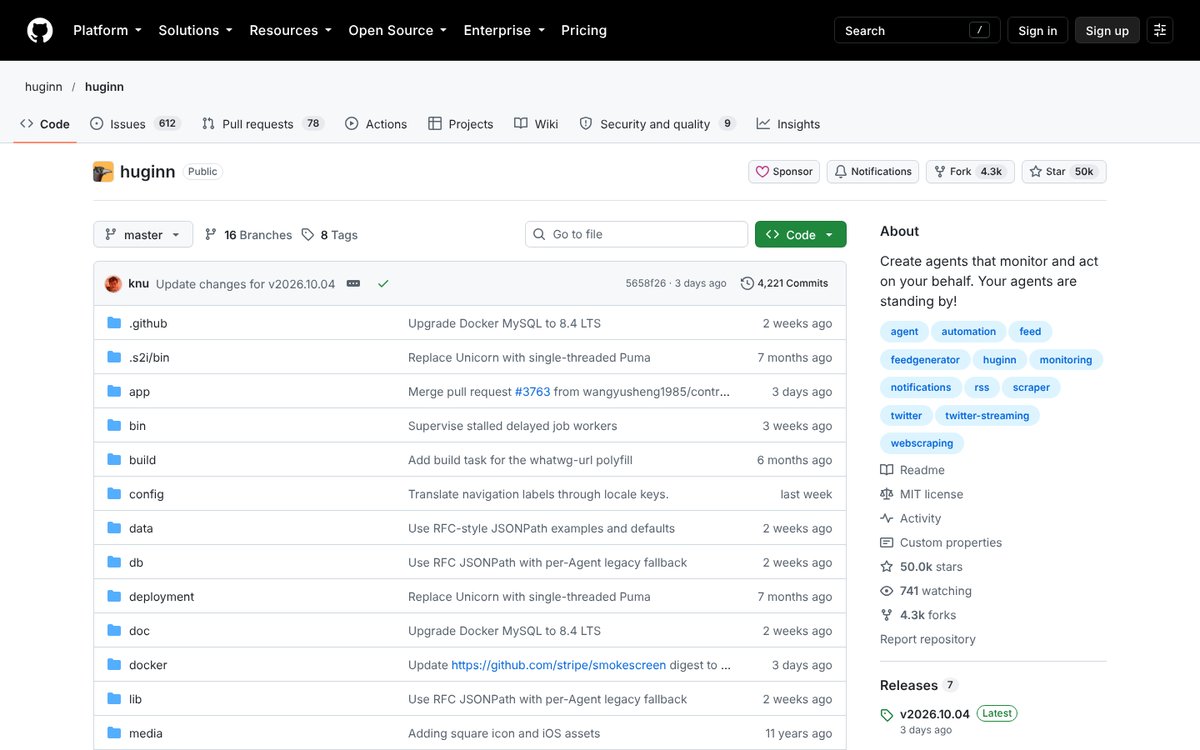
Huginn is an open-source platform (MIT license) for self-hosted automations, built on Ruby on Rails. It uses an agent-based architecture: each agent does one narrow job, such as parsing a page, watching an RSS feed or catching an event. There's no cloud version, so you need your own infrastructure. In October 2026 its GitHub repository shows about 50,000 stars and a fresh v2026.10.04 release, so the project is actively maintained.
There are more than forty agent types: web scraping, RSS monitoring, email, webhooks, JavaScript execution and anomaly detection. Agents pass JSON events to each other. Huginn scales as far as your server resources allow.
Pros and Cons
Pros: free, full control, flexible setup, a no-code website scraper.
Cons: steep learning curve, dated interface, few connectors, a small community, and no managed service, so all maintenance is on you.
Costs
Huginn itself is free. Your costs are the server (a VPS) and the time of whoever keeps it updated.
5. Node-RED
Best for: IoT, home automation and event-driven workflows with devices.
Overview and Main Features
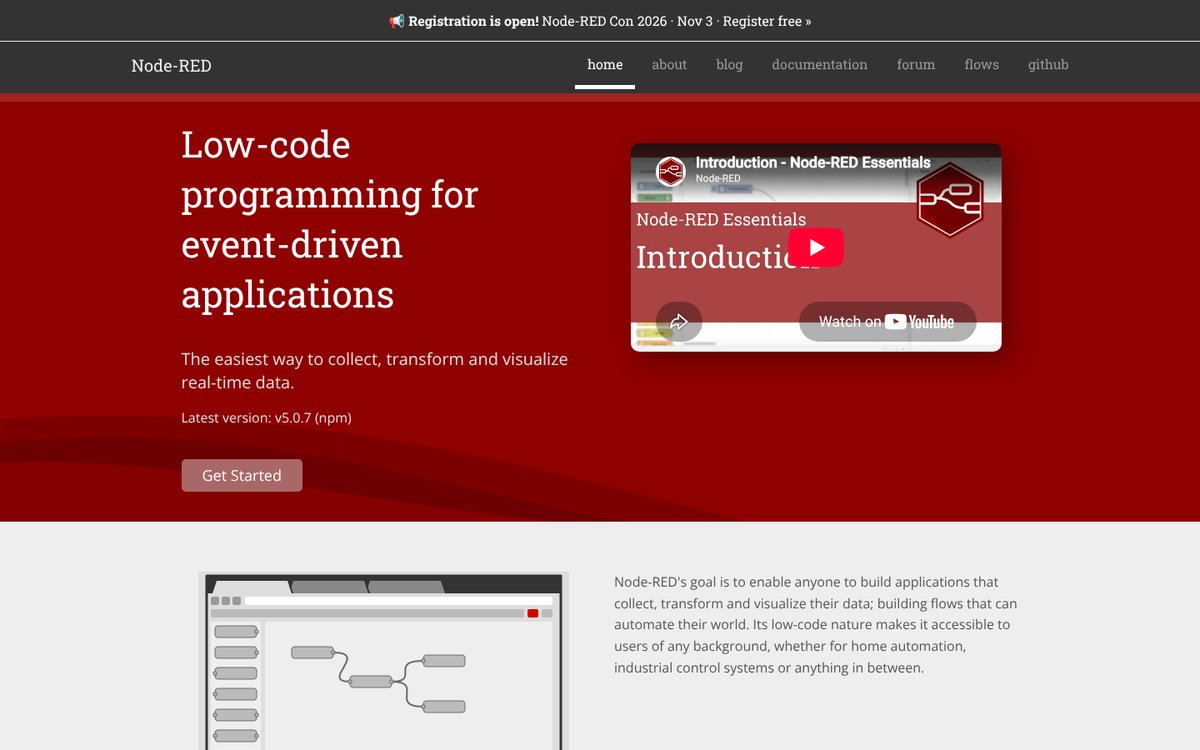
Node-RED is an open-source project (Apache 2.0) for flow-based visual programming. Its website describes it as low-code programming for event-driven applications: collect, transform and visualize real-time data. The latest version as of October 2026 is 5.0.7. It runs on Node.js and supports npm packages and custom JavaScript.
- A browser-based flow editor.
- Support for MQTT, Serial, HTTP, TCP, WebSocket and databases.
- A built-in Dashboard for simple user interfaces.
- State handling and subflows, reusable pieces of a flow.
- Typical uses: IoT, home automation, prototyping.
Pros: free, a huge library of npm packages, lightweight, well suited to IoT.
Cons: requires technical skills; far fewer ready-made SaaS integrations than Zapier; security and scaling are yours to configure.
6. Apache Airflow
Best for: data engineers building ETL and data pipelines in Python.
Apache Airflow is an open-source platform for orchestrating data pipelines. Pipelines (DAGs) are written in Python, each with its own schedule and monitoring. It scales through Kubernetes or Celery: the architecture is modular, and a message queue hands tasks to any number of workers.
According to the project website (October 2026), Airflow ships plug-and-play operators for Google Cloud, AWS, Azure and many other services, and the latest release is 3.3.0. The project blog covers agentic AI workloads on Airflow, but that's Python code, not no-code agents.
Pros of Airflow:
- Handles large, complex ETL processes and growing data volumes.
- A very active community of contributors.
- Full control through code.
Cons of Airflow:
- Not for beginners: you need development or data engineering experience.
- Overkill for business automations like "new lead → email → CRM task".
7. Microsoft Power Automate
Best for: companies that run on Microsoft 365 and want to add RPA.
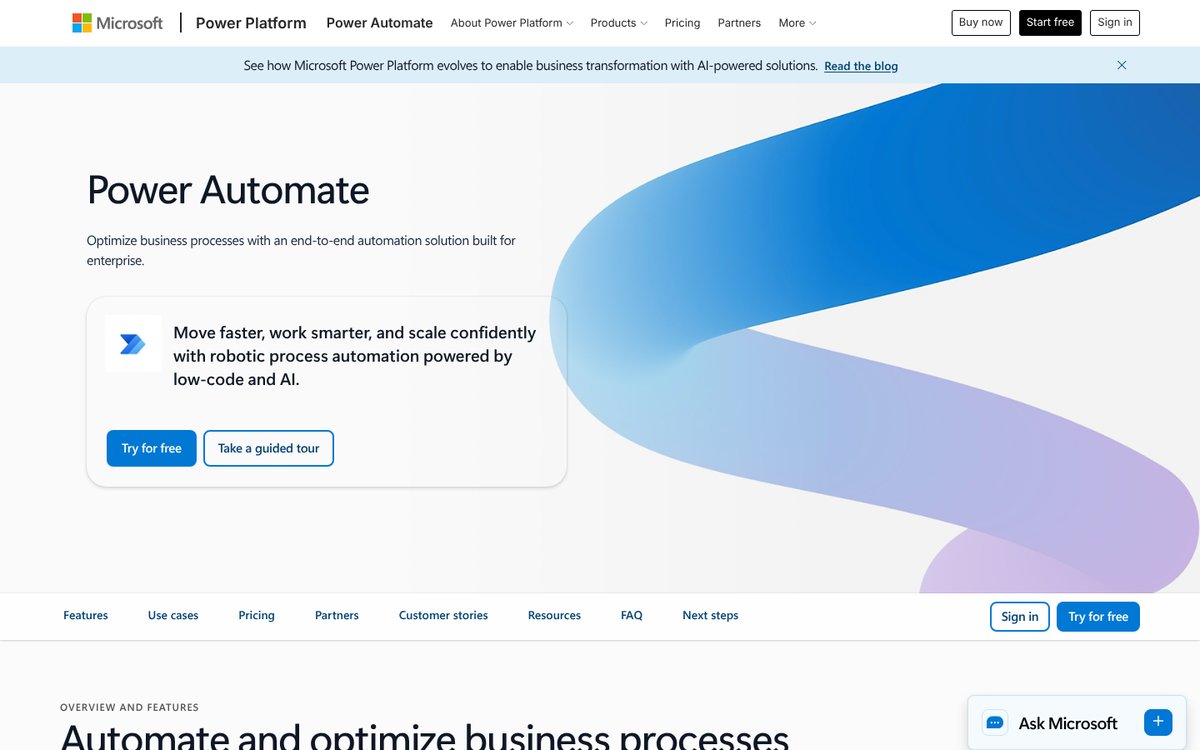
Microsoft Power Automate is a hybrid automation tool with deep Microsoft 365 integration. It combines cloud workflows with desktop robotic process automation (RPA). It includes AI Builder, based on Azure Cognitive Services, plus approval flows and compliance tooling. For enterprise customers already inside the Microsoft ecosystem, it's the natural choice.
As of March 2026: Plan 1 costs $15 per user per month and includes premium connectors; Plan 2 costs $40 and adds RPA and AI. Check Microsoft's pricing page for current plans.
8. Activepieces
Best for: teams that want open source with Zapier-level ease of use and a choice between cloud and their own server.
In the first version of this ranking, eighth place went to Automate.io. As of October 7, 2026, the automate.io domain redirects to Notion's website and the standalone service is gone. Activepieces, previously listed among the extra alternatives, takes its place.
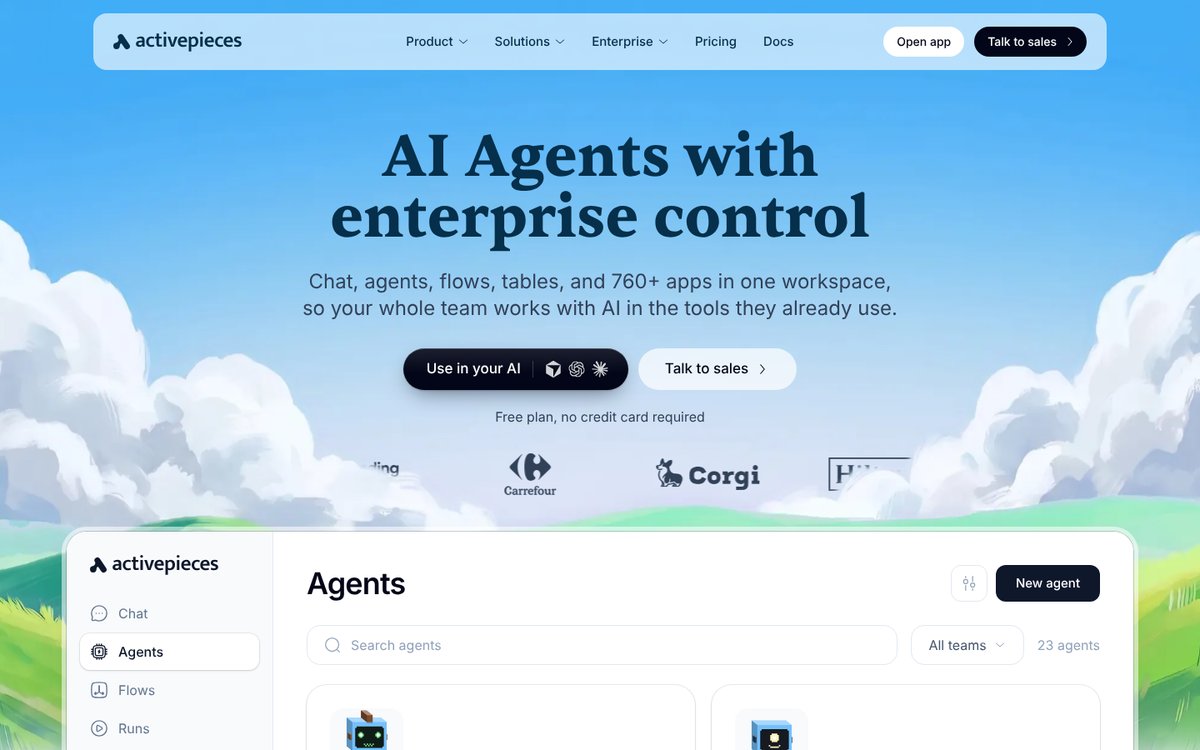
Activepieces is an automation platform that's open source at the core, with a user experience similar to Zapier's. According to its website in October 2026: chat, agents, flows, tables and 760+ apps in one workspace; a free plan with no credit card required; and it runs on Activepieces' cloud or your own servers. You describe a job to an agent in plain words, and for the hardest step you can write TypeScript inline. It also offers an MCP server.
Pros: open code and self-hosting with a friendly interface; AI agents built in.
Cons: if you host it yourself, you take on the same server chores as with n8n.
9. Tray.ai
Best for: large companies with strict security and integration governance requirements.
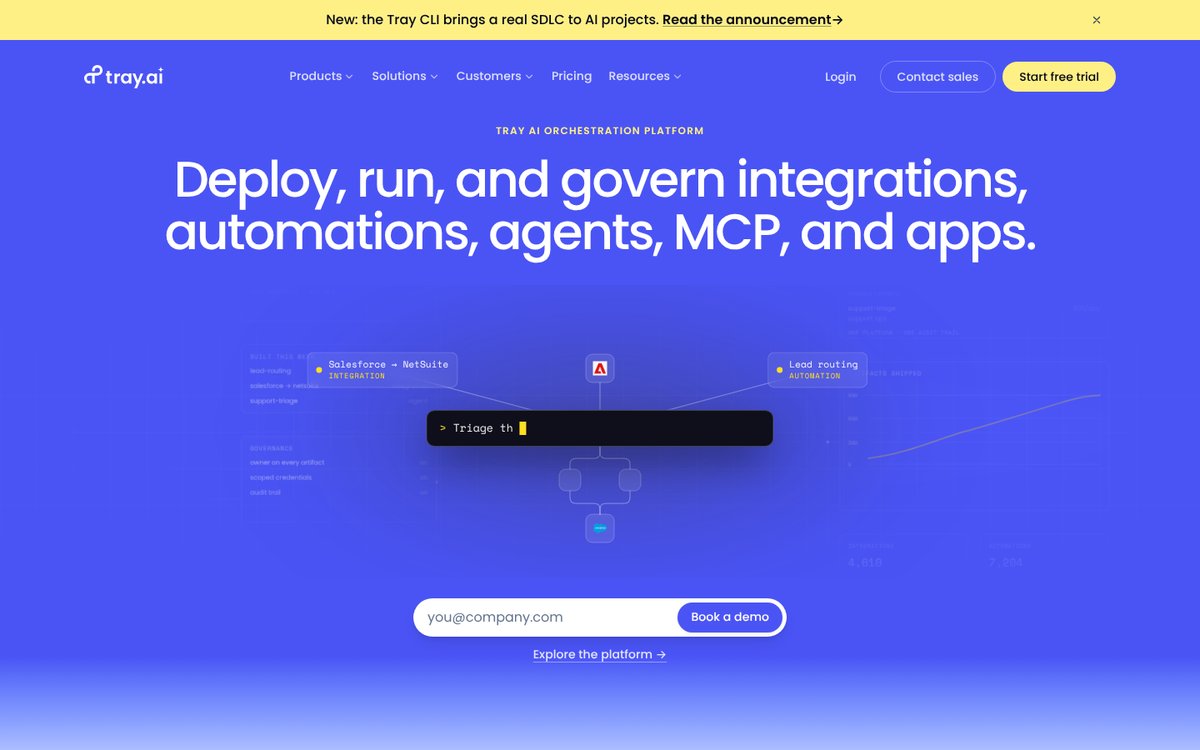
An enterprise iPaaS with a powerful low-code editor, a large connector library, SDKs and governance tools. It was formerly Tray.io, and the tray.io domain now points to tray.ai. Its website (October 2026) describes it as an AI-native enterprise iPaaS for building AI agents, governing MCP and integrating 700+ apps. The site offers a free trial and demos; ask the vendor about pricing.
10. Workato
Best for: enterprise automation involving ERP and other large systems.
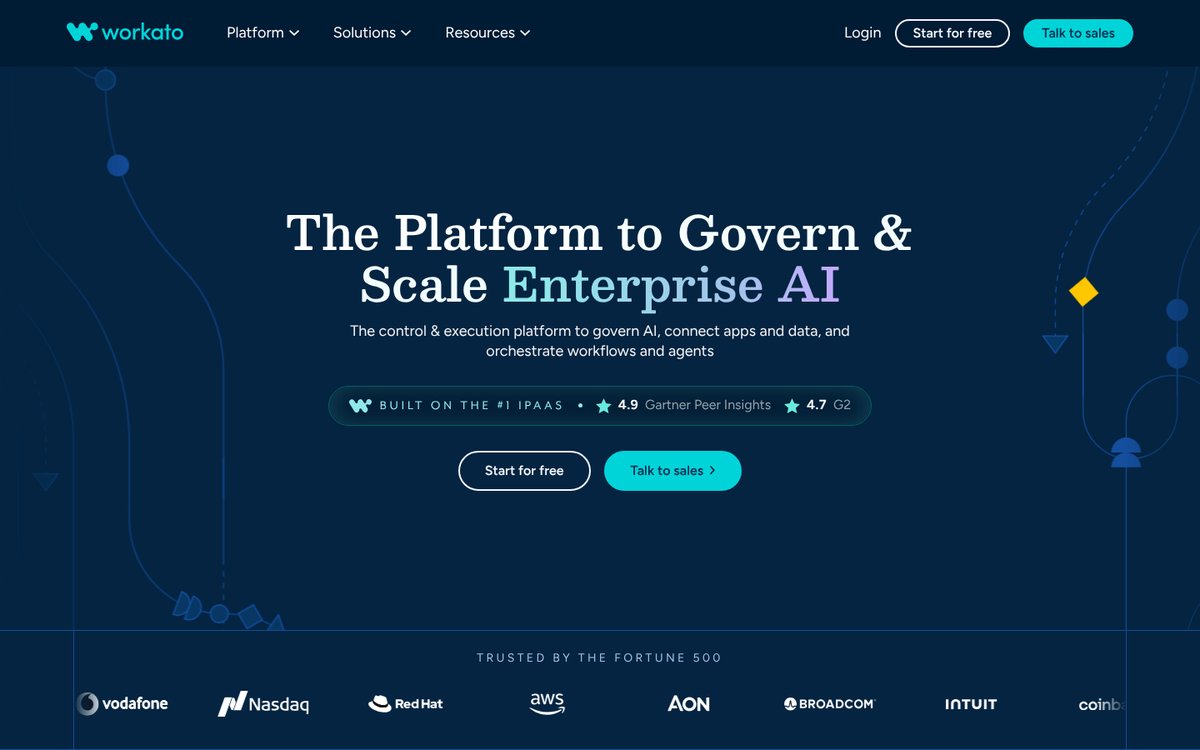
Workato is an enterprise platform for large-scale business process automation, with lifecycle management for workflows and pre-built connectors for ERP and other large systems. According to its website in October 2026, Workato connects apps, data, workflows and AI agents on one platform and reaches 17,000+ apps, APIs, databases, files and MCP servers. It's built for large organizations, and implementation effort and pricing reflect that; ask the vendor for a quote.
More n8n alternatives
- Flowise: an open-source tool for prototyping LLM chains and AI agents.
- IFTTT: well known for personal and simple automations.
- Parabola: built for ETL and batch data processing.
For more AI-first tools, see our roundup of the 10 best AI tools for workflow automation.
Which n8n alternative fits your use case
Start with one question: who will maintain this? If the answer is "nobody", you need a cloud platform. Then pick by use case.
| Use case | What to pick |
|---|---|
| AI agents in messaging apps | ASCN.ai |
| Simple SaaS connections | Zapier |
| Branches and loops | Make |
| Scraping on your server | Huginn |
| IoT and devices | Node-RED |
| ETL in Python | Apache Airflow |
| Microsoft 365 company | Power Automate |
| Open source plus cloud | Activepieces |
| Enterprise governance | Tray.ai, Workato |
| Full control, DevOps in-house | Stay on n8n |
That last row is a real recommendation. If you have DevOps and your workflows run fine, switching for its own sake won't pay off. It's time to move when maintaining the server takes more time than the automations save, or when you need AI agents that carry a process through to the end on their own.
Before you switch, answer four questions in writing: how many workflow runs you have per month, which apps each workflow touches, who gets paged when something breaks, and where your data is allowed to live. Those four answers rule out half of this list.
How to move an n8n workflow to ASCN
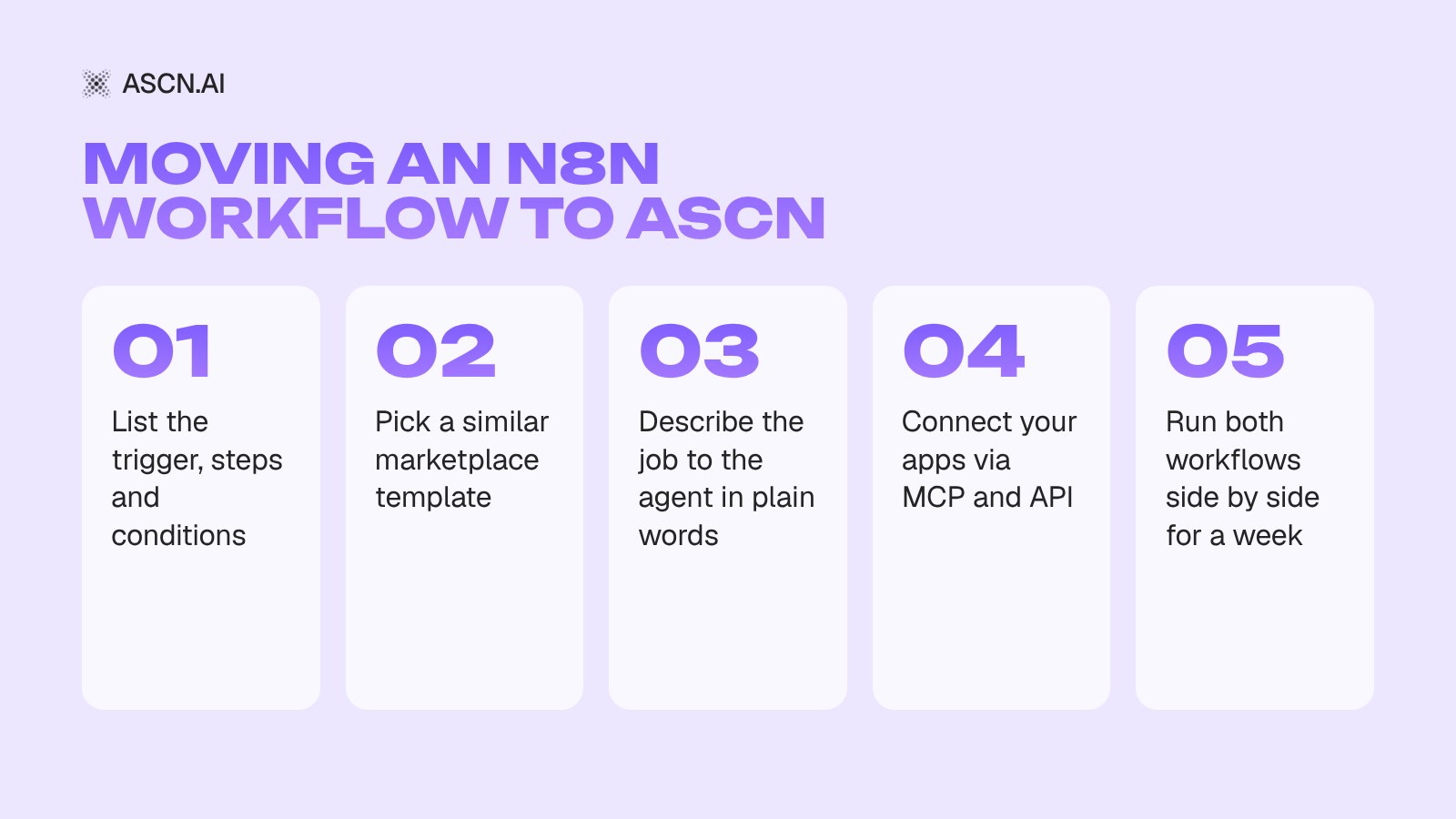
There's no direct import of n8n workflows into other platforms; each one uses its own format. You move the logic, not the file: write down what the workflow does and rebuild it. In ASCN you do that without nodes or servers, in five steps.
- Map the workflow. Open it in n8n and write down what triggers it (a new lead, an email, a schedule), which steps and conditions it contains, and where the data ends up.
- Find a similar template. The ASCN marketplace has 100+ ready-made agents. For lead handling, for example, try the AI agent for trade show lead follow-up: it enriches badge scans, scores them against your ICP and drafts personal emails the same day, and it installs from the marketplace in 5 minutes.
- Describe the job to the agent. In plain words, the way you'd brief a colleague: "Every evening sort my email, draft replies and list tasks." The agent works out the steps and runs on a schedule or on events.
- Connect your apps. Gmail, Google Sheets, HubSpot, Notion, Slack and Telegram connect in one click; anything else goes through API and MCP servers. Our article on the Model Context Protocol (MCP) explains how that standard works.
- Run both in parallel. Keep the old n8n workflow and the new agent running side by side for a week. Compare the results, then switch the old one off.
A simple workflow moves over in an evening; a complex one with a dozen conditions takes a few days of testing. You can try it for free: the Free plan includes 500 credits a week and one active agent. Launch your first agent in ASCN.
Frequently Asked Questions (FAQ)
Are there free alternatives to n8n?
Yes. The open-source platforms Huginn (MIT), Node-RED (Apache 2.0) and Apache Airflow are free if you host them yourself; you only pay for the server and admin time. Activepieces can also run on your own server. ASCN.ai, Zapier and Make offer free cloud plans, and Power Automate is included in some Microsoft 365 subscriptions.
Can workflows built in n8n be transferred to other platforms?
There's no direct import or export between platforms, because each uses its own workflow format. Migration means rebuilding the logic by hand: document every step and condition, recreate it on the new platform, test it, and run both versions in parallel for a while. A simple workflow takes from 15 minutes; a complex one can take several days.
Which n8n alternative is best for beginners?
Cloud platforms are the easiest start for non-technical users. Zapier has the gentlest learning curve and the most integrations. Make is a bit more complex but cheaper at higher volumes. ASCN.ai fits if you'd rather describe the job in plain words and get an AI agent in Slack or WhatsApp than build step diagrams. Self-hosted and enterprise tools require technical expertise.
What is the best self-hosted n8n alternative?
If your data must stay on your own server, look at Huginn for scraping and monitoring, Node-RED for IoT and events, Apache Airflow for Python data pipelines, and Activepieces for business automations with AI agents. All of them need someone who updates the server, runs backups and keeps an eye on security.
What are the safety concerns with these platforms?
With cloud services, you trust the vendor with your data. Major platforms hold SOC 2, GDPR and HIPAA certifications and offer two-factor authentication, encryption and API key controls. In ASCN, every account is isolated and the agent sees only what you've allowed. Self-hosted gives you full control, but security is on you: HTTPS, firewall, updates and monitoring.
What type of support is available for these platforms?
Open-source platforms usually offer community support and documentation, with extended support only in paid enterprise editions. Cloud plans typically include email or live chat, and a dedicated manager on larger plans. ASCN has documentation at docs.ascn.ai and a user community on Telegram.
Conclusion and Recommendation on Selection
Your choice of n8n alternative comes down to what you need to automate, your team's technical skills, your budget and where your data is allowed to live:
- AI agents that work on their own in messaging apps and business tools, with no code and no server: ASCN.ai.
- Small businesses and startups: Make for flexibility and price, or Zapier for ease of use.
- Microsoft ecosystem with RPA: Power Automate.
- IoT and home automation: Node-RED.
- Data engineering and ETL: Apache Airflow.
- Enterprise iPaaS: Workato or Tray.ai.
- Full control on your own server: Huginn, Activepieces or n8n itself.
Start on a free plan: move one real workflow, run it for a week, and only then migrate the rest. If you want to start with an AI agent, build one in ASCN for free.
Best AI Chatbot for Business in 2026: 9 Platforms Ranked by Actions and Real Cost
Integrations for AI Agents: Top Platforms, CRMs, and API Solutions
Model Context Protocol (MCP): The Standard for AI Agent Architecture and Interaction
10 Best AI Tools for Workflow Automation in 2026: An Overview of the Best Automation Tools
Top 10 Best Alternatives to Make (Integromat) for Process Automation

How to Build an AI Agent: An Honest Guide (2026)