



- Русский
- English
- Português
How to Create a Mini-App in Telegram: A Step-by-Step Guide

Telegram's mini-apps provide a unique way for clients to interact with you through your messenger. A mini-app lets you sell products, register for services, and answer questions without ever leaving the app. Mini-apps utilize the Web Apps technology and allow for a fully functional application to be created quickly. You don't have to know how to code in order to use them, and there are several tools available that will allow you to create a mini-app without writing a single line of code. For those who have an interest in programming or are looking for a more advanced method of creating mini-apps, you can also use standard web-based technologies to write your own mini-apps.
This article explains step by step what mini-apps are, how mini-apps work, and how to create custom mini-apps from scratch or nearly from scratch.
"During the last three years, we have launched 43 mini-apps using Telegram's API. They range from cryptocurrency analytics to subscription management systems. The most interesting solution is that 80% of the tasks we are trying to solve can be addressed with a combination of a bot and a web interface, without a need for a complex infrastructure. When possible, keep your design simple with one button."
What are Telegram Mini-Apps and Why are They Used?
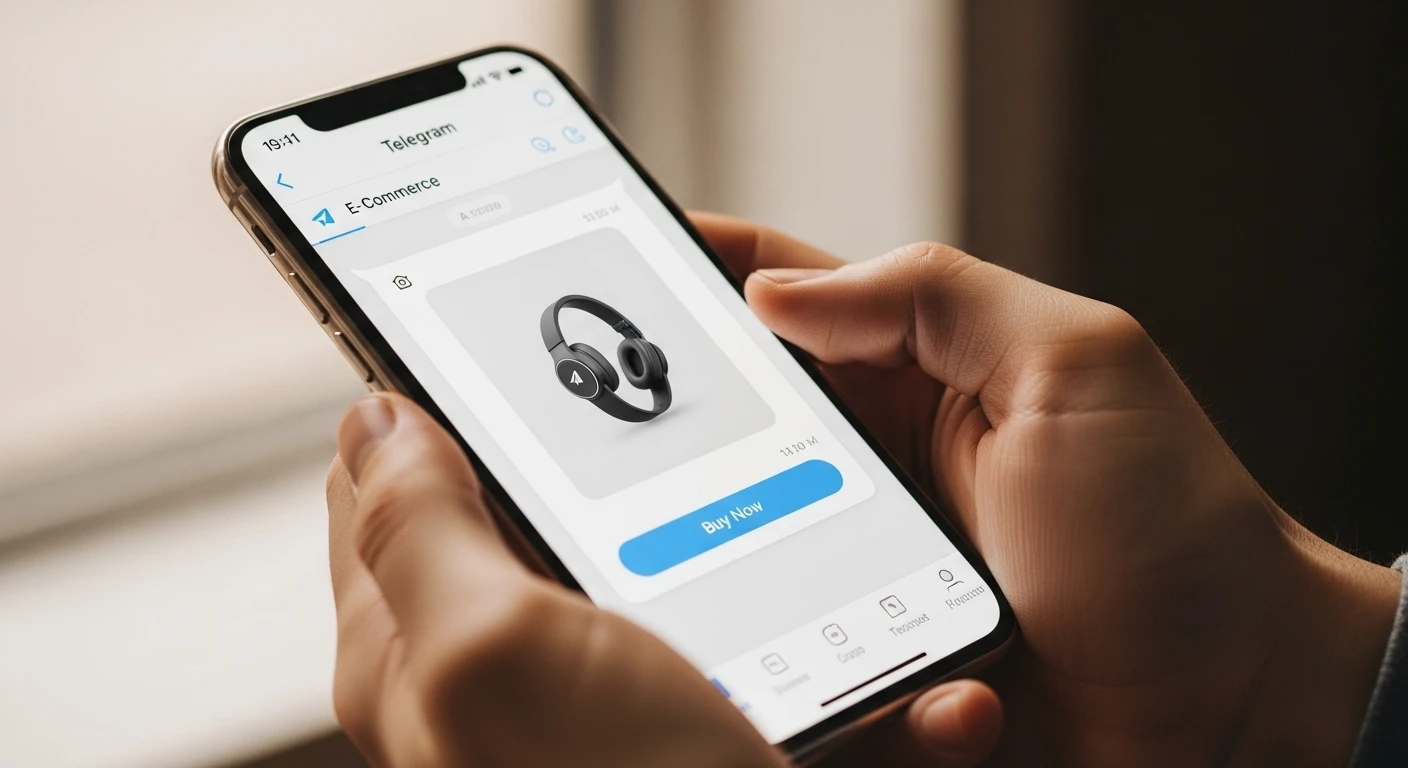
A Telegram mini-app is a web page hosted directly in the Telegram application. Users can access the mini-app by clicking on a bot button or by following a link such as tg://webapp, and a complete mini-app interface is displayed without leaving the Telegram application. In technical terms, a Mini-App uses standard HTML, CSS and JavaScript which are then displayed in the Telegram WebView. User data including ID, language, and theme, are received by the application through a window.Telegram.WebApp object, whereas the application sends feedback to the Bot API, for example — purchase notifications, survey results, etc.
Comparing Telegram Bots versus Mini-Apps
| Parameter | Telegram Bot | Mini-App |
|---|---|---|
| Interface | Uses text commands, inline buttons, menus | Uses web interface forms, sliders, charts |
| Technology | Uses the Telegram's Bot API (text and responses) | Utilises HTML/CSS/JS along with the Bot API |
| Input Convenience | The conversation is in a linear format | Multiple steps/forms/drag and drop/using calendars |
| Example Tasks | Frequently asked questions (FAQ), notifications, basic polls | Online store; the creation of resumes, analytics of data |
| Entry Barrier | Low — all that is required is the Bot API token | Medium — you must also have hosting as well as, at a minimum, basic JavaScript skills |
The Bot is a server which reacts to the user's commands, for example; /start indicates that the user receives a menu. The user selected a button and replies from the Bot are either text or images.
A Mini-App will open with an interactive interface. It has a catalogue with filters; forms to create orders; auto fill in the user address (from the Telegram profile); calculators for costs, etc. Everything a user finds on a normal website but found within Telegram.
A key difference between a Bot and a Mini-App is that a bot operates through commands, while a mini-app functions as a client-side web-based application that sends/receives through the Bot to the server.
Examples of Mini-App Use Cases
E-Commerce: A clothing store creates a mini-app within Telegram which allows users to find, filter, add to the shopping basket and purchase through Telegram Payments. The conversion rate of the store increased by 23% because the user stays within the environment they are accustomed to — Telegram.
"Telegram mini-apps improve a customer's conversion rate by as much as 23% by keeping the users in their comfortable messenger environment."
Example Education Mini-App: An Online School launches a mini-app that contains interactive tests and a progress bar. Students can also receive feedback on their completed tasks, and the mini-app reminds the student of their due dates for each test and provides the certificate of completion through the mini-app.
Example Service Industry Mini-App: A Beauty Salon launches a mini-app containing a booking calendar that allows clients to choose their preferred time to get their hair done. Once the Client has selected their desired time, they confirm their booking, and the mini-app sends a confirmation back to the Client. The mini-app then notifies the Client of their appointment before the scheduled time.
"Telegram bots that send reminders reduce the number of appointments that are missed by 34%. This helps to increase client retention for Beauty Salons."
Example Finance and Crypto Mini-App: A Trader has access to an analytical dashboard with charts, indicators, and alerts. Data is updated in real time via websockets; therefore, the trader uses the Telegram bot to notify him of any major events that could affect the market.
At ASCN.AI, the user asks the bot the question "What tokens are going up in price?" and is provided with a table that reflects the various coins' metrics, and the trader receives an alert from the bot to check the Blockchain data when the coin is experiencing a sharp price movement. In one month, 67% of the traders have migrated away from the web app and are now using Telegram for fast access to analytical data.
How do Telegram Mini-Apps work?
Technical Architecture (Telegram API, Web App)
The Technical Architecture is broken down into three layers. Therefore, for the purposes of this article, we will break it down as follows:
1) Client (Web App): The Client (user) will have an HTML, CSS and Javascript (web-based) app that is hosted on any web server with https protocols (GitHub pages, Vercel, or your own VPS). When the user wants to start using the mini-app, they click the button on the bot, and Telegram displays the web page in a WebView inside of the Telegram chat application.
2) Data Bridge: The data bridge (JavaScript) provides the interface between the mini-app and Telegram. Using the window.Telegram.WebApp object, the mini-app can communicate with the Telegram API to get the user's information, the theme of their mini-app's interface, manage buttons, and request user's contact or Geolocation. Bot's API and backend serve as command handlers and notification senders. The server handles all requests by the Web App (JavaScript) and administers the validation of the information and execution of the code that produces the bot's responses in the chat using its API (e.g., sending notifications about orders being accepted).
const tg = window.Telegram.WebApp;
tg.ready(); // Notify that the app has been loaded
const userId = tg.initDataUnsafe.user.id; // Retrieve the user's ID
Security: Each request coming from the Web App has an initData parameter containing the digital signature. The server confirms the signature by utilizing HMAC-SHA256, along with the bot's secret key, to prevent data tampering.
"The Telegram Web Apps API uses the HMAC-SHA256 algorithm to generate cryptographic digital signatures on the initData objects that it receives, thus verifying the authenticity of incoming requests and preventing unauthorized modification of them."
Mini-App Platforms and Their Functions
Mini-apps allow developers to provide users with access to user information without requiring any additional action from them (such as logging into your app). Mini-apps can also adapt to both the light and dark themes used in Telegram.
The first button in a mini-app's main screen (the MainButton) has customizable text and actions related to the actions taken by the user on the app. There are several types of permissions that can be requested from users, such as contact information, geographical location, phone numbers, etc. There are also ways of integrating with Telegram Payments so that payments can be accepted.
Mini-apps provide haptic feedback as an enhancement to user experience (UX).
Mini-apps are limited in several ways:
- If your app takes longer than 10 seconds to load, Telegram will close the WebView.
- Camera and microphone access is limited (if available) through HTML5 APIs and are dependent on the platform.
- Each bot has its own isolated local storage, so cookies and localStorage can be used, but will not be shared between bots.
- The only way to send push notifications to users through mini-apps is by using the Bot API, there is no built-in method of doing this through a WebView.
- The only way a mini-app can continue running when it has been minimized is to have the WebView closed.
Telegram requires that you optimize your apps' load times and minimize resource consumption, because if your app does not load within 10 seconds, Telegram will close the WebView.
There are two methods of creating mini-apps for Telegram:
Manual Development (using the Telegram Bot API and JavaScript)
This is for developers who wish to have complete control over their apps; you can create any type of UI and any business logic that you want. You will need to have knowledge of programming.
Requirements:
- Telegram bot from BotFather and obtain token
- Web host (Github Pages, Vercel, Own VPS) with https
- Front-end built using HTML/CSS/Javascript skills
- Back-end built using any other programming languages such as NodeJs/Python/PHP for the purpose of processing requests for the Bot API
Steps:
- Create a bot using BotFather and get your token
- Create the menu button by adding the Web App URL in BotFather (using the /setmenubutton command in the BotFather)
- Create the front-end and connect to it using telegram-web-app.js. Collect user data and create the shape of your buttons.
- Create the back-end for accepting incoming user data, and for validating the signature from the initData, and for sending responses to/using the Bot API.
- Test the app on various devices such as Android, iOS, Desktop
- Publish your application and create a maintenance plan.
Pros: You get total control over your app and can do anything you want with it. You can also use it to create your own customer experience using the Telegram API and to integrate third-party services.
Cons: You must have the skills to build your application and the time to build and maintain it.
Examples: ASCN.AI, a Cryptocurrency Analysis App that uses WebSocket to update user balances every second, would not be able to be created using Mini-App Builders.
Available Solutions
The following companies offer the most popular builder software for the creation of functional applications within a short time frame:
- Botmake.io — A shop with Telegram Payments and Stripe support, along with a CRM system integrated into the software.
- Aimylogic — Offers chatbots with branching options and API access.
- SendPulse — Offers both marketing automation with landing pages and more.
- ManyChat — Supports sales automation and integrates with Shopify.
When utilizing these types of builders, there are many benefits and drawbacks, including:
Benefits: You can launch from the initial concept through to fully functional application within 2 hours or less. You won't need programming knowledge to set up your application as long as you have an understanding of how the builder's setup works! Each builder comes with built-in analytical data and template support.
Drawbacks: You cannot customize your application as much as you want and you will be dependent on the builder's platform (vendor lock-in). You may need to purchase a subscription to be able to utilize the full range of services offered by the builder.
"Using builders will enable you to launch fully functional applications in hours without any programming skills."
Free vs Paid Versions
There are many free solutions available for the creation of mini-apps or web applications that do not require any backend system, such as:
- GitHub Pages — This is a free hosting platform that allows you to host static web pages using HTTPS. If your Web App doesn't require backend support, this is a great place to host it.
- Vercel/Netlify — Both are free hosting services that host static and server-side web applications.
- Glitch — An online Node.js development environment that you can use to test your Prototypes for free.
All of the above solutions come with limitations, and those limitations directly affect your application's stability and scalability.
Getting Started on Building a Mini-App in Telegram
Step 1 — Register and Set Up a Bot
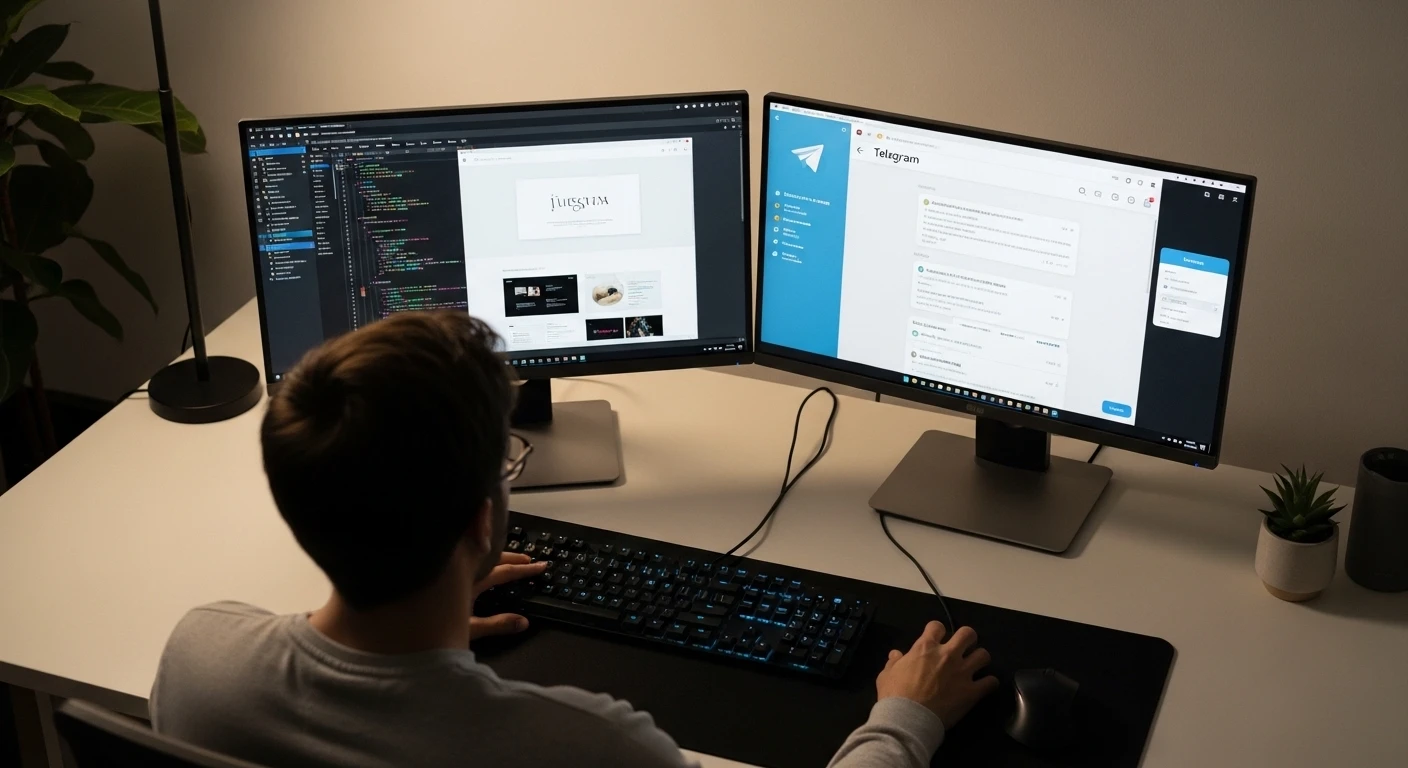
To create your bot, search for the bot called @BotFather in Telegram and send it the command /newbot. You will need to give your bot a name as well as a unique username; this username must end with "bot." You will be issued an API token for your new bot; be sure to save it for later. You can set up the description and commands for your bot using the commands /setdescription and /setcommands respectively. To create a button in Telegram with Web App functionality, you will use the command /setmenubutton to enable the menu button in your bot.
Step 2 — Connect and Configure Your Web App
You will first need to create a simple HTML file where you will connect to the Telegram Web Apps Script by adding the following to your HTML page:
<script src="https://telegram.org/js/telegram-web-app.js"></script>Now that you are connected to the Telegram Web Apps script, you will need to add some JavaScript code to collect information about the user and control the MainButton of your mini-app.
const tg = window.Telegram.WebApp;
tg.ready();
tg.MainButton.text = "Continue";
tg.MainButton.show();
tg.MainButton.onClick(() => {
    fetch('/api/submit', { method: 'POST', body: JSON.stringify(data) })
});
To ensure that you're using only secure URLs for your bot's web app, you'll need to publish the web app to an HTTPS host, such as GitHub Pages or Vercel. After that, you'll update the bot settings with your web app URL. Once you've done that, you can test out your bot by launching it and hitting the menu button to open the Web App. Make sure to check how well it works on multiple devices and platforms. You can use developer tools in your browser for WebView debugging. Finally, check the server for any signature validation of the initData.
Recommended Tools for Development and Deployment
| Tool Name | Free Plan | Notes | Best Use Case |
|---|---|---|---|
| GitHub Pages | Yes — for static apps only | Free, fast way to host MVPs | Static apps |
| Vercel | Yes — 100GB bandwidth | Supports SSR and Automatic Deploys | React/Next.js/JAMStack |
| Netlify | Yes — 100GB bandwidth | Supports CMS & Server Functions | JAMStack/Landing Pages |
| Glitch | Yes — with time restrictions | Online Node.js Editor | Rapid Prototyping |
| Your Own VPS | No | Customizable; Full Control | High Load Applications |
Before Launching Your Mini App, You Should Ensure That:
- Created your bot, received your API Token;
- Prepared your Web App using Telegram Web Apps API;
- Uploaded your Web App to Hosting using HTTPS Protocol;
- Added Menu Button with Link to your Web App;
- Checked the initData signature validation on the Server;
- Tested on all Main Devices;
- Configured convenience Error Handling and User Interface;
- Configured Analytics and Feedback Collection;
Top Builders for Creating Telegram Mini Apps
Overview of Popular Builder Platforms
| Name | Free Plan | Price Range | Support for Payment Gateways | Customization (Level) | API Access |
|---|---|---|---|---|---|
| Botmake.io | 100 Free Orders per Month | Starting at $29/per Month | Telegram Pay, Stripe | Medium | Limited |
| Aimylogic | 1000 Req's per Month | Starting at 1990₽/MO | None | High | Yes via HTTP |
| SendPulse | Up to 500 Subscribers | Starting at $6.40/Mo | No | Low | Via Webhook |
| ManyChat | Basic functionality | Starting at $15/Mo | Yes (Shopify, etc.) | Medium | Yes via Zapier |
There are many Builders available that allow you to quickly create Telegram Mini-Apps without needing programming skills; however, they are limited in customization and create a dependency on that specific Builder platform.
Free Capability to Build a Telegram Mini-App
If you are interested in creating a simple Web App to host on GitHub Pages for free and in HTTPS format, you may connect the Server Logic to your Web App using Google Cloud Functions or AWS Lambda, both available at no charge. To create a bot using the BotFather application, you need to link the button on the menu to a web application, which must meet certain conditions for mini-apps. The most critical constraints are that mini-apps can only be accessed via secure HTTPS connections, have a maximum load time of 10 seconds, cannot use the camera or microphone directly, have limited ability to run in the background, and must adhere to all legal requirements for handling personal data and payment processing.
To provide users with an easy way to use your mini-application, you should make use of the tg://web_app URI when a user clicks on a message, channel, or advertisement; this URI will automatically redirect the user to the mini-app immediately. You can also integrate the bot into your mini-app so that menu buttons and inline messages trigger the web application, while backend processing occurs through the Bot API.
Common Misconceptions to Avoid When Creating Mini-Applications
- Using HTTP Instead of HTTPS: Telegram only accepts requests for applications via a secure protocol. You can resolve this issue by setting up a free SSL certificate from Let's Encrypt.
- Failing to Validate the Signature of Your initData Object: If this is not completed, this allows attackers the ability to use different initialization data by impersonating an authorized user.
- Not Design Responsively: Mini-applications designed for desktop should work as effectively on mobile devices. Make use of media queries to support different user interfaces and create buttons that are easy to use on any device.
- Slow Loading Times: You should aim to optimize images and minimize code, as well as implement lazy loaded images.
- Not Providing Meaningful Error Messages: Always ensure that your user is given understandable information if there is any problem.
- Not Following Telegram's Theme: Telegram provides a mechanism for developers to use tg.themeParams for the purpose of matching their mini-application's colors accordingly to Telegram's Light and Dark Themes.
Using adaptive design to create miniature applications will provide enhanced convenience and increase user retention when using mobile devices. The following table compares the various technologies available to build and deploy miniature applications.
Comparative Table of Technologies Used for Building and Deploying Miniature Applications
| Technology | Free | HTTPS | SSR Support | Serverless | Built-in Database | Speed of Deployment | Use Case |
|---|---|---|---|---|---|---|---|
| GitHub Pages | No | Yes | No | No | No | 1-2 min | Basic Static Apps |
| Vercel | Yes | Yes | Yes | Yes | Yes | < 1 min | React/Next.js, JAMstack Apps |
| Netlify | Yes | Yes | Yes | Yes | Yes | < 1 min | JAMstack Apps and Landing Pages |
| Glitch | Yes | Yes | No | Limited | No | Instant | Quick Prototypes |
| Own VPS | No | Configurable | Yes | Deployed | Full | Varies | High-load Services |
Expert Tips: The Latest Development and Promotion Best Practices for Telegram Mini-Apps
- Develop Minimum Viable Product (MVP). Start with a minimum of 3-5 core functions, gather feedback and then enhance your product.
"Start small, collect feedback and add new features as you develop, this will save time and cost" – Alexey Smirnov, ASCN.AI.
- Optimize for slow connections. Compress image sizes, use efficient script loading, use a content delivery network (CDN) to distribute your files.
- Test on actual devices, particularly iOS and Android.
- Utilize built-in Telegram functionalities. Include 'Share' buttons, inline buttons and allow for channel and chat integration for viral sharing.
- Perform A/B Testing on your application. Modify your text, colors, element locations and measure conversion rates.
"Implementing A/B tests for Telegram mini-apps can result in an increase up to 50% in selections without any change in functionality." – ConversionXL Institute, 2021.
- Encourage developers to request feedback in their applications using evaluation forms and comments so they can respond to issues quickly.
ASCN.AI NoCode & AI: Automate Business Processes, Generate More Revenue Without Complicated Development
ASCN.AI's NoCode platform allows you to quickly go from concept to income in a matter of hours instead of months. It offers pre-built AI workflows that automate everything from lead collection to routing requests to connecting with payment processors and customizing notifications.
Examples of Applications:
Sales Automation: Automates lead distribution within a CRM system and generates invoices, resulting in 10x more processed applications due to faster and accurate processing.
Customized Notifications: Increases customer retention from 12% to 28% with an average purchase order that is 30% larger.
Crypto Arbitrage & Trading: AI Agents analyze price differences, providing timely alerts to traders, which produces an additional income of $300-$1,200 monthly.
In one example, a customer launched a mini-app that tracks cryptocurrencies, and within one month, they achieved 67% of users following the guidance of the AI, generating approximately $420 of profit per user per month.
Frequently Asked Questions
How Do I Create a Mini-App for Free?
Use GitHub Pages to host a static web page connected to the Telegram Web Apps API. You can use a free cloud computing function from either Google Cloud or AWS Lambda to build out the server logic for your app. Then you'll be able to create your own bot, configure the menu button, and test the app before launching it onto the platform.
What Are the Limitations of Mini-Apps?
Mini-apps must be hosted via HTTPS and can only load in under 10 seconds. They do not provide direct access to your camera or microphone. Background processes are only supported to a limited degree, and you must comply with any applicable regulations (e.g., personal data and payment processing) in your country.
What Is a tg://web_app URL?
This is a specific type of link that allows users to quickly navigate from within the Telegram Messenger to open your mini-app with a single click.
Can I Directly Integrate Mini-Apps into a Bot?
Yes, there are several ways to create menu buttons and inline messages that allow users to access your Web App, while the bot receives and handles input/output requests via the Bot API.
Conclusion
Mini-Apps within Telegram provide a unique opportunity for businesses and developers to develop a robust user experience through a simple UI integrated into the messaging platform without requiring additional application installations. That approach creates higher conversions and user engagement.
To effectively launch and develop your mini-apps, you should utilize tried-and-true approaches and proven security techniques, as well as use code examples and best practices. The combination of both an agent-assisted manual development process and ASCN.AI's NoCode platform offers significant time savings, increased scalability, and revenue-enhancing opportunities.