



- Русский
- English
- Português
How to Create a Telegram Bot for AI Image Generation

In 2024, investment in generative neural networks is at an all-time high with over $29 billion in 2024. Requests for DALL·E and Midjourney API exceed five times the number of requests made in 2021. Bots on Telegram have, therefore, also become one of the simple ways to automate repetitive tasks. According to Telegram Analytics, more than 68 percent of small businesses across ex-CIS use bots for customer service, sales, marketing, and content creation.
And perhaps the best part is that so many people think that creating a bot that turns text into images is a huge challenge, but with modern no-code tools, it can take as little as 15 to 20 minutes to build a bot to help you do just that! No programming needed.
"We have developed an image-creating bot that we use for our own purposes—designers save up to 15h/week on quick drafts by using this tool. We created all of this in ASCN.AI over a couple of nights by combining our DALL·E API as an HTTP Request and triggering the bot with Telegram Trigger and creating an AI Agent using only text formatting in Russian. This bot can read context, give suggestions for improvements to prompts, and send images back in chat right away—again, without having to write any code. With just the visual editor's help, marketers can easily modify the logic for future tasks on their own."
In this article, we explain, step by step how to select a neural network, obtain an API token, set up Telegram connections, and create automated image generation using AI Agents. You will discover how to navigate typical mistakes, make use of subscription savings, and scale your bot to fit any load.
A Guide to Using a Telegram Bot with AI for Image Generation
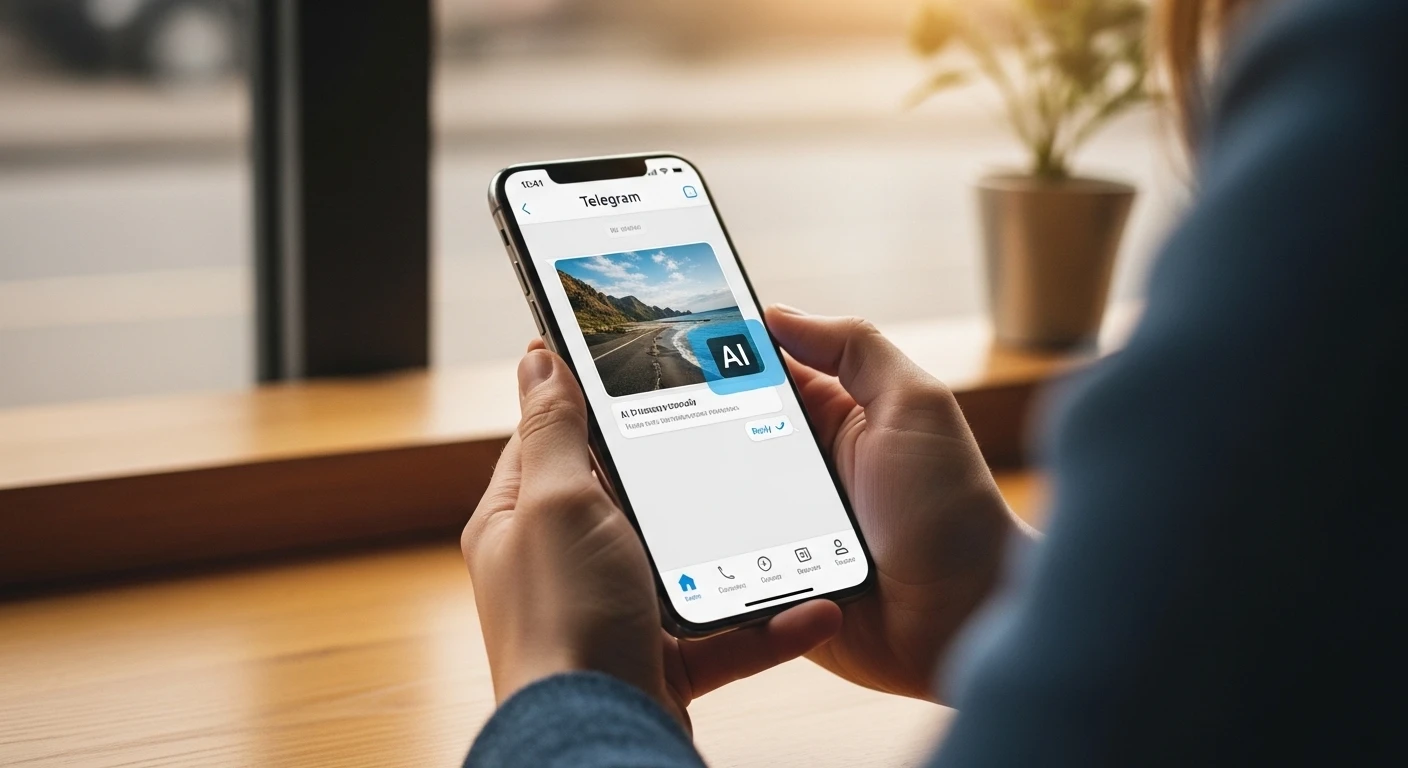
In simple terms, a Telegram bot is an automated account that can be controlled via the Telegram bot API. Consider the bot to be a virtual assistant that takes action based on user requests, executes requests, and sends messages, files, or images back. A Telegram bot is different from a regular chat in that the bot completes tasks set up by a developer without any human intervention.
List of primary functions of a Telegram bot:
- Notifications/Newsletters: Telegram bots automatically send notifications, newsletters, or status updates.
- Command Processing: Users can send commands (for example, /start, /help, /order), and the bot will respond to those commands with the appropriate response.
- Integration with Other Services: Integrate with your CRM, payment processors, and/or external sources through the Telegram bot API to collect data.
- Data Collection: Conduct surveys or create forms or applications via your bot.
How do Telegram bots help me generate images?
- Speed: An image can be created in under 30 seconds without the need for a designer.
- Accessibility: The bot is available 24/7 via Telegram from anywhere in the world.
- Scalability: You can serve many requests at once.
- Personalization: You can generate many different types of images based on the specific text request you send the bot.
A real life example of a marketing agency utilizing a Telegram bot to generate images rather than having to wait for design approvals has decreased the time to create social media cover graphics by almost 80%. Design teams now focus on more complex projects while fast image generation is achieved instantly.
Simple and effective!
The Basis of AI Image Generation
The process of generating an image using AI is based on a specific type of machine learning model; specifically, "diffusion models" and "transformers." These types of models are trained on a very large amount of "image-text" pairs of data. You submit a text prompt and the model will generate a unique image in a matter of seconds.
DALL·E (OpenAI's commercial model), a model that is available as an API, is known for generating photorealistic images and complex compositions, up to a maximum resolution of 1024x1024 pixels. Stable Diffusion is an open-source tool, run locally on a user's machine, allowing for customisation through fine-tuning, but requires a graphics card (GPU) with a minimum of 8GB VRAM and some knowledge of machine learning techniques. Midjourney is most popular for artistic style creation and producing concept art. Midjourney is available as an API and operates within the Discord platform, where subscribers pay a subscription fee to use it.
To create an image with these systems, the user enters a prompt, which is broken down and analysed by the AI, which identifies the main parameters (keywords) given in the prompt. The AI then synthesises the image from the information provided by the prompt, adding increasing levels of detail.
While these three tools produce different levels of artistic quality, there are some caveats. Text in images tends to appear misrepresented due to the prompt-to-image translations; as a result, text is often difficult to read (i.e., does not make sense). There are also often issues generating human body parts, such as hands and faces, that appear deformed or otherwise disfigured in the final product. As evidenced by the fact that the quality of images generated from detailed prompts is typically much better than those generated using vague prompts, the quality of image generation has improved over the last two years.
According to the Stanford AI Index, improvements in architecture and increased dataset size have led to a 34% improvement in accuracy of generating complex prompts from 2022 to 2024 (with a corresponding decrease in artifacts).
APIs and Neural Networks Used for Generating Images
DALL·E, Stable Diffusion and Midjourney, to name just a few, are some of the most popular APIs and Neural Networks available today and each has its pluses and minuses.
| API | Advantage(s) | Disadvantage(s) | Cost/Fees |
|---|---|---|---|
| DALL·E | Produces high quality photorealistic images from complex prompts and has built in filters. | Only allows 50 requests per minute; operates on OpenAI servers which can lead to content censorship. | First 50 credits are free (may create a maximum of approx. 50 images at 1024×1024); afterwards the cost is $0.02/image. |
| Stable Diffusion | Open source with flexibility to set up locally and use locally. | You need at least an 8GB GPU, not easy to install and no guarantees on content being suitable. | Free if you work locally; cost on the API (Replicate) starts at $0.0023/image (512×512). |
| Midjourney | Offers multiple styles of generated art that are very easy to generate on Discord. | No Open API, monthly paid subscription and you could be placed in line to have your image generated. | $10–$60 a month with a maximum of 10 images generated. |
| Leonardo.AI | Designed to be used to create game assets with a rendering speed that is very fast and a built-in editor. | Does not have as many artistic styles and has limitations on its free plan (meaning you will have more options to use for paid subscription). | Free with a limited number of images generated; Pro subscription is $12/month. |
| Adobe Firefly | Designed to allow for safe use of generated images for commercial purposes, you can integrate into your Creative Cloud account. | Requires subscription, offers fewer artistic styles and limitations on what type of prompts can be used. | Starts at $54.99/month with a limit on the number of generations you can make. |
If you just want to launch a quick commercial project, DALL·E makes sense. For experimenting with everything but the kitchen sink, go with Stable Diffusion; for artistic pieces, use Midjourney.
How Image Generation APIs Work
Image Generation APIs allow you to send requests to a neural network using HTTP and will return a URL containing generated images. Here is a sample of the request you would make to OpenAI DALL·E:
POST https://api.openai.com/v1/images/generations

Headers:
Authorization: Bearer {API_KEY}
Content-Type: application/json

Body:
{
  "prompt": "A futuristic city at sunset, cyberpunk style",
  "n": 1,
  "size": "1024x1024"
}
The response will return a JSON response containing the URL of the generated image. You are also able to specify additional parameters, including how many variations you would like, the resolution of the generated images, and the description of the images.
Third-party APIs are used for Stable Diffusion or for executing the model locally using a REST API and require prior experience with DevOps.
Before You Create a Telegram Bot for Image Generation
Before you create a Telegram bot for image generation you need to register the bot and obtain your token. When creating a Telegram bot you do not require programming skills and the registration process is very quick.
To create your Telegram Bot follow these steps:
- Locate and send a message to @BotFather in the Telegram application
- Send the command /newbot
- Give your bot a name e.g. ImageGeneratorAI
- Choose your bot's unique username, it must end with "bot"
- Upon completion of this process, you'll receive an API Token in the form of a long string; you must store this somewhere secure and enter it during set up and it's crucial that you do not share this token with external parties, as it can result in your Telegram bot being compromised.
In summary, the architecture of your bot will include:
- Input Layer: Telegram bot receives messages from users
- Logic Layer: A workflow or AI Agent processes user messages, enhances prompts and manages logic
- Integration Layer: An HTTP Request sent to image generation API; a link returned and an image sent back to the user
You must ensure you account for error message handling, ensuring you set timeouts and implementing caching. Caching will not only save you money but will also help to improve the reliability of your bot.
Choosing Your Server-Side Solution
There are no-code platforms (e.g., ASCN.AI, n8n, Zapier) that provide you with a visual way to create action flows (Workflows) without the need for programming. For the more complex and scalable solutions, you can program with a variety of languages (Python, Node.js or Go).
How to Build with ASCN.AI No-Code Platform (Workflows)
- Register an account in ASCN.AI
- Navigate to the NoCode Builder
- You can create a brand-new workflow and include a Telegram Bot Polling Node. Once created, insert a bot token into your workflow and test via sending the /start command. Your bot should respond immediately to this command.
- Next, include an HTTP Request Node for contacting the DALL·E API by passing along prompt, size, and the number of variants needed to generate.
- You will then need to take the information that comes back in the response and extract the URL from that response that contains the image generated.
- After you get the image URL, you will create another Telegram Send Photo Node that will allow you to send this image URL to the user.
- There are three commands that you need to create a Switch Logic for, /start, /help, and then all direct text messages will send to a Generate step.
- Lastly, you will utilize an AI Agent to make your requests for images as efficient as possible. The AI Agent will convert your short phrases into detailed requests for generating the highest quality image possible.
- As part of your design process, think about handling API errors; if anything goes wrong, send the user a message in the chat letting them know there was a problem with the request.
- Once you have completed all of these design actions, you will have a working bot.
Not so difficult, right?
Here's an example of a simple Python program using the DALL·E and Telegram API:
import os
from telegram import Update
from telegram.ext import Updater, CommandHandler, MessageHandler, Filters, CallbackContext
import openai

TELEGRAM_TOKEN = os.getenv("TELEGRAM_BOT_TOKEN")
OPENAI_API_KEY = os.getenv("OPENAI_API_KEY")
openai.api_key = OPENAI_API_KEY

def start(update: Update, context: CallbackContext):
    update.message.reply_text("Hello! The purpose of this bot is to take the user's input and generate an image based off of their input.")
The way that it is going to do this is going to be through OpenAI's DALL·E or Stable Diffusion APIs. This bot will work by listening for a user's message (which will contain a description of what they want an image of), and when it sees that message, it will respond with a message saying that it is generating an image and the user should expect to see the image shortly.
One issue with using these types of APIs is that there are limits to how many times per minute or per day that you can use them to generate images. For example, the OpenAI DALL·E API has a maximum of 50 requests per minute for customers who are on the paid plan and cost $0.02 for each image generated with a size of 1024 pixels wide by 1024 pixels high.
If you exceed the request limit of your API provider, you will receive an error response of 429 (too many requests). There are other providers of similar images, such as Stable Diffusion, and they tend to have low price points (for example, the Stable Diffusion API has a cost of approximately $0.0023 for images at a size 512 pixels by 512 pixels) and require a subscription base and waiting list, or both.
You can reduce the number of requests you make to these image generation APIs through methods such as:
- Caching the results of requests that are the same as other requests so that the images that are generated from them do not have to be generated again;
- Limit the total number of requests you accept per individual user (rate limit);
- Testing images using low-cost model types until you are ready to utilize commercial-grade image generation API providers based on your projected usage levels; and/or
- Consult a professional when you are unsure of what information should be provided by these image generation API providers.
- Filtering out profanity and unwanted symbols when validating prompts.
Storing Tokens Securely: Secure Token Storage is achieved through the use of Secure Environment Variables and Secrets.
Request Logging for Audit Purposes.
Frequently Asked Questions (FAQ)
Can I create a bot without writing code?
There are many "no-code" platforms such as ASCN.AI; n8n; Zapier, which let you fully visually build a bot. For most business functions, these tools will work just fine.
Are there any pre-existing tools available?
@ImageAI_bot within DALL·E provides 3 free image generations daily and currently offers a subscription at about $9.99 a month. @midjourney_bot operates on Discord, with prices ranging from $10 to $60 monthly. @StableDiffusion_bot is free but has very low performance and reliability. If you develop your own bot, you will retain total control, save money on subscriptions, and add your own custom features.
How do I enhance the quality of images?
Use detailed descriptive prompts including desired style, lighting, etc. Use negative prompts. Use the /upscale command to upscale photos. Use several different bots/models to create new images.
Can I edit previously created images?
Yes, you may edit previously created images by inpainting, creating variations of existing images, or creating images from other images using ControlNet in @flux_ai_bot or @leonardo_ai_bot. If the functionality is not supported you can rely on third-party editors to correct generated images.
What are the costs of using AI Bots?
Free versions offer limited image generations (5–15 images daily) to a maximum resolution of 1024×1024 and do not include commercial rights. Paid subscriptions cost $8 to $30 per month and include a commercial license, upscaling to 4K, and API access. Creating a Custom Bot via ASCN.AI costs a minimum of $29/month plus a Gemini API fee (approximately $0.002–$0.005 per image generated).
Summary and Suggestions
- Begin by using no-code tools to develop a prototype quickly.
- Combine AI agents to enhance prompt quality and detail.
- Control user requests to avoid exceeding budget.
- Evaluate and collect statistics and analyze usage data to develop products.
- Add monetization to a combination of free and premium versions.
- Keep models up to date, and migrate to newer versions as necessary.
- Include an FAQ section and support within the bot for users.
- Store sensitive information securely.
- Before scaling up the number of users, ensure to test with real users.
- Build functionality incrementally, and create an easy-to-use interface.