



- Русский
- English
- Português
AI Agents for Project Management: A Live Discussion on Automation

Have you ever found yourself looking for a work-related answer, only to be surrounded by a slew of advertisements and generic top 10 lists generated by bots? In order to get to the bottom of things, you may have to open 20 tabs, compare opinions, and ultimately guess at what to do. Traditional search engines have become so disconnected from context that they no longer understand where real-world experience ends and marketing fluff begins.
This same logic applies to project management. Tools like Jira, Trello, and Asana create task lists that, while useful, tend to be "dumb" tools that can’t think for themselves. When an “urgency” tag is created for an item/issue that has an approaching deadline, it turns red after the fact; it doesn't alert you on Monday that: “Ivan is 120% overloaded, and that module has been late for three days.”
So instead of using half the week to think strategically, you find yourself running around asking “How’s it going?” and updating status logs, which is not managing; rather it is simply “putting out fires.”
AI agents for project management are changing all of this. Not only do they provide a truly dynamic, intelligent interface but they have access to your data (and sprint history) as well as to your teams’ workload. By analyzing this data, AI agents can determine who should be working on (or receiving) tasks right now, where the bottleneck exists, and when to intervene. Rather than replacing you, the agent will eliminate the need for you to continually micromanage, allowing you to concentrate on solving problems and managing human capital.
In this article, we’ll break down everything related to an AI agent in project management including how it differs from traditional bot solutions, what pain points an AI agent helps to solve and finally how to implement an AI agent without throwing your money away.
What is an AI Project Management Agent?
First, let’s be clear. “AI agents” for project management are autonomous applications. They do not wait for you to tell them to make a report. Instead, they monitor the project themselves, understand what is going on within the context of the project and then they use this information to make decisions (like re-assigning a task) and execute those decisions.
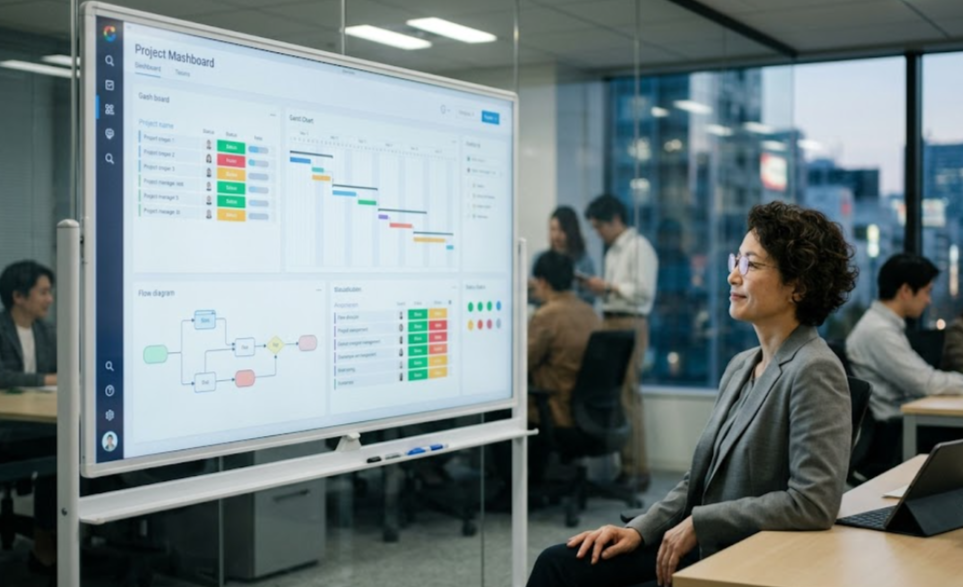
As a contrast to chatbots that simply answer questions and Zapier scripts that follow rigid, cause-and-effect (A to B) rules, an AI agent for a project manager “interprets” the task for you instead of just executing the request. Do you see how an AI agent can add additional information about a task?
The general workflow of an AI project manager agent looks like this:
Pull data from Jira/Trello/Notion
↓
Perform Analysis (who is doing what, how much work is done to date, delays in prior tasks)
↓
Recommend Action
↓
Perform Action
↓
Learn from Results
The major difference here is the context. A standard trigger will fire after a task has been unresolved for 3 days, but an intelligent agent looks at the calendar to see that the Developer is out of the office for vacation or has recently completed solving a critical bug in another branch. As a result, the Intelligent Agent will not spam anyone by sending out additional reminders about this task. He/she will simply reassign the task to a different resource if it is deemed urgent/critical.
Going forward, they become your co-pilot. You focus on the overall direction while they focus on managing all of the fine details that come up along the way. An assistant may perform the following functions through integration with other services like Jira, Slack, or email using context analysis to identify which users are busy and whether there are any deadlines or risks that can occur.
From there, it can either decide that it's time to redistribute work and raise a flag in Slack or via email and let the whole team know about it.
The assistant can take action and change the status of a task to indicate that there are problems or write an email instead of a flag. Lastly, feedback is given by determining whether this action improved the situation or continued to develop through subsequent learning.
Key Functions: From Planning to Analytics
So, what types of tasks will an AI assistant like this complete? We're referring to a significant portion of a team's productivity or about 50% of their work time.
Autonomous Sprint and Task Planning
Typically, the process of planning is full of guesswork when you're trying to determine when something will be ready based on historical data, but in this case, it uses AI to provide an accurate picture of what will happen. This approach is based on analyzing historical data to see how quickly the team has completed similar tasks, while also looking at which users are currently loaded with work. As a result, the system will help ensure that tasks are distributed as evenly as possible across the entire team, preventing overloading the most active team members when all members are capable of performing the task.
Even more impressive is how the assistant will handle plans that require multiple pieces of work. Instead of just saying "Build admin panel" and having to break that task down into multiple pieces (backend, frontend, tests, and API) and assigning them all to different people within a specified date range, the assistant can break the plan down into those pieces of work immediately upon completion, which saves a great deal of time in the decomposition process.
Predictive Deadline Control
This may be the most important part of the assistant. The assistant provides proactive, predictive notification of a potential problem. In other words, if a task is due to be completed in five days and after three days have passed without any activity in the code repository, the assistant will notify team members that there has been a gap, raise a flag, and highlight the reasons (complexity of the task, lack of access, etc.) and create and send an email notification to all team members.
The data demonstrate that once teams of 10 to 50 people adopt the use of the AI agent, they are able to decrease their overall project delays by one-third in just 2 months from starting to use it. You will be able to spot issues before they turn into disasters.
Efficient Communication with Status Updates
Managers spend a great deal of energy communicating; with the implementation of automated project management, the agent collects status updates from several sources (Jira, GitHub, chat) and generates a report for stakeholders.
"For our team, once the agent started writing up meeting notes for us, our communication time was reduced from 12 hours to 4 hours per week; the agent now handles 8 hours of our direct communication."
In addition, the agent is able to convert from "technical" jargon to "human," so your client knows when there will be a delay but doesn't have any interest in seeing the error logs, just needs to know what is happening and when it is going to happen.
Using an AI Agent for Project Management Can Help You Solve Your Most Pressing Problems
As a project manager, often you feel like you have a dozen burning torches balanced on top of your head while running on a treadmill. The agent removes some of this weight.
Assisted Memory - Reducing Mental Overload
Trying to keep track of the context of ten tasks in your brain is a sure way to experience burnout. The agent becomes your external memory, reminding you of the layout you need to get approved, that your payment to the contractor is due tomorrow, and so you no longer have to be a "walking memory" and can instead focus on being a strategic planner for your team.
Immediate Risk Management
Risk is a constantly changing environment; there are always new risks that develop unexpectedly. Your key developer getting sick, or the test environment crashing are examples of an unexpected risk to a project. The agent is always watching metrics and will report any anomalies immediately. If the front end is getting overloaded during a sprint, it can indicate that: "The front end cannot keep up with the back end." A team member can then react when the front end is overworked, rather than when it is on fire.
Documentation Without Pain
Who wants to write up documentation? Nobody does. An agent does the documentation creation for the team's Sprint tasks using comments from the task along with chat content. When the code changes, the instruction manual updates. The knowledge base transforms into a living entity, no longer a dusty old book.
Optimizing Agile Processes – Tool for the Scrum Team
For Scrum teams, using an AI agent as a member of your Scrum team helps to eliminate ritualism and bring back the essence.
Standups and Retrospectives That Aren't Boring
The daily standup often becomes monotonous because each team member states: "Yesterday I did this; today I will do this." An agent can gather all this information in advance of the meeting and at the standup meeting, only problems will be discussed instead of reporting. A 30-minute meeting can turn into 10 minutes of troubleshooting.
During the retrospective, the agent can provide factual information such as: 20 tasks were completed during the last Sprint, but there were 4 days of blockers. This allows for discussions based on fact instead of emotion.
Velocity Calculating Agent
Calculating velocity manually is an extremely tedious process. An agent calculates the velocity automatically; it takes sick time and vacation time into account. For instance, your agent might say, "Last sprint, we took too much work and should cut that by 15%." Therefore, planning is completed realistically.
Review and QA Assistant
The integration of an AI agent with GitHub/GitLab is priceless. When a ticket in Jira has been left "In Progress" for one week without a pull request created, the agent will notify the developer. In addition, if code is stuck in review for 24 hours, the agent will notify the reviewer. These little nudges help greatly reduce bottlenecks within a team's workflow.
Comparison of Work Hours Before and After the Implementation of AI Agents
The following table is meant to show how much time we have saved through implementing AI agents.
| Task | Before - Manually | After - With AI Agents | Total Time Saved |
|---|---|---|---|
| Sprint Planning | Multiple hours of Meetings, Using Excel for analysis, Guessing | Agent uses historical data to recommend a Sprint plan layout | 60-70% Savings (3 Hours reduced to 1 hour) |
| Deadline Management | Daily status conference calls | Only notified of risks | 80% Savings (1 Hour reduced to 10 minutes) |
| Investor Reports | Taking data from tables and manually clarifying every report | One click generates report | 75% Savings (2 Hours reduced to 30 minutes) |
| Chat Summary | Reading Multi-Post Slack Threads | Summary of conversations with decisions put in an email | 85% Savings (20 Minutes reduced to 3 minutes) |
| Daily Standup Meeting | 30 minute Zoom call | Asynchronous quick text discussion with special emphasis placed on blockers | 65% Savings (30 Minutes reduced to 10 minutes) |
What makes AI Agents Different than Traditional Automation?
Agents are frequently confused with bots or the use of Zapier (they are not even close).
From "Rigid" to "Situational" Understanding
Traditional automation would be considered "dumb." Example: Rule → If Status = Done then Post to channel, but does not know that the code failed QA or the tester is on sick leave.
AI agents for Project Management have the ability to read context. They can gather information on comments, pull request status, and user availability using various sources. They complete jobs that aren't directly in the programming code; there's some flexibility versus rigidity.
Implementation Risks And Security
Now for a reality check, and not only rosy pictures. AI is a probabilistic model. There will be errors. It can "hallucinate."
Rule: The agent proposes and the human decides
This is the base of the pyramid; the agent is producing a hypothesis rather than fact. Verify any decisions based on its advice prior to changing budget limits or deadlines; if you don't, a green dashboard will hide a true disaster to be swept under the rug.
4-Week Implementation Plan
- Week 1 (Audit): Find the biggest "pain point." Let reports be.
- Week 2 (Testing): Connect the agent “read-only” and let it follow along and offer suggestions but do not change anything.
- Week 3 (Control): Read recommendations of the Agent. Is the recommendation accurate? Make modifications to the prompts (if there are mistakes).
- Week 4 (Make Available): Give them the ability to do basic things, measure savings in time, and scale up (if successful).
How to Select an AI Agent: Criteria and Recommended Solutions
The current market is very cluttered with perceived value. How can you avoid buying a "pig in a poke"?
Criteria to Research
- Integrations: Does the Agent integrate nicely with the technology stack that you are using? If not, then it is simply a toy (to you).
- Security: Where is the Agent Data being stored? Who has access to this data?
- Flexibility: Can you create custom logic yourself, or does it have to be used within pre-created scenarios?
What is currently Available (2026)
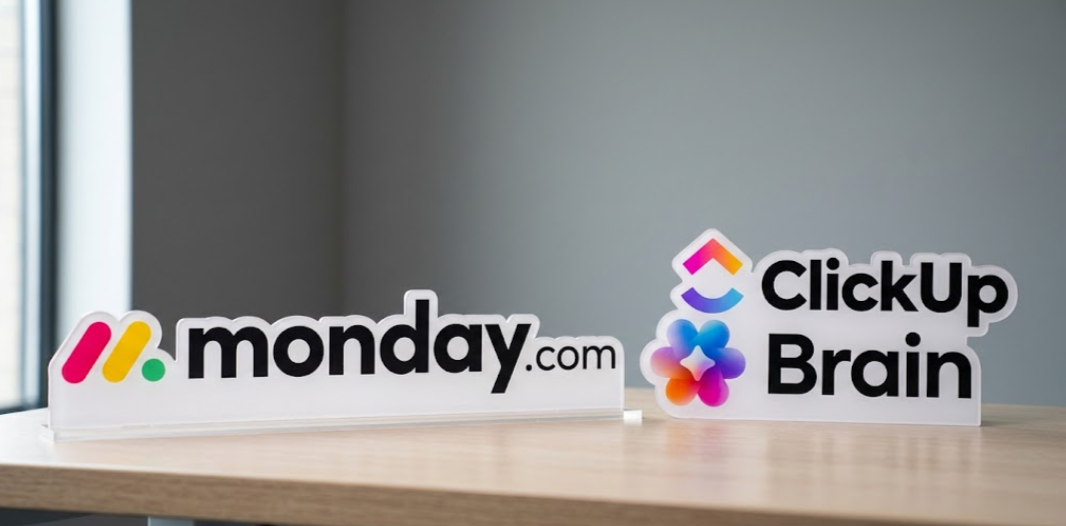
1. Monday.com / ClickUp Brain. They are an excellent example of “All in One’s” for general use and can be pretty but can be very expensive depending on usage (especially for a newly created startup).
2. Linear Issue AI. This is primarily designed for developers and if they are fast to operate.

3. Specialized Platforms (e.g., ASCN.AI). That allow you to build AI agents for yourself like building model kits (No Code). Agents are customizable to support complex scenarios (sales analysis, verification).
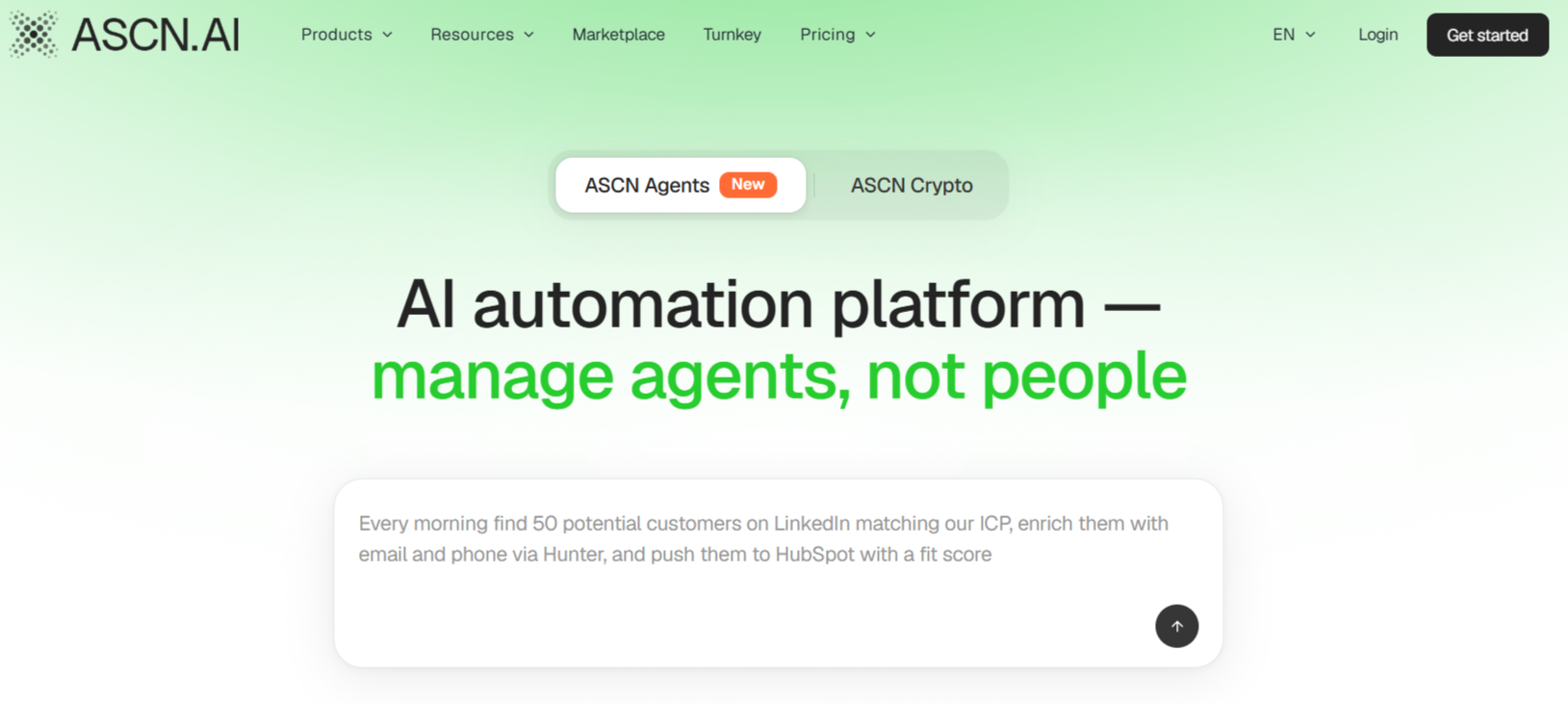
Managing your flexibility includes the ability to create multiple-agent automation systems on no-code platforms (e.g. ASCN.AI). You can connect one agent to supervise business finances (Falcon Finance case), one agent to oversee and respond to instances of market failure (Flash Crash case), and in project Management, you would have one agent to monitor project deadlines, one agent to monitor project bugs, and a third agent to create project reports. All agents will work together to function as one team.
When deciding which of these to use, if you require a pre-built “box” solution — then use Monday or ClickUp. But if you require great precision and tailor-made for your specific processes, then you will want to use ASCN.AI.
FAQ — Frequently Asked Questions
1. Will an AI agent replace Project Manager?
No. AI will assist in completing non-critical tasks (summaries, task management will not go away). However, strategic planning and human interaction skills (soft skills) are performed only by a human being. This changes the role of the PM and does not eliminate it.
2. What does this cost?
For a SaaS solution: per user costs between $10—$50. Costs for a complete custom agent would start at $200/monthly per team (depends on amount of time for set-up), and agent’s functionality will significantly determine how much will cost.
3. Must I be a programmer?
For a “ready-made” solution, no programmer needed. For a custom-built solution (e.g. ASCN.AI), no, there are several no-code platforms in the market. If you have an understanding of how to build prompts it will be beneficial.
4. How do I know the dollar return (ROI) of a project?
Measure hours saved: (Time Saved * Employee Rate) - Subscription Cost + Cost of Not Meeting Deadlines. In most cases, you can expect to see a R.O.I. within 1-2 months of implementation.
Conclusion
Agents for Project Management have now evolved into a substantial value in today’s teams that have incorporated them into their Day-to-Day operations. They are quicker to accomplish more work in a shorter time and do less “burn-out”.
A Tool Only — an electric screwdriver or hammer will not build a home — You will always be responsible for the success or failure of the project. Now, you have a hammer with an electric outlet instead of a hammer made of stone.
You should start small by automating at least one area of pain. Evaluate how successful it was, and do not hesitate to try new things.